Digital document management has evolved far beyond traditional typing and manual formatting. Modern professionals, students, and businesses choose between two distinct productivity philosophies: traditional all-in-one desktop office suites enhanced with AI assistants, or specialized, browser-native AI execution platforms.
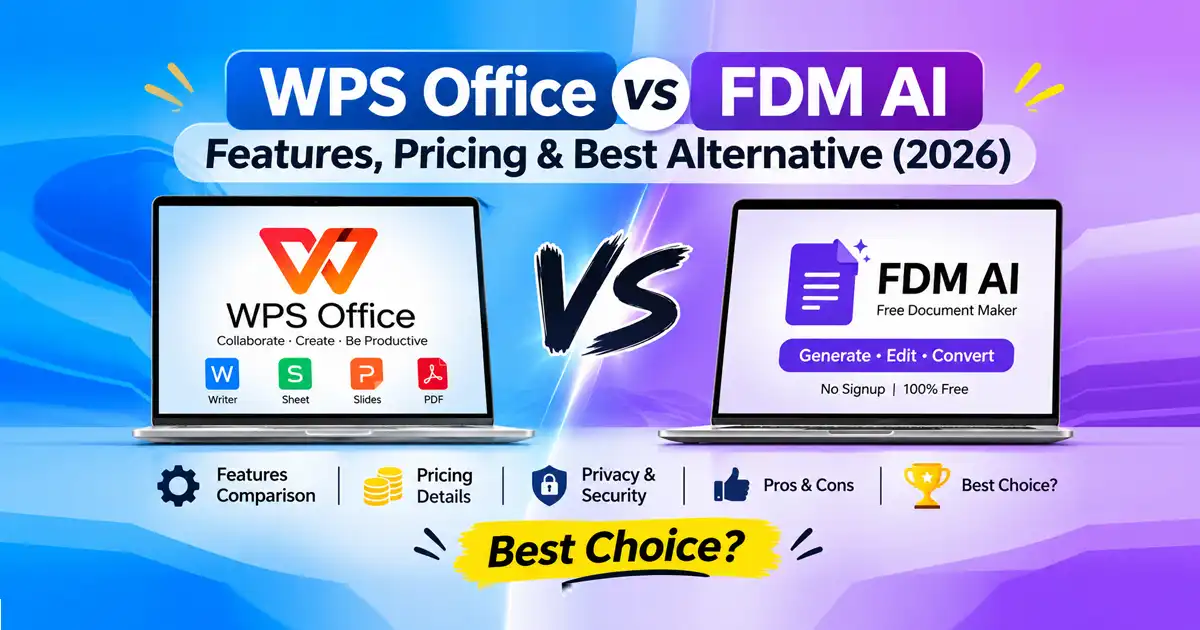
When conducting a side-by-side evaluation of WPS Office vs FDM AI, users are often weighing a heavy, installable software suite against a fast, client-side browser workspace. While both aim to streamline how you handle paperwork, they are engineered for very different workflows.
This comprehensive 2026 guide provides an unbiased look at their features, pricing, privacy models, pros and cons, and real-world use cases to help you choose the right tool.
Overview of WPS Office vs FDM AI
WPS Office (All-in-One Office Suite)
WPS Office is a comprehensive, traditional-style productivity suite built to compete with classic desktop software. It bundles a word processor (Writer), spreadsheets (Sheet), presentations (Slides), and a PDF toolkit into unified desktop and mobile applications, enhanced with integrated AI assistants.
FDM AI / FDM DocAI Studio (AI Document & PDF Generator)
Free Document Maker (FDM AI)—powered by the proprietary fdmGPT engine—takes a browser-native approach. Rather than acting as a manual layout canvas that requires heavy software installation, it operates as a fast, intelligent Executor platform designed to generate, edit, and convert documents instantly online.
Detailed Feature Comparison: WPS Office vs FDM AI
Feature Category | WPS Office (with WPS AI) | FDM AI (FDM DocAI Studio) |
Primary Architecture | Installable desktop & mobile apps (Windows, Mac, Linux, iOS, Android) | 100% browser-native, cloud-independent interface |
Document Authoring | Manual creation, complex spreadsheets (Sheet), slide decks (Slides) | Instant AI document generation, templates, and text-to-PDF conversion |
PDF Tools | Integrated PDF reader, conversion, and editing tools | Advanced Free Online PDF Editor, merging, and compression |
AI Capabilities | Parallel translation, AI spell-check, text rewriting, Chat with PDF | Automated structural formatting and rapid document generation via |
Account Requirement | Requires login/account for cloud sync and advanced AI features | Zero signup required; instant tool access |
Pros & Cons
WPS Office
Pros:
Full Microsoft Office file compatibility (
.docx,.xlsx,.pptx).Comprehensive multi-app suite (Writer, Spreadsheets, Presentations, PDF).
Powerful offline desktop functionality.
Cons:
Requires software download and installation.
Advanced AI features and premium PDF tools require paid subscription tiers.
Can feel bloated for users who only need quick file conversions.
FDM AI (FDM DocAI Studio)
Pros:
100% free with zero watermarks on exported files.
Zero signup or login walls required to access core tools.
Privacy-first, client-side browser processing keeps sensitive data secure.
Cons:
Not designed for building complex, multi-tab financial spreadsheets or heavy slide presentations from scratch.
Requires an active internet connection to load browser utilities.
Pricing Comparison
WPS Office Pricing: Operates on a freemium model. Core offline viewing and basic editing are free, but accessing WPS AI, cloud storage space, and advanced PDF editing features requires a recurring premium subscription.
FDM AI Pricing: Completely free. The platform provides all 30+ document and conversion utilities—including the PDF Converter and PDF Compressor—at zero cost with no hidden paywalls or trial limits.
Privacy & Security Architecture
Data security is a vital concern when handling financial records, resumes, and legal contracts:
WPS Office: Uses a hybrid local and cloud storage model. When utilizing cloud templates, multi-device syncing, or cloud-based AI features, files interact with remote servers.
FDM AI: Prioritizes client-side security. Files are processed locally within your active browser session using native web technologies, meaning confidential paperwork is never stored or archived on external servers.
Frequently Asked Questions (FAQ)
1. What is the main difference in the WPS Office vs FDM AI debate?
WPS Office is a traditional, installable desktop suite built for manual document, spreadsheet, and slide creation. FDM AI is a specialized, browser-native AI document generator and PDF toolkit designed for instant, zero-friction file management.
2. Is WPS Office a good WPS Office Alternative for quick PDF tasks?
Yes. If you need a lightweight alternative for quick editing, merging, or converting without installing software, FDM AI serves as an ideal Free PDF Editor and browser-native AI Document Generator.
3. Do I need to create an account to use FDM AI?
No. FDM AI requires zero registration or login, allowing you to access tools instantly. WPS Office may require an account login to sync files and unlock full AI capabilities.
4. Can FDM AI handle complex Excel spreadsheets?
No. While FDM AI excels at generating business documents, invoices, reports, and handling PDF workflows, WPS Office is better suited for managing complex multi-tab spreadsheets and slide presentations.
5. Are my files safe when using FDM AI?
Yes. FDM AI utilizes client-side browser processing, meaning your documents are handled locally on your device and are never uploaded or stored on external cloud databases.
6. Is WPS Office completely free?
WPS Office offers a robust free tier, but many of its advanced AI features and professional PDF editing tools are locked behind a paid premium subscription. FDM AI is 100% free with no watermarks.