If you need a reliable way to edit a free word document online, you shouldn not have to sacrifice your time or data privacy. Yet, if you’ve ever Googled phrases like "word online free", "free word processor no sign up", or "edit DOCX online free" while staring down an aggressive professional deadline, you already know the frustration.
You need to draft a clean business proposal, update a resume, structure a freelance contract, create an invoice, or compile an internal report. But instead of getting straight to work, you hit mandatory account registration walls, aggressive subscription prompts, unexpected watermarks on download, slow-loading cloud interfaces, or bloated office software setups. Finding a functional online word editor shouldn't feel like a marketing obstacle course.
In 2026, professional document creation should be instant, private, and genuinely free.
That is exactly why FDM AI Docs by Free Document Maker exists. It is a lightweight, browser-native, AI-powered platform built for fast document generation, editing, and exporting—without forcing users into tedious registrations or premium subscription plans.
The Real Problems with Most “Free” Online Word Editors
Many traditional online document tools market themselves as free alternatives, but they often create more friction than productivity. When your goal is to find a reliable free word document online workspace, you usually run into major structural bottlenecks that slow down your output.
1. Mandatory Logins & Forced Onboarding
The primary monetization metric for modern software-as-a-service (SaaS) platforms is user acquisition. Because of this, many online platforms require email verification, account registration, multi-step onboarding surveys, and cloud account synchronization before they even let you open a blank sheet. When you only need a quick document to send to a client, this corporate gatekeeping wastes valuable minutes and completely interrupts your workflow momentum.
2. Feature Paywalls & Export Restrictions
A common bait-and-switch tactic among modern "freemium" editors is allowing you to type your document for free, but locking essential features behind a paywall when it's time to save your progress. You spend an hour formatting a text file, only to find that exporting as a standard, editable format requires a premium subscription. Basic functionality often becomes locked behind steep monthly tiers.
3. Heavy, Bloated, and Slow Interfaces
Modern cloud-based office suites have grown incredibly resource-heavy. Due to continuous background syncing, massive JavaScript bundles, complex collaboration dashboards, and constant autosave micro-requests, these platforms frequently lag. This drop in performance is especially noticeable on standard laptops, mobile devices, or lower-bandwidth connections where you just need raw text processing speed.
4. Privacy, Security, and Watermark Risks
Uploading highly sensitive files—such as business-critical contracts, legal agreements, personal resumes, financial invoices, or internal company reports—to third-party cloud servers introduces massive data privacy concerns. Furthermore, if you manage to export a file from a standard free tool, it often arrives stamped with forced branding or watermarks that look entirely unprofessional to clients or hiring managers.
5. Inconsistent Layouts and Output Quality
Free editors regularly struggle with layout fidelity. A file that looks acceptable inside a generic web view frequently breaks when exported to a standard layout format or rendered as a printable PDF. Modern professionals require precise, compatible files that look flawless across desktop, mobile, and print environments.
Why Professionals Choose FDM AI Docs in 2026
Free Document Maker delivers a privacy-first, browser-native workflow focused strictly on speed, flexibility, and elite usability. FDM AI Docs redefines what a free word document online utility can achieve by entirely removing the corporate bloat.
Genuinely No Sign-Up Required
With FDM AI Docs, you start your work immediately. There is no email verification, no login requirement, no credit card prompt, and no forced onboarding wizard. You simply open the document editor and begin typing or generating content.
Lightweight & Browser-Native Architecture
FDM AI Docs is optimized for rapid local execution. Because our tools process data directly within your web browser, you experience faster loading times, smooth text editing, minimal device strain, and seamless cross-device compatibility. It works beautifully on standard mobile browsers, tablets, and desktop setups alike.
AI-Powered Precision + Professional Quality
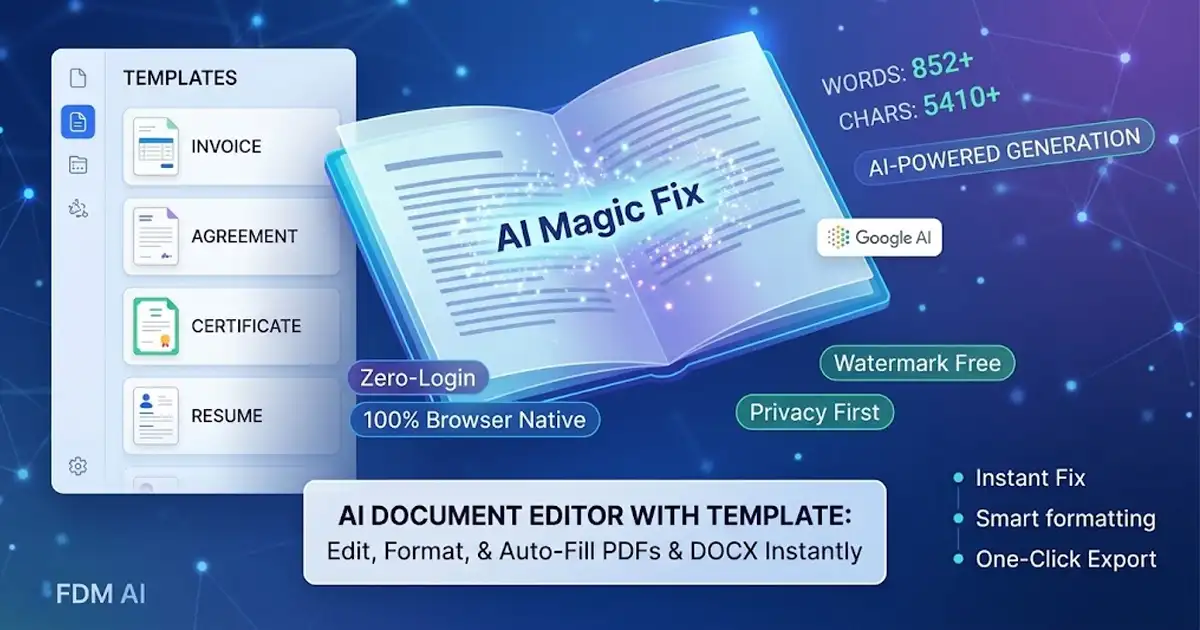
You don’t have to build documents from scratch or struggle with manual word processing layout issues. Use our advanced AI document writer to synthesize clean, structured layouts instantly. Best of all, you can export your professional files with zero watermarks and no locked features. Supported download formats include PDF, DOCX, and high-fidelity image variations (PNG / JPG / WebP).
A Suite of Free Browser-Based Utilities
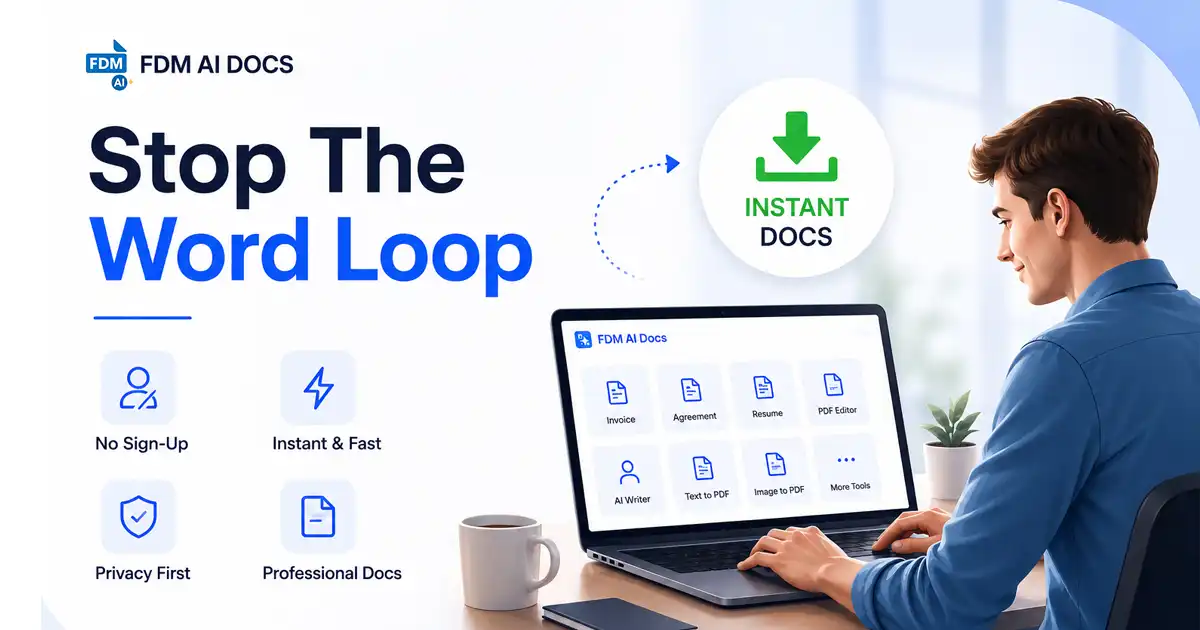
FDM AI Docs isn’t just a single text box; it is an integrated ecosystem where creating a free word document online is just the baseline. The platform hosts over 30 free, automated document and media tools built into a single ecosystem.
Integrated Document & View Engines
The Content Workspace: Access a fully functional document editor to draft, refine, and modify standard office formats without software licensing costs.
Zero-Installation Viewer: Open, inspect, and review files instantly using a lightning-fast document reader built into your browser window.
Advanced Formatting & Layout Control
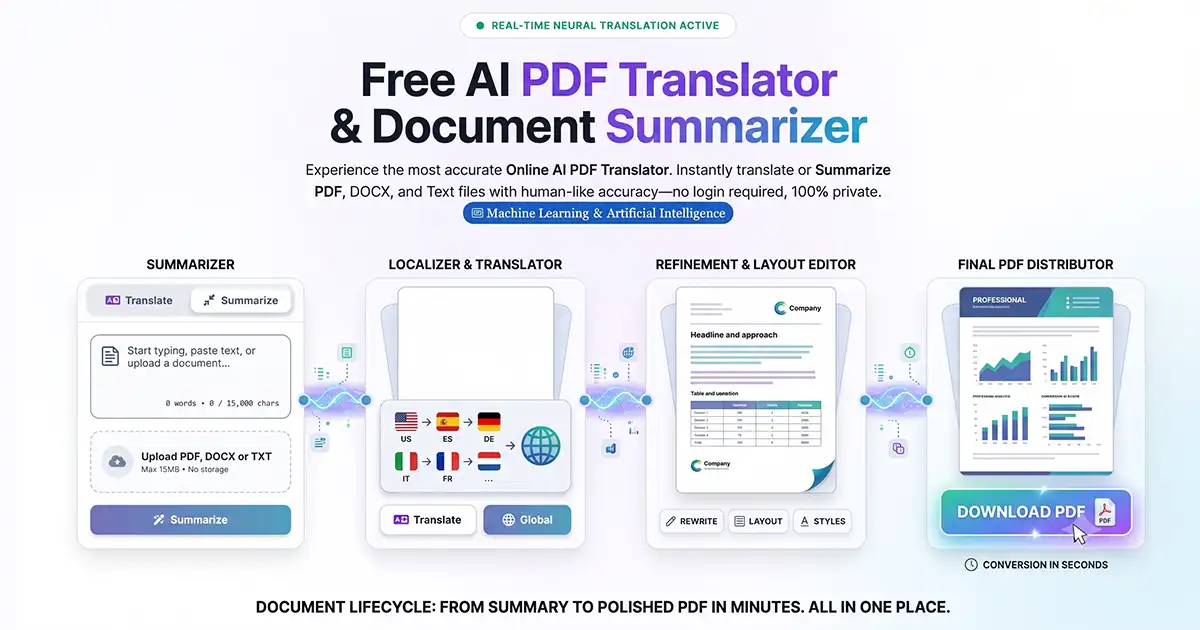
Universal Converters: Smoothly translate files between extensions using the dedicated document convert engine to ensure cross-platform compatibility.
Layout Scaling: Need your layouts adjusted for strict submission requirements? Use the specialized document resizer to scale page boundaries without destroying your internal alignment or typography grids.
Document Automation & PDF Power
Dynamic Document Synthesis: Leverage our robust AI document writer to turn raw text strings, bullet points, or simple prompts into complete, professionally structured reports and legal clauses.
Comprehensive PDF Tools: Manage heavy digital paperwork effortlessly with a full-scale pdf-suite designed to compress, merge, split, and protect documents.
Optical Character Recognition: Extract text content directly from scanned assets or static image captures using our localized image-to-text utility.
How to Create a Professional Document in Under 60 Seconds
Using FDM AI Docs is intentionally simple, removing the traditional layers of corporate software friction.
Step 1 — Navigate to the Ecosystem
Open your web browser and navigate directly to the core utility library or homepage.
Step 2 — Choose Your Target Tool
Select the specific specialized template or processing engine required for your current task, such as the document builder, the conversion tool, or the PDF optimization interface.
Step 3 — Input, Synthesize, and Edit
Type your content manually, paste raw data strings, or use the embedded AI synthesis engines to automatically lay out structured text, tables, and clauses.
Step 4 — Export and Download
Click download and instantly save your asset as a pristine DOCX, PDF, or high-resolution image file. No watermarks, no sign-ups, and no waiting queues.
Who Benefits Most from FDM AI Docs?
Freelancers & Consultants: Quickly spin up professional client contracts, statement of work (SOW) documents, project quotes, and monthly invoices without needing expensive software licenses.
Job Seekers: Build clean, professional resumes and cover letters that are easily downloaded as editable files or clean PDFs, ensuring your formatting doesn't break during submission checks.
Small Businesses & Startups: Create, distribute, and manage purchase orders, delivery notes, and professional certificates without onboarding complex enterprise-level software suites.
Students & Educators: Format assignments, read external sources on the fly with an accessible document reader, or rely on a free word document online environment to draft clear assignment outlines and lecture summaries.
The Future of Document Creation Is Fast, Private, and Accessible
The era of heavyweight desktop office suites and tracking-heavy cloud platforms is drawing to a close. Modern professionals in 2026 are migrating toward nimble, lightweight, browser-first tools that respect user data, system performance, and time.
You no longer have to settle for bloated platforms when a clean, production-ready free word document online engine is available instantly. FDM AI Docs delivers exactly what you need to keep your workflow moving: instant accessibility, elite formatting, and secure local processing. Stop dealing with the compromises of traditional "free" search results.
Create your first professional document instantly with FDM AI Docs today.
Frequently Asked Questions (FAQ)
1. Is FDM AI Docs truly a Word editor online free of charge, or are there hidden limits?
FDM AI Docs is entirely free to use with no hidden fees, recurring subscriptions, or gated features. Unlike platforms where you search for a Word document online free tool only to face premium paywalls at export, our platform provides unlimited utility. You can access FDM AI online without login restrictions to generate, edit, and download your documents as often as your workflow demands.
2. How safe is it to edit Word document online FDM AI style regarding data privacy?
We prioritize a strict privacy-first architecture. When you choose to edit Word document online FDM AI systems process your text locally within your web browser. Because our native Word online editor doesn't permanently upload or store your confidential drafts, agreements, or financial numbers on external cloud servers, your sensitive business information remains entirely secure.
3. Can I open or start a blank Word document online instantly?
Yes. Launching a clean, blank Word document online requires just a single click from our tool directory. You don't have to navigate complex dashboard configurations, user onboarding screens, or project setup wizards—the workspace presents a fresh editing environment immediately so you can begin writing without delay.
4. Can I use AI to create Word document online assets automatically?
Absolutely. If you want to create Word document online assets from scratch, our built-in AI writing utility can synthesize professional layouts, structural outlines, and legal clauses from simple text prompts. The AI logic handles the heavy formatting lift in seconds, saving you hours of manual processing.
5. Can I edit the exported files in Microsoft Word or a Google Word document online workspace later?
Yes. When you download your document as a DOCX file, the output is completely standardized and cross-compatible with all major office suites. Whether you open it locally in Microsoft Office or import it directly into a cloud-based Google Word document online ecosystem, the layout, typography, and structural alignment will carry over cleanly for future editing.