Writing, formatting, and sharing a clean word document should never require heavy desktop installations, expensive annual subscriptions, or mandatory account signups. Whether you are drafting a quick proposal on a borrowed laptop, polishing a resume on your phone, or formatting notes into a shareable word file, waiting on traditional office suites slows down your momentum.
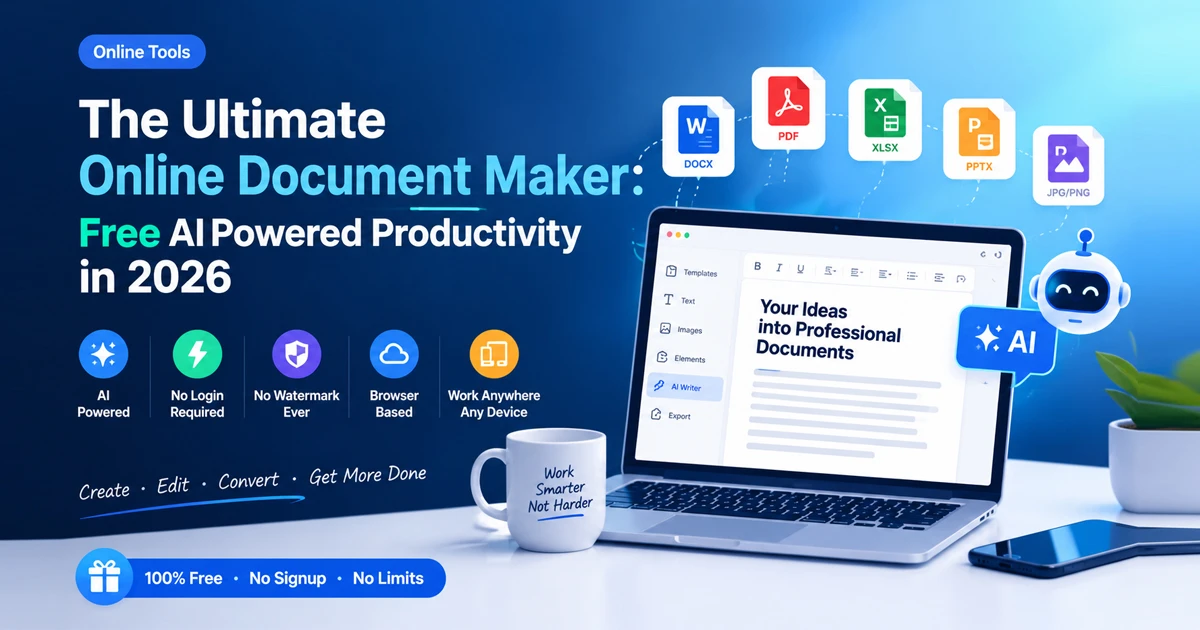
With a browser-based Online Word Editor on Free Document Maker (FDM AI), you can create, structure, and export a free word document directly inside your web browser. Powered by client-side sandbox execution and the fdmGTP engine, this Online Word Editor gives you instant access to word processing and DOCX generation with zero logins, zero server upload queues, and zero watermarks.
Why Use an Online Word Editor Instead of Desktop Software?
Traditional desktop word processors were built for an era when every file lived on a single hard drive and required gigabytes of local software just to open a .doc or .docx file. Today, workflows move across laptops, tablets, and mobile browsers—and speed matters more than bloated menus.
Choosing an Online Word Editor removes the biggest friction points from everyday document creation:
Zero Software Installation: Open your browser and start writing immediately without downloading massive installers or running background updates.
No Account or Paywall Barriers: Create and export your free word document without handing over an email address or starting a trial subscription.
100% Watermark-Free Exports: Download clean, professional
.docxfiles ready for clients, employers, or academic portals without branding stamped across your pages.Privacy-First Local Processing: Because FDM AI runs inside a client-side browser sandbox, your drafts stay in your device's local memory rather than sitting in third-party cloud queues.
How to Create a Free Word Document in Our Online Word Editor
Turning rough ideas or structured text into a finished word file takes less than a minute when you use FDM AI's browser-native workspace:
Open the Workspace: Navigate to the FDM AI Text to Document & Online Word Editor in any modern desktop or mobile browser.
Write, Paste, or Generate Your Text: Type your draft directly into the editor, paste existing notes, or use AI-assisted drafting to structure headings, paragraphs, and bullet lists.
Format Your Layout: Organize your sections with clear titles, clean spacing, and structured lists so your document reads smoothly.
Export as DOCX or PDF: Download your free word document in standard
.docxformat—or switch to PDF when you need a locked, print-ready layout.
Key Features to Look for in an Online Word Editor
Not every browser-based document tool treats formatting, privacy, and file compatibility equally. When evaluating an Online Word Editor for daily work, prioritize these core capabilities:
Native DOCX Compatibility: Ensures your exported
.docxfile opens cleanly in Microsoft Word, Google Docs, LibreOffice, and mobile viewers without broken spacing.AI-Assisted Drafting & Structuring: Built-in AI generation tools help turn brief prompts or unformatted notes into organized reports, letters, and outlines.
Client-Side Sandbox Security: Local browser execution keeps sensitive contracts, resumes, and business drafts off remote storage servers.
Cross-Device Accessibility: Seamless performance across Windows, macOS, Linux, Android, and iOS browsers, alongside companion Chrome extension and Android app access.
Online Word Editor vs. Traditional Desktop Office Suites
Feature | Traditional Desktop Suites | FDM AI Online Word Editor |
Installation & Storage | Requires multi-GB downloads and updates | Runs instantly in your web browser |
Cost & Licensing | Paid subscriptions or limited trials | 100% free access with no hidden fees |
Login Requirement | Mandatory account sign-in | No registration or login required |
File Privacy | Often syncs drafts to external clouds | Processes locally in a client-side sandbox |
Watermarks | Free viewers restrict editing or exporting | Completely watermark-free DOCX exports |
Common Everyday Uses for a Browser-Based Word File
A lightweight Online Word Editor fits dozens of fast-moving tasks where launching heavy software feels like overkill:
Resumes & Cover Letters: Quickly update job titles, tailor bullet points, and export a fresh
.docxfile right before submitting an application.Client Proposals & Invoices: Draft clean project scopes or pair your text with FDM AI's dedicated resume and invoice builders.
Academic Assignments & Study Notes: Organize lecture notes, essays, and structured outlines into properly formatted Word documents from any device.
Plain Text to DOCX Cleanup: Convert raw
.txtfiles or AI chat outputs into structured, editable Word documents without manual retyping.
Explore Related FDM AI Document Tools
Complete your entire document workflow inside one privacy-first browser suite:
AI Text to Document Tool: Generate and export structured DOCX documents from prompts or raw text in seconds.
Document Converter: Convert files seamlessly between Word, PDF, and other essential document formats.
PDF Editor: Edit text, annotate pages, and refine PDF files directly in your browser without watermarks.
PDF Compressor: Reduce large PDF file sizes for fast email attachments and portal uploads.
Document Resizer Online: Scale page layouts across A4, Letter, Legal, and custom dimensions instantly.
Frequently Asked Questions About Our Online Word Editor
1. Can I use this Online Word Editor without creating an account?
Yes. Free Document Maker (FDM AI) lets you use this Online Word Editor to create, format, and export Word documents directly in your browser with zero registration or login requirements.
2. Is it really possible to export a free word document without watermarks?
Yes. Every .docx file created and exported through our Online Word Editor is 100% free and completely watermark-free.
3. Will my exported DOCX file open in Microsoft Word and Google Docs?
Yes. Files exported in standard .docx format are fully compatible with Microsoft Word, Google Docs, WPS Office, LibreOffice, and mobile document viewers.
4. Are my documents uploaded to a remote server while I edit them?
No. FDM AI uses a client-side browser sandbox so your document processing runs locally on your device, keeping your files private and eliminating upload queues.