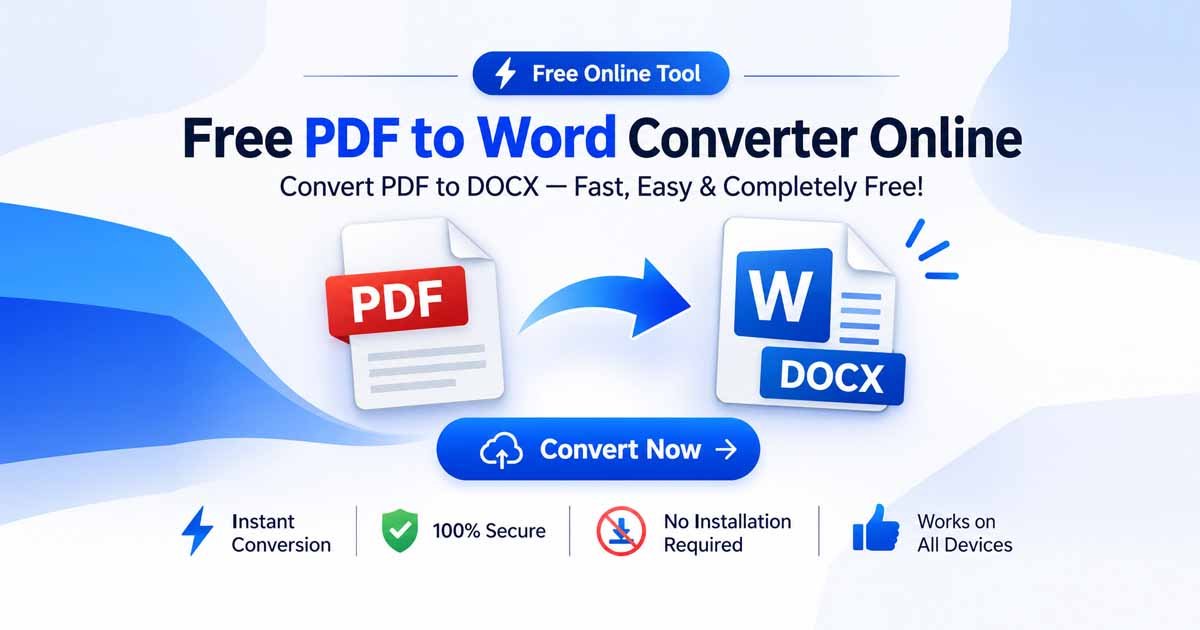
Using a reliable PDF to Word Converter By FDM AI allows you to convert PDF to Word online for free and turn static PDF documents into editable DOCX files without installing software. Whether you are a student editing an assignment, a researcher updating an academic paper, or a business professional revising a contract, retyping text manually wastes valuable time.
With the Free Document Maker (FDM AI) platform, your chosen PDF to Word Converter transforms static PDF files into editable Word documents directly inside your browser. Enjoy fast, accurate conversion without the hassle of heavy software installations or forced registrations.
If you are looking to manage other format adjustments or create files from scratch, you can also explore our broader platform tools including Document Convert and our custom Text to PDF generator.
What Is a PDF to Word Converter?
A PDF to Word Converter is a digital utility designed to extract text, tables, images, and formatting from a non-editable PDF (Portable Document Format) file and export it into a fully editable Microsoft Word format (.docx).
While PDF files are ideal for secure, unalterable sharing and printing, editable Word documents are required when you need to:
Edit paragraphs, fix typos, or update text blocks.
Reformat layouts or repurpose content for new drafts.
Extract tabular data and insert it into reports.
Collaborate on text documents with team members or clients.
How FDM AI Protects Your Documents During PDF Conversion
Data privacy is a major concern when handling confidential contracts, financial paperwork, or personal resumes online. Free Document Maker stands apart through a robust security architecture built directly into our PDF to Word Converter:
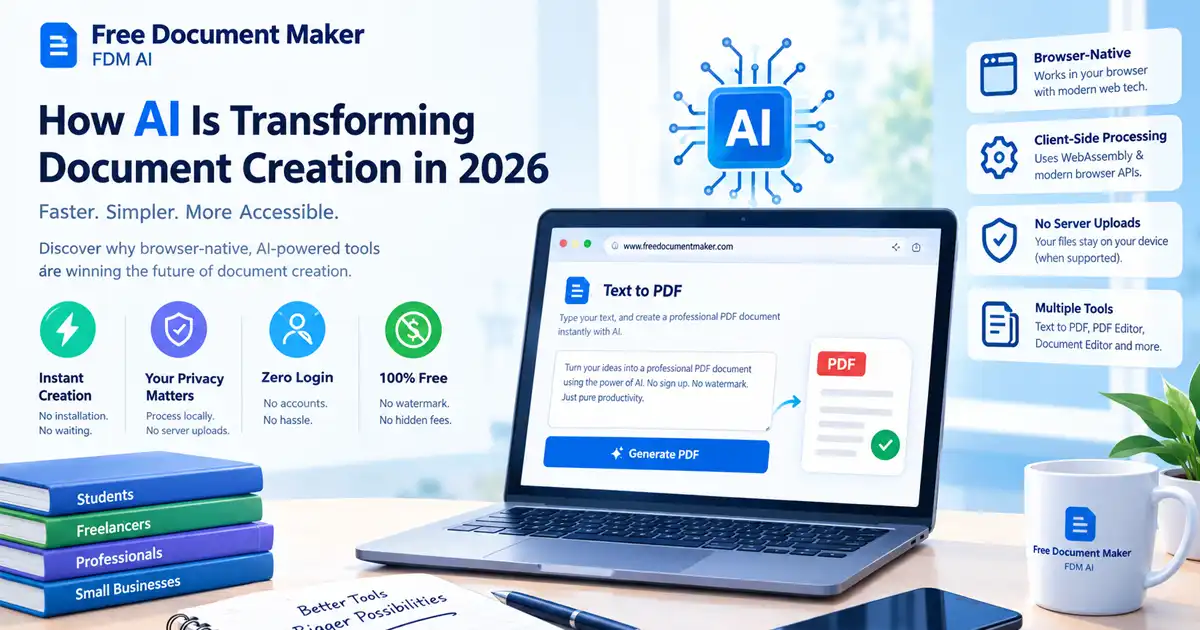
Client-Side Processing Architecture: Your files are processed using your browser's local resources. Document conversion happens right on your device.
No External Document Uploads: Because processing is browser-native, your private paperwork is never uploaded, read, or archived on external cloud conversion servers.
No Account Registration: You can use the tool immediately without handing over your email address, creating passwords, or signing up for subscriptions.
No Unnecessary Cloud Storage: Files are handled in your active browser session and downloaded directly back to your local drive.
How to Convert PDF to Word Online in 3 Simple Steps
Using the FDM AI PDF to Word Converter tool is fast, transparent, and user-friendly:
Upload Your PDF File: Open the PDF to Word Converter tool and drag your document into the upload zone or click to select your file.
Run the Conversion Engine: Allow the client-side engine a few moments to parse text and structural elements.
Download Your Word Document: Once processing finishes, click download to save your editable
.docxfile directly to your device.
Understanding Regular PDFs vs. Scanned PDFs & OCR
Before running your file through any PDF to Word Converter, it helps to understand what kind of PDF you are working with:
Digital-Native PDFs: Created directly from text processors (like Microsoft Word or Google Docs). These contain selectable, highlighted text layers that convert cleanly into editable DOCX files.
Scanned PDFs (Image-Based): These are essentially digital photographs or flat scans of physical paper documents. Because they lack a text layer, standard converters will only see an image. (Note: If your document is a flat scan, ensure you use a dedicated OCR-enabled workflow to extract readable text).
Honest Conversion Limitations: What to Expect
To ensure full transparency and trust, it is important to understand how file conversion works. While our PDF to Word Converter preserves standard text blocks and paragraphs efficiently, complex elements may require minor manual touch-ups after opening the file in Microsoft Word:
Complex Tables & Columns: Multi-column newsletters or intricate data grids may occasionally shift lines or cell boundaries.
Non-Standard Fonts: If the PDF uses rare or proprietary fonts that are not installed on your local computer, Word will substitute them with default system fonts.
Heavy Graphics: Embedded vector illustrations or raster artwork might be flattened or treated as image objects inside the resulting DOCX file.
Frequently Asked Questions
Can I convert PDF to Word online for free?
Yes. FDM AI provides a free browser-based PDF to Word Converter utility without requiring payment, credit cards, or subscription tiers.
Do I need to create an account to use the converter?
No login or registration is required. You can access and use the tool immediately.
How does the tool handle password-protected PDFs?
Password-encrypted or restricted PDFs cannot be parsed directly. You will need to enter the correct password to unlock the file before running the conversion.
Will my formatting and tables be perfectly preserved?
Standard paragraphs and headings translate smoothly. However, highly complex layouts, multi-column articles, and advanced tables may require minor manual adjustments inside Microsoft Word after download.
Is Microsoft Word required on my device to convert?
No. You do not need Microsoft Word installed to perform the conversion. However, you will need a compatible word processor (like Microsoft Word, Google Docs, or LibreOffice) to open and edit the resulting .docx file.
Convert PDF to Editable Word Free – Start Now
Stop wasting hours retyping static documents or navigating bloated desktop software. Use the FDM AI PDF to Word Converter to transform your files securely, quickly, and entirely free.
No watermarks or subscription barriers.
No software installation required.
Zero server uploads for secure privacy.