Quick Summary: Explore how Free Document Maker (FDM AI) redefines digital workflows through browser-native artificial intelligence, a robust tool suite, and absolute user privacy.
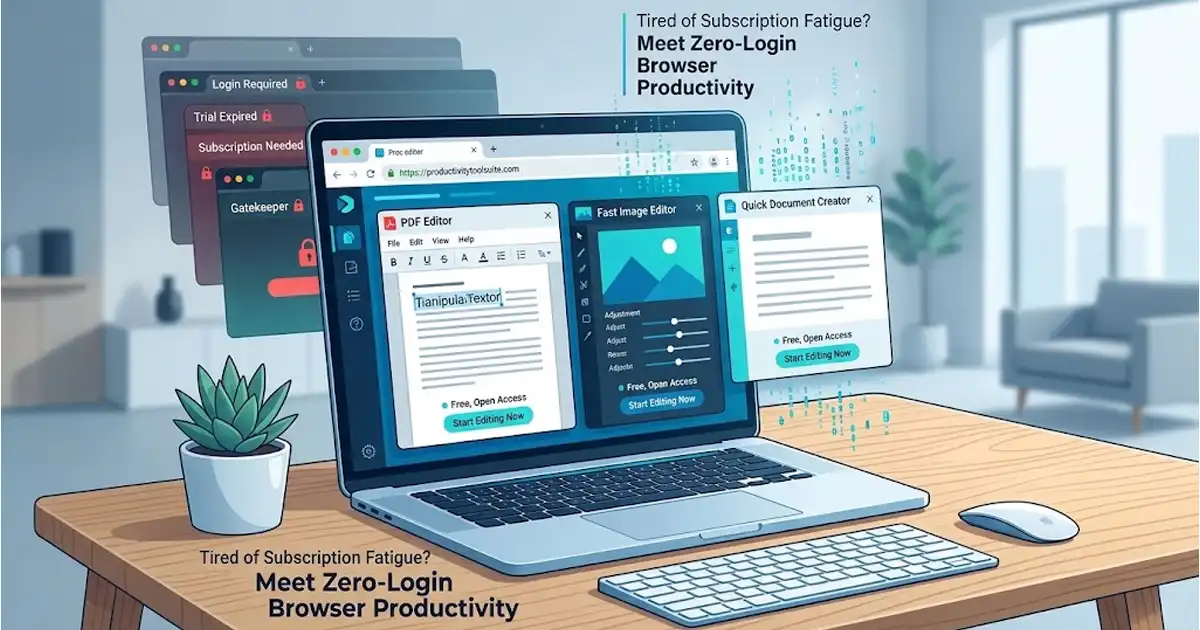
In the modern digital landscape, professionals, entrepreneurs, students, and independent creators constantly handle large volumes of documentation. Whether drafting legal agreements, writing business plans, designing resumes, converting file formats, or editing PDFs, traditional software options often present major hurdles. Bulky desktop applications require heavy installations, while modern cloud-based web tools frequently trap users behind frustrating subscription walls, recurring paywalls, mandatory account creations, or annoying intrusive watermarks.
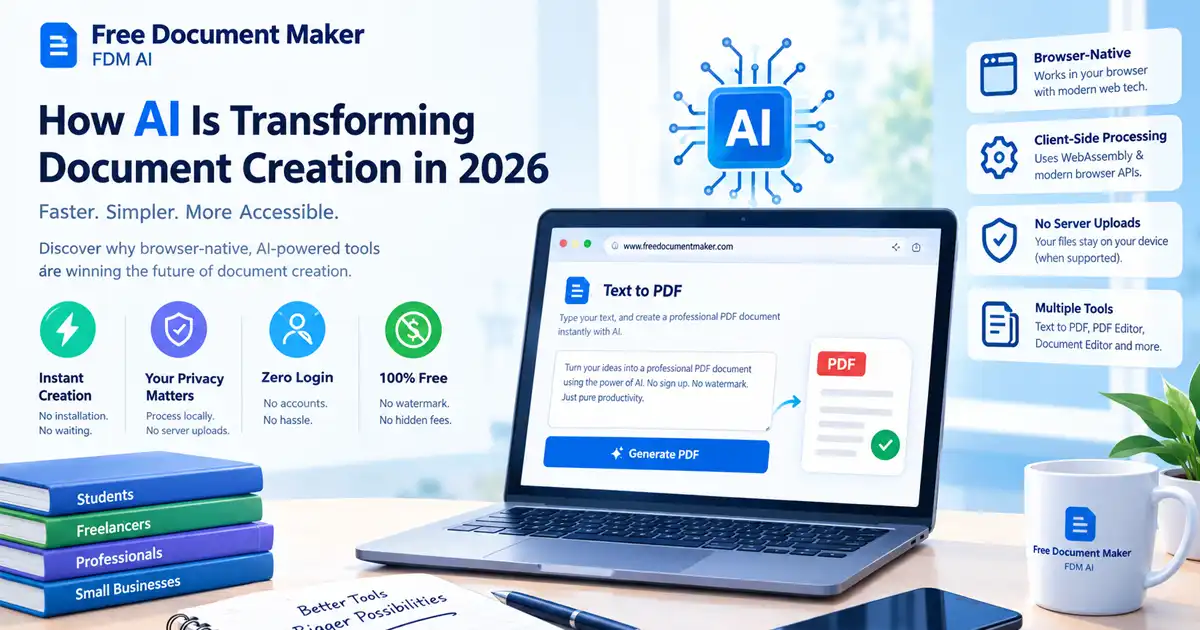
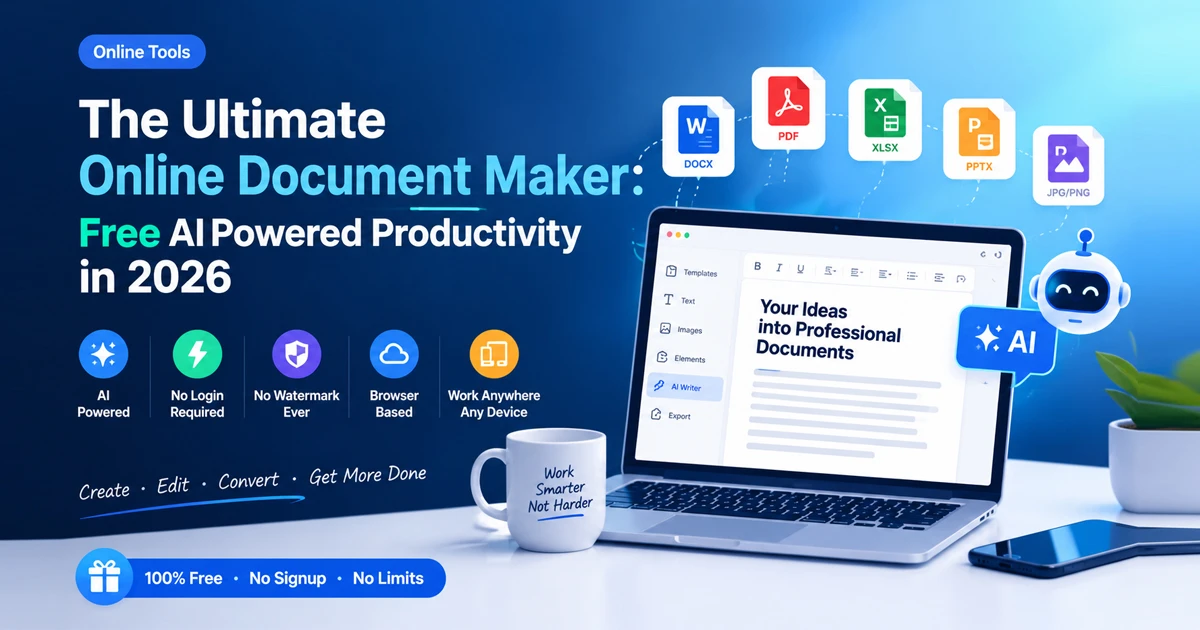
Fortunately, productivity workflows are undergoing a massive transformation. The emergence of a next-generation online document maker has completely revolutionized how digital paperwork is generated, edited, and formatted. Among these innovations, Free Document Maker (FDM AI) stands out as a pioneering, free, browser-native AI productivity and document-creation platform. Designed to streamline everyday tasks, it allows you to generate, edit, and convert various files without needing an account or dealing with watermarks.
Revolutionizing Workflows with FDM AI
At its core, Free Document Maker (FDM AI) is built to eliminate the traditional friction associated with file management and text creation. You can explore the complete ecosystem directly at Free Document Maker. Unlike legacy platforms that demand tedious registration processes, long confirmation emails, and credit card setups before letting you access basic features, FDM AI operates entirely within your browser environment.
Powered by the advanced fdmGTP core and Gemini 2.5 Flash engines, the platform delivers high-speed, intelligent processing right inside your browser sandbox. This ensures that your confidential documents, creative works, and professional portfolios remain private, secure, and fully under your control without forcing you through unnecessary administrative loops.
The AI Copilot Canvas Editor
One of the standout offerings of this ecosystem is its dedicated intelligent writing environment. If you want to dive deep into automated text generation, blueprint structuring, and professional drafting, you can access the specialized workspace via the AI Document Writer.
The AI Copilot Canvas Editor is equipped with robust templates and structured blueprints tailored specifically for business documents, legal contracts, formal reports, and general content creation. Rather than staring at a blank page wondering where to start, users can leverage AI prompts to draft comprehensive outlines, refine tone, fix grammatical structures, and format complex text elements in a matter of seconds.
A Comprehensive Suite of 30+ Free Tools
A truly versatile utility platform must address every aspect of daily digital administration. FDM AI goes far beyond basic text editing by packing over 30 specialized micro-tools into a single cohesive interface. These features are categorized to serve diverse industries and everyday requirements:
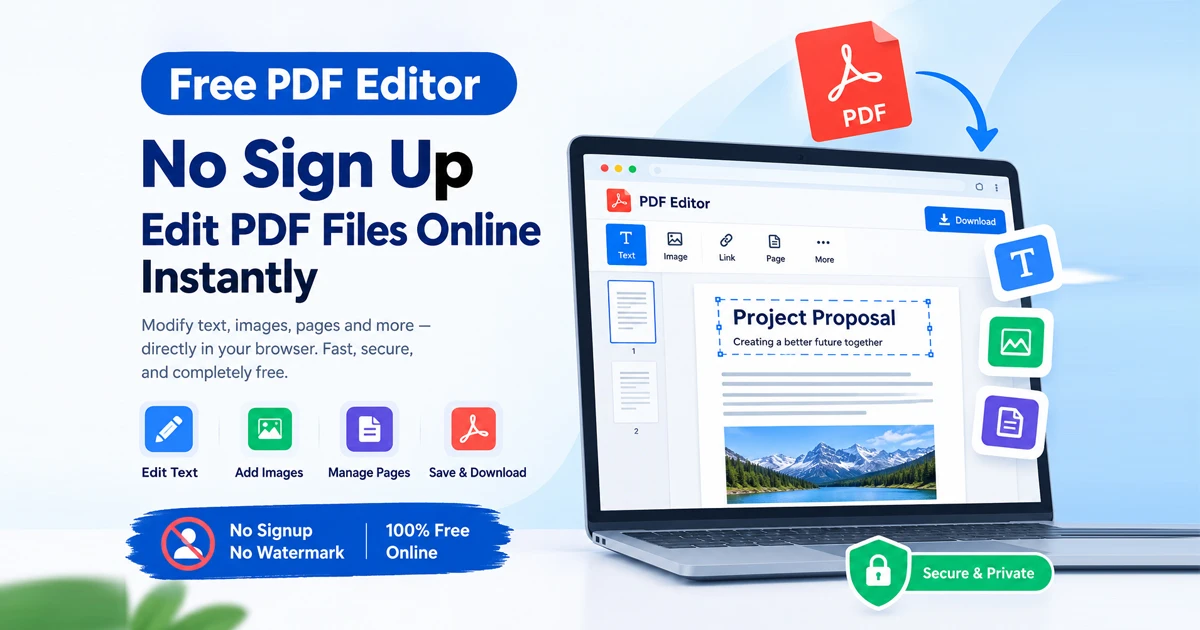
Advanced PDF Suite: Create, edit, merge, split, translate, and convert standard documents into text-to-PDF files effortlessly.
Media & File Conversions: Seamlessly convert between various formats, such as PDF-to-image, image-to-PDF, CSV-to-Excel, and audio/video files.
Business & Productivity Utilities: Utilize built-in receipt and invoice generators, presentation writers, resume builders, and thumbnail creators.
Audio Enhancement: Access AI voice-over tools to transform written text into natural-sounding audio assets for presentations and multimedia projects.
Absolute Privacy and Client-Side Security
Data privacy is a paramount concern for modern internet users. Many conventional online tools require uploading sensitive personal, financial, or corporate files to external cloud servers, creating potential security vulnerabilities.
FDM AI solves this issue fundamentally through its client-side sandbox environment. Because the system operates directly within your browser infrastructure, it requires zero login or registration. Your files are processed locally or through secure web-native execution models, ensuring complete anonymity. Furthermore, every output generated on the platform is completely clean and professional, featuring zero watermarks or forced brand tagging.
Cross-Platform Accessibility
Productivity should not be confined to a single device or operating system. To ensure maximum flexibility, Free Document Maker is engineered for seamless cross-platform deployment. Users can access the full suite through web browsers at the Free Document Maker Website, install the convenient Chrome browser extension for instant one-click access while browsing, or download the dedicated Android client directly from Google Play. Whether you are working from a desktop workstation in an office or managing paperwork on a mobile device while traveling, your entire toolkit remains at your fingertips.
How to Use Free Document Maker
Getting started with FDM AI is remarkably straightforward. You can create your first professional document or convert your files in four simple steps:
Visit the Platform: Head over to the official Free Document Maker Website.
Select a Tool: Choose a specific utility from the extensive library or open the AI document writer and canvas editor.
Input and Generate: Enter your custom prompt, upload your source material, or select a pre-designed template to build your asset.
Download Instantly: Review, customize, and download your pristine, watermark-free file directly to your local device.
Conclusion
Navigating digital paperwork, text generation, and file conversions no longer needs to be a tedious or expensive chore. By embracing a modern, browser-native online document maker, you can eliminate software bloat, bypass restrictive subscription paywalls, and safeguard your personal data. Explore the comprehensive suite of tools today and experience a faster, smarter way to manage your digital workflow.
Would you like help choosing a specific template or tool from Free Document Maker (FDM AI)—such as an invoice generator, resume builder, or PDF merger—for your current project?