Digital documents have become one of the most important elements of modern work. Reports, invoices, certificates, forms, and PDF files are used every day by students, freelancers, creators, and businesses around the world.
However, managing these documents has traditionally required complex software. Many tools depend on heavy desktop applications, expensive subscriptions, or systems that require users to install updates and learn complicated interfaces.
As work increasingly moves to the web, a new generation of productivity platforms is emerging. Instead of relying on large desktop programs, modern document tools are designed to run directly in the browser.
This approach allows people to create, edit, and convert documents online quickly without installing software or managing multiple applications.
One platform built around this concept is Free Document Maker (FDM AI).
Free Document Maker is a browser-based workspace where users can generate documents, edit PDF files, and convert images or media formats instantly. By focusing on lightweight tools that run directly online, the platform removes many of the barriers that slow down traditional document workflows.
Instead of navigating complicated dashboards, users can simply open a tool and start working immediately using the Free Document Maker platform.
The Shift Toward Browser-Based Document Tools
For many years, document creation relied almost entirely on desktop software. Word processors, PDF editors, and graphic tools required installation and system resources.
While these programs were powerful, they often introduced several challenges:
• installation and device compatibility issues
• expensive licenses or subscription models
• complex interfaces that required training
• slow workflows for simple tasks
Modern browser tools solve many of these problems.
By running directly online, users can complete document tasks from almost any device with an internet connection. This flexibility is particularly useful for freelancers, remote workers, and teams who need quick access to document utilities without managing software installations.
AI and the Evolution of Document Creation
Artificial intelligence is beginning to play a major role in how documents are created and managed.
Traditional document editing often involves manual formatting, layout adjustments, and repetitive editing tasks. AI systems can help automate many of these processes.
For example, AI tools can assist with:
• generating structured text content
• organizing document sections automatically
• preparing layouts for reports or documents
• converting file formats instantly
• summarizing or rewriting content
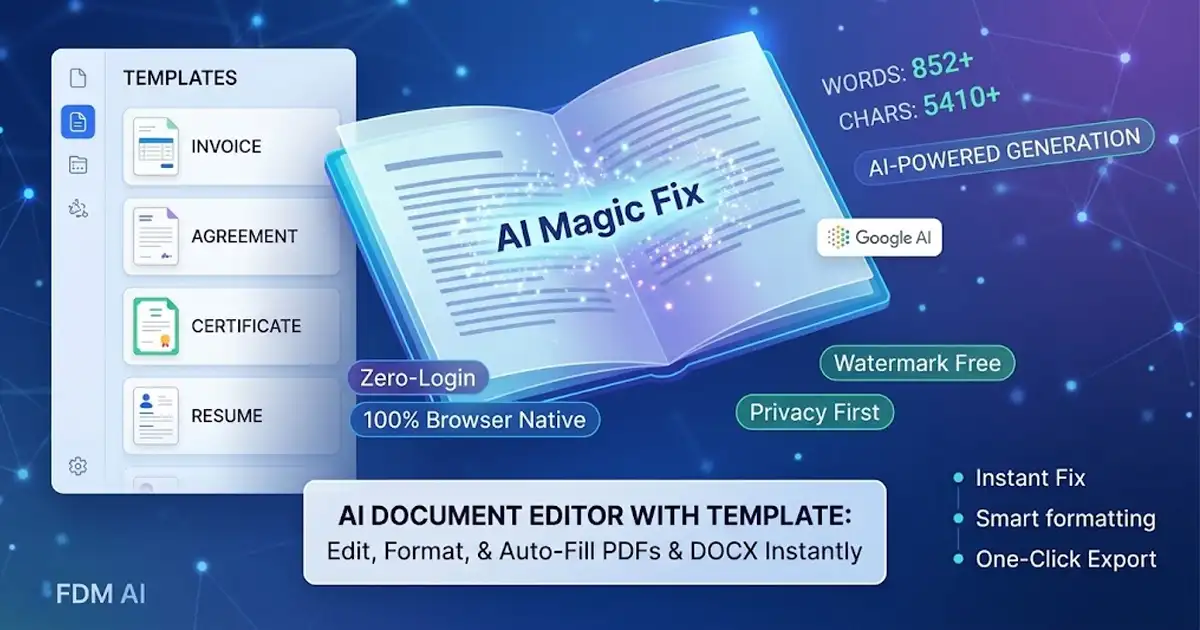
The AI Document Writer demonstrates how artificial intelligence can simplify document creation. Instead of manually building a document structure, users describe what they need and the system generates a structured result.
This type of workflow saves time and allows people to focus more on ideas rather than formatting.
Managing PDF Files Online
PDF remains one of the most widely used document formats for sharing information. Businesses rely on PDFs for contracts and reports, while students use them for assignments and research documents.
Despite their popularity, editing PDFs has traditionally required specialized software.
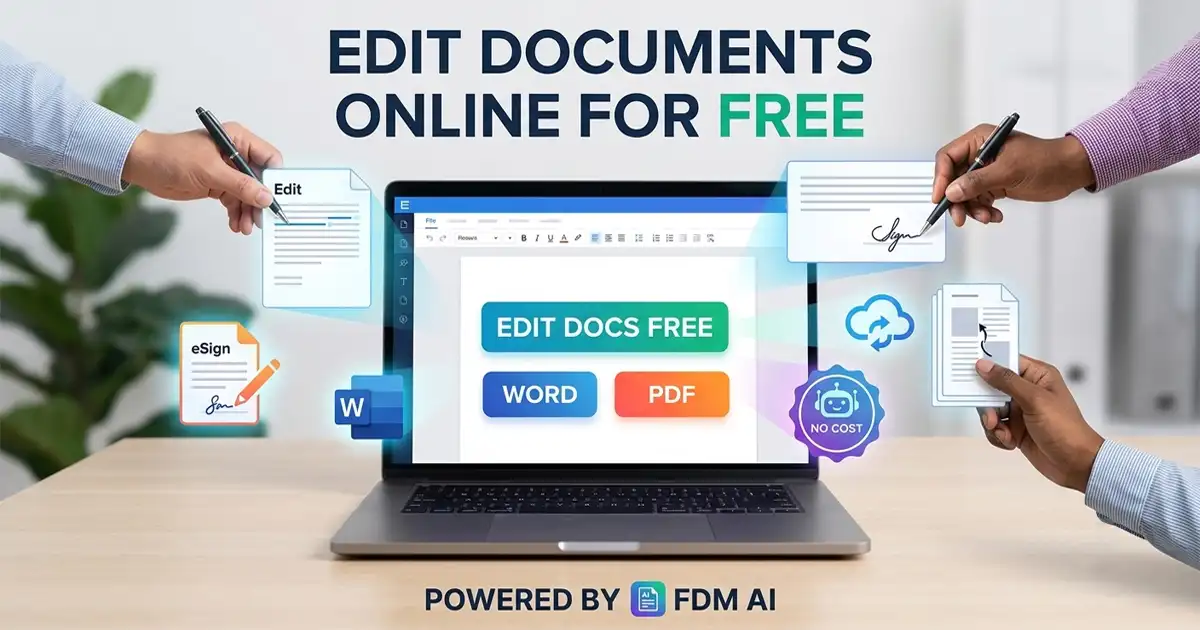
Modern browser-based tools now make it possible to manage PDF files online directly in the browser.
Common PDF tasks include:
• converting images into PDF documents
• compressing large PDFs for sharing
• extracting images from existing files
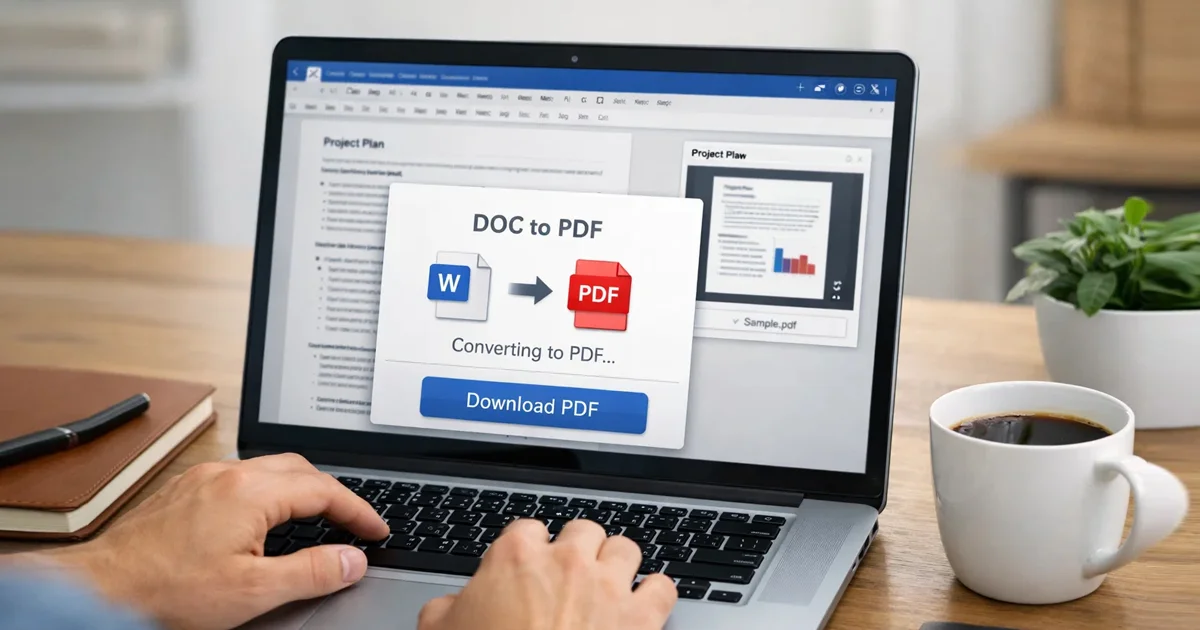
• generating PDF versions of documents
These capabilities make online PDF utilities much more accessible for everyday document workflows.
Image Conversion and File Optimization
Documents and digital content often rely on images. Preparing these images for websites, presentations, or downloads frequently requires format conversion and optimization.
For example, modern websites often use WebP images because they provide better compression while maintaining visual quality.
The Images to WebP Converter helps convert standard image formats into web-optimized files, improving website performance and loading speed.
Similarly, adjusting image dimensions is a common requirement for content creators and website owners.
The Resize Images Tool allows users to quickly change image dimensions for blogs, social media posts, or digital documents.
These lightweight utilities help streamline many everyday digital tasks.
Common Document Tools in Modern Workflows
A modern productivity platform often includes several types of document utilities that support different workflows.
Some of the most commonly used tools include:
• document generators for reports or structured text
• invoice and quote creators for freelancers
• certificate and form generators
• PDF conversion and compression tools
• image optimization utilities
Instead of relying on multiple applications, users can access these utilities directly from a browser workspace.
This modular approach allows people to complete tasks quickly without switching between different programs.
Why Online Document Tools Continue to Grow
The popularity of browser-based productivity tools continues to increase because they provide several advantages over traditional software.
First, they eliminate installation requirements. Users can begin working immediately without managing downloads or updates.
Second, they simplify complex workflows. Most tools focus on one specific task, making them easier to use.
Third, they improve accessibility. Online tools can be accessed from laptops, tablets, or mobile devices without compatibility issues.
These factors make browser-based document platforms especially useful for individuals and small teams that need flexible and fast productivity solutions.
The Future of AI-Driven Productivity Platforms
Artificial intelligence will continue to reshape how documents are created and managed.
Future document systems may provide even more advanced capabilities such as:
• automatically generating full reports or proposals
• converting documents into multiple formats simultaneously
• summarizing long documents into concise insights
• creating visual layouts dynamically based on content
These innovations will further reduce the manual effort required to produce professional documents.
Instead of focusing on formatting and structure, users will be able to focus more on ideas, insights, and information.
Conclusion
Documents remain central to modern digital work. Whether someone is preparing a report, generating a certificate, converting an image file, or managing PDFs, document tools are essential for daily productivity.
Browser-based platforms have made these tasks faster and more accessible by removing the need for complex desktop software.
By combining document creation, PDF utilities, and media conversion tools into one environment, Free Document Maker helps simplify how documents are created and managed online.
As artificial intelligence continues to evolve, document tools will become even more capable of automating workflows and improving how information is created, organized, and shared.