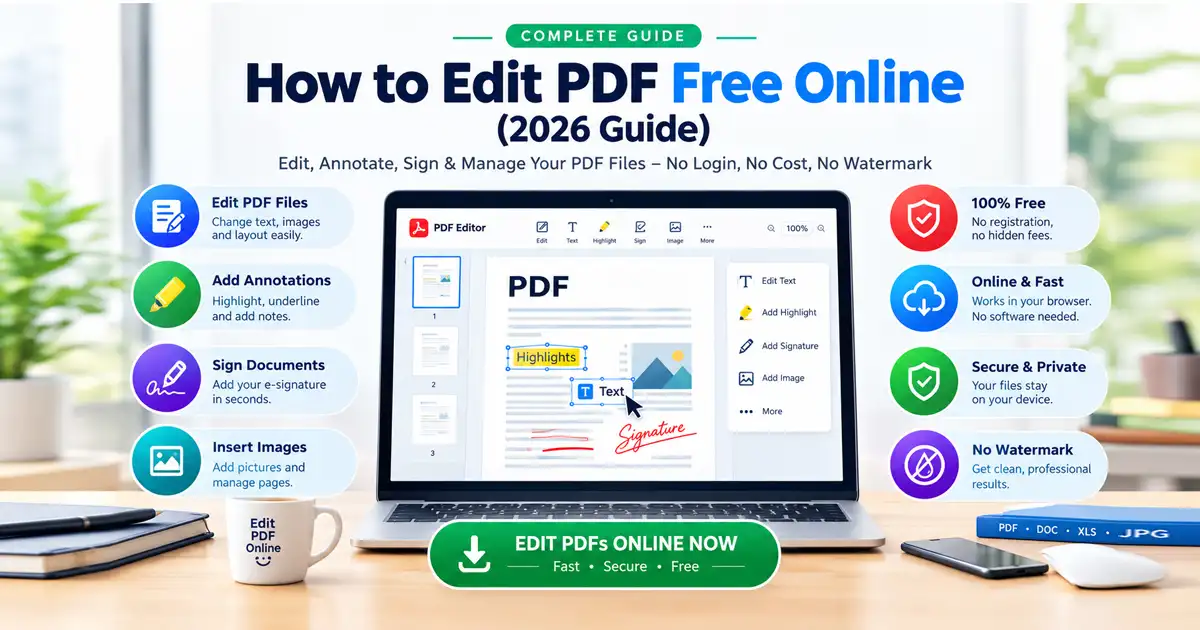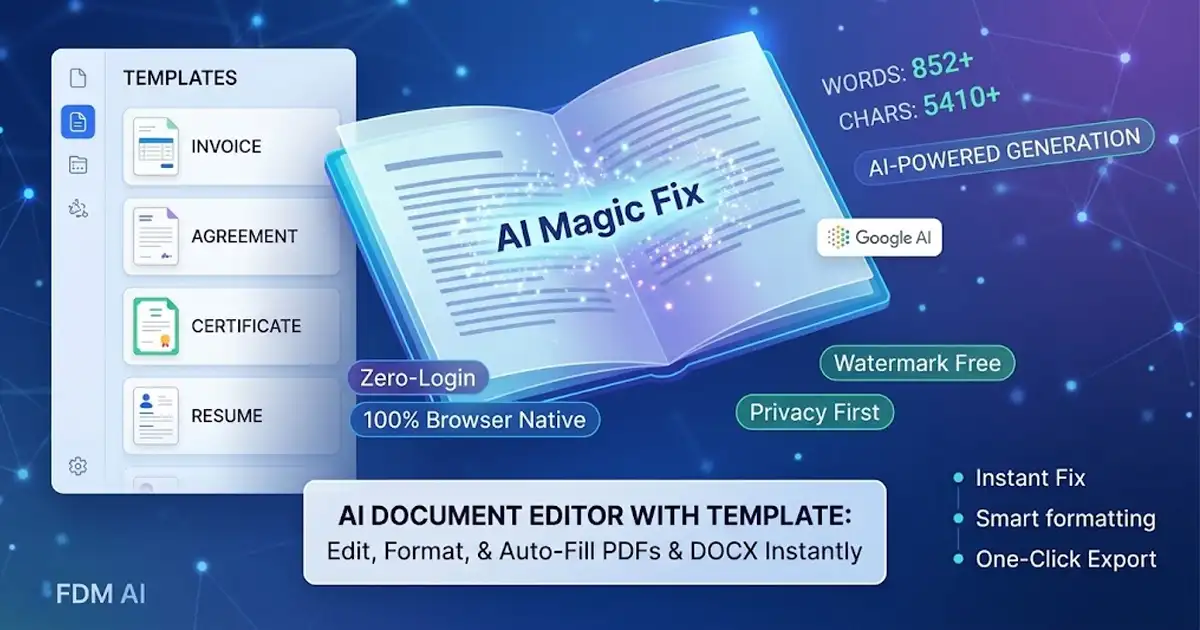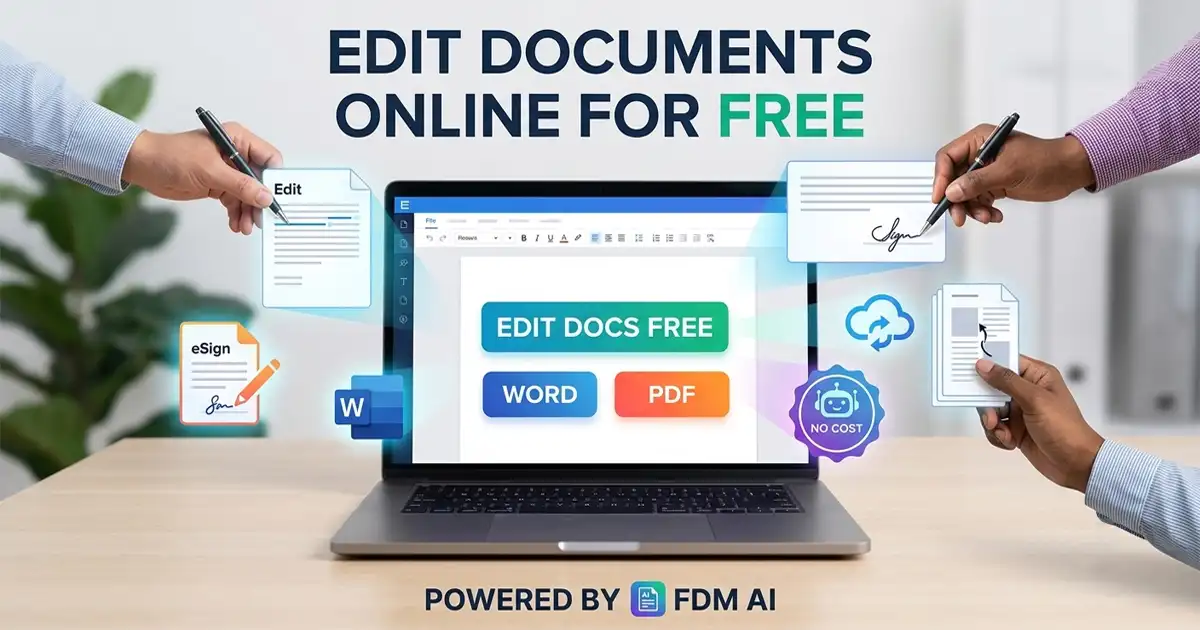
Edit documents online for free without downloading heavy software, paying monthly subscriptions, or creating forced user accounts. Today, browser-native applications allow students, freelancers, remote workers, and business owners to write Word documents, edit PDF files, convert formats, and collaborate in real time.
Whether you need to draft a contract, build a resume, sign an agreement, or convert a scanned PDF into editable text, modern web applications offer enterprise-grade capabilities right from your browser. Below is a detailed breakdown of how to edit documents online for free, featuring Free Document Maker (FDM AI) alongside established platforms like Google Docs and Microsoft Word Online.
How to Edit Documents Online for Free with FDM AI
Free Document Maker—commonly known as FDM AI—is a fast-growing online platform designed around a simple concept: complete productivity without software friction. Built on the proprietary fdmGTP core engine, FDM AI provides direct browser access to over 30 document utilities without demanding login credentials, software downloads, or monthly fees.
Key Features of FDM AI
Zero Login Required: Users can immediately open the site, build documents, and export clean files without facing aggressive paywalls or forced account sign-ups.
No Watermarks: Every generated file and exported document maintains a clean, professional appearance free of watermarks or promotional branding.
Privacy-First Processing: File processing and layout rendering execute directly inside your web browser. Sensitive contracts, resumes, and personal financial reports remain local and are never saved to external cloud servers.
All-in-One Utility Arsenal: Beyond standard text editing, the suite offers tools for AI-driven document drafting, professional invoice creation, resume building, image-to-PDF conversions, and digital e-signatures.
The FDM AI Document Editor Experience
The platform's dedicated Free Document Maker Document Editor lets you edit documents online for free within a full-featured web word processor. It gives users the ability to:
Draft rich-text documents with structured headings, custom fonts, lists, and tables.
Generate structured content instantly using built-in AI writing prompts and templates.
Modify
.docxlayouts and export them instantly as formatted PDF or Word files.Process complex document tasks using hardware-accelerated local rendering for optimal speed.
Edit Documents Online for Free Using Google Docs
Google Docs remains a benchmark for cloud-based document creation and live collaborative writing. Deeply integrated into the Google Workspace ecosystem, it delivers a flexible word processor accessible from any web-connected device to edit documents online for free.
Highlights
Real-Time Co-Editing: Multiple team members can work on the exact same file simultaneously, leave inline comments, assign action items, and chat live.
Automatic Cloud Backup: Every character typed is saved automatically to Google Drive, ensuring version history is preserved and easily recoverable.
Broad File Support: Smoothly imports
.docx,.txt,.rtf, and.odtfiles and exports them back out as Microsoft Word files or high-resolution PDFs.
Edit Documents Online for Free via Microsoft Word Online
For professionals who rely heavily on Microsoft Word's exact layout engine, Microsoft provides a free, lightweight web version of its flagship word processor. Accessible via a standard free Microsoft account, Word Online delivers essential desktop features directly to your browser window so you can edit documents online for free.
Highlights
Format Precision: Guarantees that complex multi-column layouts, custom margins, and embedded shapes render accurately to the
.docxstandard.OneDrive Synchronization: Keeps your files synced across all devices logged into your Microsoft account.
Familiar Interface: Uses the classic Ribbon interface, eliminating the learning curve for long-time desktop Word users.
Edit Documents Online for Free: Modern PDF Editing Workflows
While traditional word processors focus on editable text files (.docx), PDF files require specialized web tools to tweak text, fill out forms, or apply digital signatures.
Modern Web PDF Workflows
Form Filling and Digital Signatures: Specialized web suites allow users to place custom text layers, fill out interactive checkboxes, and append digital signatures to official PDF contracts.
PDF-to-Word Rewriting Strategy: When dealing with heavy textual changes inside a flat PDF, the most efficient method is converting the file to Word format via an online converter, using a web tool to edit documents online for free (such as Free Document Maker or Google Docs), and exporting the final revision back to a clean PDF.
Feature Comparison Matrix
Feature / Need | Free Document Maker (FDM AI) | Google Docs | Microsoft Word Online |
Primary Focus | Frictionless Document & PDF Suite | Real-Time Cloud Collaboration | Native |
Account Required? | ❌ No Login Needed | ✅ Google Account Needed | ✅ Microsoft Account Needed |
Watermarks? | ❌ None (Clean Files) | ❌ None | ❌ None |
Data Privacy Model | Client-Side / Local Browser | Cloud Server Storage | Cloud Server Storage |
AI Integration | Integrated AI Document Generation | Gemini Integration | Copilot Integration |
Included PDF Tools | ✅ Convert, Merge, Edit, eSign | ⚠️ Basic PDF Export Only | ⚠️ Basic PDF Export Only |
Best Practices to Edit Documents Online for Free
Use Plain-Text Pasting: When moving content between different web platforms, paste using Ctrl + Shift + V (or Cmd + Shift + V on Mac) to remove messy inline formatting before applying your desired styles and headings.
Prioritize Privacy for Sensitive Files: When editing sensitive agreements, financial statements, or personal identity forms, select client-side processing platforms like Free Document Maker to keep data contained within your own browser session.
Select the Right Tool for the Job: Use web-based word processors for creative writing, drafting reports, or writing articles. Switch to dedicated PDF utilities when finalizing contracts, invoices, or formal applications.