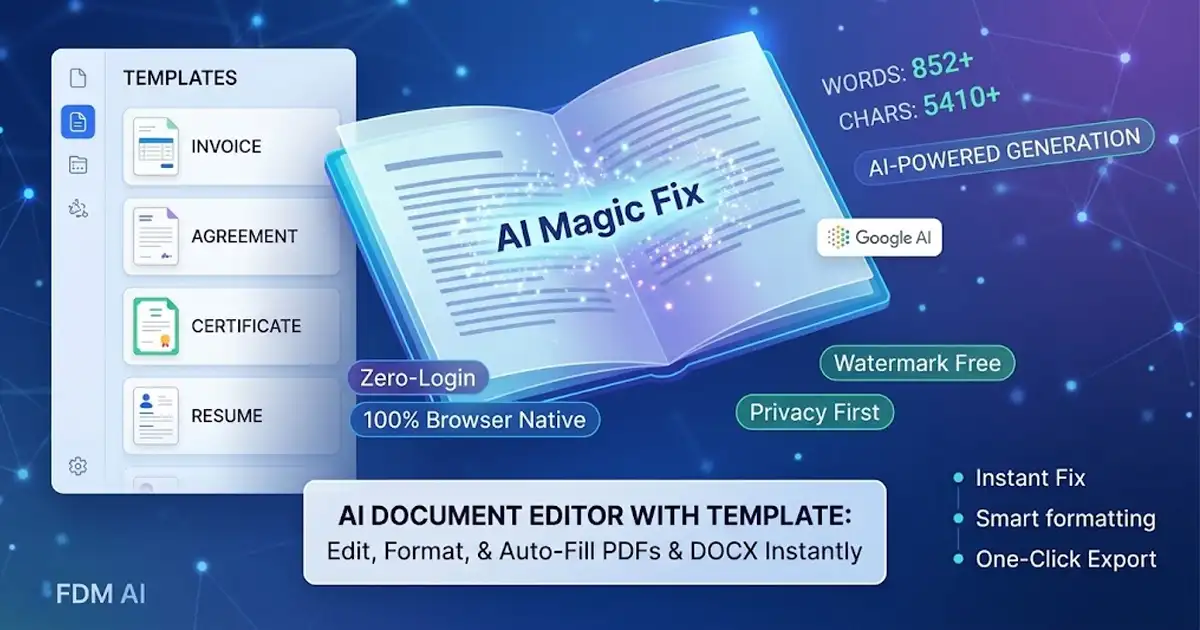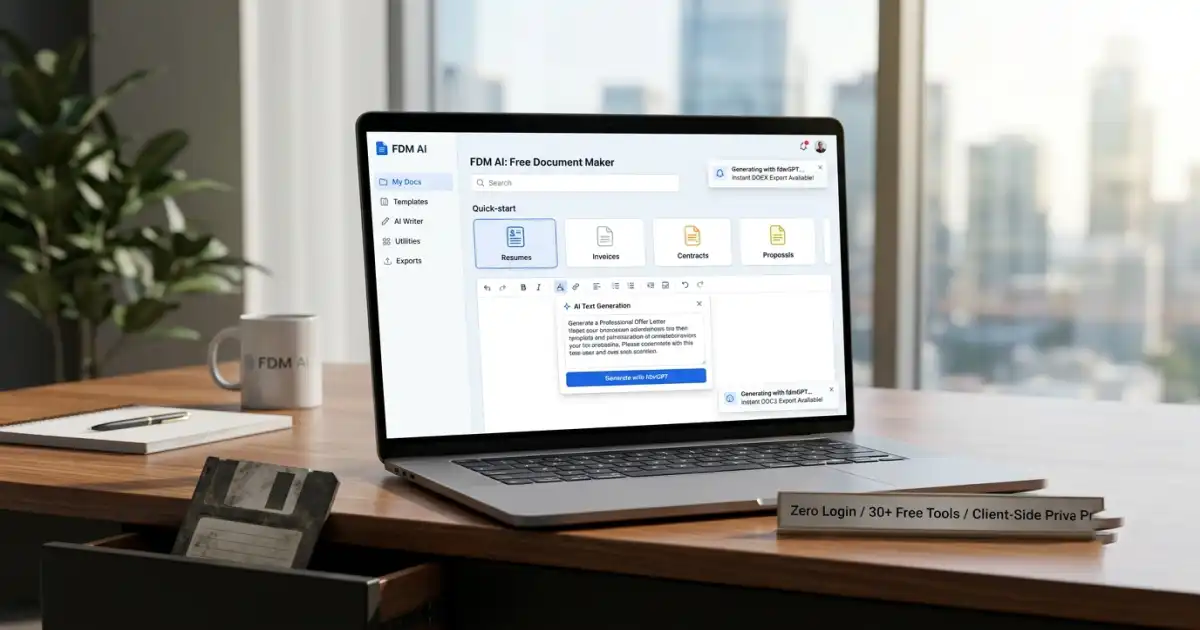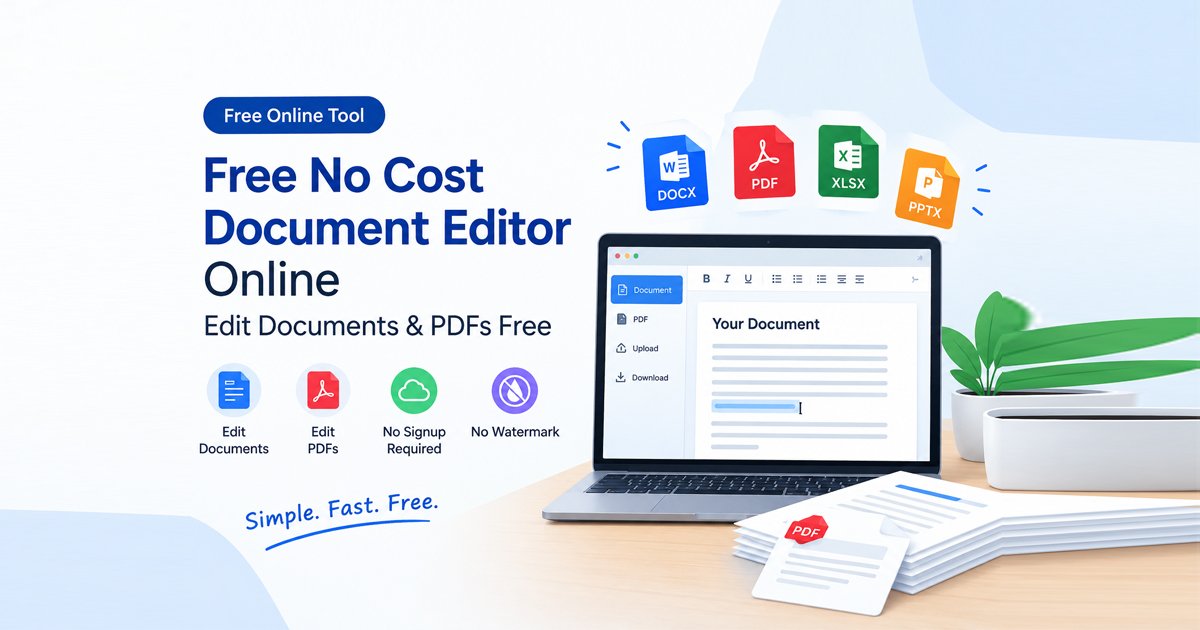
Finding a reliable, full-featured no cost document editor online can be surprisingly difficult. Most traditional office software suites and online document management tools either lock essential features behind expensive monthly subscriptions, force compulsory account creation, or stamp giant promotional watermarks across your finished files when you export them.
Whether you need to edit a school assignment, update a professional resume, convert file formats, or fill out official business forms, you should not have to pay licensing fees or compromise your data privacy just to modify a file.
With the Free Document Maker Document Editor, alongside connected utilities like the PDF Converter and PDF Editor, you can create, modify, and convert digital files instantly in your web browser. It is 100% free, unlimited, and requires zero account signups.
Why Use a Browser-Based No Cost Document Editor Online?
Traditional desktop office applications require heavy disk installations, constant software updates, and costly software licenses. On the other hand, many cloud-based online editors track user habits and upload confidential files to external servers.
Using a modern, browser-native no cost document editor online offers clear productivity and security advantages:
+-------------------------------------------------------------------------+
|                TRADITIONAL OFFICE SUITES vs. FDM ONLINE EDITOR         |
+-------------------------------------------------------------------------+
| Traditional Cloud / Desktop | Free Document Maker Online Suite           |
+-----------------------------+-------------------------------------------+
| • Expensive monthly fees    | •
1. Instant Workflow Speed
Open, edit, and export files in seconds without waiting for software downloads, installation wizards, or email verification links.
2. Complete Client-Side Data Privacy
Advanced browser-native WebAssembly and JavaScript processing keep your private documents—such as business agreements, financial records, medical forms, and personal notes—isolated inside your browser’s local memory (RAM). Your files never leave your device or cross external network servers.
3. Zero Paywalls or Forced Watermarks
Export clean, high-resolution, professional documents without unexpected export limits, hidden paywalls, or forced branding logos.
Core Features of the Free Document Ecosystem
Managing diverse document formats requires a versatile, flexible toolkit. The Free Document Maker platform provides immediate access to specialized workspaces designed for every stage of document handling:
1. The Flexible Document Editor
Use the Document Editor to draft new text, adjust paragraph styles, insert images, format page layouts, and refine typography from scratch directly inside your web browser.
2. Comprehensive PDF Conversion Tools
Need to switch between file formats? The PDF Converter allows you to convert documents, images, and spreadsheets back and forth without losing text formatting, styling, or image clarity.
3. Precision PDF Editing & Form Filling
Correct typos, annotate text layers, reorder pages, whiteout background marks, and add digital signatures to existing forms securely with the PDF Editor.
How to Edit Documents Online for Free (Step-by-Step)
Editing, formatting, or creating files using a no cost document editor online takes only a few simple steps:
Step 1: Open the Online Editor Suite
Navigate directly to the Free Document Editor in any modern web browser (Google Chrome, Mozilla Firefox, Apple Safari, Microsoft Edge, or Brave). No password, login, or registration is required.
Step 2: Upload Your File or Create from Scratch
To Edit an Existing File: Drag and drop your text document or PDF file into the workspace dropzone.
To Create a New File: Start with a blank template or begin typing to build a fresh document layout immediately.
Step 3: Format and Customize Your Document
Use the intuitive top formatting toolbar to customize your content:
Modify headings, adjust font families, change colors, and apply bullet lists.
Add images, signatures, stamp annotations, or geometric shapes.
Merge, split, or reorder document pages using connected suite tools.
Step 4: Export and Download Instantly
Click Export / Download. Your browser compiles the finalized document immediately and saves it directly to your device with zero watermarks and zero server storage.
Feature Comparison: Free Document Maker vs. Traditional Paid Suites
Feature | Free Document Maker Suite | Commercial Cloud Suites | Heavy Desktop Software |
Login / Registration | Not Required | Mandatory Account | License Key Required |
Cost | 100% Free | $10 – $30 / Month | $150+ One-Time |
Privacy Model | Client-Side (Local RAM) | Cloud Server Storage | Local Hard Drive |
Watermark-Free Export | Yes (Always Clean) | Paid Tiers Only | Paid Tiers Only |
Core Tools | Fragmented Apps | Standalone Desktop App |
Best Practices for Editing Documents Online Securely
To ensure maximum productivity and security when using a no cost document editor online, keep these practical recommendations in mind:
Use Modern Browsers: Ensure your browser is up to date to leverage hardware-accelerated WebAssembly execution for larger files.
Maintain Clean File Formatting: Use standard web-safe fonts (like Arial, Times New Roman, or Helvetica) when drafting documents intended for cross-platform sharing.
Combine Tools for Advanced Workflows: If working with blurry document scans or screenshots, run them through an image upscaler or OCR text extractor before editing text layers.
Frequently Asked Questions (FAQ)
Is there a truly free no cost document editor online?
Yes. The Free Document Editor offers a 100% free browser-based workspace with no registration, no subscription walls, and no forced watermarks.
Can I convert my documents to different formats?
Yes. You can use the companion PDF Converter to switch document formats instantly while preserving layout structure and visual presentation.
Is it safe to edit confidential documents online?
Yes. Because the platform uses client-side processing, your files remain strictly inside your browser's memory (RAM) and are never uploaded, logged, or saved on external servers.
Can I edit existing PDF files without installing software?
Yes. You can open any PDF file directly in the PDF Editor to modify text, fill out interactive form fields, draw signatures, and export your updated document in seconds.
Start Editing Your Files Online Today
Do not let forced account signups, subscription paywalls, or bulky software installations slow down your daily workflow. Experience fast, secure, and completely free document management today.