The modern digital workflow demands speed, accuracy, and absolute data privacy. Whether you are a business owner drafting contracts, a student polishing an academic essay, or a freelancer generating client invoices, traditional word processors often create friction. Installing bulky software, managing mismatched formatting across file conversions, and handing over personal data to strict paywalls slow down productivity.
An AI document editor with template capability fundamentally changes this equation. By combining artificial intelligence with pre-structured layouts and browser-native execution, document creation transforms from a tedious manual task into an automated, single-click process.
What Is an AI Document Editor With Template Support?
An AI document editor with template functionality is a web-based workspace designed to streamline reading, modifying, fixing, and exporting files. Instead of starting from a blank page or struggling with broken formatting, users leverage artificial intelligence to automatically correct grammar, adjust layout tone, and populate pre-formatted frameworks.
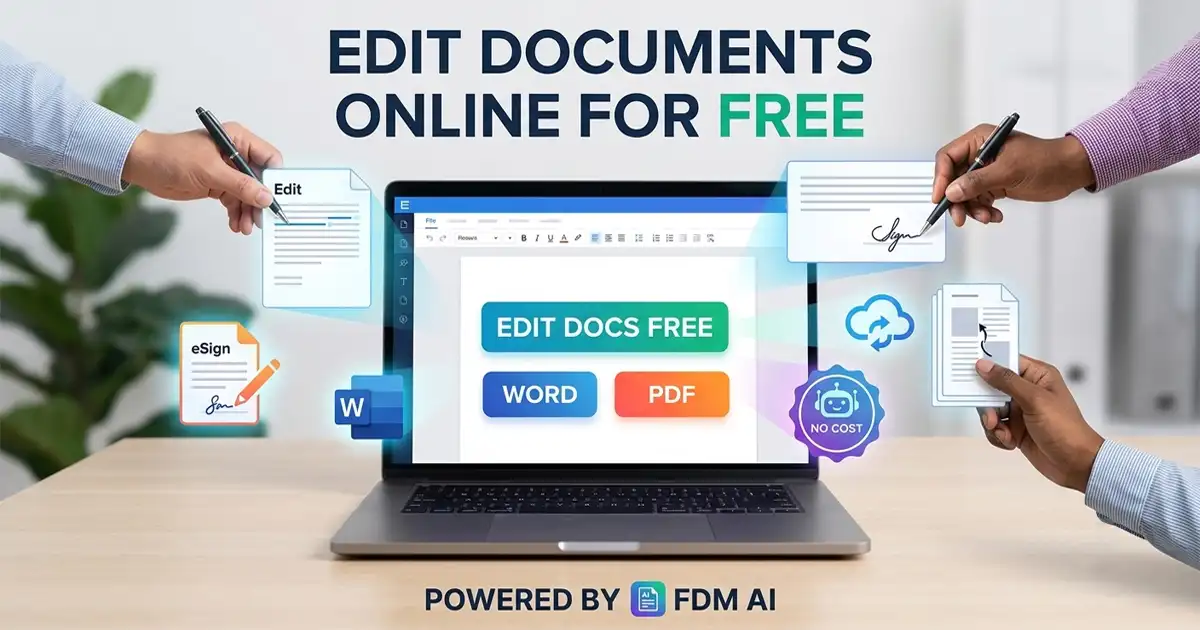
Platforms like Free Document Maker (FDM AI) bring this concept to life by embedding Google AI capabilities directly into a browser-native interface. You can upload legacy files, apply smart structured templates, let AI refine the draft, and export production-ready documents instantly.
Key Benefits of Using an AI-Powered Workspace
1. Zero-Login Architecture for Total Frictionless Productivity
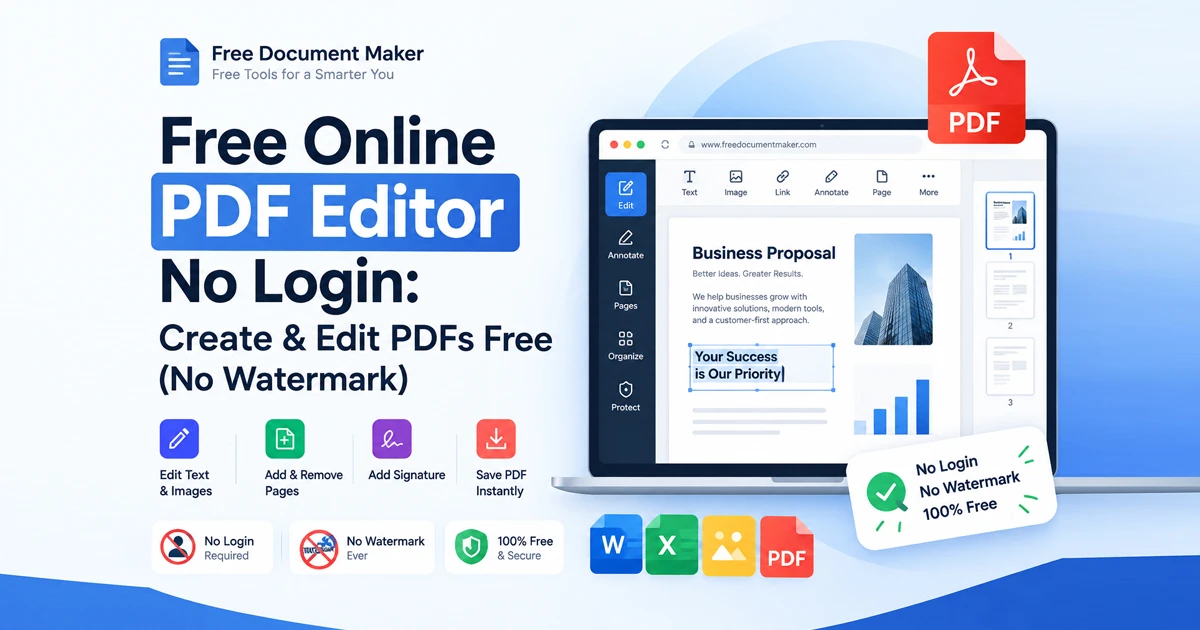
Traditional SaaS platforms force users through multi-step onboarding processes: account creation, email verification, password management, and trial subscription prompts. A zero-login model removes these barriers entirely. You navigate to the editor, upload your document, make your changes, and download the finished product without submitting personal information.
2. Client-Side Privacy and Data Security
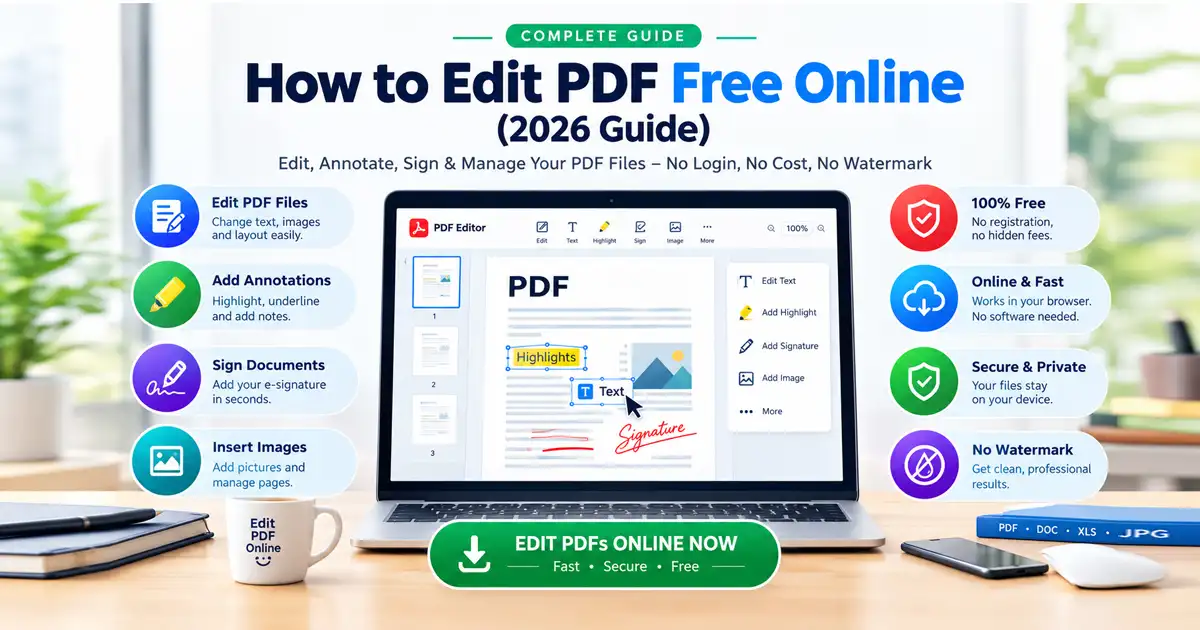
Privacy is non-negotiable when handling contracts, financial statements, or personal records. Client-side and session-based execution ensures your uploaded files—whether PDF, DOCX, or TXT—remain active only during your session. Because processing occurs inside your browser without persistent account logging, sensitive data remains protected.
3. One-Click AI Enhancement ("AI Magic Fix")
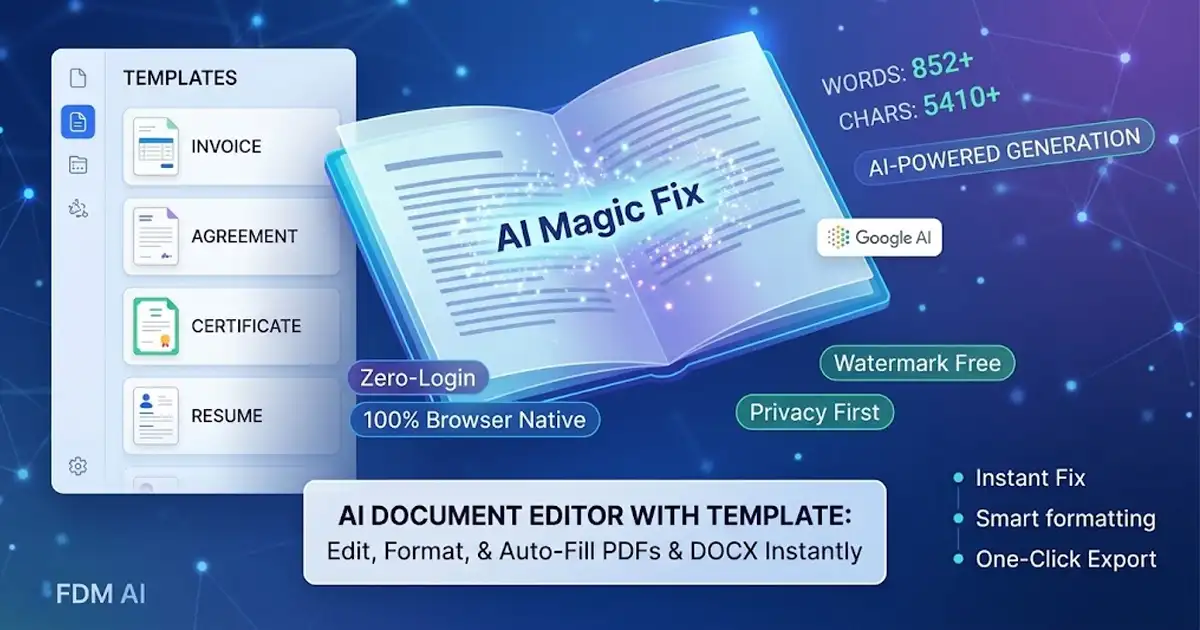
Drafting text is only half the battle; refining it takes up most of your time. Integrated AI tools analyze document structure to eliminate spelling mistakes, fix broken line breaks, improve vocabulary, and optimize readability instantly.
4. Native Multi-Format Support
Converting a PDF to an editable Word file often results in broken margins and misaligned fonts. A unified editor handles PDFs, Word documents (DOCX), and plain text files in a single interface, maintaining structural integrity across uploads and exports.
How Smart Templates Accelerate Document Workflows
Starting from scratch is inefficient. Incorporating structured templates inside an AI workspace allows you to generate standardized files in seconds.
Business Agreements & Contracts: Pre-formatted legal frameworks allow you to plug in client details and let AI smooth out contractual language.
Invoices & Receipts: Pre-built financial structures calculate totals and format itemized lists automatically.
Resumes & Cover Letters: Professional layouts ensure ATS compliance while AI refines bullet points for maximum impact.
Certificates & Declarations: Standardized visual containers ensure print-ready alignment right out of the browser.
By combining structured templates with generative AI logic, you ensure consistent spacing, appropriate typography, and clean layouts every time.
Step-by-Step Guide: How to Edit Documents Using FDM AI
Using an AI document editor with template capabilities on FreeDocumentMaker.com requires no technical expertise:
[ Upload File ]Upload Your File: Drag and drop your PDF, DOCX, or TXT file (up to 15MB) directly into the upload area.
Choose a Template or Start Editing: Select a pre-formatted structure to insert standard sections, or start modifying your uploaded text manually.
Run AI Magic Fix: Click the Google AI-powered enhancement button to automatically correct spelling, fix grammar, and optimize readability.
Export Your Document: Download your polished file in high-definition PDF, DOCX, or plain text format, or copy the formatted text directly to your clipboard.
Comparing Document Processing Solutions
Feature / Capability | Traditional Desktop Software | Cloud SaaS Platforms | FDM AI Document Editor |
Account Requirement | License Key Required | Mandatory Login | Zero Login Required |
AI Integration | Third-party plugins needed | Behind high-tier paywalls | Built-in AI Assistance |
Template Support | Manual downloads | Subscription locked | Free Built-in Templates |
System Resources | Heavy memory usage | High bandwidth needed | Lightweight Browser Native |
Export Watermarks | Common in free trials | Common in free tiers | 100% Watermark Free |
The Future of Browser-Native Document Management
The shift toward zero-login, browser-native AI utilities represents a major evolution in web applications. Users no longer want bloated desktop applications or restrictive subscription models for quick daily tasks. Lightweight, AI-driven platforms running on modern stacks like Laravel, Tailwind CSS, and Vite offer desktop-grade performance directly inside the browser.
Whether you need to repair a corrupted scan, reformat a PDF draft, or draft a brand-new contract, leveraging an AI document editor with template technology gives you speed, formatting accuracy, and complete privacy control.