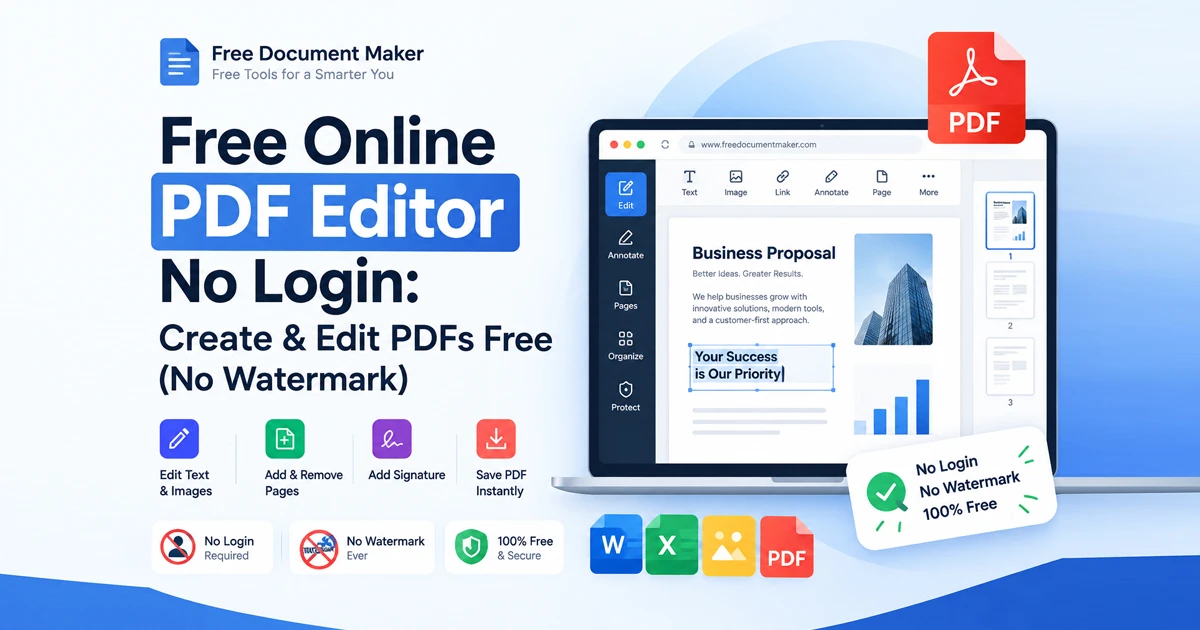
How to edit pdf free without downloading heavy software, paying for expensive subscriptions, or signing up for accounts is a top question for modern workflows. In 2026, document processing has moved entirely into your web browser. Modern web applications allow you to modify text, annotate pages, insert signatures, reorder documents, and export clean files—completely free, without watermarks, and with zero registration required.
Here is your complete guide on how to edit pdf free online using a fast, browser-native document engine.
Why In-Browser PDF Editing Leads in 2026
Traditional desktop programs often slow down your productivity with mandatory software updates, trial paywalls, and account creation prompts. Selecting a reliable pdf editor free solution that runs directly in your browser removes these barriers completely:
Zero Downloads Required: Works instantly across Google Chrome, Microsoft Edge, Mozilla Firefox, and Apple Safari.
No-Login Experience: Skip annoying registration screens and email verifications during urgent work tasks.
Privacy-First Architecture: Modern tools process documents within your local browser session rather than storing them permanently on remote servers.
Watermark-Free Exports: Download clean, professional documents ready for immediate client delivery or academic submission.
Platforms like Free Document Maker (FDM AI) are built specifically around this zero-friction model, offering a seamless way to edit pdf free without paywalls or setup delays.
Step-by-Step Guide: How to Edit PDF Free Online
Learning how to edit pdf free takes under a minute using an in-browser no-login PDF editor. Follow these steps:
Step 1: Open the Free Online PDF Editor
Navigate to the FDM AI PDF Editor. Because it operates on a zero-login framework, you can begin uploading and modifying documents right away without creating an account.
Step 2: Upload Your File
Drag and drop your document into the drop zone or select it directly from your device storage. High-performance browser engines process files instantly with zero upload delays.
Step 3: Apply Your Edits
Use the built-in toolkit to make common document adjustments:
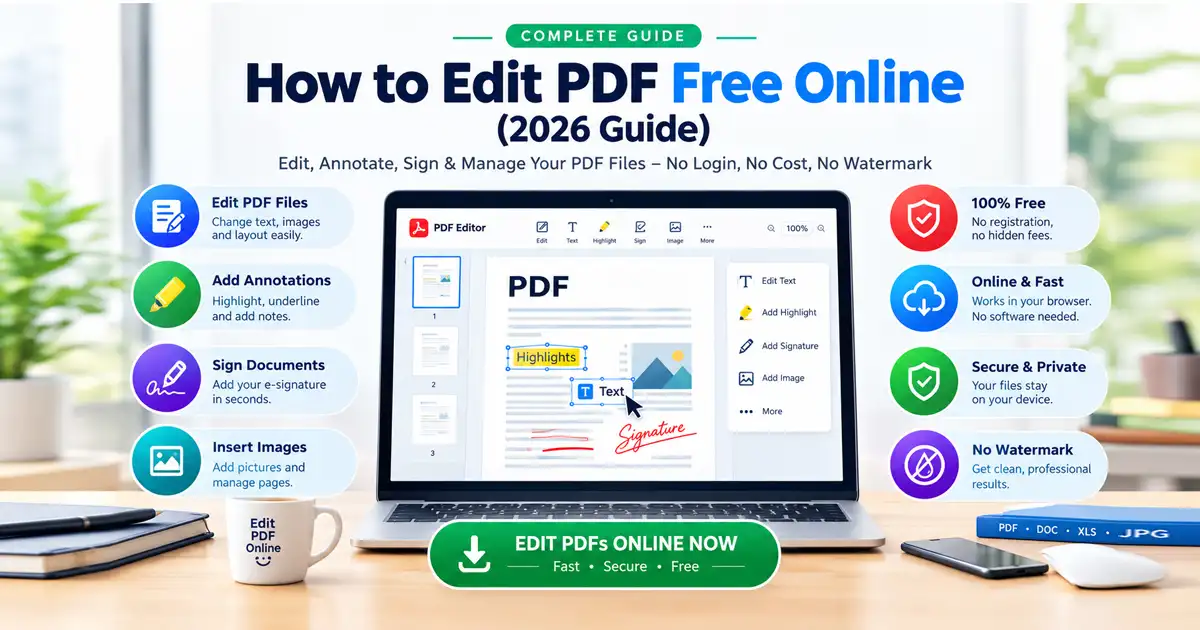
Modify & Add Text: Fix typos, update dates, or insert new paragraph blocks while preserving original formatting and typography.
Annotate & Highlight: Mark important clauses, draw inline notes, or add review comments for team collaboration.
Insert Images & Signatures: Stamp official digital signatures or drop company logos directly onto agreements.
Reorder & Remove Pages: Delete unnecessary pages, rotate misaligned sheets, or split multi-page PDF documents.
Step 4: Export Your Clean Document
Click Export or Download when finished to receive a clean, watermark-free file instantly.
Feature Comparison: Online PDF Editors vs. Desktop Software
Feature | Legacy Desktop Apps | Free Document Maker (FDM AI) |
Setup Time | High (Download + Install) | Instant (Browser-Native) |
Account Required | Mandatory Sign-up | Zero-Login Required |
Cost | Subscription / High License | 100% Free |
Export Quality | Watermarked on Free Tiers | Clean & Watermark-Free |
Data Handling | Cloud / Local Files | Ephemeral Session Processing |
Pro Tips for Safe and Effective PDF Management
Protect Sensitive Files: Always choose platforms that utilize session-based processing so your contracts and financial documents clear automatically after download.
Handle Scanned PDFs: If your PDF is an image scan, run an AI OCR (Optical Character Recognition) pass first to convert flat graphics into editable text matrices.
Keep File Sizes Lightweight: Before emailing documents to clients, compress your PDF to reduce size while maintaining sharp text clarity.
Learn More About PDF Standards: Read official documentation on the PDF File Format Overview on Wikipedia to understand document structure and compatibility.
Frequently Asked Questions
Can I really learn how to edit pdf free without registering?
Yes. Platforms like Free Document Maker allow you to upload, edit, and download documents instantly without creating an account or providing an email address.
Will the exported document contain a watermark?
No. High-quality web tools like FDM AI export clean documents without forcing promotional branding or logos onto your pages.
Is browser-native PDF editing safe for business documents?
Yes. Using client-side and session-based editors ensures that your file data is processed locally within your browser and deleted upon session termination.
Start Editing PDFs Instantly
Stop wasting time installing software or paying for simple text adjustments. Discover how to edit pdf free, protect your privacy, and export watermark-free files today with Free Document Maker (FDM AI).