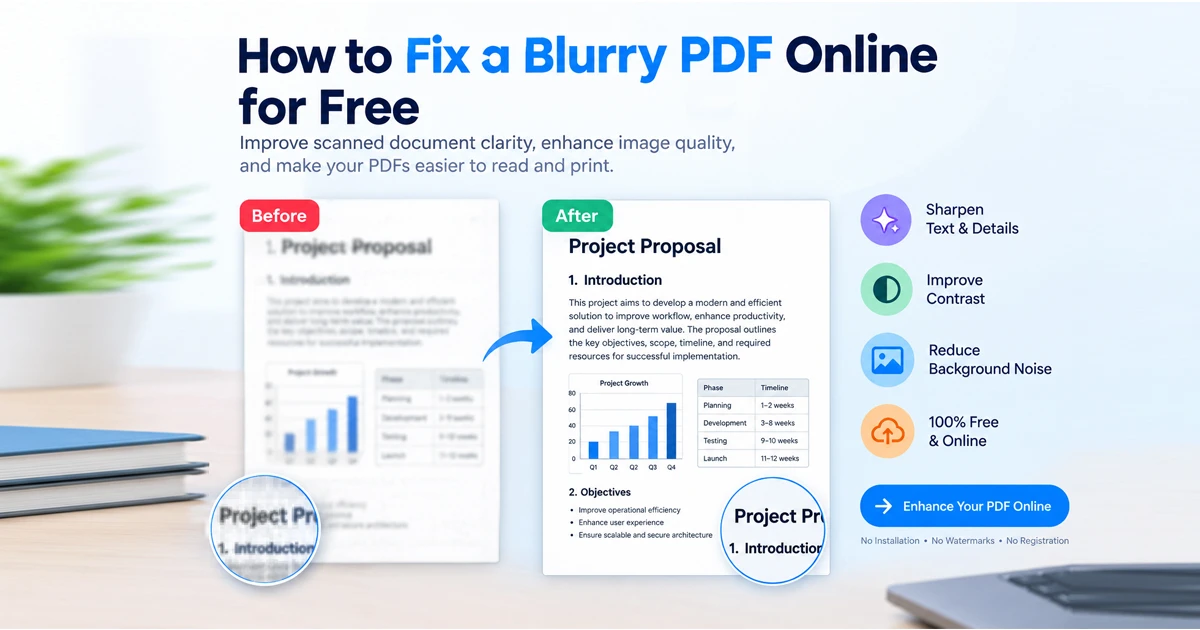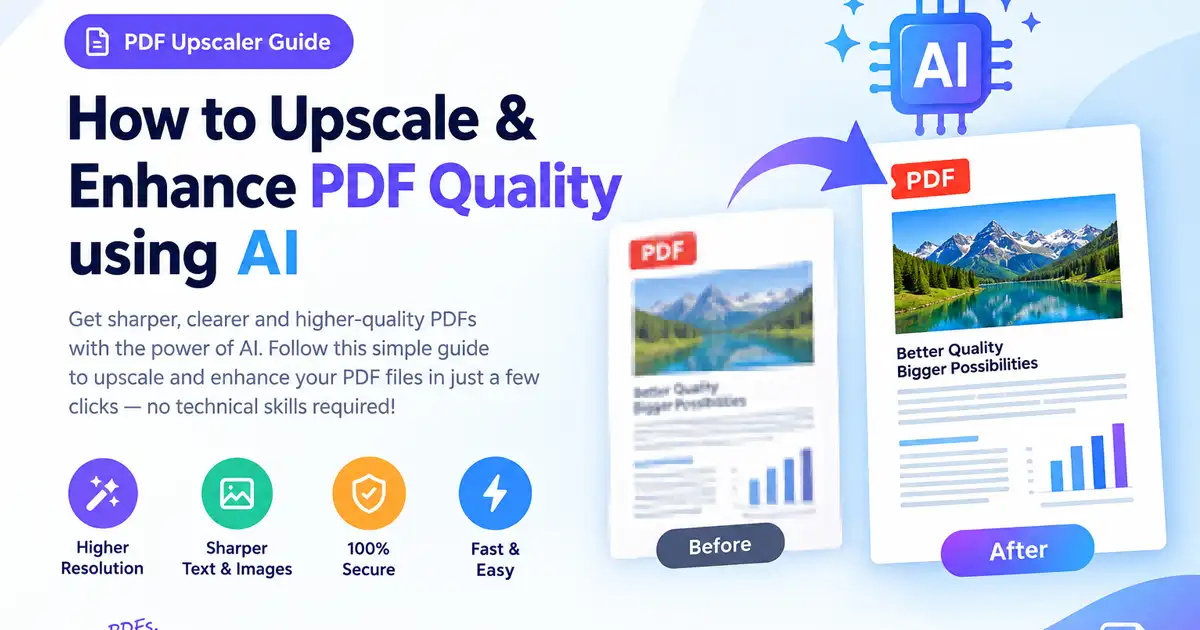
Blurry scanned contracts, pixelated diagrams, and low-resolution text can make important business documents look unprofessional and unreadable. Utilizing a modern pdf upscaler powered by deep learning allows you to sharpen fuzzy text, upscale low-DPI scans, and enhance pdf quality online directly inside your browser—100% free and without installing desktop software.
Here is your complete 2026 guide on how to upscale pdf resolution and restore blurry documents using an ai pdf upscaler free tool.
Why Traditional Resizing Fails vs. AI PDF Upscaling
Standard document compressors and basic image software simply stretch existing pixels when increasing file dimensions, resulting in muddy typography and artifact-filled images. In contrast, an ai pdf upscaler free tool actively reconstructs missing visual information using neural networks trained on typography and document layouts.
Feature | Standard Image/PDF Resizing | AI-Powered PDF Upscaler |
Text Sharpening | Stretches pixels, causing blurriness | Reconstructs crisp letter edges |
Noise Reduction | Magnifies scanner noise & shadows | Cleans background artifacts & dust |
DPI Enhancement | Hardcaps at original file DPI | Intelligently upscales 72 DPI to 300+ DPI |
Processing Speed | Instant but low visual quality | Fast neural processing in seconds |
Data Privacy | Varies by software | In-browser, client-side session processing |
Step-by-Step: How to Upscale and Enhance PDF Quality using AI
Restoring low-quality PDF files takes less than a minute with a browser-native pdf upscaler like Free Document Maker (FDM AI).
Step 1: Access the AI PDF Enhancer
Navigate to the FDM AI Smart PDF Resolution Enhancer. Thanks to a zero-login design, you can begin enhancing files immediately without creating an account, subscribing, or providing an email address.
Step 2: Upload Your Low-Resolution PDF
Drag and drop your pixelated or blurry document into the workspace zone. The engine automatically analyzes text density, image resolutions, and background noise.
Step 3: Select Enhancement & OCR Settings
Configure your desired processing parameters to enhance pdf quality online:
AI Text Sharpening: Sharpens faded inks, low-contrast fonts, and fuzzy handwriting.
Background Cleanup: Eliminates gray scanner shadows, bleed-through marks, and yellowed paper tones.
Optical Character Recognition (OCR): Converts unsearchable scanned text into clean, selectable digital typography.
DPI Upscaling: To upscale pdf resolution, select the DPI boost setting to elevate standard web quality (72–150 DPI) to print-ready quality (300+ DPI).
Step 4: Export Your Watermark-Free PDF
Click Enhance & Export. Download your newly crisp, high-resolution PDF document immediately with zero added watermarks or hidden fees.
Pro Tips for Maximizing PDF Enhancement Results
Apply OCR Before Text Editing: If your PDF was created from a physical scanner or phone camera, run an AI OCR pass first. This makes flat text selectable so you can edit typos or re-format layouts smoothly.
Clean Background Shadows First: For mobile-scanned documents, enable background flattening. Removing uneven lighting shadows gives the pdf upscaler cleaner margins to work with.
Verify File Sizes for Emailing: Boosting visual crispness can enlarge the overall file size. If needed, run a light compression pass after using a pdf quality enhancer ai free tool to keep email attachments lightweight while retaining sharp text.
Maintain Privacy for Sensitive Files: Always opt for zero-login, ephemeral browser tools when processing confidential financial invoices, legal filings, or medical records.
Frequently Asked Questions
Can I use a pdf quality enhancer ai free of charge?
Yes. Platforms like Free Document Maker (FDM AI) allow you to upload, upscale, and enhance blurry PDFs directly in your browser without paywalls or account creation.
Does upscaling a PDF make blurry text readable?
Yes. AI upscaling algorithms recognize typographical patterns and stroke paths, actively restoring distorted character edges rather than just magnifying blurry pixels.
Is it safe to upscale sensitive business documents online?
It is completely safe when using client-side or session-based editors like FDM AI, where files process locally inside your browser and are deleted upon session termination.
Enhance Your PDFs Instantly
Stop struggling with unreadable scans and pixelated documents. Discover how a modern pdf upscaler can transform low-quality files into crisp, professional PDFs in seconds with FDM AI.
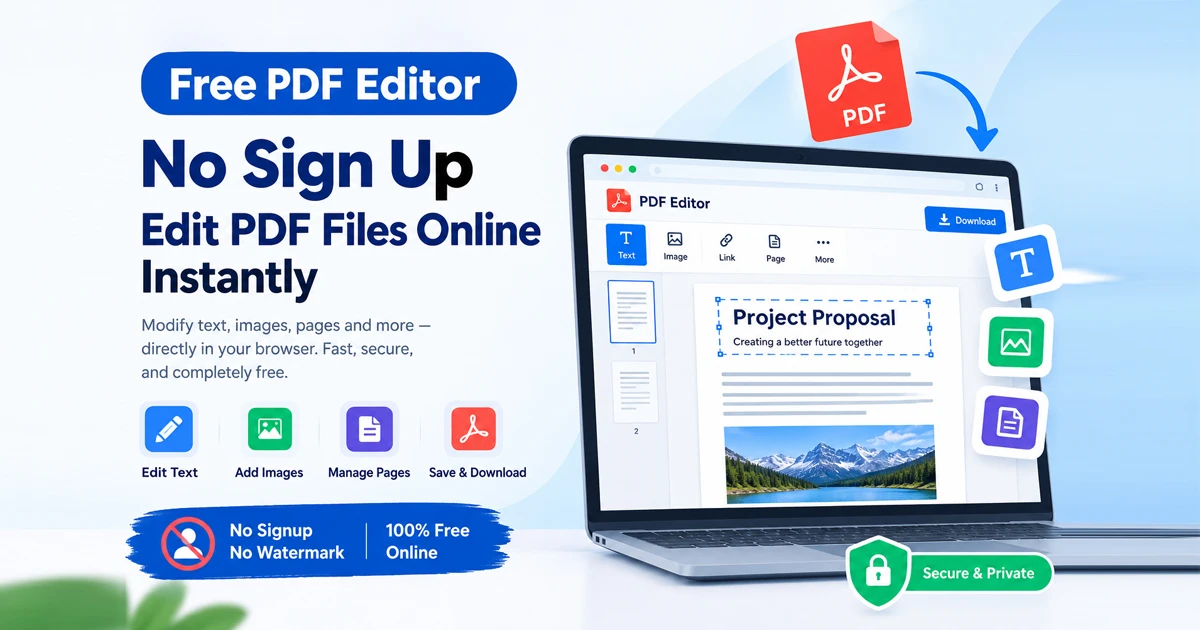
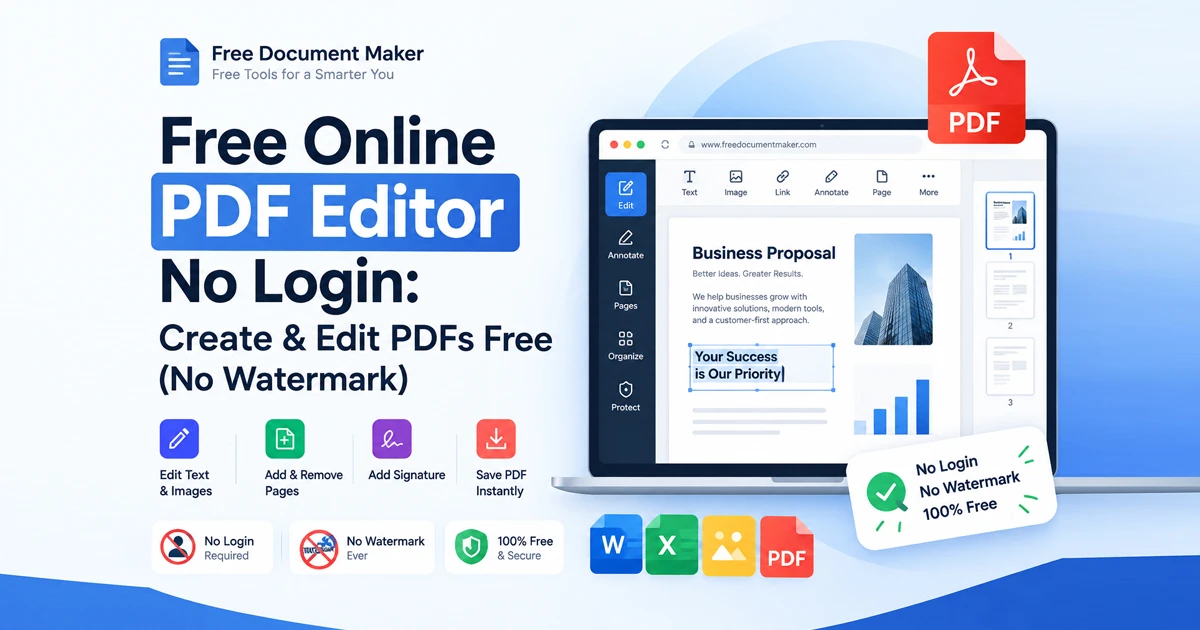
Stop wasting time installing software or paying for simple text adjustments. Using a modern pdf editor free platform like Free Document Maker (FDM AI) allows you to edit PDF free, maintain strict data privacy, and download watermark-free documents in minutes.
Experience fast, browser-native document editing today at Free Document Maker (FDM AI).