Finding a reliable free online PDF editor no login required can feel nearly impossible. Most web-based PDF converters force users to register an account, enter a credit card, or pay expensive subscription fees just to edit a single page or download a document without a giant watermark across the text.
Whether you need to fill out an application form, correct typos in a contract, or build a new document from scratch, registration paywalls waste time and compromise your personal data.
With modern browser tools like the Free Document Maker PDF Editor and the all-in-one AI PDF Suite, you can modify, structure, and enhance your digital files directly in your web browser—100% free with zero registration.
In this guide, you will learn how to use a free online PDF editor no login platform, explore core editing and document creation features, and discover why client-side processing keeps your confidential files completely private.
Why Use a Free Online PDF Editor No Login Required?
Traditional desktop applications like Adobe Acrobat Pro are heavy, expensive, and require lengthy installations. Meanwhile, many cloud-based alternatives collect email addresses to build marketing lists or upload your private documents to third-party cloud servers.
+-------------------------------------------------------------------------+
|                  ACCOUNT-BASED vs. NO-LOGIN PDF EDITORS                 |
+-------------------------------------------------------------------------+
| Account-Based Editors       | No-Login Browser Editors                  |
+-----------------------------+-------------------------------------------+
| • Mandatory email signup    | •
Using a browser-native editor provides three immediate advantages:
Instant Workflow Speed: Upload, edit, and download your files in seconds without waiting for verification emails or account activations.
Enhanced Privacy & Security: Client-side processing ensures your financial, medical, or personal documents are edited locally in your web browser memory rather than stored on external servers.
No Hidden Paywalls or Watermarks: Export clean, high-resolution PDFs without unexpected export limits or forced branding logos.
Key Features of the Free PDF Editor & AI PDF Suite
Whether you need to make quick textual tweaks or execute advanced document processing workflows, accessing a dedicated PDF Editor alongside an AI PDF Suite gives you full control over your documents on desktop and mobile devices alike.
1. Direct PDF Text & Element Editing
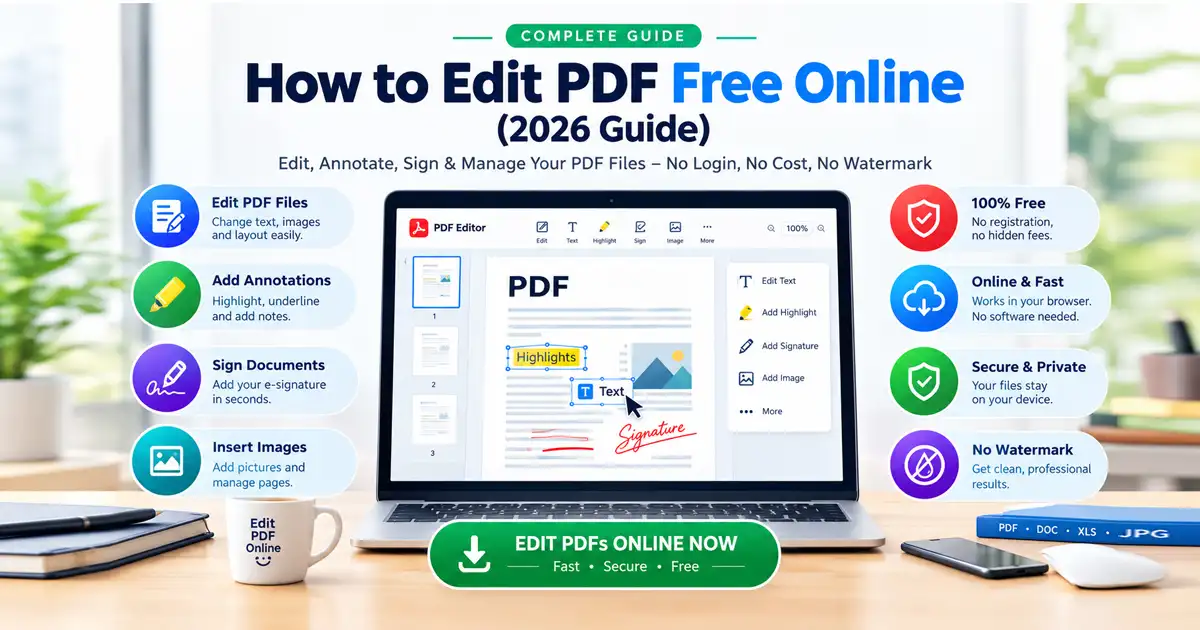
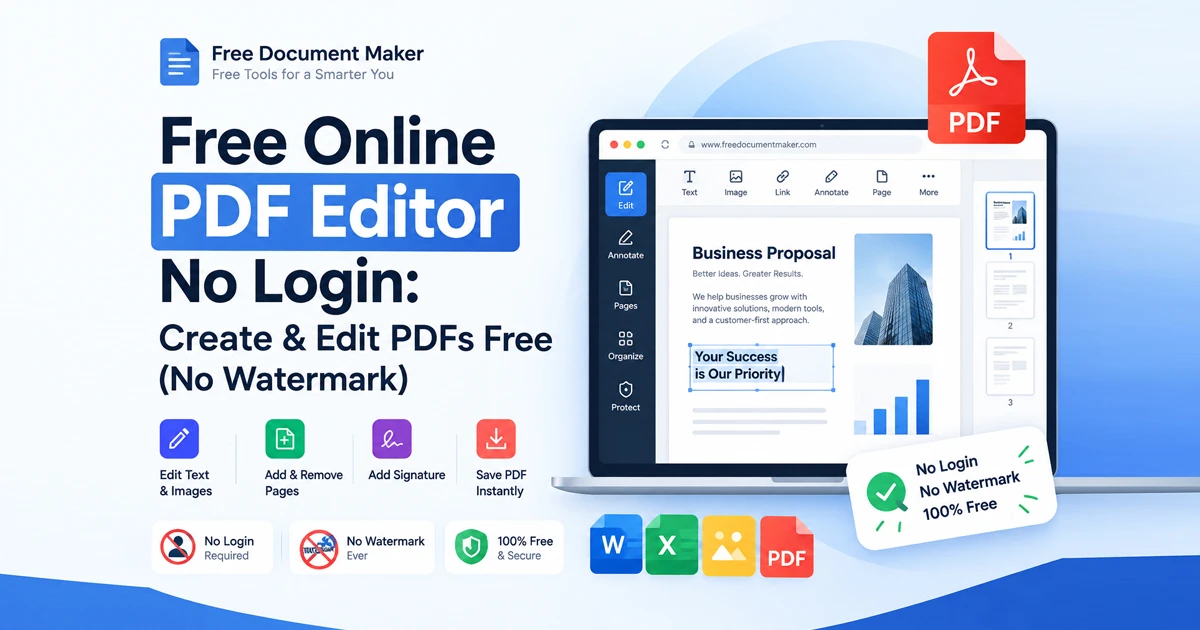
Modify existing text layers, insert new headings, adjust font sizes, or correct spelling errors on the Free PDF Editor without distorting page formatting or line alignment.
2. PDF Form Filling & E-Signatures
Fill out interactive PDF text fields, select checkboxes, and draw or insert digital signatures directly onto contracts, lease agreements, and job applications.
3. Page Organization & Reordering
Merge multiple PDF files into one master document, rotate upside-down scanned pages, delete unwanted pages, or reorder document structure with simple drag-and-drop controls.
4. Comprehensive Productivity Tools via AI PDF Suite
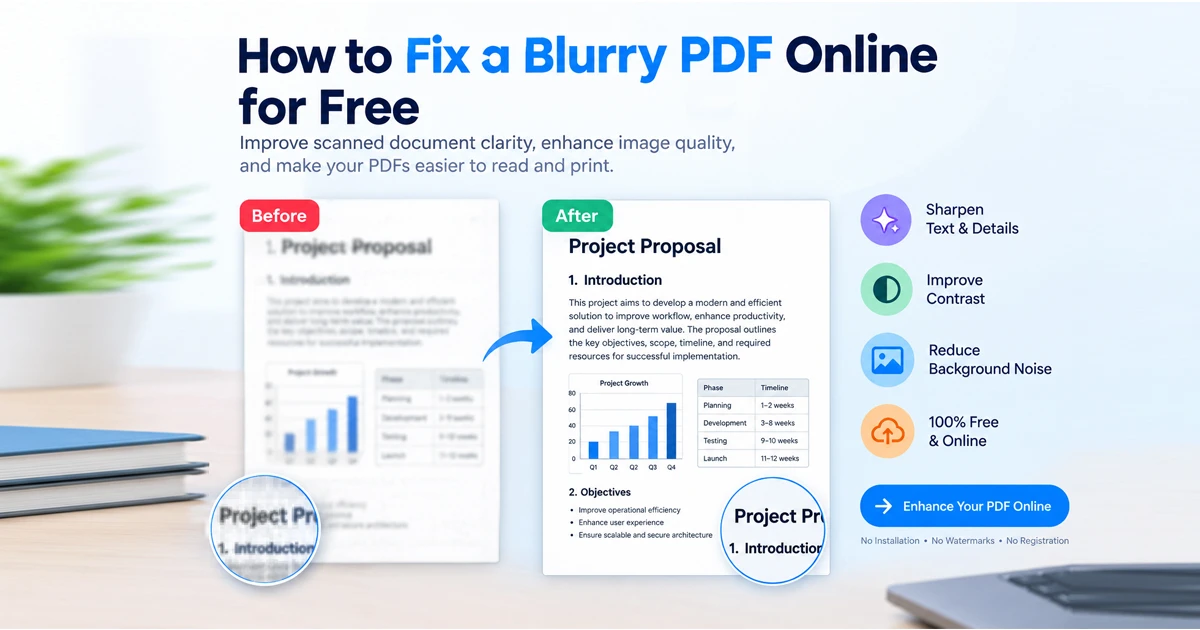
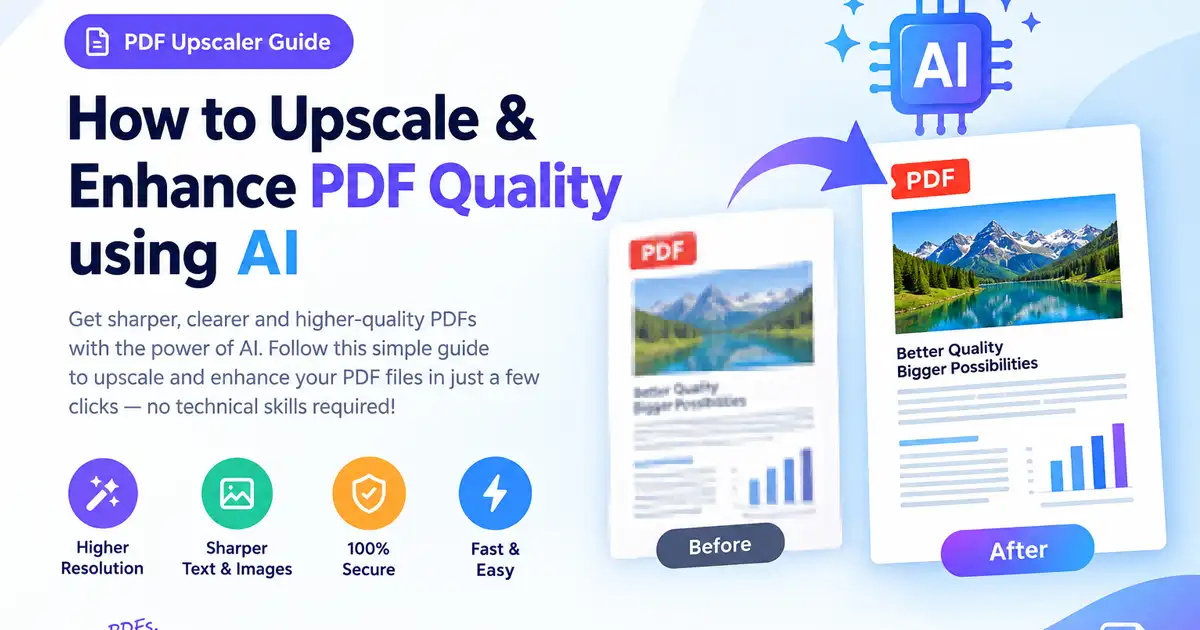
Need more than basic editing? The Free Document Maker PDF Suite connects you to a complete workspace for upscaling blurry scans, converting formats, compressing file sizes, and creating new PDFs from scratch using AI text prompts.
How to Edit or Create a PDF Online Without an Account (Step-by-Step)
Follow these simple steps to edit your files with zero friction:
Step 1: Open the Free Document Editor
Navigate directly to the Free Online PDF Editor in any modern web browser (Chrome, Firefox, Safari, Edge, or Brave). No login, password, or account setup is required.
Step 2: Upload Your File or Access the Full Suite
To Edit an Existing PDF: Drag and drop your file directly into the PDF Editor workspace.
For Advanced AI & Conversion Tools: Visit the AI PDF Suite to select specialized tools like PDF Upscaling, Text-to-PDF conversion, or background noise bleaching.
Step 3: Make Edits & Customize Content
Use the intuitive top toolbar to apply your changes:
Select text areas to edit existing wording or insert new paragraph blocks.
Add images, company logos, digital signatures, or stamp annotations.
Reorder or remove unnecessary pages.
Step 4: Export & Download Your Clean PDF
Click Export / Download PDF. Your browser immediately compiles the finalized document and saves it directly to your device with zero watermarks and zero server storage.
Feature Comparison: Free Document Maker vs. Traditional Cloud Editors
Feature | Free Document Maker Editor | Traditional Cloud PDF Editors | Desktop PDF Software |
Login / Registration | Not Required | Mandatory | Account / License Key |
Watermark-Free Export | 100% Free | Paid Upgrade Only | Paid License Only |
Client-Side Privacy | Yes (Local RAM) | No (Uploaded to Server) | Local Device |
Dedicated Tool Pages | Generic Dashboard | Standalone App | |
Price | 100% Free | $12–$25 / Month | $150–$240 / Year |
Safety & Privacy: Why No-Login Client-Side Editing Matters
When you edit sensitive documents like tax forms, identity cards, or legal contracts using standard online converters, your uploaded files often remain stored on foreign cloud servers for hours or days.
Both the PDF Editor and the broader PDF Suite utilize client-side browser processing (JavaScript / WebAssembly) to process all document data strictly inside your device's local memory:
Zero Server Uploads: Your document data never crosses the internet to an external server.
Zero Logging: No user tracking, registration records, or IP logs exist.
Instant Destruction: Closing the browser tab instantly wipes all temporary document memory from your device.
Frequently Asked Questions
Is there a truly free online PDF editor with no login required?
Yes! The Free Document Maker PDF Editor provides a 100% free online PDF editor with no registration, no subscription walls, and no forced watermarks.
What is included in the AI PDF Suite?
The Free Document Maker PDF Suite brings together all essential PDF productivity tools in one place—including PDF editing, blurry scan resolution upscaling, text-to-PDF conversion, page organization, and file compression.
Will editing a PDF online add a watermark to my file?
Many commercial editors add watermarks unless you purchase a subscription. Free Document Maker allows you to edit, format, and download clean PDFs without adding any watermarks or brand logos.
Can I fill out and sign PDF forms without downloading software?
Yes. You can open any fillable or flat PDF form inside the PDF Editor, type text directly into fields, draw or upload a signature, and export the completed form immediately.
Edit Your PDF Files Online Instantly
Do not let forced account signups or hidden subscription paywalls slow down your productivity. With a client-side, free online PDF editor no login solution, you maintain complete control over your document privacy, workflow speed, and output q