In the modern digital landscape, "productivity" has ironically become synonymous with "complexity." To complete a simple task—like drafting an invoice or converting a file—we are often forced to navigate a gauntlet of mandatory signups, subscription paywalls, and aggressive data tracking. For freelancers, students, and small business owners, these minor hurdles evolve into a significant "time tax" that drains hours of creative energy every single week.
The solution isn't to work harder; it’s to eliminate the friction. FDM AI (Free Document Maker) was engineered to solve this exact problem. By utilizing a browser-native AI engine called fdmGTP, it allows you to generate, edit, and convert documents without the traditional barriers of entry.
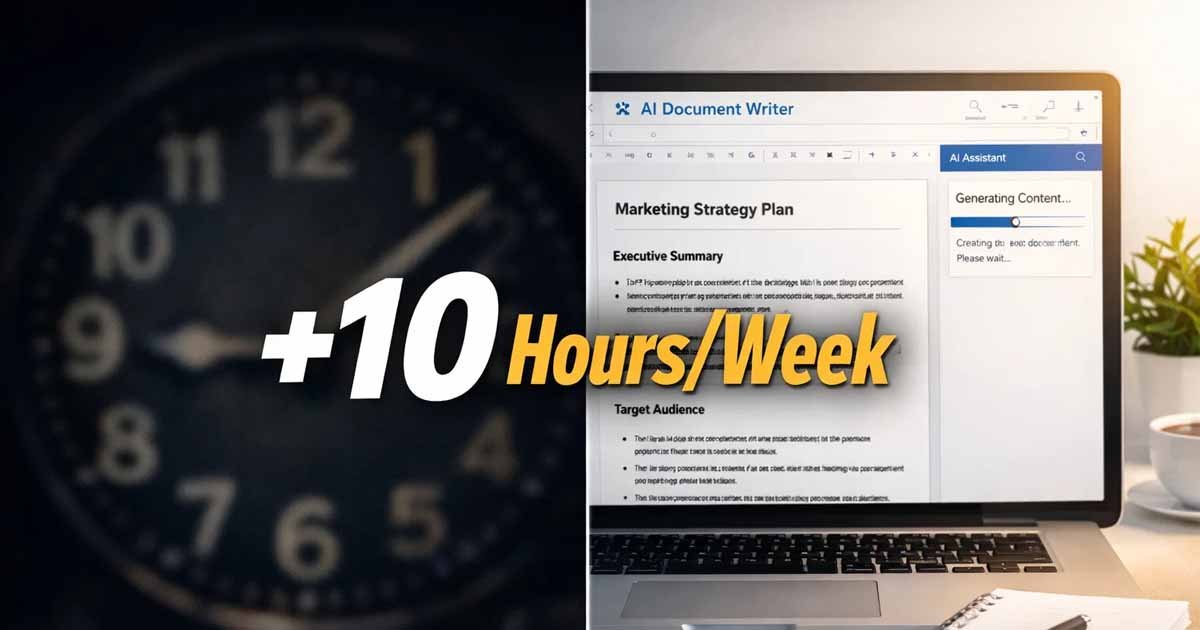
Here is how an AI PDF Maker can fundamentally restructure your workflow and save you upwards of 10 hours every week.
1. Crushing "Starting Friction" with AI Drafting
The most time-consuming part of any document-based task is the first 15 minutes: staring at a blank white screen. Whether you are drafting a business contract, a project proposal, or a formal quote, the mental energy required to structure a document from scratch is immense.
By using the AI Document Writer, you effectively outsource the "heavy lifting" of structural drafting. Instead of researching the legal language for a contract or the standard layout for a professional resume, you provide the AI with basic context. The engine then generates a logically structured, professionally formatted draft in seconds.
Time Saved: By moving directly to the "review and polish" phase instead of the "research and draft" phase, the average professional saves approximately 3 hours per week.
2. Instant Contextual Transformation: Text-to-Document
We live in an age of fragmented information. You likely have meeting notes in one app, voice-to-text transcripts in another, and rough outlines in a third. Traditionally, turning these fragments into a "client-ready" PDF required manual styling, font adjustments, and layout alignment.
The AI Text-to-Document tool acts as a bridge between raw data and professional output. You can paste your unorganized thoughts into the interface, and the fdmGTP engine interprets the hierarchy of information. It automatically identifies headings, bullet points, and key sections, wrapping them in a professional template instantly.
Time Saved: What usually takes 45 minutes of manual formatting now happens in 60 seconds. For those handling multiple reports or academic summaries, this recovers 2.5 hours per week.
3. The "No-Signup" Advantage: Reclaiming Micro-Moments
While it may seem like a small inconvenience, the "Signup Funnel" is a major productivity killer. Every time you are forced to create an account, verify an email, and create a password for a "free" tool, you lose focus. Cognitive scientists call this "context switching," and it can take up to 20 minutes to fully regain your deep-work state after such a distraction.
FDM AI operates on a zero-friction model. There are no accounts to create, no passwords to manage, and no marketing emails to delete later. You arrive, you create, and you download. This "browser-native" philosophy ensures that your momentum remains unbroken.
Time Saved: By avoiding the "onboarding tax" and the resulting recovery time for deep focus, users report saving roughly 1.5 hours per week in lost concentration.
4. Streamlining Media Workflows: Image-to-PDF
For many professionals, document management involves more than just text. Freelancers frequently need to compile receipts for tax purposes, while students often need to turn handwritten lecture notes or whiteboard photos into organized study guides.
The Image to PDF tool simplifies this by allowing for rapid, batch processing of visual files into a single, cohesive PDF document. Instead of using complex photo editing software or slow cloud-based converters that often limit file sizes, you can handle everything locally within your browser tab.
Time Saved: Consolidating visual assets manually is a tedious chore. Automating this process saves administrative users about 1.5 hours per week.
5. Frictionless Format Conversion and Security
How much time have you spent hunting for a converter that doesn't add a watermark or limit you to two files per day? Most "free" online converters are either ad-traps or security risks that require you to upload sensitive business data to their remote servers.
The Document Converter on FDM AI changes the math. Because the platform is privacy-first, the conversion happens locally in your browser. You aren't waiting for a file to upload to a server in another country, and you aren't waiting in a "queue" for the download to start. The speed of local processing combined with the safety of knowing your data never leaves your device is a dual-win for productivity.
Time Saved: Eliminating the hunt for reliable tools and the wait times for cloud-based processing saves at least 1.5 hours per week.
Why Privacy is the Ultimate Productivity Feature
In 2026, security is no longer an optional "extra"—it is a mechanical necessity. When you use an AI PDF maker that requires a login, your professional habits, client names, and project types are being indexed and sold to advertisers. This creates a "noise" of targeted ads and data-privacy concerns that cloud your workday.
By choosing a Privacy-First architecture like FDM AI, you ensure that your workspace remains clean. There is a psychological peace of mind that comes with knowing your proprietary business agreements or sensitive academic papers are being processed locally via fdmGTP. When you don't have to worry about data breaches or "who is reading my draft," you can focus entirely on the quality of your work.
Conclusion: Reclaiming Your 10 Hours
The math is simple:
Drafting: 3 Hours
Formatting: 2.5 Hours
Focus (No-Signup): 1.5 Hours
Media Handling: 1.5 Hours
Conversion/Security: 1.5 Hours
Total: 10 Hours of your life returned to you.
Whether you are a freelancer looking to scale your business, a student aiming for a higher GPA, or a small business owner trying to stay lean, FDM AI is designed to be your invisible assistant. It doesn't ask for your email, it doesn't ask for your credit card, and it doesn't ask for your data. It simply asks: What do you want to create today?
Experience the future of zero-friction productivity at FreeDocumentMaker.com.