The way we create and manage documents is changing rapidly. In the past, producing professional documents often required multiple pieces of software, complicated formatting, and hours of manual editing.
Today, modern AI document generator tools simplify this entire process. Instead of installing large desktop applications or switching between different websites, users can generate, edit, and convert documents directly in the browser.
Platforms like Free Document Maker (FDM AI) combine document creation tools, PDF utilities, and file converters into a single productivity environment designed to help freelancers, students, and businesses work faster.
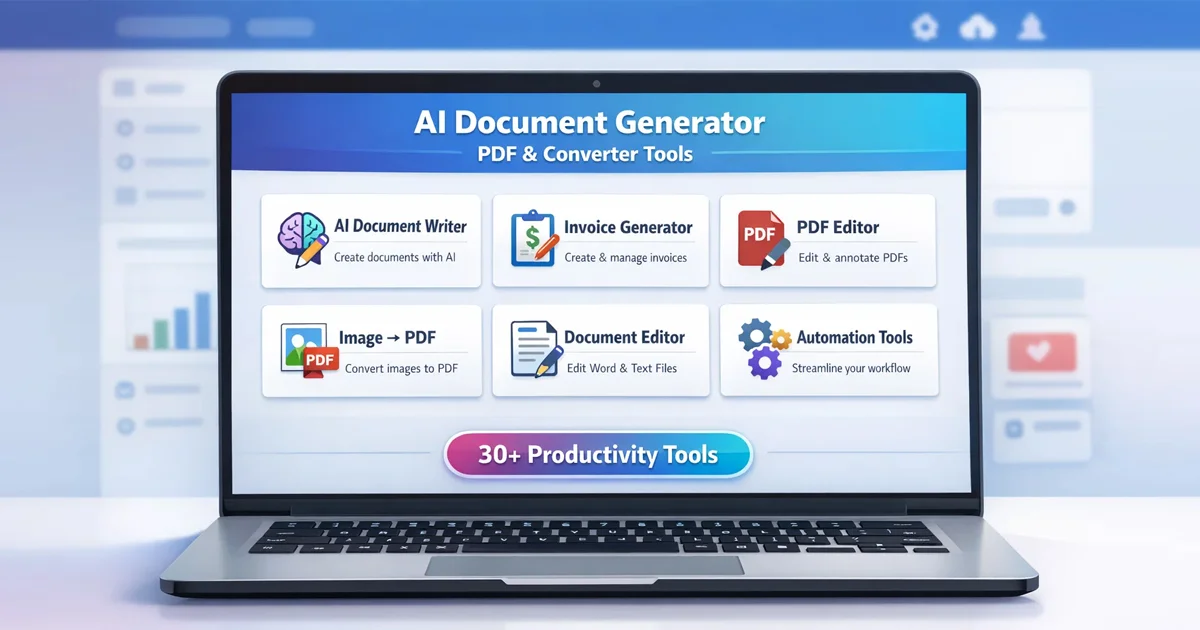
With more than 30 browser-based utilities, the platform provides tools for document generation, PDF editing, file conversion, and automation workflows — all without requiring software installation.
Why AI Document Generators Are Changing Productivity
Traditional document workflows often involve multiple steps: writing content, formatting layouts, exporting files, and converting formats. These processes take time and frequently require switching between different tools.
Modern AI document tools simplify these tasks by combining intelligent automation with structured document templates.
Instead of starting with a blank page, users can generate structured drafts, edit content quickly, and export professional documents instantly.
Key benefits of AI document generation include:
Automatic formatting that maintains professional layouts.
Structured document templates for real business workflows.
Faster document creation using AI-assisted writing tools.
Instant PDF export for sharing or printing.
These capabilities dramatically reduce the time required to produce professional documents.
AI Document Writer for Instant Document Creation
One of the most powerful modern tools for document creation is the AI Document Writer.
This tool allows users to transform simple ideas or prompts into structured document drafts automatically.
Instead of manually formatting content, users can generate structured documents such as:
Reports
Business documents
Letters
Professional documentation
The AI system creates an organized framework that can be edited, customized, and exported immediately.
This dramatically reduces writing time while maintaining document quality.
Essential PDF Tools for Editing and Document Management
PDF files remain one of the most common document formats used for sharing and archiving information. However, editing PDFs often requires specialized software.
Modern browser-based tools eliminate this limitation.
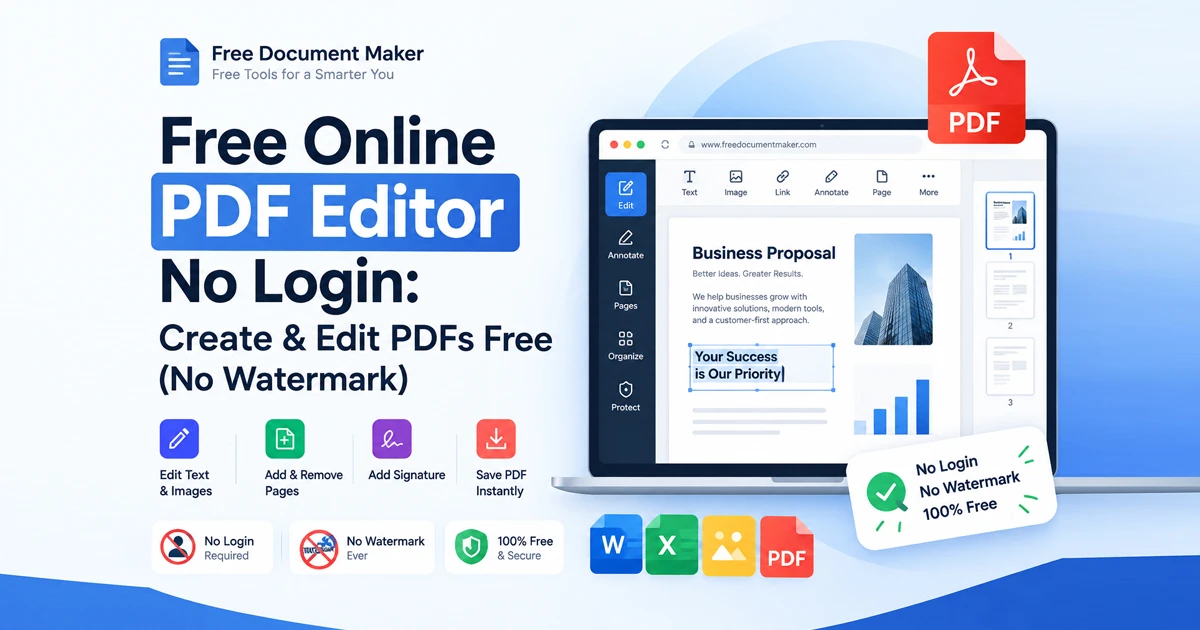
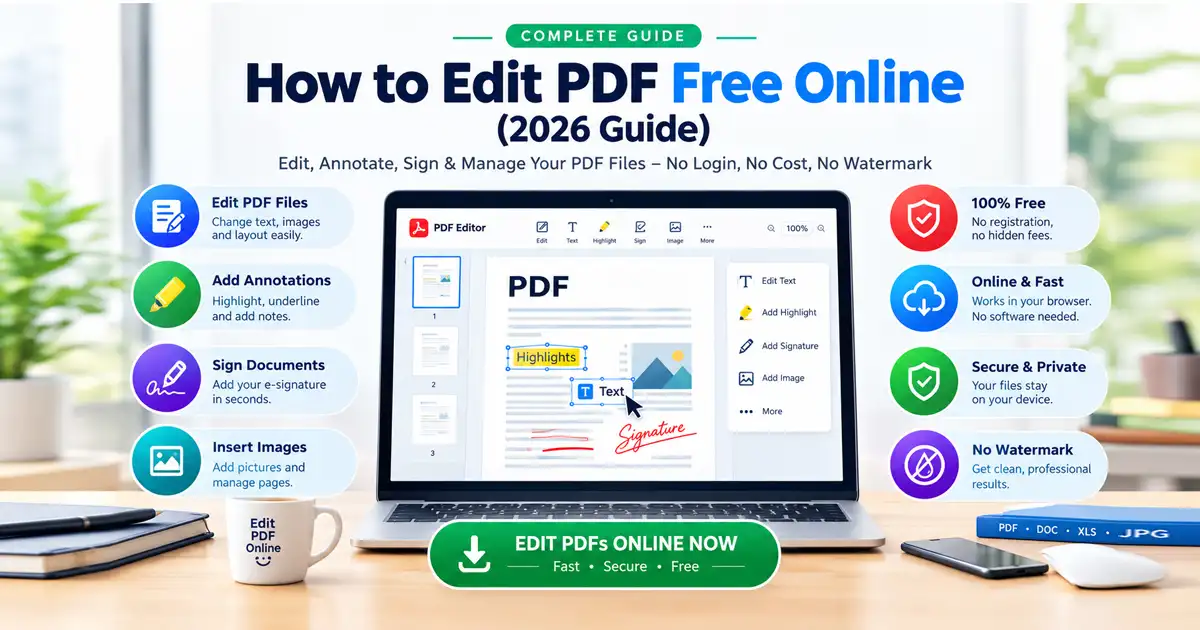
With tools such as the PDF Editor, users can modify and manage PDF files directly in the browser.
Common PDF tasks include:
Editing text inside PDFs
Adjusting document layout
Preparing files for sharing
Exporting optimized PDF documents
These capabilities make it easier to manage professional documents without relying on heavy desktop software.
Document Editing Made Simple
In addition to AI generation, many workflows require manual editing and formatting. A modern browser-based document editor allows users to edit documents quickly without switching applications.
This type of editor provides a familiar writing environment while still allowing users to export documents instantly.
Instead of juggling multiple tools, users can write, format, and export documents in one place.
Generate Professional Business Documents
Many professionals need to generate structured business documents regularly. Tools like the Invoice Generator help simplify this process.
Instead of designing invoices manually, users can generate professional invoices instantly by entering basic information.
Typical use cases include:
Freelancers creating invoices for clients
Businesses issuing payment documents
Contractors tracking project payments
Automated templates ensure documents maintain professional formatting.
Convert Images to PDF Instantly
File conversion is another common productivity challenge. Many users need to combine screenshots, photos, or scanned documents into a single PDF file.
The Image to PDF tool makes this process simple.
Users can upload images and convert them into organized PDF documents within seconds.
This feature is particularly useful for:
Submitting documents online
Archiving images as PDF files
Preparing reports or documentation
Automation Features That Save Time
Automation is one of the most important innovations in modern productivity tools.
Advanced automation features help streamline repetitive tasks such as document formatting, template generation, and structured content creation.
By combining automation with AI generation, modern platforms can significantly reduce manual work.
Instead of performing repetitive actions for every document, users can rely on automated workflows that maintain consistency and efficiency.
Why Browser-Based Tools Are the Future
More professionals are shifting toward browser-based productivity tools because they remove many of the barriers associated with traditional software.
Advantages include:
No installation required
Instant access from any device
Lower system requirements
Faster workflow execution
This lightweight approach allows users to focus on productivity instead of managing software.
All-in-One Productivity Platform
Using separate websites for writing, editing PDFs, converting files, and generating documents creates unnecessary complexity.
Modern productivity improves when these capabilities are integrated into a single platform.
Free Document Maker brings together AI document generation, PDF editing tools, file conversion utilities, and automation features into one environment.
More than 30 tools. One platform. Faster workflows.
Final Thoughts
AI-powered productivity tools are redefining how documents are created and managed.
Instead of relying on complicated software or fragmented workflows, users can now create professional documents quickly using intelligent AI document generators, PDF utilities, and file converters.
If you want to simplify document creation and boost productivity, explore the full platform here: