We’ve all been there: you receive a crucial business report, an academic document, or a client brief trapped inside a flat PDF. When you need to turn those pages into an engaging slide deck for a meeting or lecture, standard conversion software typically fails. They stitch flat, pixelated screenshots of your document onto individual slides, meaning you can't edit text, fix layouts, or rearrange graphics without completely rebuilding the presentation from scratch.
If you are looking for a reliable pdf to ppt maker ai free solution that respects your time and design integrity, you need a smarter ecosystem. By pairing an intelligent layout engine with browser-native processing, a premium web suite lets you transform documents instantly while keeping your sensitive data locked down safely on your local device.
1. The Downside of Traditional Presentation Converters
Most legacy PDF conversion tools online operate on outdated logic. They read a PDF page as a single visual layer. When you hit "Convert to PPT," the software simply takes an image of that page and pastes it as the background of a PowerPoint slide.
This creates massive headaches:
Zero Text Flexibility: If you notice a typo or want to update a metric, you can't click into the text box. You have to delete the whole image and type it all out manually.
Terrible Layout Distortions: Standard software often stretches text lines, splits words awkwardly, or drops custom fonts entirely, making your professional presentation look messy.
Heavy File Sizes: Because every slide is embedded as a high-resolution image, the resulting
.pptxfile becomes bloated. This makes it incredibly difficult to email to clients or load smoothly on older boardroom laptops.
By shifting your reliance to an intelligent pdf to ppt maker ai free application, the layout mapping behaves entirely differently. Instead of taking pictures, it parses the document's structure to extract data layer by layer.
2. Choosing a pdf to ppt maker ai free Engine for High-DPI Layouts
What sets a true AI-powered system apart from standard conversion tools is how it handles structural elements. Instead of converting pages into a single uneditable image block, an advanced conversion utility renders every chart, table, and font layer with surgical precision.
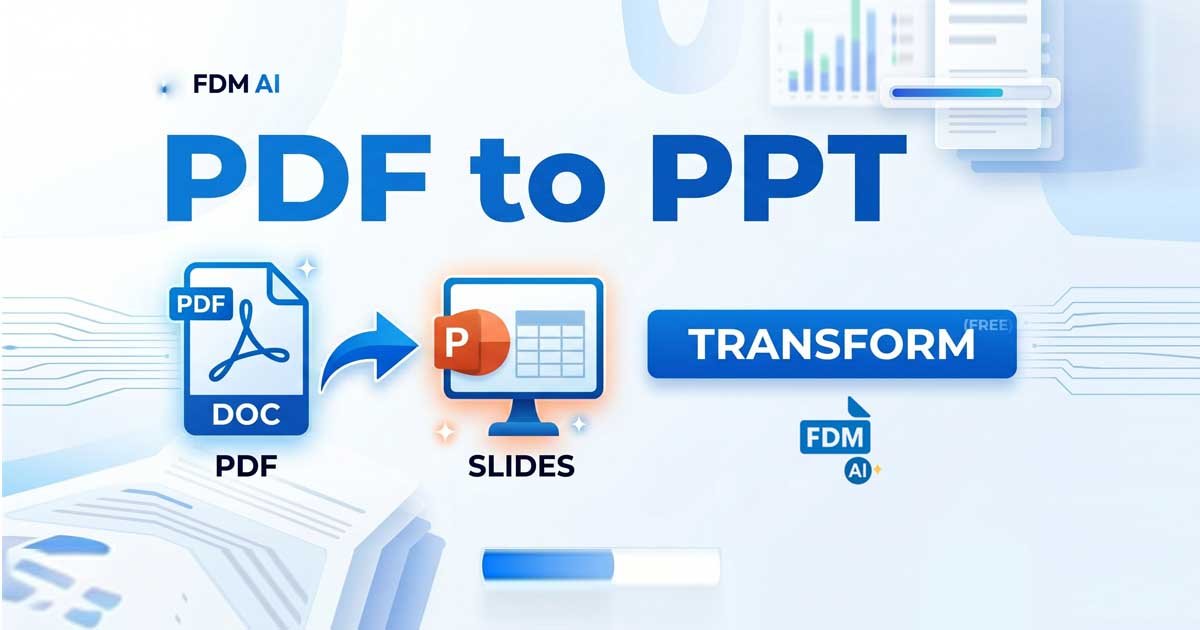
When you process your file via the FDM AI PDF to PPTX Converter, the application processes the document locally in your browser sandbox. The visual hierarchy stays completely intact, mapping document dimensions instantly to modern 16:9 widescreen or 4:3 presentation formats.
Because the text remains native, you can click on any title, bullet point, or paragraph inside Microsoft PowerPoint or Google Slides and edit it instantly. The fonts are preserved, the alignments stay crisp, and your colors don't bleed or lose contrast. pdf to ppt maker ai free by FDM AI.
3. Beyond the pdf to ppt maker ai free Feature: Designing Full Presentations
Sometimes, a simple conversion isn't enough. You might start with a raw technical PDF report, a dense financial whitepaper, or a block of study notes, and realize you don't just want a direct 1:1 conversion. You need to expand on those points, build complementary presentation frameworks, or craft dynamic slide components from raw text descriptions.
If you want to create highly customized slide templates or generate a presentation deck completely from scratch using automated prompts, combining your workspace with an AI PPT Generator By FDM AI accelerates your daily efficiency.
Instead of staring at a blank presentation canvas, you can feed your topics or converted text structures directly into the generator. The layout engine instantly handles the heavy lifting of presentation design—building visually striking title slides, structured timeline lists, and perfectly spaced multi-column comparative layouts. This side-by-side approach lets you generate professional, stylized slide layouts for corporate pitch decks, sales summaries, or educational lecture plans without navigating heavy, expensive third-party software suites.
4. Modifying Text Elements Post-Conversion
Once your presentation files or source documents are ready, you may still need to make quick micro-adjustments to the text, insert dynamic formatting, or alter layouts before finalizing your export. If you are working on a machine without Microsoft Office installed, or if you're on the go using a mobile browser, this can stop your momentum completely.
Rather than jumping back into heavy desktop applications or paying for premium subscriptions, utilizing a cloud-native Online Document Editor lets you refine and clean your copy, map alignment tweaks, or format clean file assets in real-time.
This frictionless, signup-free workspace allows developers, marketing teams, and students to edit, transform, and export work instantly without hitting daily caps or onboarding paywalls. You can copy text out of your newly generated PowerPoint slides, polish the wording inside the document editor, and build out a flawless workflow.
5. Security and Browser-Native Sovereignty
When choosing a pdf to ppt maker ai free option, data privacy is just as important as processing speed. Many free platforms require you to upload your confidential business PDF files to a remote cloud server. This puts sensitive client metrics, proprietary code patterns, and private personal records at risk of data leaks or server-side caching.
The modern web standard relies on client-side processing. By executing the document layout mapping directly inside your browser window using secure scripts, your source files are never uploaded to an unknown server. They are processed locally, instantly, and securely on your own hardware, meaning your data sovereignty remains 100% under your control.
📊 Summary: Choosing the Right Workspace
Feature | Legacy Online Converters | Free AI Document Suite |
Text Editability | ❌ None (Flat Images) | 🟢 Fully Editable Text Boxes |
Data Privacy | ❌ Uploads files to external servers | 🟢 Safe Browser-Native Processing |
Layout Quality | ❌ Stretched layouts & broken fonts | 🟢 High-DPI preservation & 16:9 scaling |
Hidden Costs | ❌ Paywalls after 2 or 3 files | 🟢 100% Free with no registration |
🚀 Try It Now
Stop wasting valuable hours copying and pasting data out of flat documents or rebuilding presentations from scratch. Experience the security of client-side data sovereignty combined with lightning-fast processing:
Transform your static files with our free PDF to PowerPoint Tool today!
Need to generate layouts from text prompts? Let our AI PPT Generator handle the layout work for you.
Want a quick workspace to polish your content? Jump into the Online Document Editor and finish your projects flawlessly.
FDM AI (Free Document Maker) Online platform provides over 30 AI tools for creating, editing, and converting digital files including documents, PDFs, spreadsheets, images, audio, and video. It operates in-browser across devices, offering instant, watermark-free processing without logins.