In an era defined by efficient digital workflows and heightened awareness around data handling, traditional cloud-based document conversion utilities are frequently being complemented by local processing architectures. Conventional legacy converters often require users to upload text payloads to third-party servers, creating potential privacy risks for business records, code snippets, legal drafts, and personal notes.
Deploying a modern browser-native text to pdf generator helps address these concerns. By executing document parsing, layout rendering, and binary compilation directly within your device’s web browser memory sandbox, client-side tools provide a smooth, streamlined user experience while keeping content on your device, provided the implementation does not transmit it through external APIs or analytics.
Technical Overview: How Client-Side PDF Compilation Works
Unlike server-reliant PDF utilities that transmit user text across remote APIs, a browser-native text to pdf generator leverages modern client-side web technology stacks. Using JavaScript canvas runtimes, virtual layout trees, and local rendering nodes, the compilation deck builds document geometry right inside the browser window viewport.
Platforms such as Free Document Maker (FDM AI) utilize client-side processing workflows designed to parse line breaks, dynamic headers, structural bullet lists, and typographic scale. Document content stays on the device during processing, provided external APIs or third-party analytics are not actively intercepting payloads.
┌─────────────────────────────────────────────────────────────────┐
│
The Client-Side Compilation Sequence:
Local Text Ingestion: Raw unformatted strings or Markdown inputs are read directly into browser memory.
DOM Geometry Calculation: Text streams are dynamically measured against virtual canvas boundaries to determine line wraps, font kerning, and margin thresholds.
Table of Contents (TOC) Structuring: Dynamic header index layers are organized based on text heading signals (
#,##, or capital header syntax).Binary Compilation: The client engine draws vector typography and page breaks directly into a PDF binary array for immediate file saving.
Why Choose Free Document Maker's Browser-Native Text to PDF Generator?
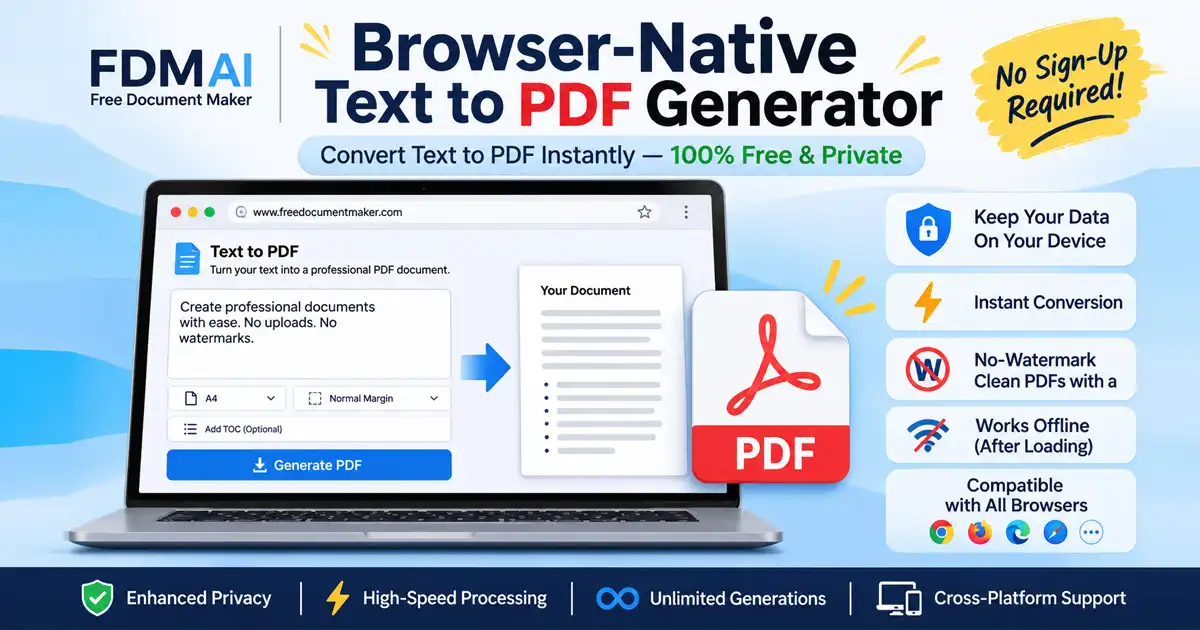
Free Document Maker (FDM AI) provides a simple way to transform plain text into professional PDF documents without complicated software installation or mandatory account registration.
The browser-native Text to PDF By FDM AI tool is designed for convenient document creation, with a focus on local processing, accessibility, and straightforward exports.
Key features include:
No mandatory login or signup.
Clean PDF exports without forced watermarks.
Simple text-to-document conversion.
Convenient browser-based operation.
Support for everyday document creation.
Privacy-focused client-side processing where document content stays on your device.
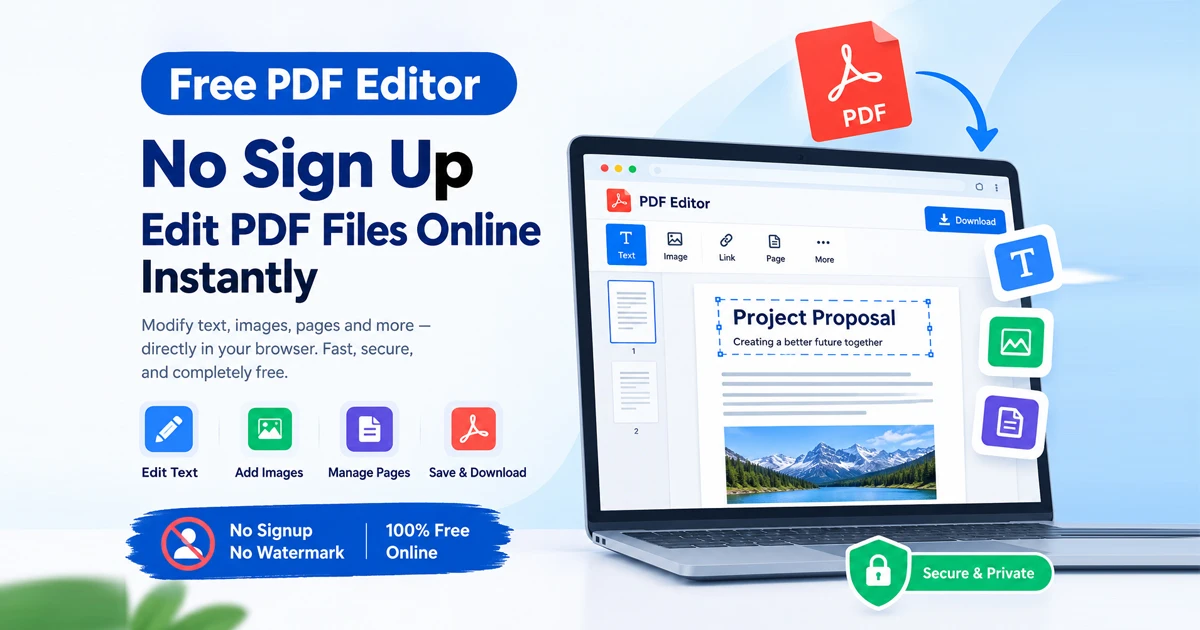
You can also explore complementary document tools within the ecosystem, including the PDF Editor and the Document Editor for comprehensive workflow management.
Step-by-Step Guide: Generating PDFs in Your Browser
Converting plain text files, source code snippets, or draft notes into clean, print-ready PDF assets takes less than five seconds using a browser-native text to pdf generator:
Launch the Browser Engine Workspace: Open your browser-native editor window. No account registration, password creation, or cloud sign-in is required.
Feed Raw Text Content: Type directly into the live editing viewport, paste clipboard content, or drop raw
.txtand.mdfiles onto the input zone.Configure Page Geometry & Layout Rules: Select desired paper formats (A4, Letter, Legal), set custom margin boundaries, and enable automated nested Table of Contents indexing layer options.
Compile & Download Instantly: Trigger the client-side parsing command to render your output. The browser generates a crisp, watermark-free PDF document instantly.
Frequently Asked Questions
1. What is a browser-native text to pdf generator?
It is an online tool that converts plain text into PDF documents using browser-based technologies. Depending on its implementation, document processing can happen locally without uploading text to a remote server.
2. Can I convert text to PDF without installing software?
Yes. A browser-native converter works directly in a supported web browser, eliminating the need to install traditional desktop PDF software.
3. Is a browser-native PDF generator secure?
Local processing can improve privacy because document contents do not need to leave your device. However, security also depends on the website's scripts, external services, and data-handling implementation.
4. Can I convert large text files into PDF?
Yes, provided the browser and device have sufficient available memory. Very large documents may require additional processing time.
5. Does the generated PDF contain watermarks?
Free Document Maker is designed to provide clean PDF exports without forced watermarks.
6. Can I use a text-to-PDF converter on mobile?
Yes. Compatible mobile browsers on Android and iOS can run browser-based document conversion tools.
Final Thoughts
A browser-native text to pdf generator offers a convenient alternative to traditional cloud-dependent document converters. By combining local browser processing, simple formatting, and direct PDF exports, users can create documents without unnecessary software installation or complicated workflows.
Free Document Maker brings these capabilities together through its privacy-focused document tools, making everyday PDF creation simpler, faster, and more accessible.
Create your PDF today:Free Text to PDF Generator