In today’s fast-paced digital workspace, downloading bulky desktop software or paying for premium subscriptions just to handle routine document management is a massive drain on productivity. Every day, thousands of professionals, freelancers, and students face a common friction point: how to rapidly transform raw text drafts, layout copies, or unformatted notes into polished, professional PDF files.
If you search the web, you will find countless utilities promising quick fixes. However, the vast majority trap you behind tedious mandatory registration walls, impose strict daily usage limits, or inject large, intrusive brand watermarks across your final downloads.
To bypass this operational friction entirely, the modern digital landscape has shifted toward specialized, browser-isolated systems. Here is your comprehensive guide on how to leverage a secure, framework-native text to pdf ai free utility to convert and edit your assets instantly without software dependencies.
The End of Cloud Uploads: Why Local Sandboxing Matters
When you drop a file onto a traditional online converter or editor, that document is routinely transmitted to a remote third-party server for processing. If you are managing sensitive personal records, corporate agreements, internal legal briefs, or transaction data, this conventional setup exposes you to severe data security liabilities.
The elite standard for modern document workflows relies entirely on a local sandbox architecture. In this environment, the parsing scripts run native inside your active browser tab. Because the data processing happens strictly on your machine, your confidential textual metrics never travel to outside servers. This architecture guarantees airtight data privacy alongside lightning-fast processing speeds.
Step-by-Step: Converting Text to PDF via AI Automation
To transform your raw prose copy into a high-fidelity formatted document container with zero software overhead, follow these four simple steps:
Step 1: Open the Sandboxed Canvas
Navigate directly to the unrestricted Text to PDF Maker processing canvas. Because the framework runs completely native to modern web engines, the layout workspace boots up instantly across Windows, macOS, Linux, iOS, and Android setups without asking for profile creation prompts.
Step 2: Inject Your Raw Text or Prompts
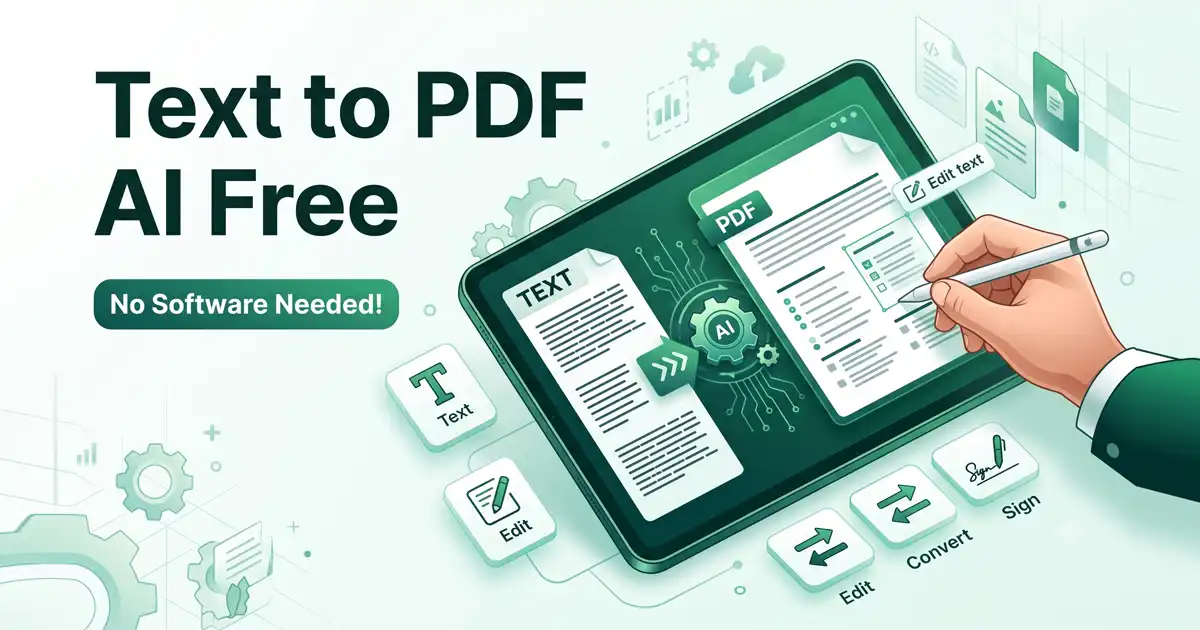
Paste your structural copy, raw logs, or project notes straight into the active input box. The integrated neural formatting engine will parse the underlying syntax boundaries, intelligently arranging your raw information into an organized, readable layout block.
Step 3: Refine Layouts and In-Line Text
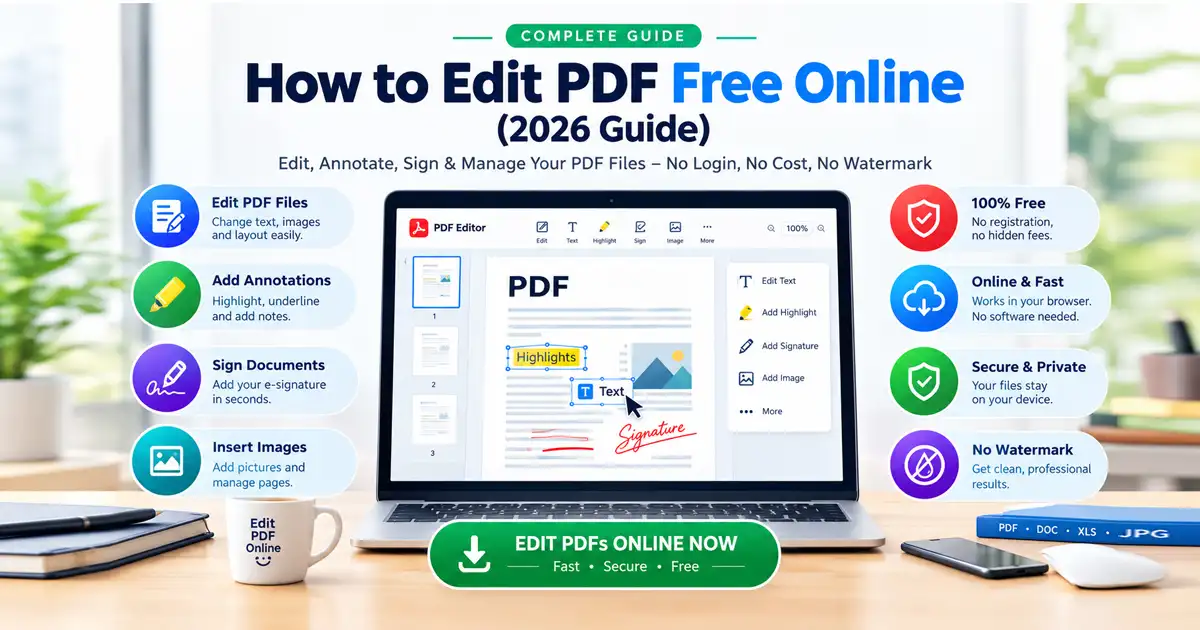
If your converted document requires immediate margin corrections, typos fixed, or structural updates, you do not need to switch platforms. Use the seamlessly paired Free Document Editor layer within the same workspace to rewrite prose strings, alter font alignment balances, or overlay digital signature blocks effortlessly.
Step 4: Export a Pristine, Watermark-Free Document
Once the document matches your precise visual configurations, click export. The local client engine compiles your layout adjustments instantly into a high-resolution vector PDF that downloads to your device 100% clean and completely free of branded stamps.
The Core Advantages of a Unified Ecosystem
Finding a reliable document editor free of hidden pricing gates is rare. By prioritizing a browser-isolated, customer-centric framework, you gain access to standard enterprise features with zero friction:
Zero Brand Watermarks: Every asset you export remains completely clean, preserving the professional presentation required for executive boardrooms, corporate legal reviews, and official academic submissions.
Unrestricted Conversion Blocks: Say goodbye to daily page restrictions, artificial wait times, or forced upgrade prompts mid-workflow.
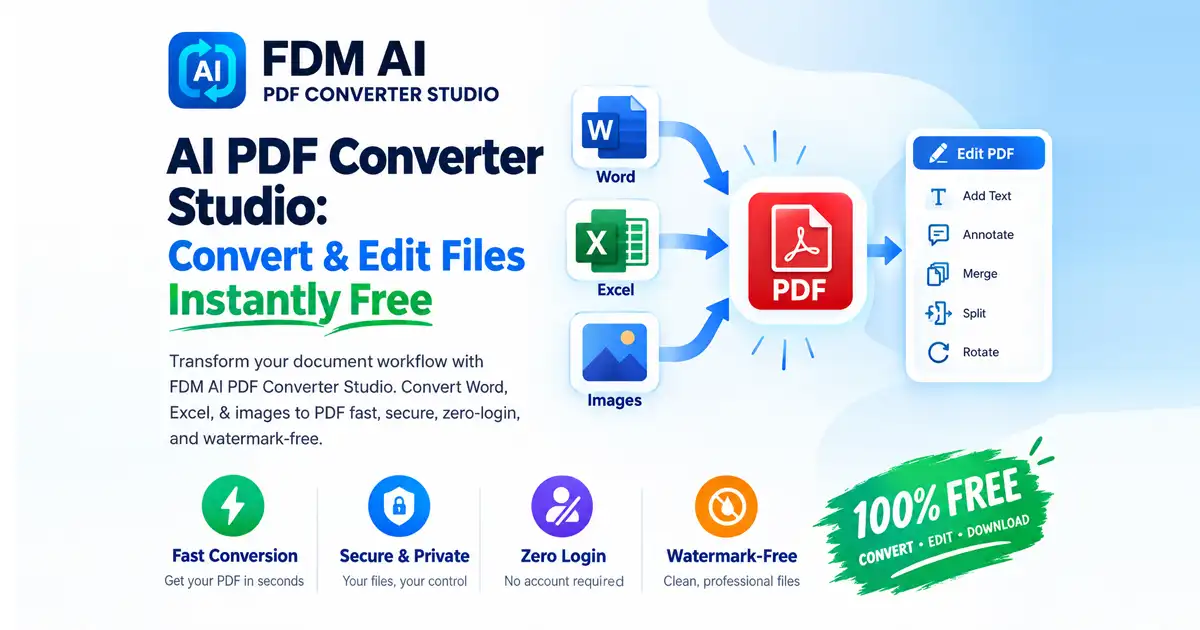
Universal Transcoding Matrix: Move beyond basic text strings. When your production needs expand, pass your files through an integrated PDF Converter route to shift layouts cleanly between word processing files, spreadsheets, or images without losing vector sharpness.
Optimizing Your Output Payload
A complete document architecture handles every step of the file lifestyle. If your newly generated file features heavy uncompressed graphic blocks or large vector nodes that exceed standard email attachment limits, pass it through a high-ratio processing compressor. This safely minimizes your asset’s storage footprint by up to 80% while keeping the typography crystal clear.
The Bottom Line
Do not let sluggish, cloud-reliant legacy tools slow down your operational speed or compromise your private corporate data. Embrace the security of automated local processing to handle your conversions safely within your browser.
Head over to the FDM AI Document Generator & PDF Suite workspace right now, drop your text configurations into the sandbox, and generate perfectly formatted files in a single click!