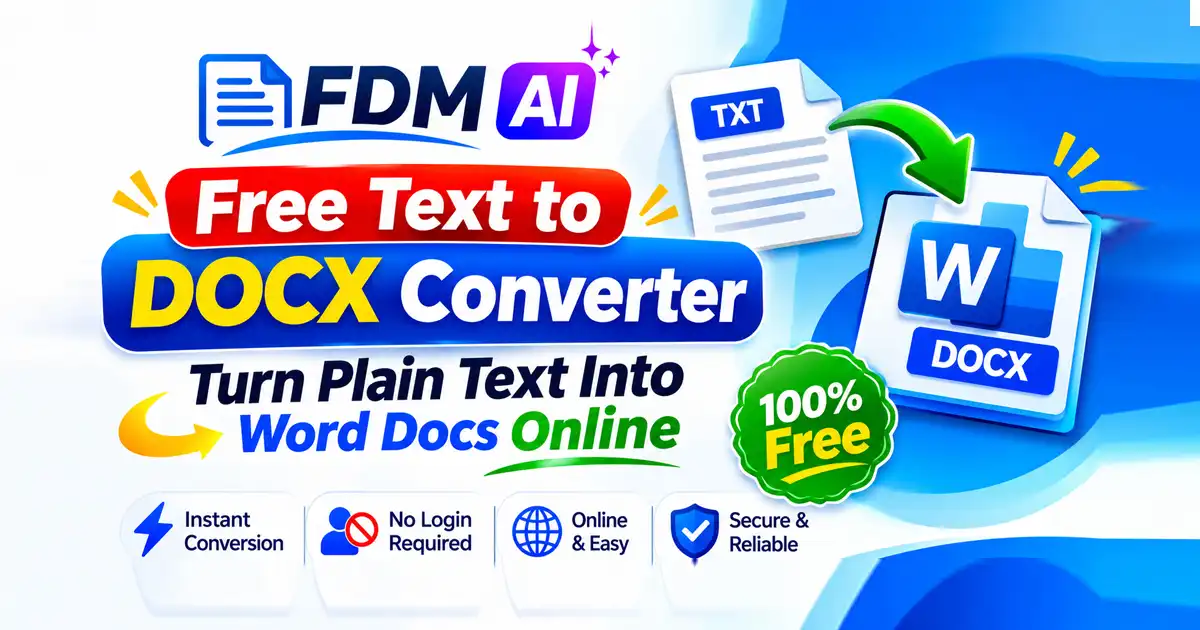
Plain text is ideal for jotting down quick ideas, saving unformatted notes, and storing raw drafts without distraction. Yet when it is time to share a clean report, submit an assignment, or hand off structured copy to a client or team member, plain text often falls short. A free text to DOCX converter turns plain, unformatted text (.txt files or pasted text) into a Microsoft Word Open XML document (.docx) that supports styling, headings, lists, and images. Because most options run in a web browser across desktop and mobile devices without requiring software installation, you can format documents on the go without waiting on a heavy desktop suite.
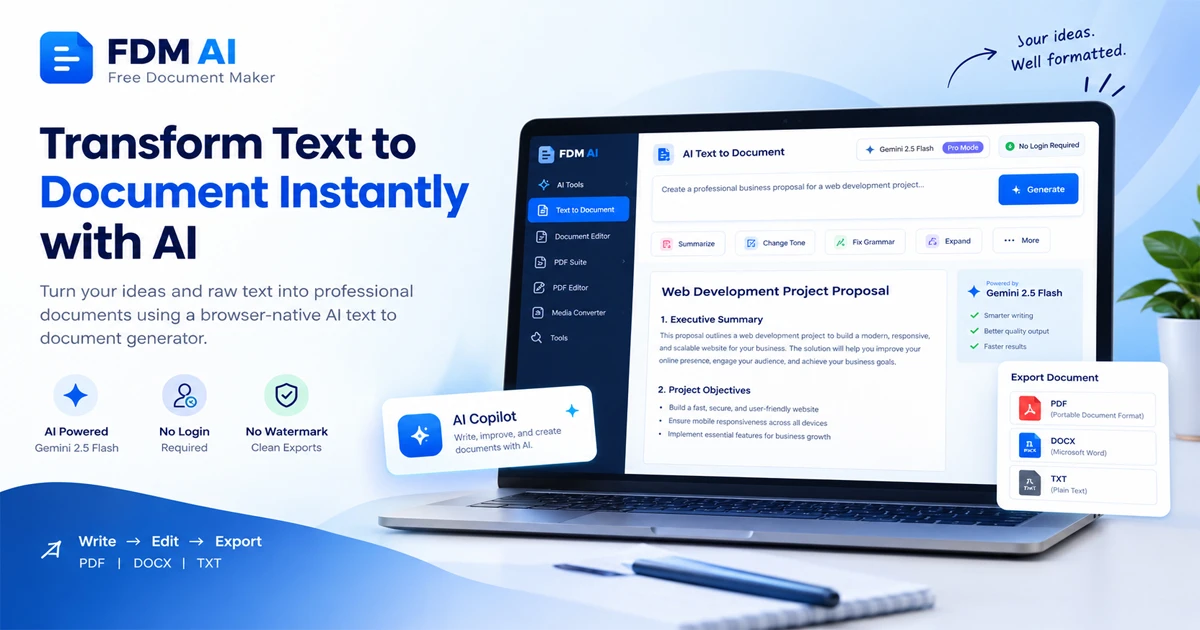
On Free Document Maker (FDM AI), you can pair plain-text workflows with browser-based document creation and editing—such as the AI Text to Document Tool, Document Converter, and PDF Editor—to keep your files moving smoothly from initial draft to polished deliverable.
Why Use a Free Text to DOCX Converter?
Working with raw text is fast, lightweight, and universal, which is why writers, students, developers, and marketers rely on .txt files and scratchpads every day. However, plain text has no built-in way to separate titles from body paragraphs, highlight key points with bullet lists, or embed visual elements cleanly inside a standard office file.
A free text to DOCX converter bridges that gap without forcing you to install full-featured desktop software or build a document from scratch every time. Whether you are working on a laptop at your desk or finishing up notes on a mobile browser, browser-based tools let you move from raw lines of text to a .docx file quickly and without software installation.
How a Free Text to DOCX Converter Works
Most web-based converters keep the process simple so anyone can turn rough text into a structured document in minutes:
Input text: Upload or drag-and-drop a
.txtfile, or paste text directly into the tool.Configure or format: Optionally adjust fonts, sizes, headings, bullet points, or batch settings.
Convert and download: Run the conversion and save the
.docxfile to your device.
This three-step workflow is especially helpful when you have already written your content in another app, exported a .txt file, or copied text from a draft and simply need an editable .docx file to continue formatting or sharing.
Key Features to Look For
Even when two converters perform the same basic job, their capabilities and policies can differ in practical ways. When choosing a free text to DOCX converter, look closely at these features:
Input methods: Support for
.txtuploads, clipboard pasting, batch conversions, or cloud drives.Formatting controls: Options to add headings, fonts, alignment, spacing, or lists before exporting.
File size limits: Free tiers vary in allowed file sizes and daily usage caps.
Privacy and retention: Encrypted transfers (such as HTTPS/SSL) and automatic deletion of uploaded or converted files after a set window.
Checking these details ahead of time saves surprises—especially if you are converting multiple files at once, working with strict layout preferences, or handling sensitive notes.
Popular Free Online Tools
Several browser-based options make it easy to convert plain text or .txt files into .docx documents, each with slightly different workflows and file-retention rules:
Text to Word: Lets you paste text or upload
.txtfiles, apply basic formatting like headings and bullets, and download a DOCX file in the browser.TEXT to DOCX Converter: Supports
.txtto.docxconversion with encryption and automatic file removal after 8 hours.TXT to DOCX Online Converter: Converts
.txtfiles to.docxacross desktop and mobile browsers, wiping converted files within 24 hours.TXT to Word: Offers browser-based
.txtto.docxconversion in a simple three-step flow.
If you want to apply headings and bullet points right away while pasting text, Text to Word covers that directly in the browser. If your workflow revolves around .txt files and specific file-removal timelines, TEXT to DOCX Converter automatically removes files after 8 hours, while TXT to DOCX Online Converter works across desktop and mobile browsers and wipes converted files within 24 hours. For a straightforward three-step .txt to .docx flow in your browser, TXT to Word keeps things minimal.
Practical Tips for Cleaner Text-to-DOCX Conversions
A little preparation before you convert can save time once the .docx file opens in your word processor:
Organize sections clearly: Separate headings, paragraphs, and list items cleanly in your
.txtfile or pasted text so structure is easy to spot.Use formatting options intentionally: If a tool lets you adjust fonts, sizes, headings, bullet points, or alignment, apply those basics before downloading so the exported
.docxneeds less cleanup.Watch free-tier limits: Keep an eye on file size limits and daily usage caps if you are processing large
.txtfiles or running batch conversions.Check file retention windows: Pay attention to encryption and automatic file deletion schedules—such as 8-hour or 24-hour removal windows—when working with private or client drafts.
Related Tools for Your Document Workflow
Once you have a .docx file ready, you may need extra steps depending on how you plan to distribute or archive your work:
AI Text to Document Tool: Create and export documents in a browser-based suite without registration or watermarks.
Document Converter: Switch files between formats when a recipient or platform requires a different document type.
PDF Editor: Edit PDF files when your workflow calls for PDF revisions rather than Word documents.
PDF Compressor: Shrink large PDF files before sending them by email or uploading them to a portal.
Frequently Asked Questions (FAQ)
1. What does a free text to DOCX converter do?
A free text to DOCX converter turns plain, unformatted text (.txt files or pasted text) into a Microsoft Word Open XML document (.docx) that supports styling, headings, lists, and images.
2. Do I need to install software to convert text to DOCX?
No. Most options run in a web browser across desktop and mobile devices without requiring software installation.
3. How can I add text to a text to DOCX converter?
Depending on the tool, you can upload or drag-and-drop a .txt file, paste text directly, or use batch conversions and cloud drives.
4. Can I format my text before downloading the DOCX file?
Many tools allow you to configure fonts, sizes, headings, bullet points, alignment, or spacing before exporting the .docx file.
5. How are files handled for privacy and deletion?
Many online tools use encrypted transfers (such as HTTPS/SSL) and automatically delete uploaded or converted files after a set period, such as within 8 hours or 24 hours.