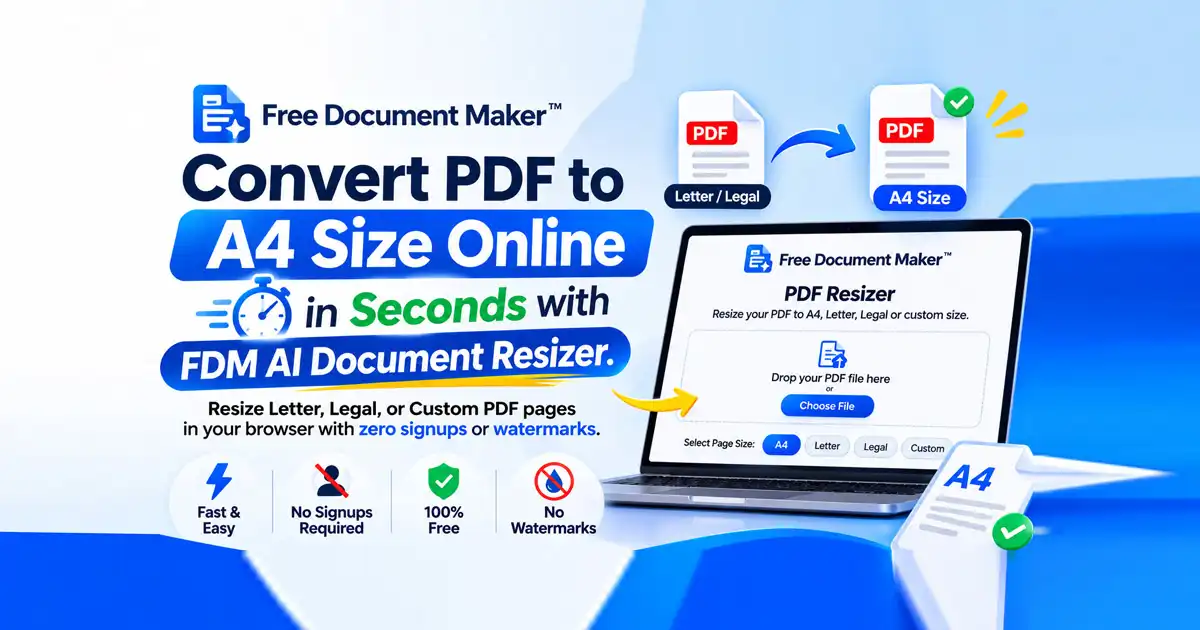
Receiving a document formatted in US Letter, Legal, or irregular custom dimensions can quickly stall printing, visa applications, university submissions, or client handoffs when A4 is strictly required. Instead of wrestling with complex desktop publishing software or paying for bloated PDF subscriptions, you can convert PDF to A4 size online directly inside your web browser.
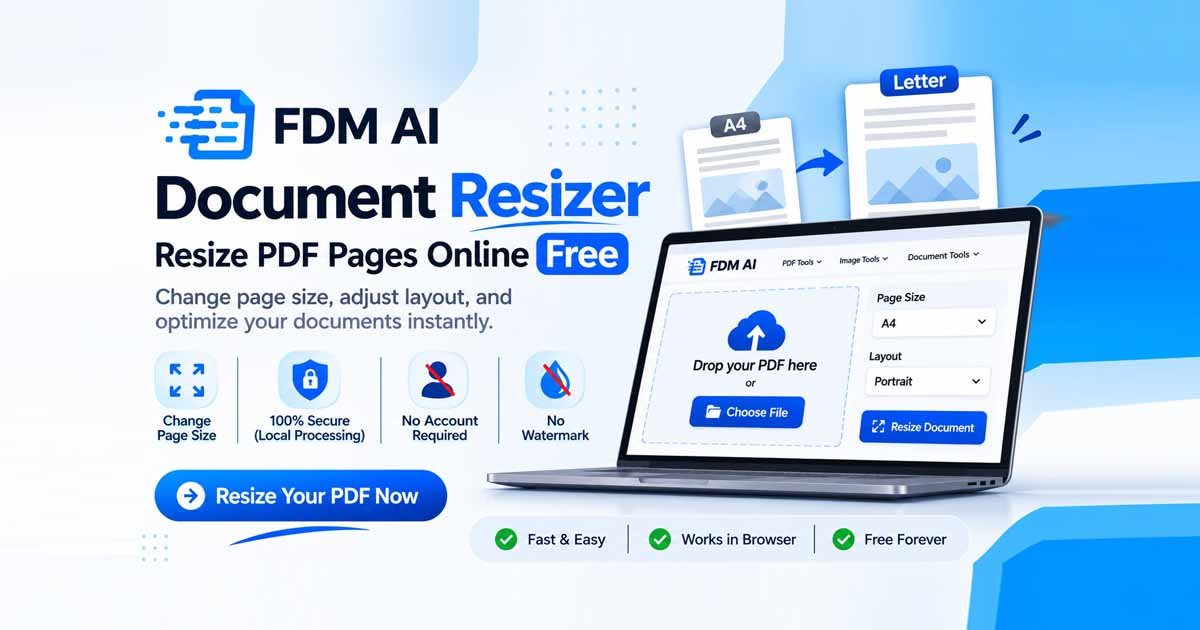
With the FDM AI Document Resizer on Free Document Maker (FDM AI), resizing pages to standard ISO A4 dimensions takes just a few clicks. Built around a privacy-first, client-side browser sandbox and powered by the fdmGTP engine, the tool lets you convert PDF to A4 size online with zero account registration, zero server upload queues, and zero watermarks.
Why Convert PDF to A4 Size Online?
A4 (210 × 297 mm) is the international standard paper size used across offices, universities, embassies, government portals, and print shops around the world. When a PDF arrives in US Letter (8.5 × 11 inches), Legal, or uneven scanned dimensions, printing or uploading it without resizing often causes clipped margins, awkward page breaks, or strict portal rejection errors.
Choosing a browser-native tool to convert PDF to A4 size online eliminates those bottlenecks immediately:
Universal Print & Portal Compatibility: Ensures every page matches standard A4 paper trays and satisfies strict upload rules for resumes, applications, contracts, and academic forms.
Zero Software Installation: Run page conversions directly in Chrome, Edge, Safari, or mobile browsers without downloading heavy desktop suites or waiting on updates.
No Sign-Up Walls or Watermarks: Export clean, submission-ready A4 PDFs with zero mandatory account creation and zero watermarks stamped across your pages.
Client-Side Sandbox Privacy: Because FDM AI processes files locally inside your browser sandbox, sensitive documents stay on your device rather than sitting in remote server queues.
How to Convert PDF to A4 Size Online (Step-by-Step)
Resizing any document on the FDM AI Document Resizer follows a clear, fast four-step process:
Open the Document Resizer: Go to
[https://www.freedocumentmaker.com/document-resizer](https://www.freedocumentmaker.com/document-resizer)in any modern desktop or mobile web browser.Upload or Select Your PDF: Drag and drop your PDF file into the workspace or pick it from your device storage.
Choose A4 Dimensions: Select A4 from the available page size presets (alongside standard options like Letter, Legal, A3, or custom dimensions).
Resize and Download: Apply the A4 page sizing and download your updated PDF immediately—clean, free, and watermark-free.
Common Page Conversions Handled by FDM AI Document Resizer
Different workflows bring different page-size challenges. When you convert PDF to A4 size online, FDM AI Document Resizer helps standardize several everyday formats:
US Letter to A4: Essential for international job seekers, researchers, students, and businesses adapting North American templates for global printing and regional portals.
Legal to A4: Helps unify longer legal documents or forms into consistent A4 sheets for cleaner filing, reviewing, and archiving.
Mixed or Scanned Pages to Uniform A4: Standardizes multi-page PDFs where individual sheets were scanned or exported at inconsistent dimensions.
Custom Layout Scaling: Prepares presentations, handouts, and print-ready drafts so margins and page proportions stay consistent across devices.
Practical Tips Before You Convert PDF to A4 Size Online
A few quick checks before and after resizing can keep your final document clean and ready to submit:
Check Portal & Print Requirements First: Confirm whether your target submission portal, print shop, or institution specifies ISO A4 and any file-size limits.
Inspect Multi-Page Layouts: After you convert PDF to A4 size online, skim through multi-page files to verify that headers, footers, tables, and margins align cleanly.
Compress Heavy Files When Needed: High-resolution scans or image-heavy A4 PDFs can sometimes exceed email or upload limits, so pairing resizing with compression saves extra back-and-forth.
Keep Local Copies Organized: Save clear file names (such as
proposal-a4.pdf) so you can easily distinguish resized versions from original drafts.
Related FDM AI Tools for Your Document Workflow
Once you convert PDF to A4 size online, you can complete the rest of your document workflow inside FDM AI's browser-native suite:
PDF Compressor: Reduce large A4 PDF file sizes so they upload smoothly to portals or send easily by email.
PDF Editor: Edit text, annotate pages, and refine PDF files directly in your browser with zero sign-ups or watermarks.
Document Converter: Convert files seamlessly across Word, PDF, and other document formats in your browser.
AI Text to Document Tool: Draft and export structured documents—including DOCX files—without registration or watermarks.
Frequently Asked Questions (FAQ)
1. How do I convert PDF to A4 size online for free?
Open the FDM AI Document Resizer in your browser, upload your PDF, choose A4 from the page size options, and download your resized PDF with no account required.
2. Will converting my PDF to A4 add a watermark?
No. Every PDF resized on Free Document Maker is exported completely watermark-free.
3. Does converting a PDF to A4 require creating an account or installing software?
No. The tool runs in your web browser without software installation or mandatory sign-up.
4. Are my PDF files uploaded to an external server?
No. FDM AI uses a client-side browser sandbox so your document processing happens locally rather than relying on remote server uploads.