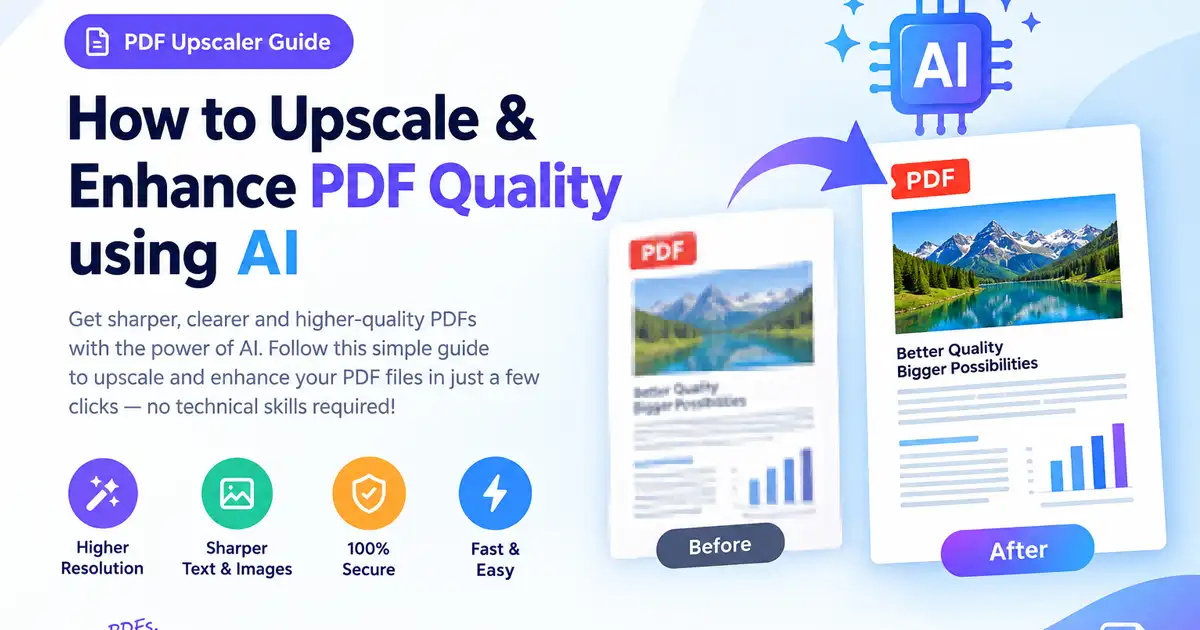
PDF Quality Enhancer tools have become essential for anyone dealing with unreadable scanned files, blurry text, or pixelated documents. Have you ever opened a scanned contract, an old lecture handout, or a downloaded reference paper only to discover that the text was smudged, pixelated, or hopelessly faint? Low-resolution document scans, aggressive email compression, and multi-generational photocopying are constant headaches in today’s digital workflows. Reading fuzzy pages creates unnecessary eye strain, leads to costly misinterpretations, and looks entirely unprofessional when shared with clients or colleagues.
Historically, restoring degraded or low-clarity document pages meant spending hours inside complex raster design software like Adobe Photoshop or using specialized OCR software. Today, browser-based artificial intelligence has completely transformed document optimization. Using a free PDF Quality Enhancer on Free Document Maker (FDM AI), you can now unblur text in PDF files, eliminate background paper shadows, and upscale document resolution in just a few clicks—without installing software, creating an account, or entering payment details.
Why PDF Text Becomes Blurry and Unreadable
To understand how modern AI algorithms restore degraded document pages, it helps to identify why digital PDFs lose visual fidelity in the first place:
Low DPI Scanner Settings: Many office scanners and mobile scanner applications default to low-resolution settings (such as 72 or 150 DPI) to keep output file sizes minimal. While this saves storage space, it strips away the fine pixel density needed to keep small fonts crisp and clear.
Aggressive File Compression Algorithms: Email servers, messaging apps, and online file-sharing services routinely apply lossy compression algorithms to attached documents. This process merges adjacent pixels, creating dark artifacts and fuzzy halos around letterforms.
Multi-Generational Copying & Rescanning: When a physical document is printed, signed, photocopied, scanned, and emailed through multiple cycles, contrast degrades exponentially. Faint ink lines fade entirely into white space, while dark backgrounds bleed into the body copy.
Smartphone Camera Distortions: Photos taken with mobile devices often suffer from poor ambient lighting, subtle hand-shake blur, perspective warping, and uneven flash reflections that compromise readability.
How an AI PDF Quality Enhancer Sharpens Documents
Traditional image editing tools rely on simple global contrast sliders or basic sharpening filters. While these adjustments make the dark areas darker, they frequently amplify background paper dirt, scanning artifacts, and pixel noise at the exact same time.
In contrast, a dedicated PDF Quality Enhancer uses deep neural networks trained on millions of typography samples and document layouts. Here is what happens behind the scenes during AI upscaling:
Intelligent Edge & Font Reconstruction: Rather than stretching low-resolution pixels, the AI recognizes font contours and vector boundaries. It actively rebuilds jagged character edges to restore smooth, print-grade typography.
Dynamic Background & Shadow Flattening: The engine differentiates between intentional foreground text and unwanted background noise (such as yellowed paper, scanner shadows, or bleed-through ink from the back page). It flattens the background to a pristine white canvas.
Super-Resolution Interpolation: The PDF Quality Enhancer automatically increases the effective resolution of embedded images and raster pages from 72/150 DPI up to crisp 300+ DPI equivalents without causing blurriness or distortion.
Step-by-Step Guide: How to Use the PDF Quality Enhancer
Restoring document clarity with Free Document Maker is designed to be effortless and fast. Follow these three simple steps:
Upload Your Low-Resolution PDF:Navigate to the Free Document Maker Tools portal. Drag and drop your blurred file into the PDF Quality Enhancer upload area, or select the file directly from your computer or mobile device. No registration or credit card is required.
Apply AI Upscaling & Clarity Processing:Select the Enhance Quality option. The automated FDM AI engine immediately gets to work analyzing document structure, sharpening blurry characters, increasing line contrast, and removing background artifacts.
Preview & Download Your High-Resolution File:Once processing completes, inspect the unblurred document right in your web browser. Click the Download button to save your newly crisp, professional, high-DPI PDF directly to your device.
Key Features of the FDM AI PDF Quality Enhancer
By leveraging the FDM AI browser infrastructure, our online PDF Quality Enhancer delivers powerful optimization capabilities built directly into your workflow:
Automatic Font Edge Sharpening: Rebuilds faint vector outlines and blurred rasterized text for sharp, easy-to-read typography.
Background Noise & Dirt Flattening: Erases gray scanner shadows, paper creases, yellowing, and scanner bed smudges.
Print-Ready Resolution Scaling: Converts low-DPI screen files into crisp 300 DPI documents suitable for printing and formal submission.
Handwriting & Formula Clarity: Boosts contrast on handwritten notes, signature fields, mathematical formulas, and technical diagrams.
100% Free & No Sign-Up Needed: Enjoy our PDF Quality Enhancer without paywalls, watermark penalties, or restrictive trial periods.
Privacy-First Processing: All files uploaded for enhancement are processed securely and permanently purged from servers shortly after processing.
Complete Your Workflow with the FDM AI Ecosystem
Using an online PDF Quality Enhancer is often just the first step in preparing professional files. Free Document Maker provides a comprehensive suite of over 30 free browser tools to help you manage every aspect of your PDF workflow:
AI PDF Suite Workspace: Easily merge multiple files, split pages, compress oversized PDFs, and add secure digital signatures in one unified workspace.
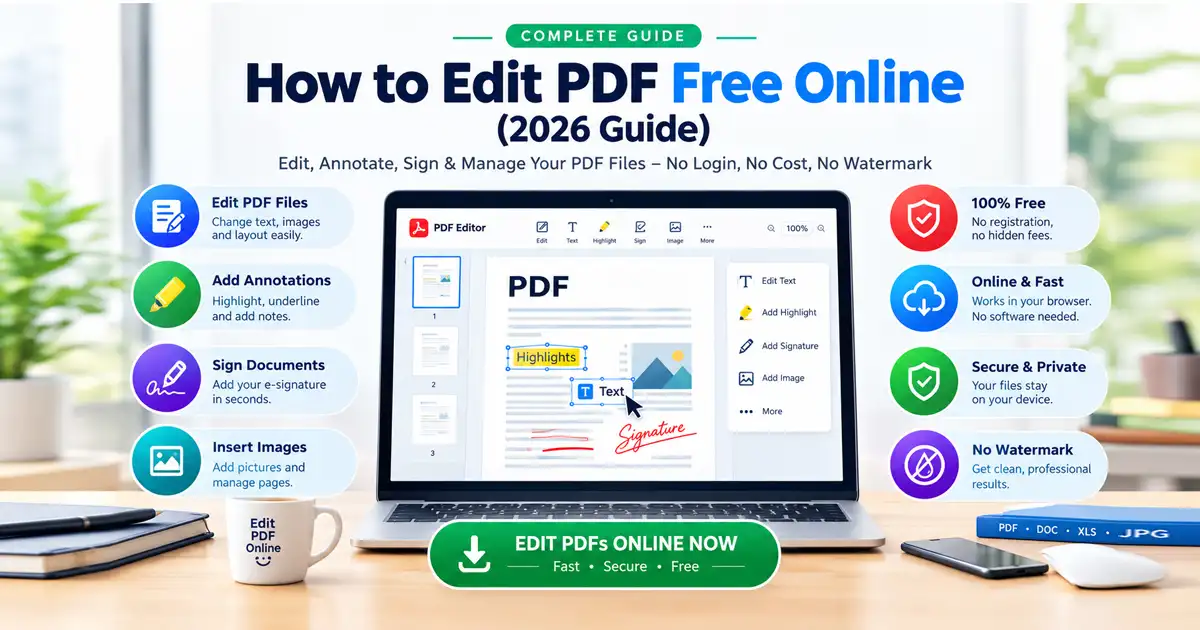
Online PDF Editor: Modify document text, insert images, add annotations, highlight key lines, and format layouts on the fly.
Document & Image Conversion Suite: Convert files seamlessly between PDF, Word (DOCX), PowerPoint (PPTX), and image formats (PNG, JPG, WebP) without losing visual structure.
HTML to PDF Converter: Render web page layouts or raw HTML code into pristine PDF documents preserving styling with the fdmGTP engine.
AI PDF Translator & Summarizer: Translate global document layers into over 30 languages or condense dense reports into actionable executive summaries.
Frequently Asked Questions (FAQ)
Q: Is it safe to upload confidential or personal documents?
A: Absolutely. File privacy and security are paramount. All uploaded documents are processed over encrypted connections and automatically deleted from servers shortly after processing finishes.
Q: Can the PDF Quality Enhancer unblur handwritten signatures or notes?
A: Yes! The AI contrast-enhancement models effectively sharpen ink stroke edges and boost line visibility for both typed text and handwritten signatures or marginal notes.
Q: Will enhancing a PDF increase its file size dramatically?
A: Our PDF Quality Enhancer optimizes contrast and resolution smart-scaling without blowing up file size unnecessarily. In many cases, flattening background noise actually improves file compression efficiency.
Q: Is there any limit on how many PDFs I can upscale for free?
A: No. Free Document Maker is completely free to use with no hidden daily limits, compulsory accounts, or paywalls.