Tired of clunky desktop software, expensive subscriptions, and complicated corporate workflows just to make a small change to a document?
For decades, managing digital documents meant installing massive software suites, sitting through endless update prompts, and navigating aggressive paywalls. Finding a reliable pdf editor free of hidden subscriptions or watermarks felt nearly impossible. If you only need to fix a typo, add a quick signature, or combine two pages, the old desktop-first approach feels less like a solution and more like an intentional bottleneck.
The digital workspace has drastically evolved. You no longer need to rely on legacy desktop applications to handle everyday office tasks. By shifting to a browser-native environment, your web browser effectively becomes your document operating system. Accessing a fully capable pdf editor free from traditional limitations allows you to handle everything directly inside a single browser tab—instantly, securely, and with zero friction.
What is a Free Online PDF Editor?
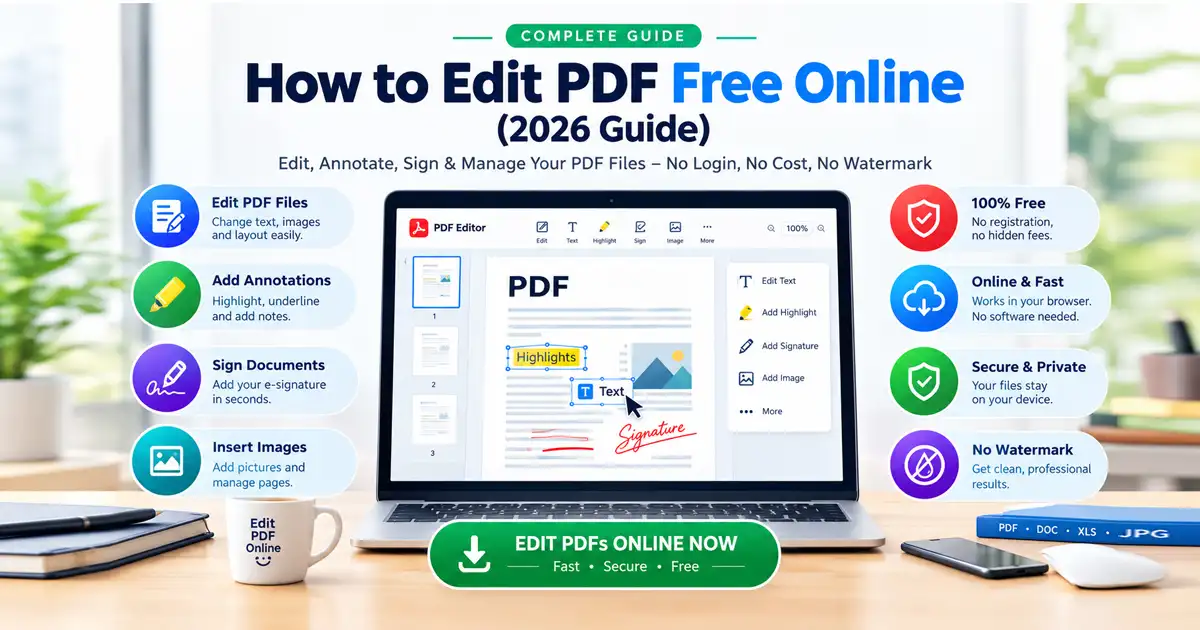
When looking for a dependable pdf editor free from corporate locks, the best solution is a browser-native tool that allows users to edit, sign, annotate, and manage files directly in a web browser. This means you can handle sensitive office files without downloading software, paying premium monthly subscriptions, or requiring restrictive login access.
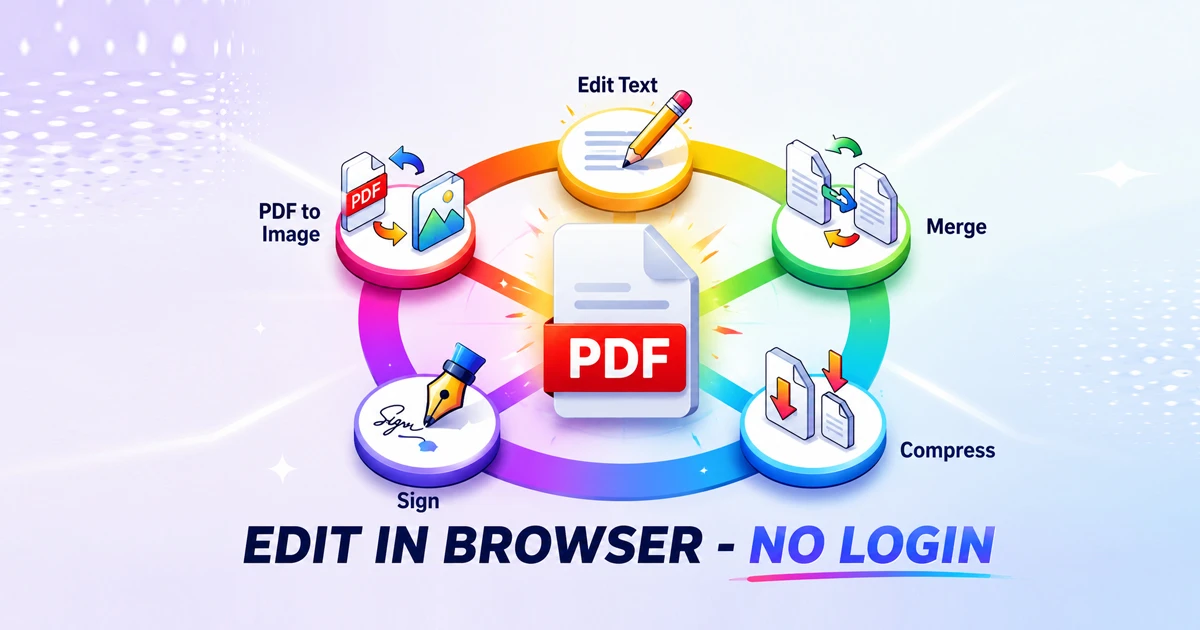
Whether you need to modify text layouts, insert a legal signature, merge files, or extract specific pages, utilizing an advanced pdf editor free platform makes the entire process fast, simple, and completely open-access. It strips away the traditional barriers to productivity, letting you get in, complete your work, and download your files in seconds.
The Browser-Based Document Workspace Revolution
Modern workflows demand speed, agility, and absolute privacy. The days of downloading an untrusted executable file or uploading sensitive financial details to anonymous cloud servers are quickly coming to a close. Users are actively switching to a client-side pdf editor free architecture for several critical reasons:
⚡ Absolute Zero Friction: There are no software installations, browser extensions, or forced email sign-ups standing between you and your completed task.
🔒 Local Browser-Native Privacy: Instead of transmitting your files to a distant cloud server where data leakage is a consistent risk, an online pdf editor free workspace processes your documents locally within your browser's memory sandbox. Your data never leaves your machine.
💻 True Cross-Platform Agnostic: Whether you are working on a high-end Windows desktop, an iPad on the train, or a Linux terminal, if you have a web browser, you have a fully functional document suite.
🚀 Instant Exports: Because the heavy lifting happens locally on your hardware, a native pdf editor free program eliminates long server queues or processing delays when downloading your finalized files.
Complete Feature Suite: Beyond Simple Editing
A truly comprehensive browser-native workspace must handle more than just simple text modifications. To completely replace desktop applications, your tools need to serve as an all-in-one hub for document assembly, optimization, and transformation.
1. Seamless Layout Changes and Text Adjustments
When dealing with pre-formatted forms or official files, you shouldn't have to rebuild the file from scratch just to modify a date or swap out a name. Using a dedicated PDF Editor Free utility allows you to click into existing text blocks, adjust layouts, and run a fast pdf editor online session dynamically on a live canvas.
2. Native Document Generation and Content Creation
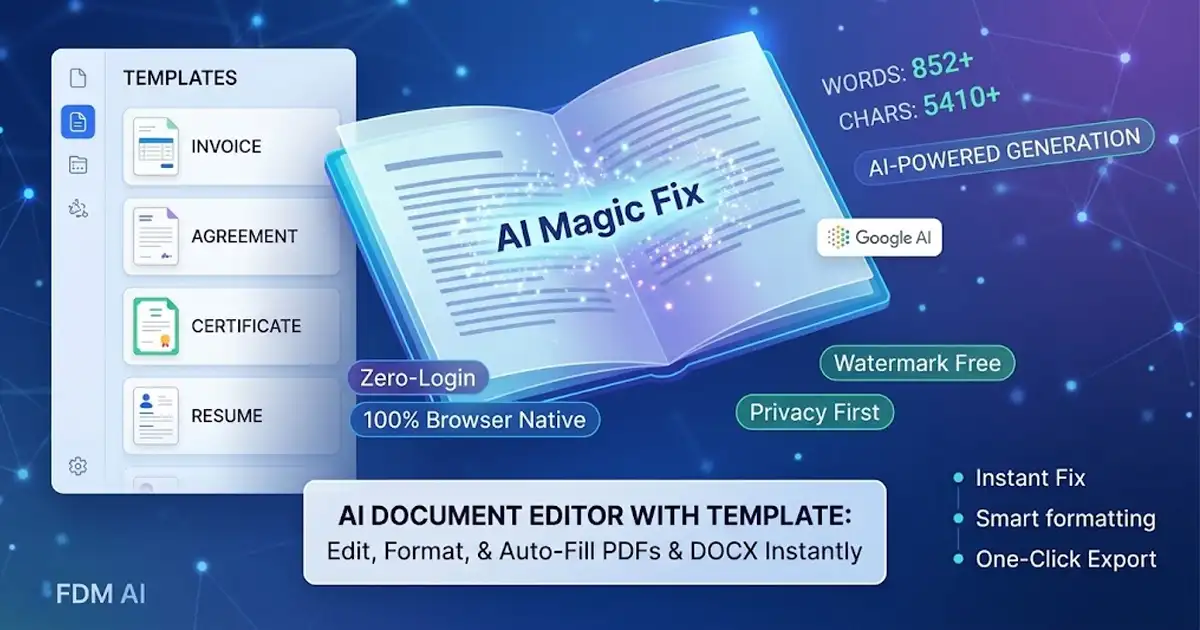
When your goal shifts from modifying an existing file to building a brand-new report, layout, or proposal, switching to a text-focused environment is essential. By utilizing an online Document Editor, you get the fluid typing experience of a traditional word editor online combined with rapid browser-native export options. This lets you draft your content effortlessly inside a dedicated document editor before locking it down into a finalized PDF distribution format.
3. File Optimization and Compression
High-resolution PDFs with embedded graphics are often too large to attach to emails or upload to government portals. Instead of hunting down a separate utility, you can effortlessly run your files through a browser-native PDF Compress tool to instantly shrink file sizes while preserving sharp text legibility and image clarity.
4. Format Conversion and Extraction
Need to extract a layout to use as a website graphic or insert a specific document page into a slide deck? Converting documents to flexible image formats is simple when using a dedicated PDF to Image converter, allowing you to extract pristine JPEG or PNG assets inside your browser tab without losing visual fidelity.
5. Canvas and Page Dimensions Adjustments
Different regions and corporate standards require specific paper sizing, ranging from US Letter to standard A4 layouts. If a document's margins or dimensions are throwing off your printing layout, running the file through an intuitive Document Resizer gives you immediate control over your page boundaries and scaling metrics.
Edit PDF Online vs. Traditional Software Methods
User Goal | Traditional Desktop Software | Browser-Based Workspace Solution |
Edit Existing Text | Install heavy app → Encounter Paywall | Click text block and type instantly via a pdf editor free application |
Sign a Contract | Print → Sign → Scan → Re-upload | Draw or upload digital signature in seconds |
Compress Large Files | Open separate compression tool | Run through PDF Compress inside the tab |
Draft Content First | Open heavy legacy word processor | Use a standard Document Editor |
Adjust Page Dimensions | Dig through complex printer settings | Scale instantly via a Document Resizer |
How to Edit a PDF in Your Browser (Step-by-Step)
Launch the Tool: Navigate directly to the browser-native PDF Editor Free landing page.
Upload Your File: Drag and drop your document directly onto the upload canvas, or click to browse files locally.
Apply Your Edits: Use the pdf editor online toolkit to click on text fields to make corrections, drop a signature onto the signature line, or highlight critical sections.
Optimize and Export: If the file is too large, use the compression utility, then click "Download" to instantly save the updated file directly to your device.
Privacy & Security: Is Online PDF Editing Safe?
Online document editing is entirely safe provided that the tool you choose utilizes local browser-native processing.
Choosing a pdf editor free of server-side uploads means your data remains safely in your own hands. Many legacy cloud utilities require you to upload your files to their external servers. Once your document leaves your device, you lose control over where it is stored, how long it is cached, and who has access to it. This poses significant compliance and security challenges for contracts, tax forms, medical records, and legal agreements.
To maintain absolute data security, always choose an online pdf editor free of server processing that explicitly guarantees client-side execution. By processing everything within your browser’s local sandbox memory, your sensitive data never touches an external server, eliminating the risk of data intercepts or server-side leaks.
Frequently Asked Questions
Can I edit a PDF online free without installing software?
Yes. Modern web tools function as a comprehensive pdf editor free of software requirements, allowing you to perform text edits, add annotations, insert signatures, and manage pages directly inside standard web browsers like Chrome, Safari, Firefox, and Edge.
Do I need to create an account or log in to use a document editor?
No. High-quality, modern web utilities prioritize a zero-friction user experience, allowing you to upload, modify, and download your files instantly without any registration barriers, mandatory email sign-ups, or recurring subscription fees.
What is the difference between an online word editor and a PDF editor?
An online document editor or word processor is engineered for fluid content creation, rapid typing, and dynamic text layout restructuring. A PDF editor is designed to modify, protect, sign, and preserve static layouts that are already finalized for distribution. For an optimal workflow, draft your initial text using a standard Document Editor, then convert it to a PDF for final adjustments and signing.
How can I make a large PDF file smaller for email attachments?
If your file exceeds email file-size limits, you can pass it through a client-side PDF Compress utility. This reduces the file size by optimizing structural data and compressing embedded images without degrading the sharpness of the text.
Can I change the physical dimensions or margins of my document online?
Yes. If you need to switch a layout from legal sizing to A4 or adjust outer margins for printing, you can use a browser-native Document Resizer to re-scale the canvas boundary lines effortlessly.
Final Thoughts: The Death of Legacy Document Software
The era of slow, complicated, and restrictive desktop document software is officially drawing to a close. Embracing a native pdf editor free ecosystem delivers desktop-grade utility inside a standard browser viewport—completely stripping out annoying installation delays, aggressive premium paywalls, and user friction.
Once you experience the speed and absolute privacy of handling your document adjustments locally within your browser, there is simply no going back to the old way of working.
🚀 Ready to streamline your workflow?