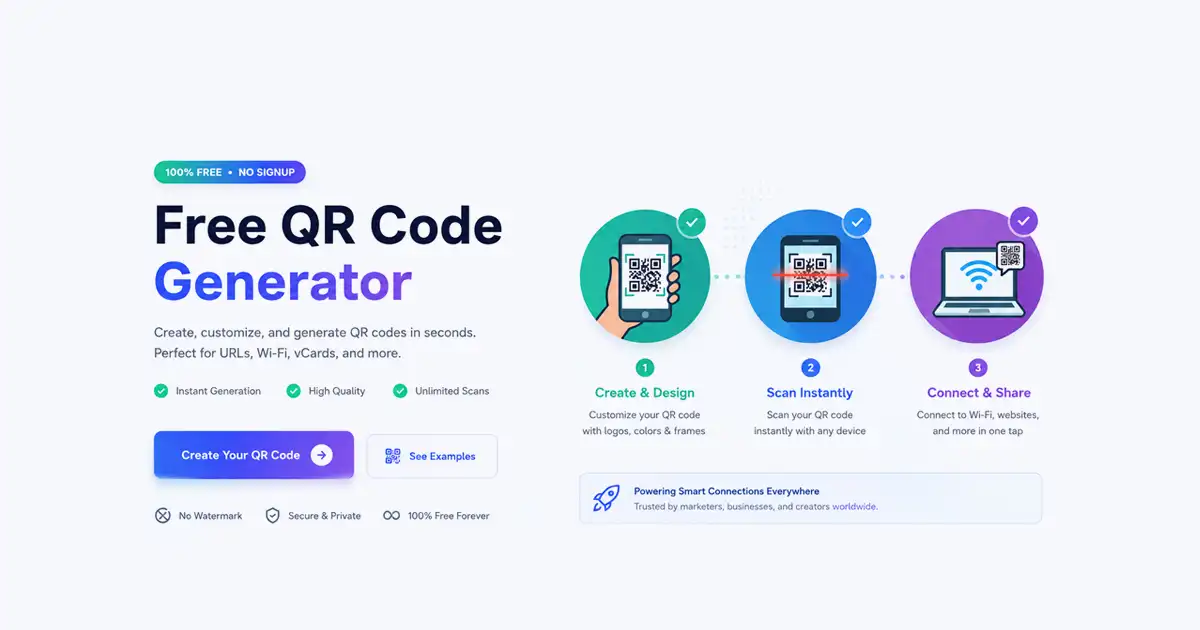
A free QR code generator makes it incredibly easy to share links, contact details, Wi-Fi credentials, and custom text messages instantly. Today, QR codes are widely utilized across websites, business cards, physical marketing materials, product packaging, and event promotions to bridge the gap between offline audiences and digital experiences.
However, many online utility platforms restrict your file exports, force you to go through a tedious account registration process, or overlay ugly watermarks onto your final images.
The Free Document Maker QR Code Generator completely removes these frustrating limitations. Our professional utility allows you to create high-quality, scannable codes instantly and download QR codes as PNG or PDF files without ever creating an account. Because everything processes directly within your local web browser, you enjoy blazing-fast performance and a deeply secure, privacy-focused environment.
Why Use a Browser-Native QR Code Generator?
QR codes have shifted from a corporate novelty into an absolute necessity for modern communication, asset tracking, and digital content distribution. Savvy businesses routinely embed them into product retail packaging, restaurants rely on them for touchless digital menus, and professionals place them on resumes and physical business cards to stand out.
The FDM AI QR Code Generator delivers a lightweight, streamlined interface engineered specifically for speed, crisp resolution, and maximum usability:
Instant Matrix Generation: Your data codes render in real-time as you type.
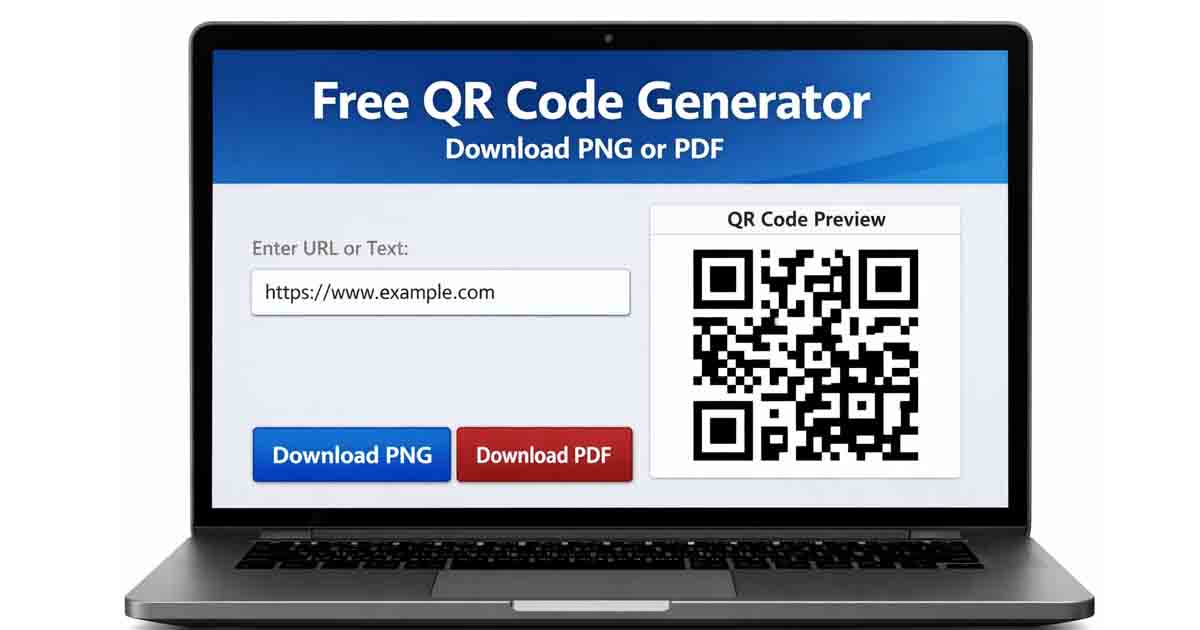
Dual High-Quality Formats: Easily download QR codes as PNG or PDF based on your distribution medium.
Zero Watermarks or Branding: You retain 100% clean aesthetic files with no forced third-party logos.
No Login or Registration Required: Skip the sign-up screens and generate what you need immediately.
Local Browser-Based Engine: Eliminates server-side waiting lines and lag times.
Privacy-First Processing: Your data vectors never leave your machine during creation.
Supported QR Code Use Cases
This versatile generator adapts effortlessly to an array of personal and professional workflows, making it simple to export tailored data nodes:
Website URLs & Landing Pages: Direct potential clients to promotional portfolios, product pages, or online checkouts.
Contact Information & vCards: Share phone numbers, corporate email addresses, and physical locations instantly.
Plain Text & Promo Codes: Distribute offline text messages, secret coupon codes, or event coordinates.
Digital Resumes & Portfolios: Connect physical applications to live digital project examples.
Event Registrations: Streamline sign-up pipelines for conferences, webinars, or local community meetups.
How to Generate and Download a QR Code Without a Login
Creating and exporting a clean, professional código qr takes less than a minute when using our web application:
Open the App: Launch the FDM AI QR Code Generator on your desktop browser or mobile device.
Input Your Payload Data: Paste your destination website URL, text block, or configuration string into the designated data field.
Choose Your Target Format: Toggle between the optimization profiles to ready your file for digital screens or heavy physical print layouts.
Generate and Inspect: Review the instant on-screen matrix rendering to confirm your custom data displays perfectly.
Download Instantly: Click the download trigger to instantly save your clean asset directly to your device storage.
Optimization Guide: PNG vs. PDF Exports
To ensure crisp scannability across diverse scanning environments, our system provides two distinct, high-resolution output choices designed for specific use cases:
PNG Format (Raster Optimization)
The Portable Network Graphics (PNG) format is engineered from the ground up for screens and digital displays. It features a lossless compression algorithm that keeps edges perfectly sharp and supports transparent backgrounds. This makes it ideal for embedding into email marketing footers, digital presentations, social media graphics, and mobile apps.
PDF Format (Vector Optimization)
The Portable Document Format (PDF) file type acts as a scalable vector graphic wrapper. Instead of mapping out individual colored pixels, it saves the QR code pattern as mathematical coordinate lines.
This means you can scale the code up to the size of a massive billboard or down to a tiny sticker without experiencing any blurriness or pixelation. It is highly recommended for commercial print assets like flyers, banners, restaurant table tents, and product packaging layout templates.
Privacy-Focused Architecture by Design
A significant portion of modern web-based tools log user creation activity, track target link metrics, or store your inputs permanently on external servers. Free Document Maker handles security differently.
Your sensitive text, internal target URLs, and contact parameters are processed locally within your active browser container—not cached on remote external servers. This ensures that your private company details, network structures, or personal data notes remain entirely confidential, shielded safely from tracking mechanisms or data leaks.
Explore the Free Document Maker Ecosystem
Free Document Maker (FDM AI) features an expanding library of browser-native productivity utilities built to optimize document pipelines, digital marketing assets, and file conversions without premium subscription barriers:
FDM AI Online QR Scanner: Quickly upload image files or use your live webcam to instantly decode matrix metadata directly in your browser session.
PDF to Image Converter: Turn multi-page PDF documents into cleanly separated, high-definition JPG or PNG image files.
HTML to PDF Converter: Cleanly convert raw web pages or active markup layouts into downloadable, print-ready PDF sheets.
Text to PDF Generator: Write or paste raw markdown and plain text to output structured, clean PDF files instantly.
Text to Voice Reader: Convert typed textual scripts directly into fluent, natural-sounding audio readouts.
Looking ahead, FDM AI is actively developing future barcode generation modules—including EAN, UPC, and batch industrial QR generation frameworks—to help power your inventory management, physical labeling systems, and retail coupon strategies.
Start Generating Crisp QR Codes Instantly
Skip the forced platform logins, subscription pop-ups, and branded watermarks. Use a streamlined tool built to deliver premium, high-resolution results in seconds.
Navigate to our Free QR Code Generator right now, configure your layout settings, and download QR codes as PNG or PDF instantly! Enjoy smart, private, and entirely browser-native asset generation brought to you by (FDM AI) Free Document Maker.