Finding a reliable free online photo suite often comes with frustrating trade-offs. Most web-based editing platforms restrict basic features behind subscription paywalls, throttle batch processing speeds, force mandatory user registration, or inject aggressive watermarks across your final downloads.
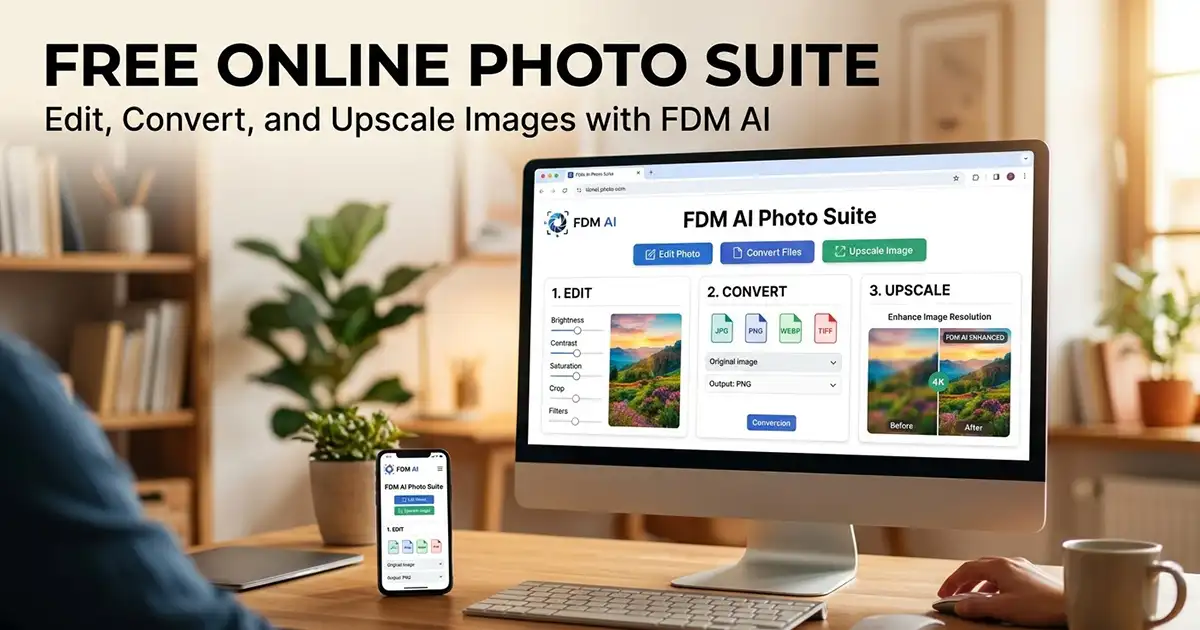
The FDM AI Photo Suite—a core component of the unified Free Document Maker ecosystem—redefines web-based media workflows. Engineered as a high-speed, browser-native platform, it provides designers, developers, marketers, and content creators with immediate access to professional graphics processing, multi-format file conversions, and AI visual generation tools without requiring software downloads, terminal installations, or account sign-ups.
What Is the FDM AI Photo Suite?
The FDM AI Photo Suite is an all-in-one browser-native web platform engineered for lightning-fast graphic processing, lossless photo compression, and automated format transformations. Powered by the integrated fdmGTP Vision engine, the suite leverages localized, decentralized client-side architecture to handle intense graphic production tasks instantly.
Key Ecosystem Highlights
100% In-Browser Privacy: All image transformations execute entirely inside your browser's local sandbox layer. Your design files never leave your device or touch external cloud servers, eliminating data privacy risks and cloud upload latency.
Zero Registration & No Watermarks: Access all 30+ image, media, and document utilities instantly with zero account sign-ups, credit card walls, or forced watermark injections on exported assets.
Unlimited Bulk Batch Pipelines: Harness hardware acceleration to batch convert, resize, or compress entire asset folders simultaneously without queue delays or size throttling.
Cross-Device Mobile Ecosystem: Access the full power of the FDM AI engine on desktop, tablet, or via the official Free Document Maker Android application.
Core Utilities in the Free Online Photo Suite
The platform organizes its browser utilities into four specialized categories built to solve everyday design, document integration, and web performance challenges:
1. Image Processing & Optimization
Convert & Compress Images: Batch swap formats between PNG, JPG, and WebP while reducing file weights in KB or MB down to minimum targets without suffering compression noise or color space disruptions.
Next-Gen WebP Utilities: Convert standard images into high-performance, next-gen WebP formats to increase website loading speeds and boost Core Web Vitals SEO rankings, or extract WebP files back into raw PNG or JPG pictures.
Dimensional Resizing: Modify canvas matrices by custom width, height, or pixel coordinates quickly and accurately.
2. AI Visual Core & Automation Models
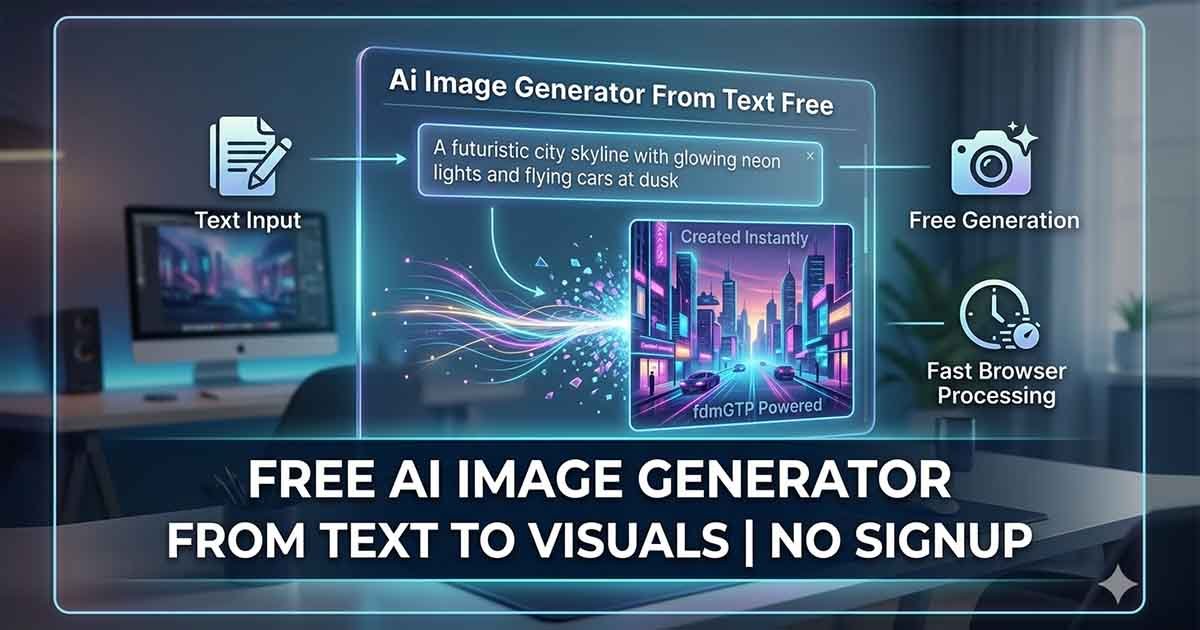
AI Image Generator: Deploy plain text prompts to synthesize unique digital artwork, illustrations, and marketing graphics from scratch.
AI Image Upscaler: Deploy automated neural layers to enhance blurry elements, sharpen focal clarity, and scale low-quality images up to crisp 4K HD coordinates automatically.
3. Document & Media Bridges
Optical Character Scanning (Image to Word): Run powerful online OCR optical scans to translate pictured text and flattened documents into fully editable Word DOCX files.
Image & PDF Converters: Compile photographic scans, JPEGs, or transparent PNGs seamlessly into single, print-ready PDF viewports, or extract high-resolution individual images out of saved PDF files.
4. Specialized Production Graphics
Photoshop PSD Converter: Flatten complex multi-layer Adobe Photoshop PSD items into standard web assets.
Favicon & Social Media Creators: Generate web application shortcut files and ICO configs from square canvas pictures, or design high-CTR cover thumbnails for YouTube videos on an interactive layout canvas.
Business Cards & MP3 Art Tracks: Compile professional corporate identities into print-ready measurement presets, or combine audio streams with static cover art to create shareable video files.
Feature Comparison Matrix
Capability / Feature | FDM AI Photo Suite | Traditional Web Converters | Desktop Software |
Primary Architecture | Local Browser Sandbox | Cloud Server Uploads | Desktop Installation |
Account Required? | ❌ No Login Needed | ✅ Sign-Up Mandatory | ✅ Subscription / License |
Export Watermarks? | ❌ 100% Watermark-Free | ⚠️ Added on Free Tiers | ❌ None |
Batch Processing | ✅ Unlimited Bulk Pipelines | ⚠️ Throttled / Capped | ✅ Local Batching |
Cloud Upload Latency | 0ms (Local Execution) | High (Server Dependent) | 0ms (Local Execution) |
AI 4K Upscaling | ✅ Included Free | ⚠️ Paid Premium Tier | ⚠️ Requires Add-on |
How to Use the Free Online Photo Suite
Export Clean Files: Process your graphics instantly using local hardware acceleration and download your clean, watermark-free production assets.aphics.
Launch the Platform: Open the Free Document Maker Photo Suite workspace in any modern web browser on your desktop, tablet, or phone.
Select Your Processing Tool: Choose your target utility—such as the WebP converter, AI Image Upscaler, PSD Converter, or Image to PDF merger.
Upload Your Assets: Drag and drop individual graphics or drop entire folders directly into the processing timeline.
Launch the Workspace: Navigate to the Free Document Maker (FDM AI) platform in any modern web browser on desktop, tablet, or