If you are looking for a secure online image editor to protect client assets, you aren't alone. If you work in web development, digital design, or content creation, your daily workflow relies on speed and efficiency. To keep page load speeds fast, improve Core Web Vitals, or prep mockups for a client presentation, you frequently need to manipulate image files. You might need to convert a massive folder of .png assets into lightweight .webp files, shrink a hero image down to the exact kilobyte threshold, or quickly upscale a low-resolution screenshot.
To accomplish this, most professionals use a standard, time-tested approach: they search for a free utility online, drop their files into a browser box, wait for the progress bar to finish, and download the results.
It feels like a seamless, harmless interaction. But have you ever stopped to consider exactly where your files go the moment you click "Upload"?
In a digital landscape where data privacy, strict corporate compliance, and intellectual property protection are paramount, uploading proprietary client assets to unverified cloud servers is a massive, silent liability. It is time to rethink how we handle digital assets and explore the shift toward browser-native, client-side tools.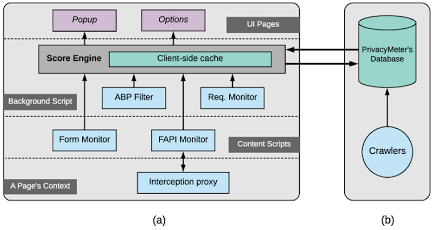
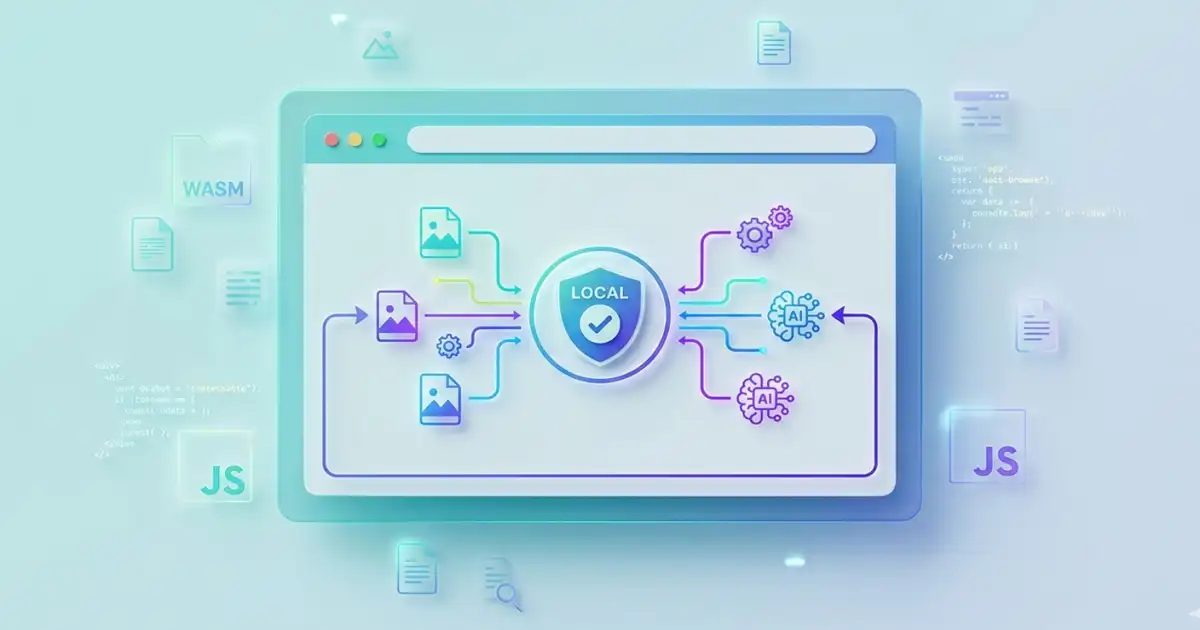
How client-side local sandboxing keeps data secure within the browser. Source: ResearchGate
The Hidden Risks of Traditional Cloud-Based Image Tools
Most online image processing tools operate on a traditional server-side model. For a website to compress, resize, or convert your graphic, it must first transfer that asset across the internet to a remote backend server. Once your file leaves your machine and sits on a third-party server, you completely lose control of its lifecycle. Without a secure online image editor, this legacy infrastructure introduces major issues for modern digital professionals:
1. Data Sovereignty and NDA Violations
When working with clients, you are frequently handling unreleased branding, sensitive internal screenshots, wireframes for proprietary software, or copyrighted photography. When you upload these files to a "free" online converter that lacks the architecture of a dedicated secure online image editor, you are sending corporate assets to an unknown server.
Many free tools fund their operations by collecting, caching, or analyzing user data. Are your images being stored permanently? Are they being used to train third-party generative AI models? Are they secure from external server breaches? If you are bound by a Non-Disclosure Agreement (NDA) or strict data privacy laws like GDPR, uploading a client asset to an unverified third-party cloud server can constitute a direct breach of contract.
2. The Network Bottleneck
Cloud-based utilities are bound by the physics of your internet connection. If you are trying to batch-convert fifty high-resolution product photos, you have to upload hundreds of megabytes over your network, wait for a remote server queue to process them, and then download the files back down to your machine. This introduces significant latency, causes browser tabs to freeze, and creates an annoying bottleneck in an otherwise fast development workflow.
3. The "Freemium" Trap and Watermarks
We have all experienced the frustration of using a supposedly "free" online tool, waiting for a large file to finish processing, only to discover that the download button is locked behind a paywall. Other sites will let you download the file but will slap a massive, intrusive watermark right across the center of your image unless you upgrade to a premium monthly subscription. These tools gatekeep basic utilities behind account creation screens and hidden paywalls, trading your time and email address for basic functionality.
The Modern Solution: Shifting to a Secure Online Image Editor
Fortunately, web architecture has evolved dramatically. Thanks to modern web sandboxing, WebAssembly (WASM), and advanced client-side processing, we no longer need to rely on remote server infrastructure for everyday media manipulation tasks. We are currently in the middle of a major shift toward browser-native tools that function as a secure online image editor.
A browser-native tool utilizes the local hardware of your own machine—your computer's CPU and GPU—to execute complex scripts directly inside your browser window. When you use a client-side tool, the website acts merely as a localized application interface.
The advantages of shifting your workflow to a local sandbox model are massive:
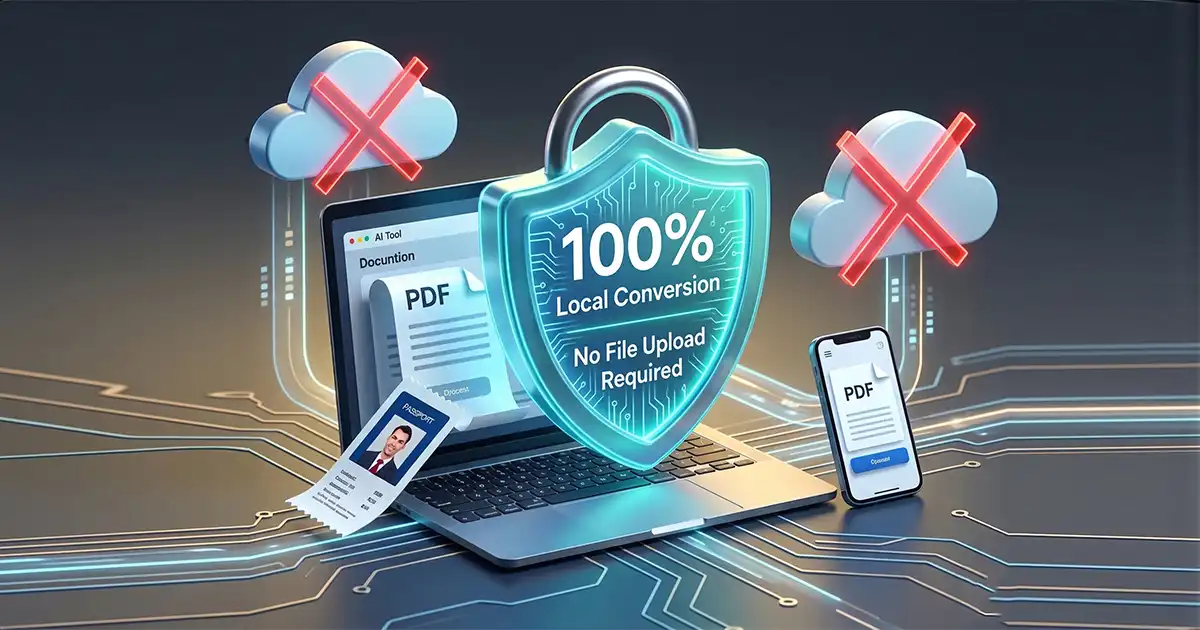
Absolute Data Privacy: Because the processing happens locally within your browser sandbox, your images never cross the network. They never touch an external backend server, meaning your data remains entirely yours. This is the cornerstone of a true secure online image editor.
Instant Processing Speed: Eliminating the upload and download cycles means your processing speeds are limited only by your computer’s hardware. Batch conversions that take minutes over a cloud network happen in mere seconds locally.
Total Offline Freedom: Because the application logic runs entirely in the client browser, these tools can process assets instantaneously without consuming massive network bandwidth.
Why FDM AI Photo Suite is the Ultimate Secure Online Image Editor
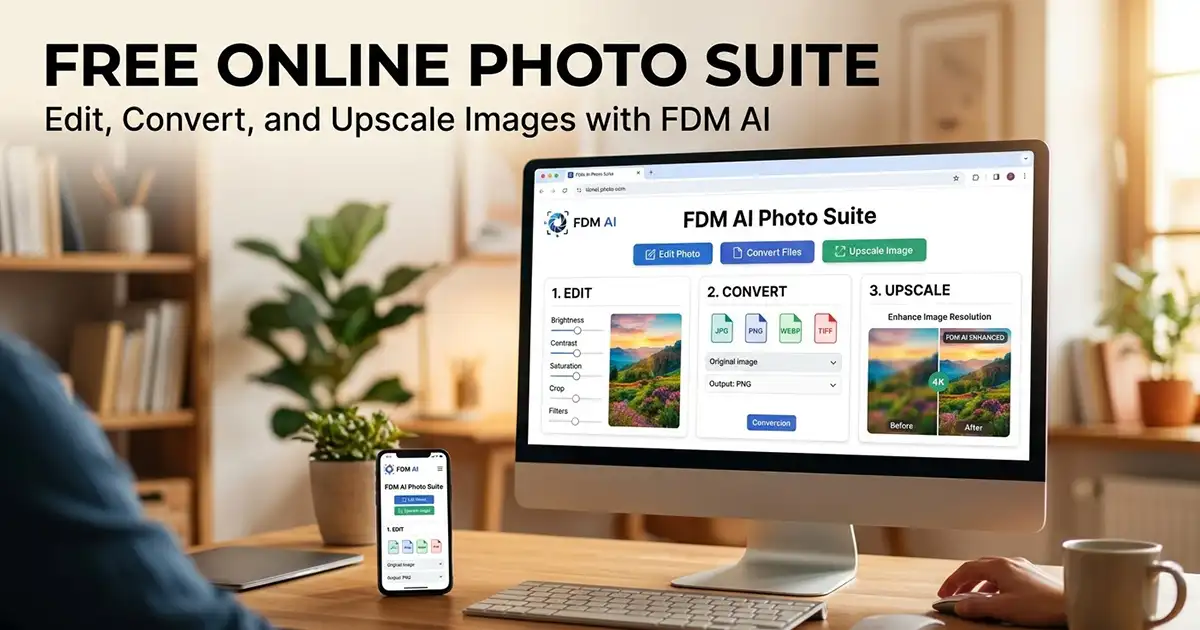
At FDM Launchpad, we believe that developers, designers, and creators should have access to professional-grade tools that do not compromise their privacy or workflow efficiency. That is why we engineered the FDM AI Photo Suite to serve as a fast, reliable, and completely secure online image editor.
Built explicitly as a fast, frictionless alternative to cloud-dependent platforms, the FDM AI Photo Suite brings heavy-duty graphic tools straight into a completely secure, local browser sandbox. It is built to serve as a reliable ecosystem for web professionals who need high-speed execution without any corporate baggage.
Key Capabilities Built for Your Workflow:
High-Speed Batch Conversion: Move seamlessly between standard web formats. Convert heavy PNGs or JPGs into highly optimized, next-gen
.webpformats in bulk, instantly ready for your deployment pipeline.Smart Asset Compression: Compress large images down to fractional kilobytes while maintaining crisp visual fidelity, ensuring your websites load faster without sacrificing design quality.
Local AI Upscaling: Need to fix a low-resolution graphic? Use our integrated, client-side fdmGPT Vision engine to enhance image details locally on your machine without sending files to an external AI rendering farm.
Frictionless Environment: We don't believe in locking utilities behind roadblocks. FDM AI Photo Suite requires no account registration, no subscriptions, and leaves absolutely no watermarks on your hard work.
Frequently Asked Questions
Is this secure online image editor really private?
Yes, absolutely. Unlike traditional cloud tools that require you to upload your files to a remote server, this platform operates on a completely browser-native framework. Your graphics are processed locally within your machine’s memory sandbox. Your data never crosses the network, ensuring 100% data privacy and compliance with strict NDAs.
How does a client-side secure online image editor work without servers?
It leverages modern web capabilities like WebAssembly (WASM) and local browser execution scripts. When you load the tool, the application logic runs entirely on your local device. Your computer's internal hardware handles all file conversions, asset compression, and visual upscaling directly in your browser tab.
Do I need to create an account or pay to remove watermarks?
No. There are no sign-up forms, email gates, or premium subscriptions. Because we don't host your files on costly remote databases, we don't have heavy server overhead to pass down to you. You get clean, professional-grade outputs with zero watermarks for free.
Can I batch-convert images to next-gen formats like WebP?
Yes. Because the system bypasses network uploads and download queues, it handles batch file processing incredibly fast. You can drag and drop folders of standard files (like PNG or JPG) and translate them into optimized .webp or .jpg assets in seconds.
Does the AI upscaling feature compromise my data safety?
Not at all. The integrated AI upscaler utilizes client-side processing structures to execute visual enhancements locally via your machine's hardware. Your sensitive client mockups, photos, or branding assets are never sent to external AI rendering farms or used to train third-party machine learning models.
Choose a Secure Online Image Editor for a Faster, Safer Workflow
The tools you use should respect your data, your clients, and your time. Continuing to upload sensitive intellectual property to arbitrary cloud servers is an unnecessary risk to your business compliance and professional reputation. It is time to ditch the cloud bottlenecks and switch to an environment designed with privacy by design.
What features or specific utilities should we add to our local sandbox next? We are actively building our roadmap around real developer feedback. Let us know your thoughts and suggestions in the comments section below!