In today’s fast-paced digital world, the need to convert jpg to pdf is no longer optional — it’s an essential part of navigating daily digital workflows. Whether you are submitting a passport scan, a signed employment contract, a medical report, business receipts, or academic documents, the vast majority of online portals demand files in PDF format only.
When you face an urgent deadline, the instinctive move is to open a search engine, type in a phrase like "convert JPG to PDF free," click on the first available result, and drop your files into a random box on the screen.
But here’s the problem: most free online conversion tools come with a massive hidden cost — your data privacy.
At The Synthetic Operator, we look at tools through the lens of useful, resilient infrastructure. In a world drowning in generic automated content, true digital value lies in creating utilities that solve real problems without exploiting the user. That is why we are unpacking the risks of traditional file management and providing a zero-trust roadmap to handle your documents safely.
Why Traditional Online Converters Are a Security Risk
Most people treat online file converters as simple, harmless utilities. However, behind the clean interfaces of traditional cloud-based platforms lies a data management process that should make any security-conscious user deeply uncomfortable.
When you use a standard cloud service to convert jpg to pdf, your files undergo a precarious journey:
Third-Party Uploads: Your raw images are transmitted over the internet and hosted on a remote server owned by an external entity.
Indefinite Data Retention: While many sites claim to delete files within an hour, their actual data retention logs, backup servers, and caching systems often store your information indefinitely.
Algorithmic Scanning: Automated scripts frequently scan uploaded documents to extract metadata, optimize internal systems, or build user profiling data.
Data Breach Vulnerability: Centralized cloud servers are prime targets for malicious actors. If the platform suffers a data breach, your uploaded information is exposed to the dark web.
This operational flow becomes incredibly dangerous when you are handling high-value personal assets. Think about the documents you regularly change from an image to a document format: government-issued ID cards, corporate tax invoices, medical prescriptions, bank statements, or confidential business proposals. Uploading these items to an unverified third-party server opens the door to identity theft and corporate espionage.
To build a secure digital workflow, you must transition away from server-side dependencies and look for tools that execute tasks locally.
The Best Privacy-First Solution in 2026
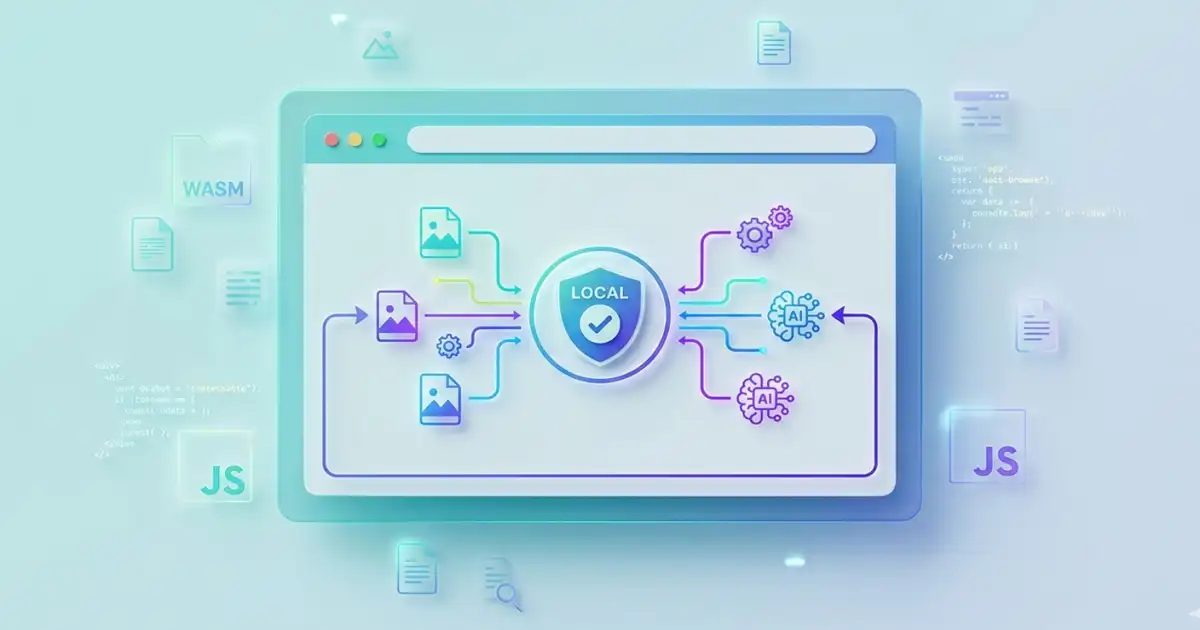
To solve this persistent security vulnerability, the FDM AI ecosystem introduced a powerful, local Image to PDF Converter. This utility engine completely flips the traditional model on its head by utilizing a 100% client-side architecture.
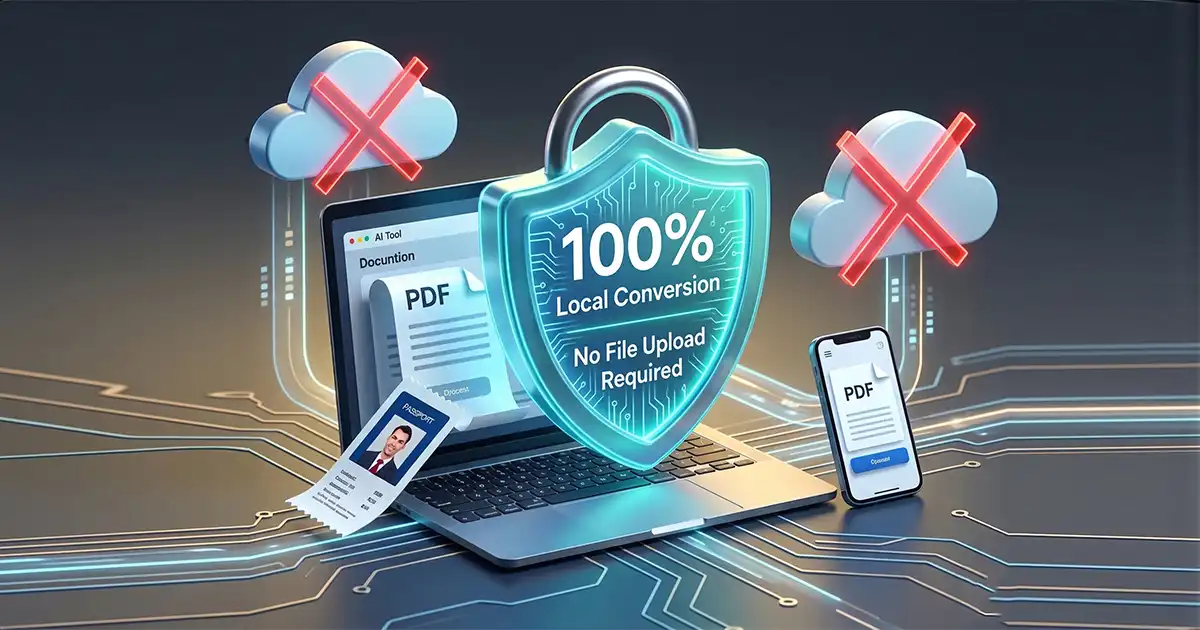
When you use this system to convert jpg to pdf, your images are never sent across the internet to a remote server. Instead, the application utilizes your local browser's processing power to run the file change inside an isolated sandbox session on your device.
Because the files never leave your computer or phone, data harvesting is fundamentally impossible. There are no accounts to create, no verification emails to wait for, and no registration barriers standing between you and your completed task. It is pure, unfiltered utility built around absolute data integrity.
How to Convert JPG to PDF in Seconds (Step-by-Step)
Because the processing happens locally on your machine, you no longer have to suffer through slow upload queues or download bottlenecks caused by congested cloud servers. The entire conversion process takes less than five seconds:
Open the Tool: Navigate directly to the native client-side Image to PDF Converter.
Add Your Files: Drag and drop your JPG, JPEG, PNG, or WebP files directly into the active drop zone.
Adjust Layout: If you are working with multiple images, visually inspect the thumbnails and drag them to reorder the pages exactly how you want them.
Execute Locally: Click the Convert button. The system immediately compiles the image assets using local script memory.
Save Your Document: Save your newly compiled, native PDF file directly to your local storage.
Advanced Feature: How to Merge Multiple JPGs into One PDF
One of the most frequent challenges in document management is fragmentation. Sending a client, employer, or government agency a disorganized batch of ten separate image files looks sloppy and creates administrative friction. The professional standard is to compile those assets into a single, cohesive document.
Our local engine makes it incredibly simple to merge jpg to pdf layout stacks:
Multi-Page Contracts: Take pictures of a physical multi-page contract on your mobile phone, drop them into the browser, and order them sequentially to create a single legal document.
Expense Compilation: Group your monthly travel receipts, arrange them chronologically, and generate an expense report file ready for accounting submission.
Academic Portfolios: Combine scanned artwork, handwritten assignments, or research notes into a polished digital portfolio without losing visual fidelity.
The compilation engine ensures that your images undergo zero quality degradation. The lines on your scanned text remain sharp, colors stay accurate, and layout dimensions are preserved perfectly for print or screen viewing.
Part of a Broad, Interlinked Document Ecosystem
A modern digital workflow is dynamic, and your file management needs will rarely stop at a single file type. To prevent you from having to jump between unverified tools, the FDM AI suite provides a robust, interconnected system of utility engines designed to work together seamlessly:
Complete Document Management: For advanced structural changes, splitting, or shrinking file sizes, couple your workflow with the comprehensive PDF Suite.
Visual Asset Reversal: If you ever receive a document and need to extract the original high-resolution graphic elements out of it, instantly pass it through PDF to Image.
Smart Content Extraction: Received a photo of a document and need to pull the typed words out of it? Convert your graphic into modifiable data using the Image to Text OCR engine. Once your text edits are finalized, you can package it right back into a secure layout with Text to PDF.
Stop Trading Privacy for Convenience
The modern internet is flooded with platforms that treat your personal data as a product. Changing a file format should not require you to compromise your personal security or hand your sensitive corporate information over to unverified servers.
The philosophy of The Synthetic Operator is centered on building and using clean, intentional infrastructure. By moving your file processing to a client-side sandbox, you regain control over your digital footprint, eliminate server latency, and guarantee your privacy.
Protect your personal documentation. Bookmark the client-side Image to PDF Converter today and build a faster, more secure digital workflow.
এখানে আপনার টার্গেট করা সবকটি কিওয়ার্ড (যেমন: convert jpg to pdf, merge jpg to pdf, FDM AI jpg to pdf, এবং photo to pdf fdmGTP) ব্যবহার করে একটি সম্পূর্ণ এসইও-অপ্টিমাইজড FAQ সেকশন দেওয়া হলো।
আপনার ব্লগের নিচে বা আপনার টুল পেজে স্কিমা (Schema) হিসেবে এটি ব্যবহার করলে গুগলে রিচ স্নিপেট (Rich Snippet) পাওয়ার সম্ভাবনা অনেক বেড়ে যাবে।
Frequently Asked Questions (FAQ)
Q1: How can I convert JPG to PDF for free without losing quality?
Ans: You can convert jpg to pdf free using our local client-side conversion engine. Unlike traditional cloud services that compress your files heavily, the FDM AI jpg to pdf tool preserves the original resolution of your images. This ensures your output document has crisp text and sharp visuals with zero quality loss.
Q2: Is it safe to use an online JPG to PDF converter for sensitive documents?
Ans: Most online platforms upload your files to third-party servers, posing a huge security risk for private documents. However, our privacy-first jpg to pdf converter processes everything directly inside your browser sandbox. Since no data is ever uploaded to an external server, it is the safest way to change your files from jpg to pdf.
Q3: Can I merge multiple images into a single multi-page PDF document?
Ans: Yes, absolutely. If you have multiple screenshots, receipts, or official scans, you can use our tool to seamlessly merge jpg to pdf. Simply drag and drop all your images into the converter, arrange them in your preferred chronological page order, and compile them into one organized file.
Q4: How do I convert a photo to PDF using fdmGTP?
Ans: To turn a photo to pdf fdmGTP style, just open our native Image to PDF Converter on your mobile or desktop browser. Select or drop your snapshot into the tool, click convert, and download your document instantly. The entire process takes less than five seconds and requires no sign-ups.
Q5: Does this tool support format changes from JPG to PDF on mobile devices?
Ans: Yes. Whether you need to convert image to pdf on a desktop computer or process a document directly from your smartphone, the tool adapts seamlessly to your screen. You can change files from jpg to pdf on any modern web browser without installing any heavy apps.