In today’s highly competitive business environment, every minute counts. Yet countless entrepreneurs, freelancers, and growing corporate teams still open a completely blank document and waste precious time fighting with margins, layout structures, and font sizes. The fix for this systematic bottleneck is simple: switch to a free document editor with templates.
These powerful, no-cost tools allow you to bypass design layouts entirely so you can focus 100% of your energy on content instead of administrative formatting.
Free Document Maker (FDM AI) stands out as an elite, browser-based solution that combines a robust document editor, a rich template library, advanced AI generation assistance, and seamless exporting tools. Best of all, it is completely free to use with no mandatory user signups, strict subscription paywalls, or intrusive watermarks.
This comprehensive guide shows you exactly how to stop starting from scratch and start producing polished, professional business documents in minutes.
The Hidden Cost of the "Blank Page" Bottleneck
Many modern professionals vastly underestimate how much administrative overhead drains their core revenue-generating hours. When you begin a business asset with a blank white screen, you aren't just writing copy—you are forcing yourself to act as an accidental graphic designer.
Creating files entirely from scratch carries real organizational friction:
Lost Productivity: Hours are thrown away adjusting spacing, column widths, and headers instead of focusing on high-level strategy, client fulfillment, or market scaling.
Inconsistent Branding: Without a uniform framework, different team members produce varying layouts. A proposal sent by your sales department might look entirely distinct from a billing statement issued by accounting, breaking down visual trust.
Missed Commercial Opportunities: Delays in administrative turnaround—such as taking days to format a complex client pitch—can cause you to lose deals to faster competitors.
Using a web-based free document editor with templates completely eliminates these issues. It replaces arbitrary design choices with a uniform, instantly accessible, and professional structural system.
Why Choose the FDM AI Document Editor?
Unlike heavy desktop application suites or limited free tiers of big-name cloud programs, FDM AI delivers enterprise-grade performance completely within your browser.
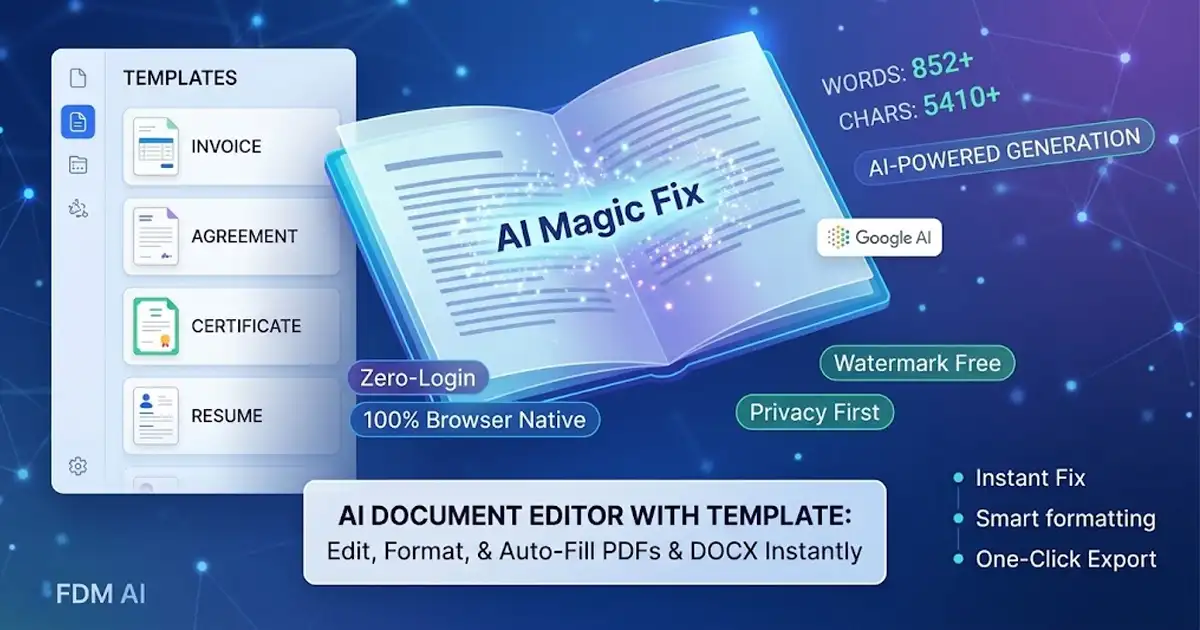
The application is built on a privacy-first architecture, supporting file types including PDF, DOCX, DOC, and TXT up to 15MB. Key operational advantages include:
Zero Login Required: There are no mandatory registration sheets. You can open the page and begin editing your critical documents instantly.
Client-Side Processing: Because the platform processes your data client-side, your files are handled securely within your browser and never touch external servers, maximizing private data security.
Rich Formatting Toolbar: Effortlessly adjust text scales (Small to Huge), apply strict text alignments, configure lists, insert hyperlinks, and refine typographic styling.
Versatile Multi-Format Exports: Seamlessly download your finalized business documents as formatted PDFs, Word documents (.doc), raw Text, or responsive HTML code.
Mobile-Optimized Architecture: Works perfectly across desktop monitors, tablets, and smartphone displays so you can make quick revisions on the go.
Exploring the Built-In Template Library
FDM AI provides an extensive gallery of pre-formatted templates categorized to match the core files your enterprise relies on every single day:
Career & HR Formats
Professional Resumes: Clean typographic hierarchies engineered for readability and high-impact presentation.
Application & Cover Letters: Properly spaced structures to outline professional qualifications cleanly.
Resignation Letters: Formally structured, standard layouts to handle career transitions seamlessly.
Business & Legal Formats
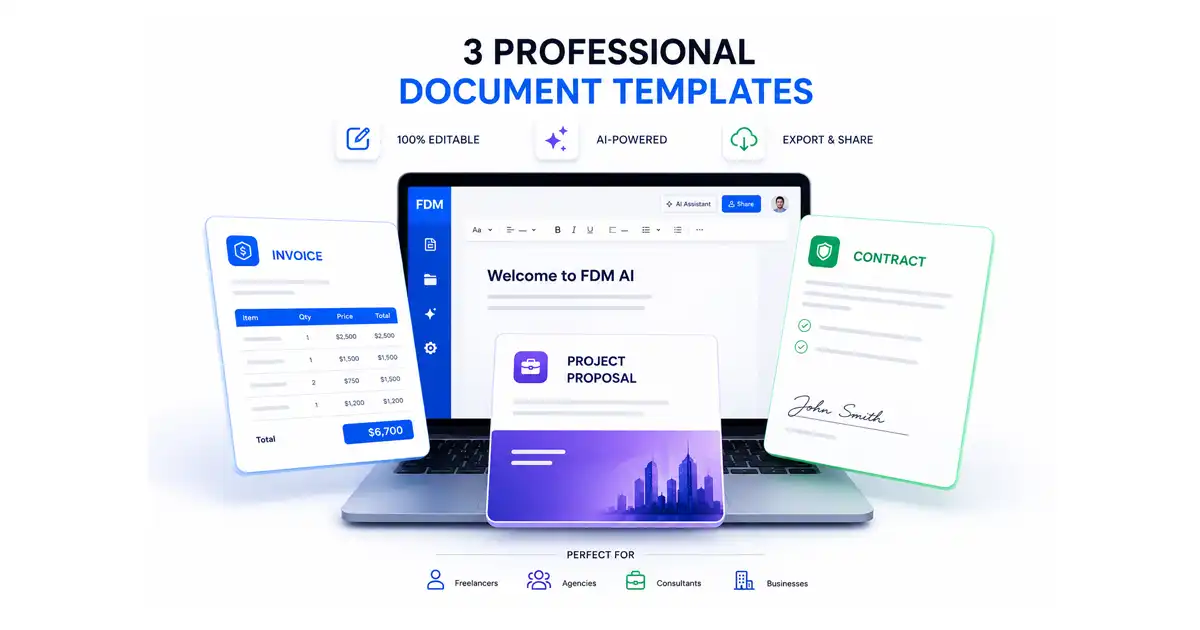
Standard Invoices: Structured billing grids detailing itemized services, clear tax fields, balance breakdowns, and payment terms to accelerate accounts receivable pipelines.
Project Proposals: Organized sections outlining corporate scopes of work, project timelines, and budgetary requirements to close new deals quickly.
Meeting Minutes: Structured tracking logs designed to keep stakeholders, executives, and internal team members completely aligned on action items.
Legal Agreements & Contracts: Formal frameworks ensuring critical clauses, binding terms, and signature segments are clean and easy to scan.
Pro Tip: For advanced content generation before you jump into formatting, you can pair this framework with an AI Document Writer to automatically draft your core content blocks before loading them directly into the editor interface.
Step-by-Step Guide: Navigating Your Document Creation Pipeline
Building sleek, client-facing materials using FDM AI does not require technical design experience. Follow this straightforward framework to streamline your daily workflow:
[Access Tool]Access the Workspace: Navigate to the online editor to open a fresh workspace immediately with no barriers to entry.
Choose Your Starting Point: You can instantly upload a legacy PDF, Word document, or text file from your hard drive, or click to load a ready-made layout directly from the built-in gallery categories.
Edit Content with Ease: Use the intuitive formatting toolbar to swap out placeholder text with your core project parameters. The editor carefully preserves foundational layout alignments while giving you complete control over formatting, line links, and structural styling.
Incorporate Your Brand Assets: Personalize the text fields, update color references to match your corporate identity, and input your precise company details.
Review and Securely Export: Always run a quick mental checklist to ensure no generic template text fragments remain. When finalized, render and download your file instantly as a pristine, universal PDF for immediate distribution.
Real-World Business Utilities
1. Sales & Business Development
Do not slow down your pipeline with messy quote sheets. Load a project proposal template, drop in your custom deliverables table, and export a clean PDF. Presenting high-value prospects with crisp documentation projects a level of corporate competence that wins deals.
2. Finance & Routine Accounting
Keep your cash flow flowing smoothly. Utilize standardized invoice formats to ensure line-item amounts, totals, payment methods, and schedules are explicit. Clear billing layouts drastically minimize processing friction for your clients' accounts payable teams.
3. International & Cross-Border Scaling
As your business grows across global markets, translation becomes a necessity. Using complementary platforms like a dedicated free document translator allows international operations teams to localize business text copies seamlessly while maintaining the formatting configurations of the parent template.
Reclaiming Your Billable Hours
To maximize your administrative throughput, consider building a master asset strategy inside your organization:
Combine Your Toolset: Save time by generating your copy with AI models, polishing the layout structures in the document workspace, and executing fine-grained visual edits with a dedicated free PDF editor.
Keep Sensitive Data Private: Because FDM AI leverages secure client-side browser processing, confidential financial spreadsheets and proprietary legal arrangements remain perfectly protected from external network breaches.
Formatting details should never swallow your billable hours. By standardizing your operations on a reliable template engine, you secure your operational schedules, guarantee pristine visual branding, and ensure that every file your business transmits looks entirely custom-designed.
Ready to elevate your business output?
👉 Begin drafting right now: FDM AI Document Editor
👉 Modify existing files safely: FDM AI PDF Editor
👉 Localize international files: FDM AI Translator