Powered by Free Document Maker (FDM AI) — No Login • No Watermarks • No Installation Required
In today’s fast-paced digital world, efficient document management has become essential for students, professionals, freelancers, and businesses alike. The free AI document editor & reader from Free Document Maker (FDM AI) delivers a complete browser-based solution that lets you open, read, edit, and export PDF, Word (DOC/DOCX), and TXT files instantly — without downloading heavy software or creating accounts.
Say goodbye to slow desktop applications, frustrating sign-up walls, watermarks, and compatibility issues. Whether you need to review study notes, edit business proposals, proofread reports, or convert documents, this powerful tool works directly in your browser with speed, privacy, and zero friction.
Explore our complete solution:
👉 Free PDF Suite — All-in-one PDF tools
👉 Free Document Editor — Advanced Word & Text editing
What Is a Free AI Document Editor & Reader?
A free AI document editor & reader is a modern, all-in-one browser-native platform that brings together high-fidelity document viewing, intelligent reading tools, powerful editing capabilities, AI-assisted text-to-speech, and flexible export options.
Unlike traditional desktop software like Microsoft Word or Adobe Acrobat, or restrictive online tools that require accounts and add watermarks, this solution processes everything client-side. This approach ensures maximum speed, enhanced privacy, and instant access from any device with a modern web browser.
Supported formats include:
PDF (.pdf) – The universal standard for sharing
Microsoft Word (.doc, .docx) – Most common editable format
Plain Text (.txt) – Lightweight and universal
RTF and ODT files for broader compatibility
Whether you're a student reviewing lecture notes, a freelancer editing client contracts, or a professional updating reports, this tool adapts to your workflow seamlessly.
Key Benefits of Using Our Free Online Document Tools in 2026
No Login or Signup Required — Open files and start working in seconds
Zero Installation — Runs entirely in your browser
No Watermarks on Export — Always clean, professional documents
Cross-Device Compatibility — Works flawlessly on desktop, tablet, and mobile phones
Privacy-First Design — Client-side processing means your files never leave your device
Lightning-Fast Performance — Even large files load and edit quickly
Completely Free — No hidden fees or premium locks on core features
Free AI Document Reader Features
The advanced document reader is designed for clarity, speed, and accessibility:
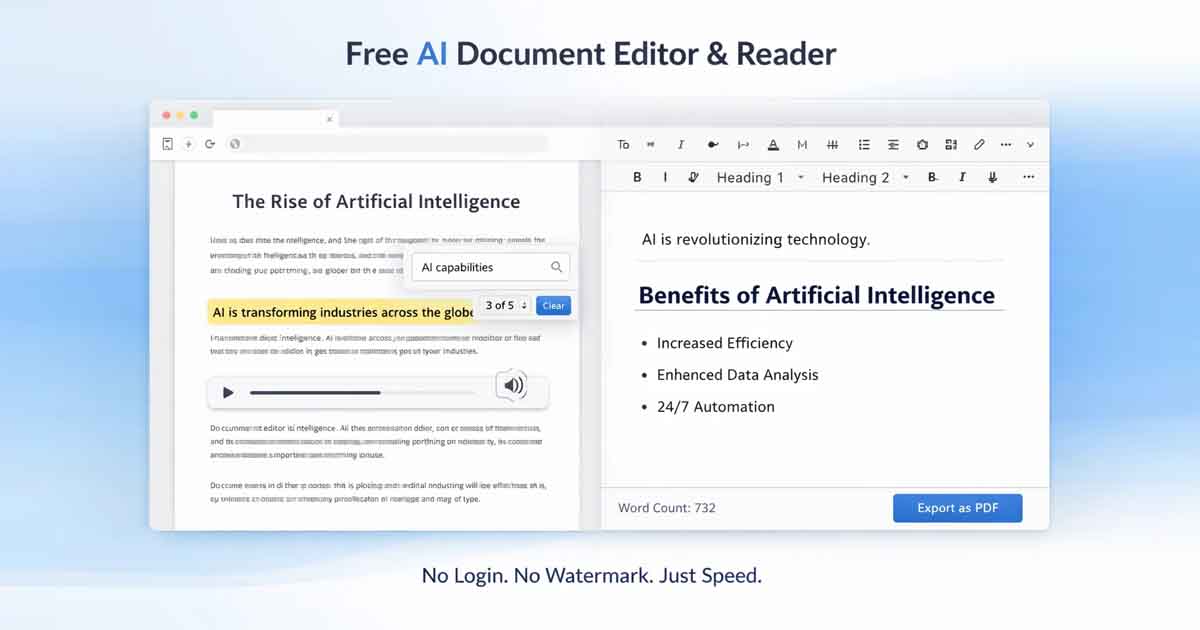
Instant high-quality preview for PDF, Word, and TXT files
Smart full-text search with keyword highlighting
One-click text extraction and copying
AI-powered text-to-speech — Listen while multitasking, studying, or proofreading
Distraction-free reading mode with customizable fonts and backgrounds
Advanced regex search for power users
Page navigation, zoom controls, and thumbnail view
Clean re-export options without any branding
Perfect for reviewing long documents, preparing for exams, or analyzing business reports efficiently.
Free AI Document Editor Features
Our online document editor offers practical, everyday editing tools without overwhelming complexity:
Rich Text Formatting & Editing Tools
Bold, italic, underline, strikethrough, and text alignment
Multiple heading levels (H1 to H6) and paragraph styling
Bullet points, numbered lists, and multi-level indentation
Hyperlink insertion and image embedding support
Real-time word count, character count, and readability statistics
Quick find & replace functionality
Content cleanup tools to remove extra formatting
Export Options
DOCX (Microsoft Word format)
PDF (high-quality, print-ready)
TXT (plain text)
HTML (for web publishing)
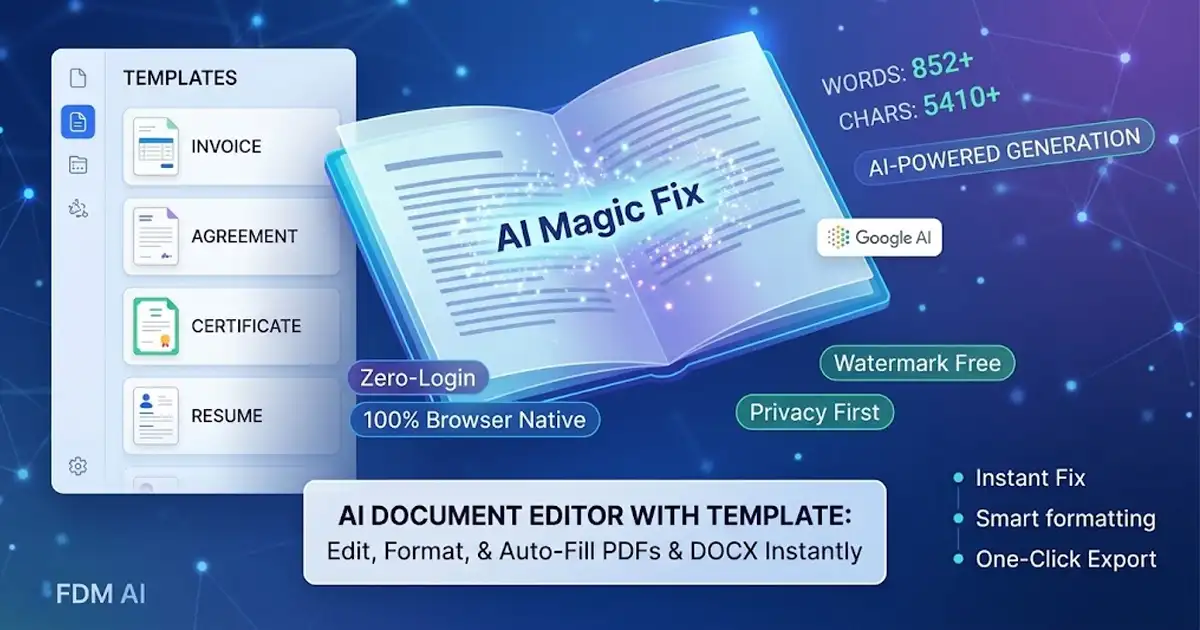
Additional capabilities include ready-to-use templates for resumes, invoices, cover letters, and meeting notes, plus font size adjustments and color customization.
How the Free AI Document Editor & Reader Boosts Productivity
Traditional workflows force users to switch between different programs for reading, editing, converting, and exporting — wasting time and often breaking formatting. Our unified free AI document editor & reader eliminates these problems by combining everything into one smooth experience.
Complete Workflow in One Tab: Open → Preview/Search/Listen → Edit → Export.
This approach helps users save hours every week, maintain consistent formatting, proofread more effectively using AI voice, and work productively from any location.
Real-World Use Cases
Students & Researchers
Open lecture notes and research papers instantly, extract important sections, listen to content with AI text-to-speech for better retention, and export clean study materials.
Freelancers & Entrepreneurs
Quickly edit client proposals, contracts, invoices, and project briefs without expensive software subscriptions.
Writers & Content Creators
Refine drafts, improve structure and flow, listen to your writing for natural rhythm, and export in multiple formats for different platforms.
Business Professionals & Teams
Update reports, review contracts, make last-minute changes, and share polished documents with clients or colleagues instantly.
Remote Workers
Access and edit documents on any device without installing software, making remote collaboration smooth and efficient.
Why Choose Free Document Maker Over Traditional Tools?
| Feature | Free Document Maker (FDM AI) | Traditional Desktop Software | Other Online Tools |
|---|---|---|---|
| No Login Required | Yes | Often required | Frequently required |
| No Installation | Yes (100% Browser-based) | Required | Varies |
| No Watermarks | Yes | Varies | Very Common |
| AI Text-to-Speech | Yes (Built-in) | Limited / Paid | Rare |
| Speed & Privacy | Client-side & Fast | Resource Heavy | Server-dependent |
| Multi-Format Export | PDF, DOCX, TXT, HTML | Limited in free versions | Restricted |
Discover Our Complete PDF Suite
For users who need more advanced PDF-specific tools, explore the full Free PDF Suite. It includes PDF merging, splitting, compression, conversion, and protection features — all free and browser-based.
Built for Modern Performance & Accessibility
Lightning-fast loading with minimal resource usage
Fully responsive design optimized for all screen sizes
Clean, intuitive, and user-friendly interface
Strong accessibility support including voice playback and keyboard navigation
Part of a larger ecosystem with 30+ free AI-powered productivity tools
Start Using the Free AI Document Editor & Reader Today
Ready to experience frictionless document management?
Open Free AI Document Reader
Open Free AI Document Editor
Explore Full PDF Suite
Simply upload your file, start working immediately, and download clean, professional documents with no barriers, no limits, and no sign-up required.
Free Document Maker (FDM AI) is trusted by thousands of users across 180+ countries. Join them today and transform how you create, edit, and manage documents online.
Whether you need a quick PDF viewer, a powerful Word editor, or a complete document productivity suite — everything is available for free, right in your browser.