Dealing with pixelated text, faded ink, or low-resolution scans can make important contracts, academic papers, and receipts nearly impossible to read. If you need to fix blurry PDF pages, boost text sharpness, and restore professional readability directly inside your web browser, modern AI tools make it effortless.
With a powerful AI PDF Enhancer, you can fix blurry PDF files instantly—completely free and without creating an account or installing heavy desktop software.
Why Do PDF Documents Become Blurry?
Understanding the root cause helps determine the best restoration approach:
Low-DPI Scanning: Older scanners or mobile camera scans taken in poor lighting often capture text at 72 or 150 DPI instead of the 300 DPI required for crisp printing.
Heavy File Compression: Repeatedly compressing a PDF to reduce email attachment sizes strips away edge sharpness around letters and diagrams.
Rasterized Text: When text is saved as a flat image inside a PDF rather than vector fonts, zooming in causes jagged, unreadable pixels.
How to Fix Blurry PDF Online in 4 Simple Steps
You can easily fix blurry PDF documents in seconds by utilizing browser-based AI tools without sacrificing your document privacy:
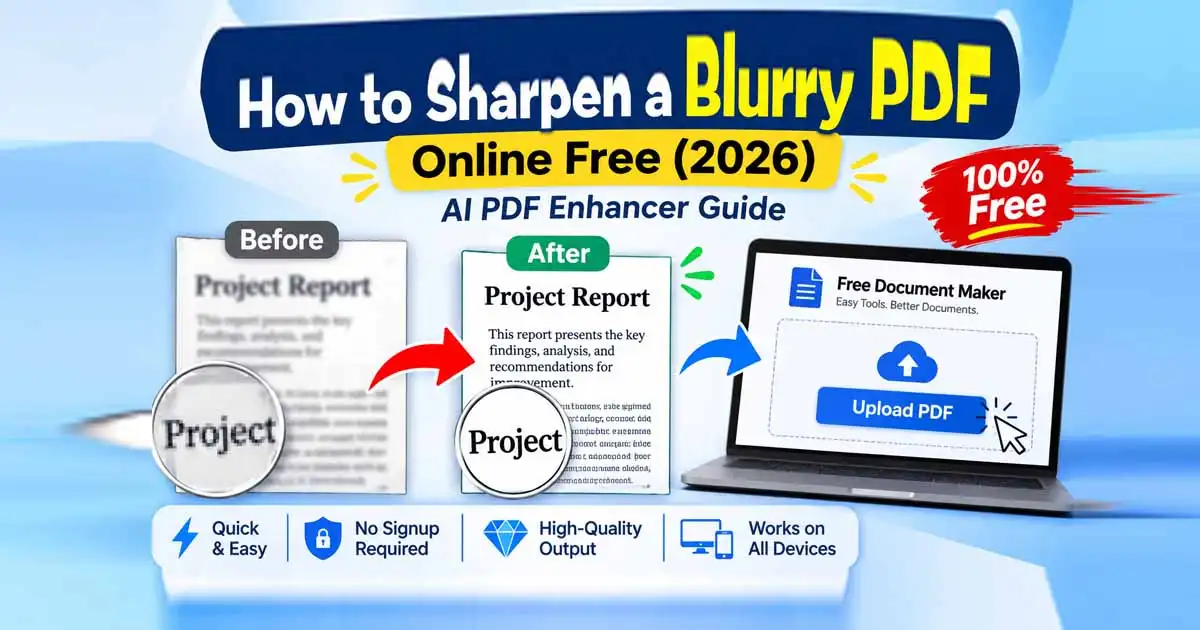
Open the AI PDF Enhancer: Navigate to Free Document Maker PDF Enhancer on your desktop or mobile browser.
Upload Your Blurry File: Drag and drop your low-resolution PDF into the tool. All processing is built for speed and privacy—no signup required.
Choose Your Enhancement Level: Select AI text sharpening and resolution upscaling (2x or 4x) to clean up jagged edges and faded ink.
Download Your Crisp PDF: Preview the enhanced result and download your high-resolution PDF immediately.
How to Increase PDF Resolution (DPI) Without Losing Quality
Standard web documents often export at 72 DPI or 96 DPI, which looks fine on a small phone screen but turns blurry when zoomed in or printed. For crisp, print-ready clarity, documents require 300 DPI.
Traditional resizing tools simply stretch existing pixels, making blurry letters look even worse. Instead, an AI PDF Enhancer uses super-resolution neural networks to analyze character shapes, reconstruct missing edge details, and increase PDF DPI intelligently.
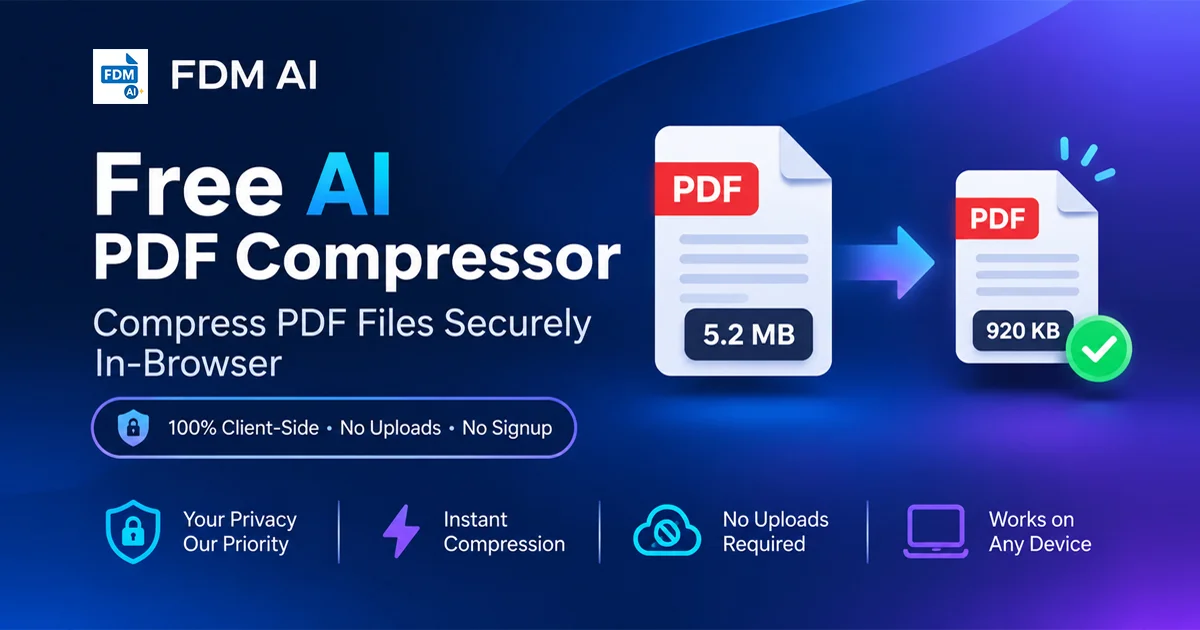
Pro Tip: Once you upscale your file to 300 DPI, avoid running it through aggressive compression tools unless necessary. If you do need a smaller file size for email attachments, use a balanced PDF Compressor that preserves text sharpness.
How to Improve Scanned PDF Quality
Mobile camera scans and older office scanners frequently introduce shadows, uneven lighting, and background grain. To improve scanned PDF quality effectively:
Remove Background Noise: AI contrast balancing turns grayish paper backgrounds into clean white while darkening faded ink.
Sharpen Rasterized Text: When a scanner saves text as a flat image, edge-enhancement algorithms separate individual letters so numbers, signatures, and fine print become legible again.
Edit or Convert After Enhancing: Once your scan is clear, you can easily modify text using our Free Online Document Editor, make layout adjustments in the PDF Editor, or extract editable text using our PDF to Word converter.
Frequently Asked Questions (FAQ)
1. How can I fix a blurry PDF online for free?
You can fix blurry PDF files for free using Free Document Maker’s AI PDF Enhancer. Simply upload your file, let the AI upscale the resolution and sharpen text edges, and download the clear PDF with zero watermarks or registration.
2. Does increasing PDF DPI make blurry text readable?
Yes. Increasing PDF resolution from 72 DPI to 300 DPI using AI super-resolution reconstructs jagged pixel edges, making small print, receipts, and scanned forms sharp and easy to read.
3. Can I fix a blurry PDF without signing up or installing software?
Yes. FDM AI runs directly in your web browser on Windows, Mac, Android, and iPhone. You do not need to install desktop programs or create an account.
4. Why do PDF files become blurry after scanning or compressing?
PDFs become blurry when scanned at a low DPI setting, photographed in poor lighting, or heavily compressed to reduce file size, which strips away edge detail around text characters.
5. Is it safe to upload confidential PDFs to an online enhancer?
Free Document Maker is designed with a privacy-first architecture, allowing you to process and enhance documents quickly without requiring personal account data or storing your files permanently.
6. Can I edit text in my PDF after improving its quality?
Yes. After enhancing your PDF, you can open it directly in the FDM Document Editor or PDF Editor to fix typos, update formatting, or export to other formats.