In today’s fast-paced digital economy, the ability to create and sign legal agreements online is no longer a luxury—it is a necessity for survival. Whether you are a freelancer closing a high-stakes project, a landlord onboarding a new tenant, or a small business owner finalizing a vendor contract, speed and security are your most valuable assets.
Yet, many professionals remain trapped in the "analog loop." You know the cycle: you draft a document, email it to the other party, they print it out, hunt for a working pen, sign it, scan it (often resulting in a blurry, crooked phone photo), and finally email it back. This outdated process doesn't just waste time; it kills momentum and introduces unnecessary security risks.
There is a better way. By leveraging modern AI-powered utility tools, you can move from a blank page to a fully executed contract in record time. This guide will show you how to create and sign legal agreements online completely free, with zero data footprint and professional-grade results.
The Problem: The Outdated "Print-Sign-Scan" Nightmare
Before we dive into the solution, it is important to recognize why the traditional method is failing modern businesses. The "Print-Sign-Scan" cycle is more than just an inconvenience; it’s a bottleneck that creates several points of failure:
Wasted Productivity: Hunting for a printer or a scanner can turn a five-minute task into an hour-long ordeal.
Poor Professionalism: Low-quality scans and "photo-of-a-paper" PDFs reflect poorly on your brand.
Version Control Issues: Manual scanning often leads to missing pages or difficult-to-read text.
Privacy Vulnerabilities: Physical copies of sensitive agreements can be lost, and unencrypted email attachments of signatures are prime targets for data harvesters.
To stay competitive, you need a seamless digital workflow that keeps everything professional, secure, and instant.
Step 1: Draft with the FDM AI Agreement Generator
The first step to create and sign legal agreements online is building a solid foundation. You should never have to stare at a blank white screen wondering if your contract is structured correctly.
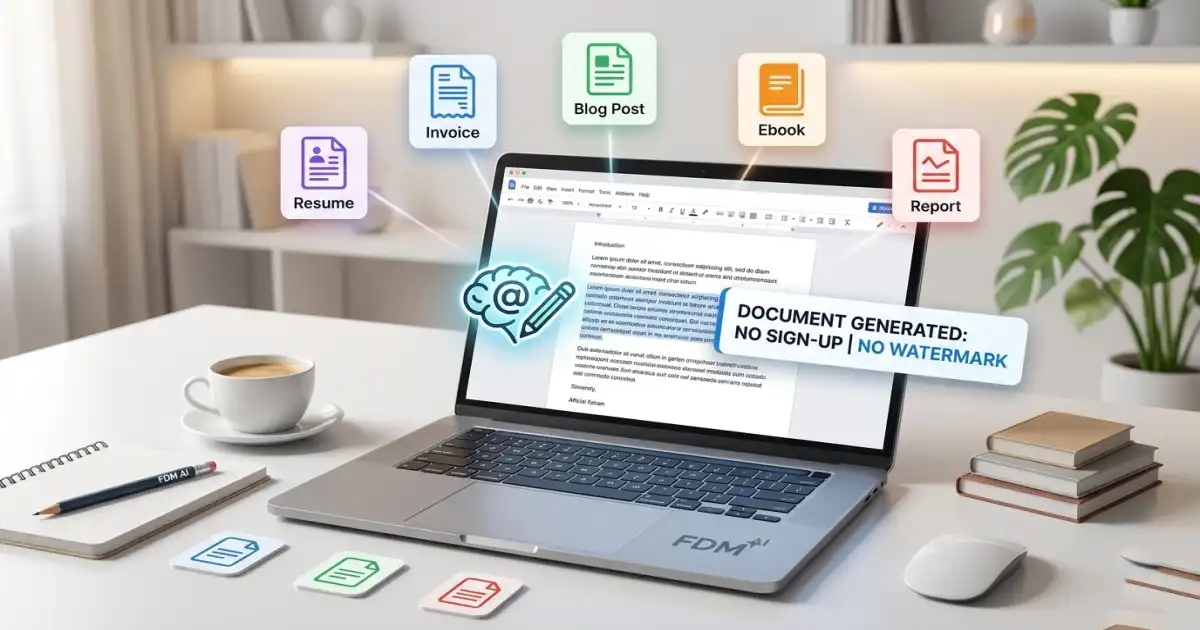
The FDM AI Agreement Generator is designed to eliminate "blank page syndrome" by providing a structured, AI-assisted drafting experience. Unlike generic templates you find on the web, this tool understands the specific intent of your document.
How to Draft Your Agreement:
Choose Your Template: Select from a library of professional categories, including Freelance Service Agreements, Residential Lease Contracts, Non-Disclosure Agreements (NDAs), and Business Partnership Contracts.
Input Essential Details: The engine will prompt you for the specific data needed—party names, payment terms, effective dates, and specific obligations.
Instant Generation: The AI processes your inputs and generates a complete, legally structured draft.
Customization: You have full control to edit, add, or remove clauses to ensure the final document perfectly fits your unique situation.
Why This Tool Stands Out:
No Legal Expertise Required: The AI handles the heavy lifting of document structure and formal language.
Utility-First Design: There are no hidden fees or paywalls. You get a professional draft without needing a credit card.
Privacy-First Approach: Your data is processed responsibly, ensuring that your business terms remain your business.
Step 2: Finalize with the FDM AI Signature Generator
A document is just a piece of paper (or a digital file) until it is signed. To truly create and sign legal agreements online, you need an e-signature tool that is as secure as it is easy to use.
The FDM AI Online Signature Generator is built on the proprietary fdmGTP Drawing Engine. This isn't a typical "upload your image" tool; it is a high-performance, artistic drawing pad that mimics the fluidity of real ink on paper.
The Power of the fdmGTP Engine
Most online signature tools are a privacy nightmare. They require you to upload your handwriting to their servers before you can even see the result. FDM AI has flipped this model. Our engine is 100% browser-native (client-side). This means:
Zero Data Footprint: Your signature is processed in your browser’s local memory. It never touches our servers.
Total Biometric Security: Your handwriting stays on your device. Period.
Creating Your Signature:
Draw with Precision: Use your mouse, trackpad, or—for the best results—a stylus/finger on a tablet or smartphone.
Custom Ink Control: Switch between classic "Fountain Pen Blue" or "Professional Black" and adjust the thickness to match your personal style.
Transparent PNG Export: This is the most critical feature. The tool exports your signature as a high-resolution, transparent PNG. This allows you to "overlay" the signature onto any PDF or document without that ugly white box background.
The Workflow: Putting It All Together
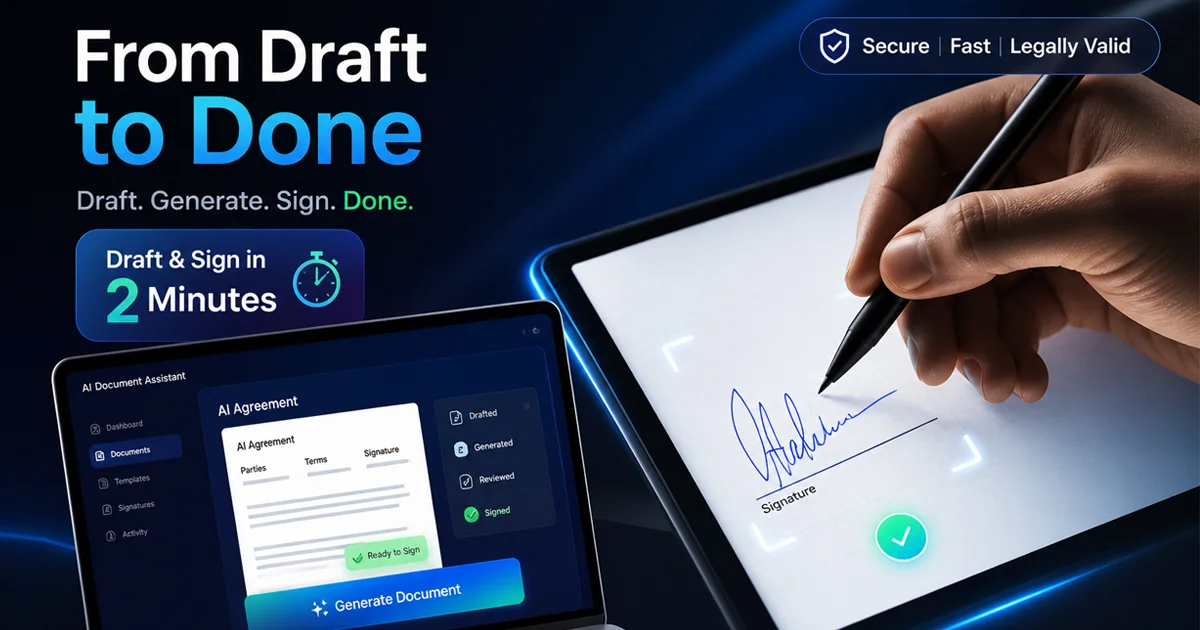
To create and sign legal agreements online effectively, you must combine these two tools into a single, cohesive workflow. Here is how you can do it in under 120 seconds:
Generate: Use the Agreement Generator to draft your contract and download it as a PDF or copy the text into your preferred editor.
Sign: Visit the Signature Generator and draw your professional signature.
Combine: Export your transparent PNG signature and place it onto the signature line of your agreement PDF.
Send: Save the final version and email it to the other party.
This workflow is not just faster; it is smarter. It demonstrates to your clients and partners that you value efficiency and data privacy.
Who Benefits from This Paperless System?
The ability to create and sign legal agreements online is a game-changer for several groups:
Freelancers & Creatives: Quickly secure project terms and get paid faster without the friction of manual paperwork.
Real Estate Professionals: Finalize leases and rental agreements on the spot using a tablet during property showings.
Small Business Owners: Handle vendor contracts and employment offer letters with a professional, unified digital presence.
Global Teams: Bridge language and distance gaps by using the FDM AI ecosystem's translation and document tools in tandem.
Why Privacy Matters in Document Execution
When you choose to create and sign legal agreements online, the most important factor is often the one you can’t see: Security.
In an era of frequent data breaches, your signature is a highly sensitive biometric identifier. Many "free" tools online make money by tracking user data or storing signature files in vulnerable databases. At FDM AI, our guiding principle is that utility tools should be private by design.
By using client-side processing for our signature engine, we ensure that you are the only one who ever holds the keys to your identity. This is "Zero-Knowledge" technology applied to everyday business tasks.
Conclusion: Embrace the Future of Business Documentation
The days of being tethered to a printer are over. You now have the power to create and sign legal agreements online from anywhere in the world, on any device, in just a few clicks.
By combining the AI Agreement Generator with the fdmGTP-powered Signature Pad, you are adopting a professional, high-performance workflow that prioritizes your time and your privacy. Stop wasting hours on administrative hurdles and start moving at the speed of thought.
Ready to close your next deal?
👉 Draft your professional agreement here
👉 Create your secure, artistic signature here
Once you experience the fluidity of a 100% digital workflow, you’ll never want to go back to a pen and paper again. Share this guide with a fellow professional who needs to reclaim their time and secure their digital identity!
Free Document Maker (FDM AI) Platform offers over thirty AI tools for creating and editing digital files. Users can generate documents, PDFs, spreadsheets, images, audio, and video. It works in browsers without installation or signup. Features include invoice generation, PDF editing, and media conversion.