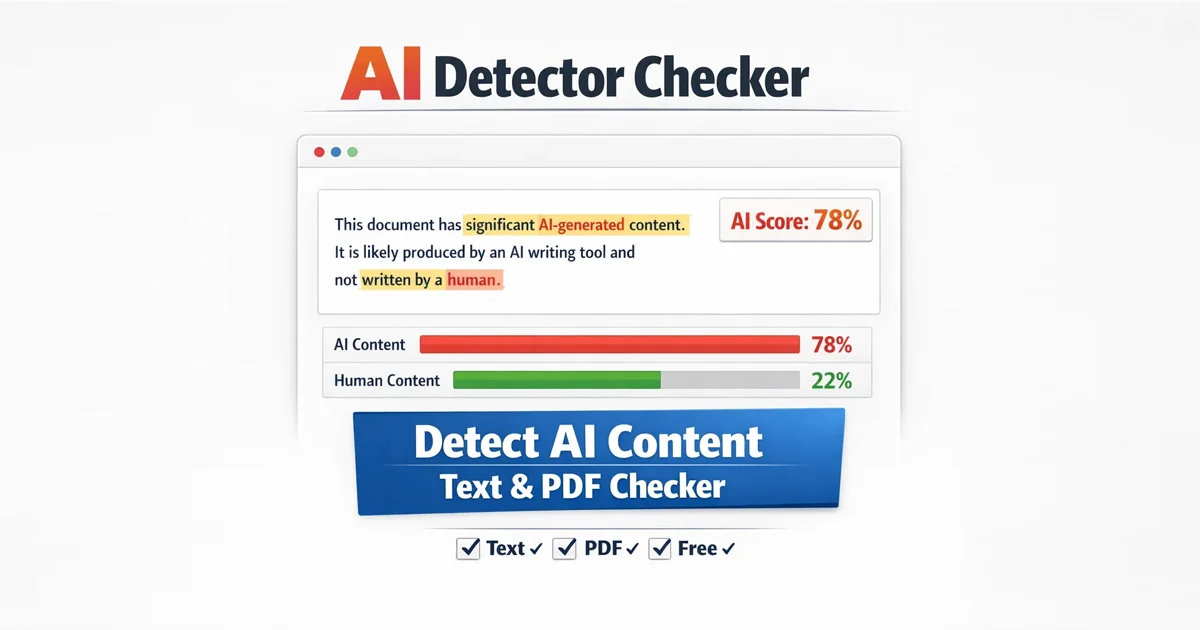
AI Detector Checker for Text PDF tools are becoming essential as AI-generated content continues to grow across blogs, assignments, reports, and digital documents. What once required hours of effort can now be produced in seconds using artificial intelligence.
However, speed introduces a new challenge.
How can you confidently verify whether content is genuinely written by a human or generated by AI?
A reliable AI Detector Checker for Text PDF helps solve this problem by analyzing writing patterns, structure, and predictability to identify AI-generated content with high accuracy. It allows users to check authenticity before publishing, submitting, or sharing any document, ensuring both quality and trust.
Why AI Detector Checker for Text PDF Matters
AI writing tools such as ChatGPT, Claude, and Gemini have significantly changed how content is created. While they improve efficiency, they also introduce risks that cannot be ignored.
Academic Integrity → Students must submit original work that reflects real understanding
SEO Quality → Search engines prioritize helpful, human-first content
Professional Trust → Clients expect natural, clear, and authentic communication
Compliance Needs → Many industries require verified and accountable documentation
Using an AI Detector Checker for Text PDF ensures your content maintains originality, credibility, and professional standards in every use case.
Key Features of AI Detector Checker for Text PDF
Free Document Maker provides a modern detection system built for real-world usage. This AI Detector Checker for Text PDF is designed not only to detect AI content but also to help improve writing quality.
1. Supports Text and PDF Files
You can paste raw text or upload PDF documents directly. The system automatically extracts and analyzes the content without requiring additional formatting, making it highly efficient for both simple and structured documents.
2. Smart Sentence Analysis
Instead of showing only a general percentage, the tool provides deeper insights by highlighting:
Repetitive sentence patterns
Predictable phrasing
AI-like writing structures
This allows users to clearly identify which parts of their content may require improvement.
3. Detection Based on Writing Behavior
The tool evaluates how content is written by analyzing:
Sentence variation and rhythm
Word predictability
Structural consistency across paragraphs
These factors help detect subtle signals that are commonly found in AI-generated content.
4. Fast and Privacy-Focused
No login required
No watermark on results
Instant analysis within seconds
No data storage or tracking
This ensures a secure, fast, and user-friendly experience.
How to Use AI Detector Checker for Text PDF
Using the tool is simple and requires no technical knowledge.
Open the AI Detector page
Paste your text or upload a PDF file
Click “Check Content”
Review highlighted sections and analysis
Edit and refine your content if needed
The entire process takes only a few seconds and works directly in your browser without installation.
Tips to Improve Content After Detection
Even if you use AI tools for drafting, refining your content is essential for making it sound natural and human. A good AI Detector Checker for Text PDF helps identify weak areas, but improvement depends on how you revise the content.
Add personal insights, experiences, or examples
Use a mix of short and long sentences for natural flow
Rewrite generic or repetitive phrases
Simplify overly complex wording
Verify facts and ensure accuracy
These improvements help create content that feels authentic, engaging, and trustworthy.
Use Cases of AI Detector Checker for Text PDF
This tool is valuable across multiple real-world scenarios.
Students → Check assignments before submission
Bloggers → Improve originality and SEO performance
Freelancers → Deliver high-quality, human-like content
Agencies → Review and refine AI-generated drafts
Businesses → Validate reports, proposals, and documentation
Many professionals rely on an AI Detector Checker for Text PDF as a final quality check before publishing or delivering content.
Limitations You Should Know
While AI detection tools are powerful, they are not perfect and should be used with awareness.
Detection is based on probability, not certainty
Human-written content may occasionally be flagged
AI-generated content can be edited to appear more human
Because of this, results should always be used as guidance rather than absolute judgment. Human review remains essential.
Why Choose Free Document Maker
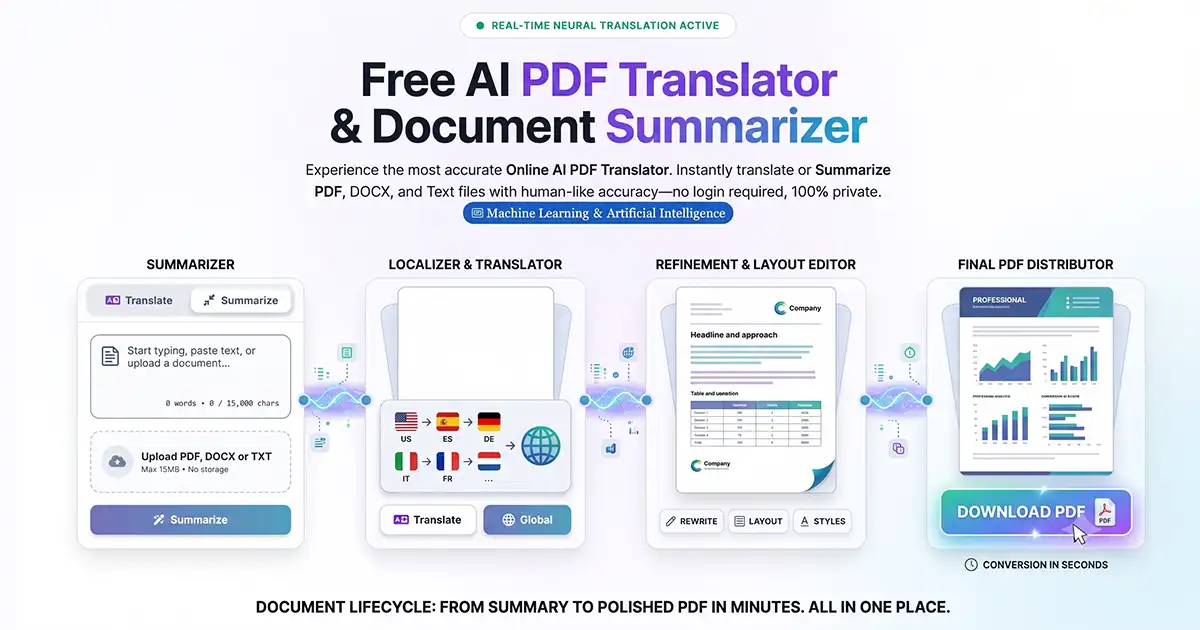
Free Document Maker (FDM AI) is more than just an AI detection tool. It is a complete browser-based platform designed for fast and efficient document handling.
You can:
Generate documents → https://www.freedocumentmaker.com/ai-document-writer
Access AI tools → https://www.freedocumentmaker.com/ai-powered-tools
Convert and edit files instantly
Everything works online without login or installation, providing a seamless and efficient experience.
Final Thoughts
AI-generated content is growing rapidly, but authenticity remains more important than ever. Creating content is no longer the biggest challenge — verifying its quality and originality is.
Using an AI Detector Checker for Text PDF helps you:
Maintain originality
Improve readability and clarity
Build trust with readers and clients
Ensure professional and academic standards
If you need a fast, reliable, and free solution, Free Document Maker provides one of the most efficient tools available for checking both text and PDF content online.