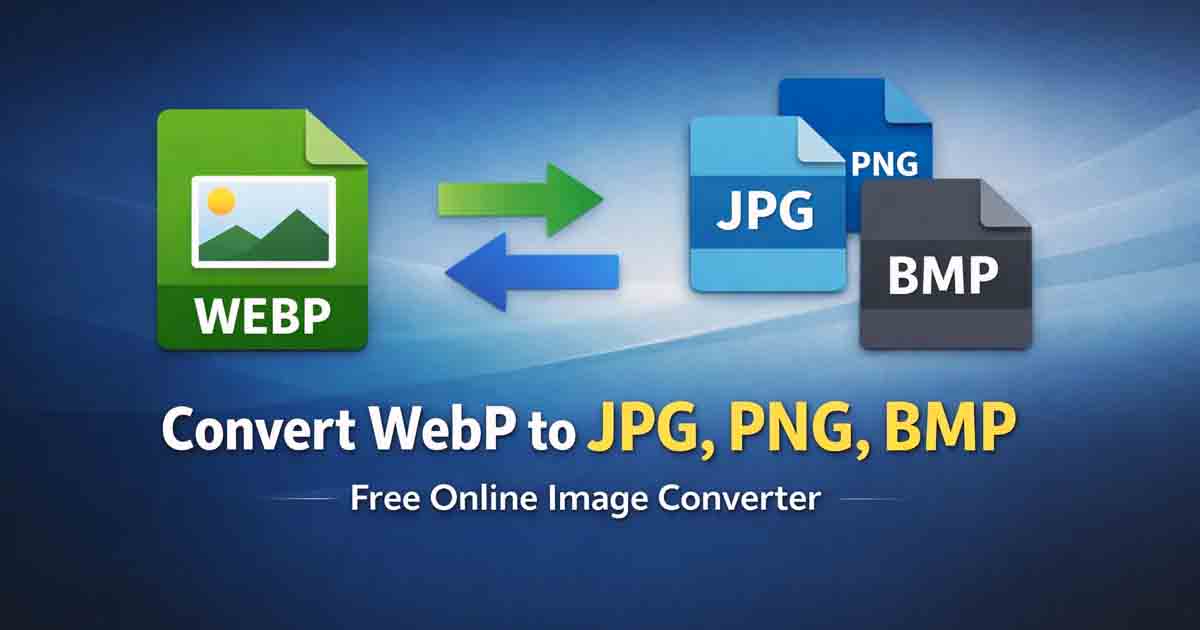
Modern websites increasingly use the WebP image format because it provides excellent compression while maintaining high visual quality. However, WebP files are not always compatible with every platform, application, or email client. This is why many users need a reliable way to convert WebP images into more widely supported formats such as JPG or PNG.
Free Document Maker offers a fast and simple solution. The WebP to Image Converter allows users to transform WebP files into JPG, PNG, or BMP instantly using a browser-based tool. No installation, registration, or software downloads are required.
The converter is designed for quick everyday tasks. Upload a WebP image, choose your desired output format, and download the converted file within seconds.
Convert WebP Images to Popular Formats
The WebP to Image tool supports several widely used image formats that work across websites, design tools, and social platforms.
WebP to JPG – Ideal for websites, blogs, and image sharing platforms.
WebP to PNG – Useful when transparency or higher visual quality is required.
WebP to BMP – Suitable for software that requires uncompressed bitmap images.
WebP to GIF – Animated conversion support planned for future updates.
These formats ensure compatibility with most modern applications and publishing platforms.
How to Convert WebP to JPG or PNG
Converting a WebP image takes only a few steps:
Open the WebP to Image Converter.
Upload or drag and drop your WebP file.
Select the output format such as JPG, PNG, or BMP.
Click the convert button and download the new image.
The process runs entirely online, so there is no need to install additional software.
Common Use Cases for WebP Conversion
While WebP is widely used for web optimization, some platforms still prefer traditional image formats. Converting WebP images becomes necessary in several situations:
Uploading images to CMS platforms that require JPG or PNG
Sharing images on social media platforms
Embedding images in email newsletters
Editing images in software that does not support WebP
Preparing images for print or document files
Using a quick conversion tool ensures the image can be used anywhere without compatibility issues.
Who Uses WebP Converters?
Image conversion tools are used by many different professionals and everyday users.
Bloggers and Content Creators who prepare images for articles
Web Developers optimizing images for website compatibility
E-commerce Sellers preparing product images
Graphic Designers converting assets for editing tools
Students and Freelancers preparing images for projects and presentations
These users often need quick conversions without complex editing software.
WebP vs JPG vs PNG
Each image format serves a different purpose depending on compression, compatibility, and quality requirements.
| Format | Main Advantages | Limitations |
|---|---|---|
| WebP | High compression with good image quality | Not supported by all applications |
| JPG | Universally supported across websites and software | Lossy compression reduces image quality slightly |
| PNG | Lossless quality and transparency support | Larger file sizes |
Converting between these formats allows users to balance compatibility and quality depending on their needs.
Advantages of Using an Online WebP Converter
Browser-based tools simplify image conversion and remove the need for desktop editing software.
No software installation – Everything works directly in the browser.
Fast processing – Images convert within seconds.
No registration required – Start using the tool immediately.
Mobile friendly – Works on phones, tablets, and desktop devices.
Clean downloads – No watermark added to exported images.
Convert WebP Images Instantly
If you need a quick and reliable way to convert WebP files into widely supported image formats, a browser-based converter provides the easiest solution.
Use the Free WebP to Image Converter to transform your WebP images into JPG, PNG, or BMP instantly.
The tool works entirely online and helps you prepare images for websites, documents, and social platforms without extra steps.