Find Privacy-First PDF to PPTX, Whether you are a corporate executive preparing confidential financial reports, a legal professional handling sensitive contracts, a startup founder pitching investors, or a student finalizing a university thesis, the traditional “Upload & Convert” workflow used by most online converters has quietly become one of the largest hidden risks in digital productivity.
Most conventional online conversion tools require users to upload files directly to remote cloud servers before processing begins. During this process, proprietary documents, private business data, presentations, contracts, and internal research files temporarily leave the user’s device and enter third-party infrastructure where retention policies, AI training usage, analytics scanning, or server logging may occur.
The FreeDocumentMaker (FDM AI) completely changes this model through a modern 100% client-side PDF to PPTX conversion architecture. Instead of uploading files to external servers, the entire conversion engine runs directly inside your browser memory using advanced browser-native technologies and the proprietary fdmGTP Conversion Core.
This means your files remain on your local device during the entire conversion process. No cloud upload. No server storage. No waiting queues. No hidden background processing. Your data stays under your control from start to finish.
In 2026, browser-native document processing is becoming the gold standard for privacy-first productivity, and FDM AI stands at the forefront of this transition with one of the fastest and most secure PDF to PowerPoint (PPTX) conversion systems available online.
What is Client-Side PDF to PPTX Conversion?
Traditional online conversion platforms use a Cloud-First processing model. When users upload a PDF file, the document travels across the internet to a remote processing server where the conversion engine performs the transformation before sending the output back to the user.
While this workflow appears simple on the surface, it introduces multiple potential issues:
Server upload delays for large files
Privacy concerns with sensitive documents
Possible temporary server storage
Bandwidth dependency
Cloud queue bottlenecks
Security vulnerabilities during transfer
Unclear retention or AI training policies
FDM AI uses a fundamentally different approach known as Client-Side Conversion. Instead of transferring your document to external infrastructure, the fdmGTP Conversion Core loads directly into your browser’s temporary runtime environment and processes the file locally using your own device resources.
“The Golden Rule of FDM AI: Your file never leaves your device — not even for a second.”
This architecture provides significantly stronger privacy protection while also improving speed and reducing unnecessary upload latency.
Why Browser-Based PDF to PPTX Conversion Is the Future
Modern browsers have evolved into highly capable computing environments powered by technologies such as WebAssembly (WASM), GPU acceleration, advanced memory isolation, and optimized rendering engines. These advancements now allow sophisticated document processing directly inside the browser.
FDM AI leverages these technologies to create a secure, lightweight, and high-performance document ecosystem that eliminates the need for heavy desktop applications or cloud-based dependency.
Feature | FDM AI Client-Side | Traditional Cloud Tools |
File Upload Required | No | Yes |
Local Device Processing | Yes | Rare |
Upload Wait Time | None | Common |
Privacy Focus | Strong | Varies |
Watermark-Free Output | Yes | Often Restricted |
Key Benefits of the fdmGTP Conversion Engine
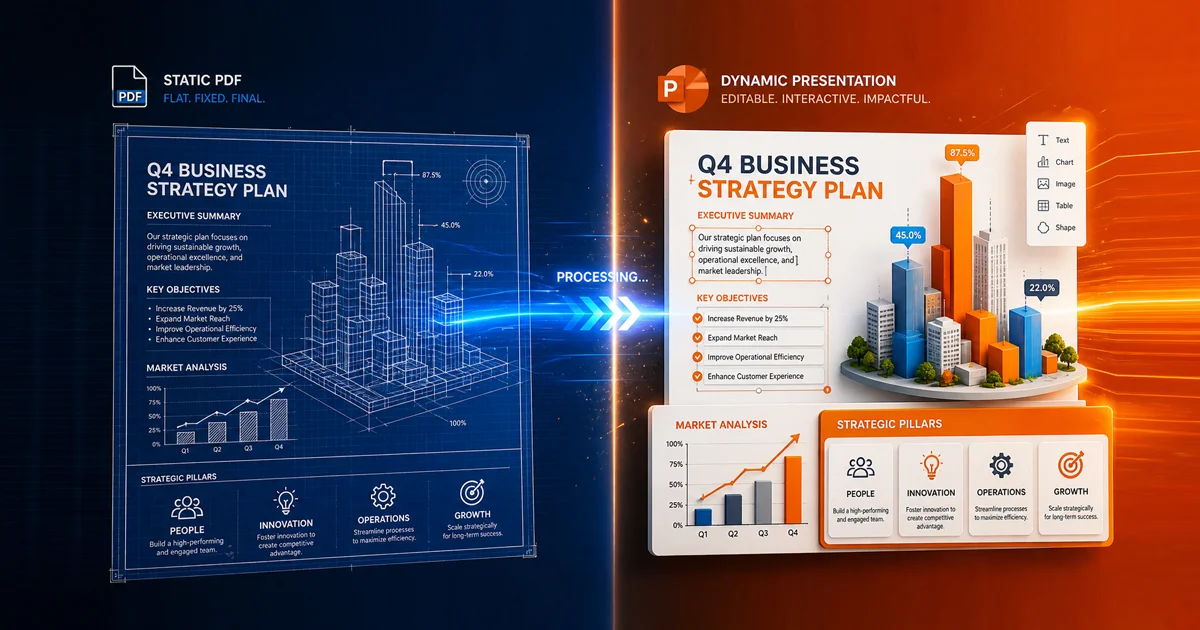
The proprietary fdmGTP Conversion Engine was designed not only for privacy but also for professional-grade conversion quality. Many free online converters simply flatten PDF pages into static images inside PowerPoint slides, making the presentation difficult to edit or customize later.
FDM AI takes a much more advanced approach through intelligent structural analysis and layout preservation technology.
1. Fully Editable PowerPoint Slides
Instead of generating image-only slides, the fdmGTP engine identifies:
Text blocks
Tables
Typography structures
Vector graphics
Charts and diagrams
Image layers
Presentation layouts
This ensures your exported PPTX remains editable, flexible, and presentation-ready after conversion.
2. Zero Upload Latency
Traditional cloud converters force users to upload large files before processing even begins. High-resolution PDFs or presentation decks can take several minutes depending on internet upload speed. Because FDM AI processes files locally, there is no upload queue. Conversion begins instantly after loading the file into browser memory.
3. High-Fidelity Layout Preservation
Maintaining presentation quality is critical for business reports, investor decks, academic slides, and corporate documentation. The fdmGTP engine preserves page spacing, visual hierarchy, alignment, aspect ratios, slide structure, and typography consistency.
4. Cross-Platform Compatibility
Since the conversion happens directly inside the browser, FDM AI works across Windows, macOS, Linux, Chromebooks, and mobile browsers. Compatible browsers include Chrome, Edge, Safari, Firefox, and other modern Chromium-based platforms.
How to Convert PDF to PPTX Using FDM AI
Using the PDF to PowerPoint Tool is designed to be fast, secure, and beginner-friendly.
Open the PDF to PowerPoint Converter: Navigate to the FDM AI PDF Suite directly from your browser.
Load Your PDF File: Drag and drop your document into the workspace. Your file loads locally without cloud transfer.
Choose Slide Configuration: Select aspect ratios, layout options, and output preferences.
Start Local Conversion: The fdmGTP engine begins processing directly inside your browser memory.
Download Your PPTX File: Save the editable PowerPoint presentation instantly to your device.
The Free Document Maker (FDM AI) Productivity Ecosystem
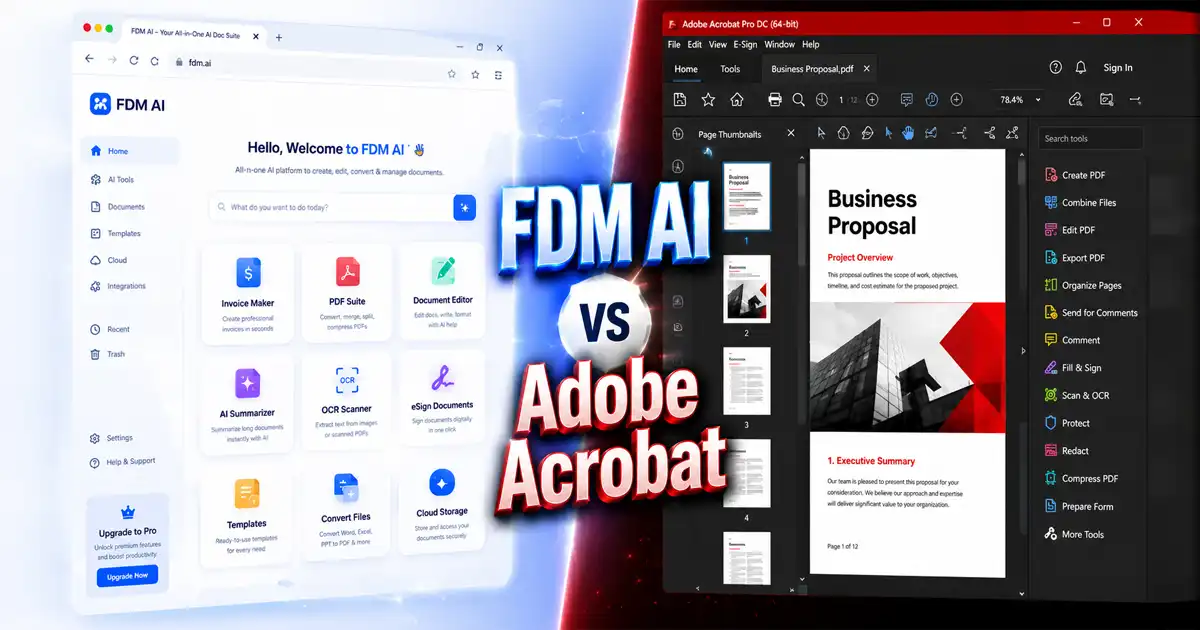
Beyond PDF conversion, FDM AI provides a complete ecosystem of browser-based AI document utilities designed for modern productivity workflows.
AI Document Editor — Generate and edit structured documents with AI assistance.
Document Resizer — Optimize and standardize file sizes for sharing and storage.
PDF Suite — Access all PDF-related utilities from one centralized workspace.
Image to PDF Tool — Convert JPG, PNG, WebP, and AVIF images into PDFs securely.
Frequently Asked Questions
Is the PDF to PPTX converter really free?
Yes. FDM AI provides free access to core PDF conversion tools without subscriptions, hidden fees, or watermark restrictions.
Do I need to create an account?
No. FDM AI follows a strict no-login productivity philosophy to reduce friction and improve user privacy.
What happens to my files after conversion?
Since the conversion happens locally inside your browser memory, your files disappear from the temporary workspace after you close the tab or refresh the page.
Can I use the converter on mobile devices?
Yes. The platform is optimized for responsive mobile performance and works across smartphones, tablets, and desktops.
Why are browser-native tools considered more secure?
Browser-native processing minimizes external exposure by keeping files isolated on local hardware rather than sending them to third-party servers.
Conclusion: Take Back Control of Your Documents
Converting a PDF to PPTX should not require sacrificing privacy, waiting through upload queues, or relying on opaque cloud infrastructure. Free Document Maker (FDM AI) introduces a modern alternative built around speed, transparency, local processing, and secure browser-native technology.
By combining the power of the proprietary fdmGTP Conversion Engine with a fully client-side architecture, FDM AI delivers professional PowerPoint conversions while ensuring your files remain under your control at all times.
Whether you're preparing executive presentations, academic lectures, startup pitch decks, training materials, or business reports, FDM AI provides one of the most secure and efficient PDF to PowerPoint conversion experiences available online in 2026. Convert PDF to PowerPoint instantly via the fdmGTP engine. Browser-native, privacy-first conversion with no uploads, no logins, and no watermarks.
Ready to experience private browser-native conversion?
Use the secure PDF to PPTX Converter today and explore the next generation of AI-powered document tools.