Designing high-impact PowerPoint decks from scratch is one of the most time-consuming tasks for professionals, educators, and students alike. Building slide layouts, reformatting bullet points, aligning stats, and matching theme palettes manually can take hours—valuable time that should be spent rehearsing and refining your core presentation message.
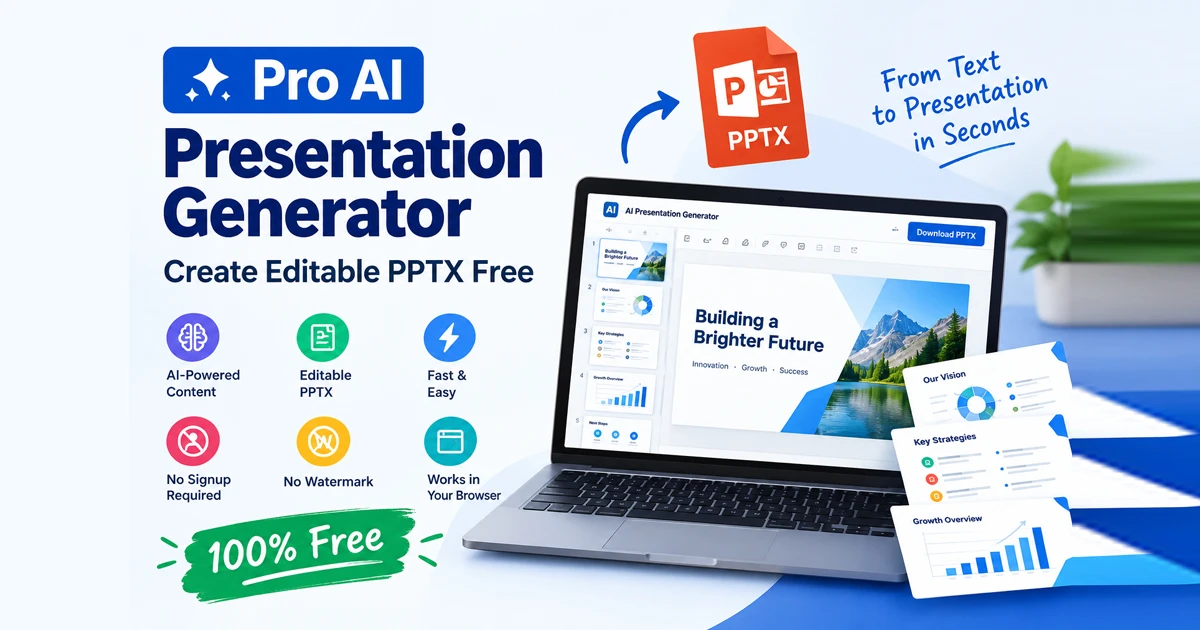
With a pro ai presentation generator, you can instantly transform raw text, topics, or outlines into polished, widescreen PowerPoint presentations directly inside your web browser.
The Free Document Maker Pro AI Presentation Generator offers a completely free workspace that outputs true vector-based .PPTX files with zero forced signups, no subscriptions, and zero branding watermarks.
What Is a Pro AI Presentation Generator?
A pro ai presentation generator is an intelligent slide assembly tool that converts user text prompts, raw data, or bullet outlines into fully structured, editable presentation decks.
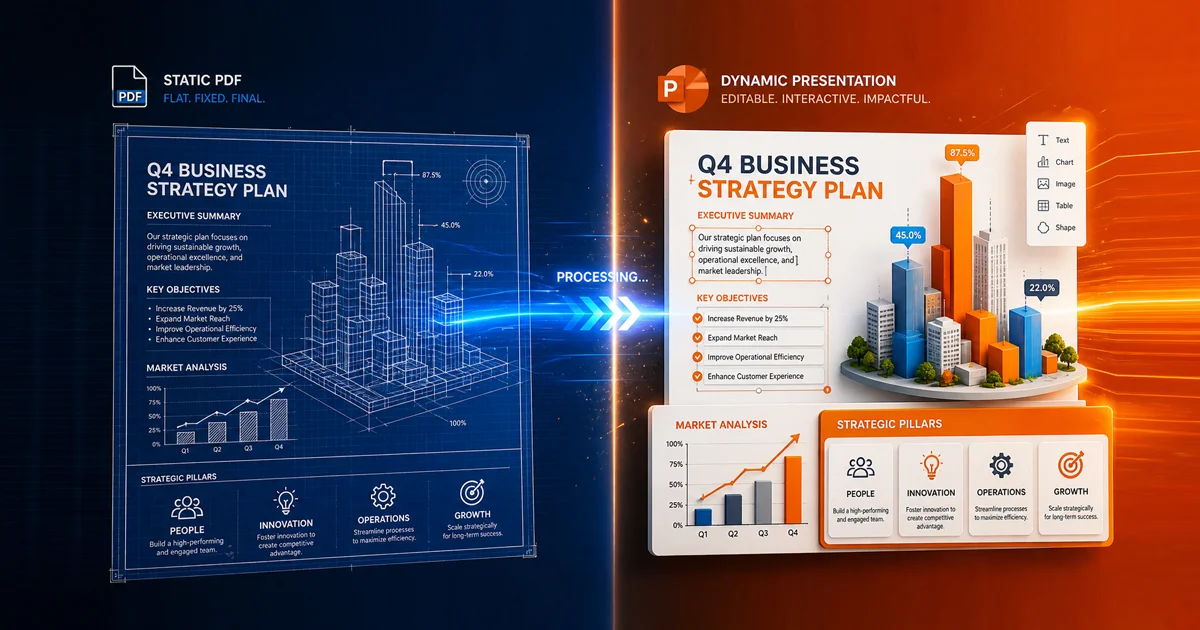
Unlike basic online converters that export static PDF pages or flat image slides, modern AI presentation tools build native vector shapes, editable text frames, dynamic column splits, and custom theme presets.
+-------------------------------------------------------------------------+
|                  TRADITIONAL SLIDE CREATION vs. PRO AI GENERATOR        |
+-------------------------------------------------------------------------+
| Traditional Presentation Method | Pro AI Presentation Generator (FDM AI) |
+---------------------------------+---------------------------------------+
| • Hours spent designing slides  | • Instant slide deck compilation      |
| •
Key Features of This Free AI PPT Maker
The Free Document Maker Pro AI PPT Generator provides professional-grade design flexibility alongside client-side browser processing:
1. Create Fully Editable PPTX Presentations
Every exported deck is a true vector-based PowerPoint document. Text fields, bullet blocks, headings, accent lines, and layouts remain 100% editable inside Microsoft PowerPoint, Google Slides, or Apple Keynote.
2. Make Slides Online Without Signing Up
As a dedicated ai presentation maker no signup utility, it lets you build unlimited slide decks without daily conversion caps, throttling, credit card requirements, or forced account registration.
3. Customize Themes, Colors, and Layouts
Match your presentation to your enterprise brand using preset themes and visual controls:
Layout Themes: Minimal Clean, Charcoal Dark, Cyberpunk Neon, Executive Green, and Corporate Blue.
Custom Accent Picker: Select exact brand hex codes for accent bars and key elements.
Addon Controls: Toggle custom accent bars and page numbers on or off.
4. Highlight Important Statistics With [BIG]
Auto 2-Column Split: Automatically splits bullet lists into balanced two-column layouts when content exceeds 5 bullet points.
[BIG]KPI Stat Callouts: Add a[BIG]prefix before any stat line to instantly transform it into a massive, eye-catching slide metric.
5. Understand How Browser-Based Processing Works
Your presentation content is compiled locally inside your device's browser memory (RAM) via client-side WebAssembly execution. Confidential corporate business plans, quarterly earnings reports, and private research papers are processed locally in your session memory.
Free AI Presentation Tool vs. Traditional Slide Makers
Feature | FDM Pro AI PPT Generator | Traditional Cloud AI Tools | Manual Desktop Slides |
Login / Account Signup | Not Required | Mandatory Account | License Key Required |
Output Format | Editable | Static PDF / Flat Images | Native |
Processing Model | Local Browser RAM | Cloud Server Storage | Local Hard Drive |
Cost | 100% Free | $15 – $40 / Month | $150+ Software Suite |
Branding Watermarks | None (Clean Output) | Watermarked on Free Tier | Clean Output |
Smart Layout Logic | Auto 2-Column & | Manual Drag-and-Drop | Manual Formatting |
How to Create a PowerPoint Presentation Online (Step-by-Step)
Creating enterprise-grade 16:9 widescreen presentations with an editable pptx generator takes less than a minute:
Step 1: Open the Generator Workspace
Navigate directly to the Free Document Maker AI Presentation Generator in any desktop or mobile browser. No registration or login is required.
Step 2: Input Title & Content Blocks
Enter your Presentation Title, Tagline, and Presenter Name.
Upload an optional Branding Logo to display across your deck.
Paste your presentation outline into the content block. (Pro Tip: Use a double enter to split slides, and add the
[BIG]prefix to highlight key stats).
Step 3: Choose Layout Themes & Addons
Select your preferred aesthetic—such as Minimal Clean, Charcoal Dark, or Executive Green—pick your custom accent color, and toggle your page number settings.
Step 4: Compile & Download Deck
Click Compile & Download Deck. The local browser engine generates your presentation instantly as an authentic .PPTX file saved directly to your device.
Tips for Better AI-Generated Presentations
To maximize your presentation impact when using a free ai presentation tool, keep these simple design principles in mind:
Keep Headlines Punchy: Use short, action-oriented titles for every slide to guide audience attention.
Leverage Large Stats: Use the
[BIG]prefix for crucial data points (e.g.,[BIG] 85% Growth Rate) to give metrics maximum visual emphasis.Use Consistent Branding: Pick a layout theme and accent color that aligns with your company identity or topic mood.
Refine Output in PowerPoint: Since all files export as true
.PPTXdocuments, you can add custom animations, audio clips, or transitions in PowerPoint anytime.
Frequently Asked Questions (FAQ)
Is this pro ai presentation generator completely free?
Yes. The Free Document Maker Pro AI PPT Generator is 100% free with no hidden fees, daily generation limits, or forced watermarks.
Are the exported presentation slides editable?
Yes! Unlike basic tools that export locked PDFs or flat image slides, this editable pptx generator creates authentic .PPTX documents where text, layout blocks, and headings remain fully editable.
Is my presentation content saved on cloud servers?
No. All slide compilation runs locally inside your browser memory (RAM) via a client-side sandbox. Your data remains completely private and is compiled locally within your browser session.
Do I need to register an account to download my deck?
No. As a true ai presentation maker no signup tool, you can access the generator as a guest and compile, preview, and download your .PPTX presentation immediately without providing an email address.