To save web article as PDF files is an essential skill for anyone who wants to preserve digital information. Whether you are a student doing research, a lawyer archiving evidence, or simply someone who enjoys reading offline, PDFs make content permanent, portable, and easy to access at any time.
In this guide, you’ll learn why standard “Print” functions often fall short—and how to use professional tools to save web article as PDF with a clean, ad-free layout that looks professional.
Why You Should Save Web Article as PDF
Online content isn’t permanent. Websites go offline, links break, and valuable articles can suddenly disappear behind paywalls. When you save web article as PDF, you create a reliable, personal snapshot that you can keep forever regardless of what happens to the original website.
Using a PDF format for web content also provides several key benefits:
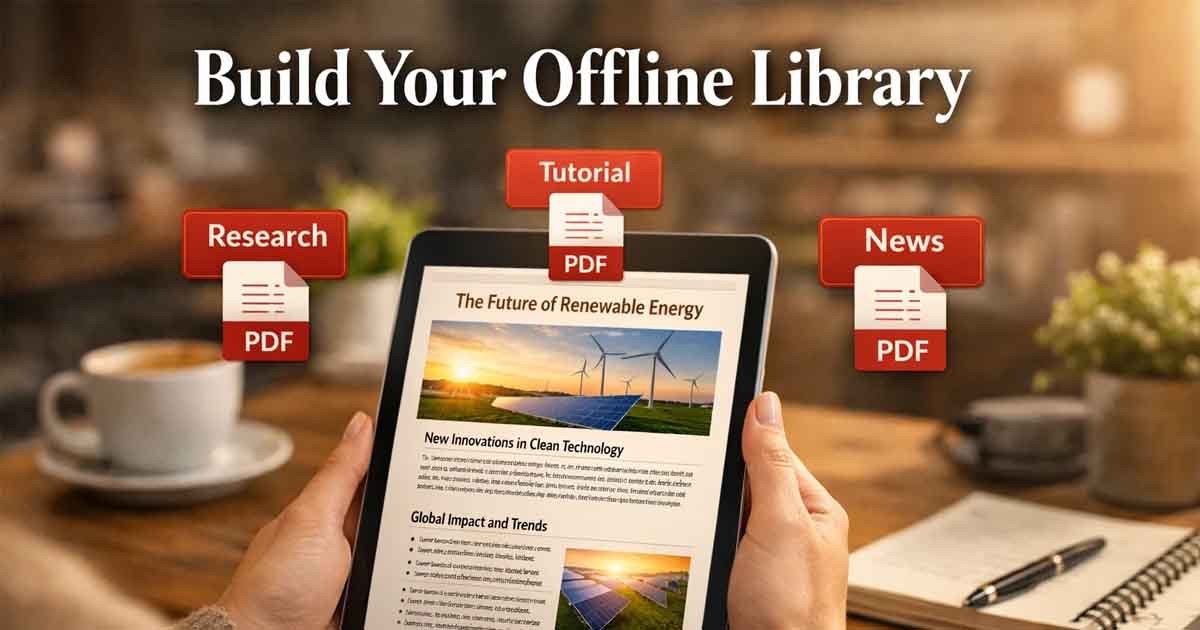
Offline Reading: Access your content on a plane, subway, or remote area without an internet connection.
Highlight & Annotate: Use digital tools to mark important sections or add notes to your research.
Clean Layout: When you save web article as PDF correctly, you remove distracting ads, pop-ups, and sidebars.
Device Compatibility: PDFs look the same on a smartphone, tablet, or laptop.
Step-by-Step: Save Web Article as PDF for Free
While browsers offer built-in “Print to PDF” options, they often struggle with complex layouts, resulting in broken images or 50 pages of blank space. For better results, follow these steps to use a dedicated converter.
1. Copy the Article URL
Go to the webpage you want to save and copy its full address from your browser’s address bar.
2. Use a Professional Conversion Tool
Visit Free Document Maker (FDM AI). Our platform allows you to save web article as PDF instantly—without requiring an account, email, or payment. This is the fastest "no-signup" way to handle document creation online.
3. Convert and Download
Paste your link into the HTML-to-PDF tool, click “Convert,” and download your clean, formatted file within seconds. You will notice that the tool intelligently preserves the article's text while ignoring the website's clutter.
Best Practices for High-Quality PDFs
To get the best results whenever you save web article as PDF, keep these professional tips in mind:
Use Print-Friendly Versions
Some websites offer a dedicated “Print” button within the article. Clicking this first can sometimes help isolate the main content. However, our AI-powered tool is designed to identify the main text body automatically.
Let Images Fully Load
Before you copy the URL to save web article as PDF, scroll to the bottom of the page. Many modern sites use "lazy loading," meaning images don't exist until you scroll to them. Scrolling ensures every image is captured in your PDF.
Organize Your Digital Library
Don't let your files pile up with generic names. Use a consistent naming convention to make your archive easier to search later. For example: 2026-Science-Report-Title.pdf
Frequently Asked Questions
Can I save web article as PDF on mobile? Yes. Both iOS and Android support “Print to PDF” via the Share menu. However, using the Free Document Maker (FDM AI) online tool usually produces much cleaner results than the default mobile browser print settings.
Is it legal to save web article as PDF? Saving content for personal use, education, or research is generally considered "Fair Use." However, you should not redistribute the PDF version of copyrighted work without the original author's permission.
Why does my PDF look messy? Basic browser tools often capture website navigation bars, ads, and broken layouts. To save web article as PDF with a clean look, you need a converter that understands HTML structures and strips away non-essential elements.
Conclusion: Build Your Personal Archive
Relying on bookmarks isn’t enough—digital content is fragile and can disappear at any time. Taking the time to save web article as PDF gives you full control over the information you value most.
Start building your own organized, distraction-free library today. Whether you are managing business receipts or academic papers, use a reliable HTML to PDF tool to ensure your documents are saved perfectly every time. FDM AI is your browser-native AI document generator and multi-media converter. Create resumes, PDF invoices, legal agreements, and certificates instantly—fully formatted, no watermarks, and ready to download.