Professional HTML to PDF Converter
Easily convert raw HTML or website URLs to professional PDF documents. Completely free, fast, and secure.
Processed securely in-browser Processed via external API
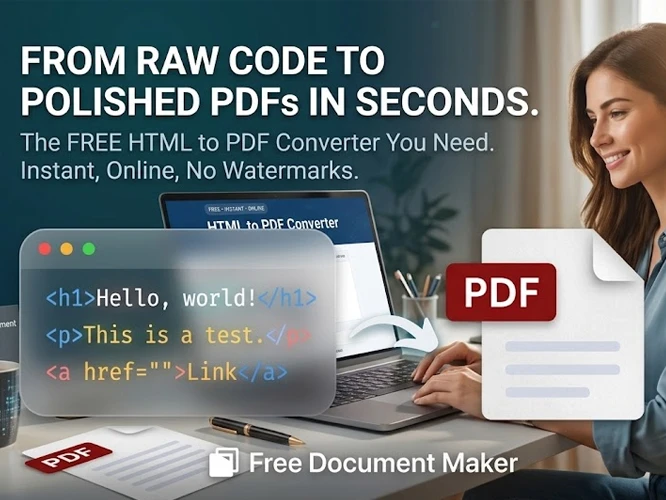
Why use FDM AI to Convert Web Pages?
Whether you are saving HTML email templates or archiving an entire website URL, our HTML to PDF converter ensures that the DOM styling, fonts, and grid layout are rendered perfectly. Discover the easiest way to turn a html file to pdf.
-
Exact HTML Layout Preservation
Maintain internal CSS styles, embedded fonts, and structural hierarchies exactly as written when you convert html to pdf online.
-
Save Live Websites (Link to PDF)
Input any public URL and capture the fully rendered page. It is the perfect answer for how to convert html to pdf quickly.
-
Convert HTML to PDF Free
Compile your links and code dynamically. Our html to pdf free pipeline operates efficiently without expensive subscriptions.
What Can You Convert to PDF?
Our free HTML to PDF converter is built for developers, marketers, and everyday users who need to transform web layouts into shareable documents.
Invoices & Billing
Instantly turn your dynamic HTML invoices and receipts into clean, immutable PDF files for client billing and accounting records.
Web Articles & Blogs
Save long-form articles, tutorials, or documentation offline. Paste the URL to capture the page exactly as it appears online.
Email Templates
Export your coded HTML email marketing designs into PDFs to share proofs with clients or team members easily.
Data Reports
Compile HTML tables, charts, and CSS grid layouts into professional management reports without losing structure.
How to Convert HTML to PDF
Generate professional assets in three simple steps using our browser-native, privacy-first fdmGTP engine.
Input Your Data
Select your preferred method. Paste your raw HTML code directly into the editor, or input a public website URL that you want to capture.
fdmGTP Processing
Click convert. Our secure fdmGTP engine renders your layout, preserving all CSS styles, fonts, and images locally without storing your data.
Download PDF
Instantly download your high-quality, print-ready document. Your converted PDF is immediately available directly to your device.
Privacy and Security Guarantee
Local Browser Processing
When pasting raw code, your files are processed entirely within your browser. Data never reaches our servers.
256-bit SSL Encryption
When converting URLs, all requests are routed through a secure, enterprise-grade encrypted connection.
Zero Data Retention
We do not store, view, or analyze your documents. Once your PDF is generated, all temporary data is destroyed instantly.
Frequently Asked Questions
Everything you need to know about our free HTML processing tools.
More PDF Tools From FDM AI PDF Suite
Discover our complete collection of free, secure, and easy-to-use document manipulation tools.
PDF Editor
Edit text, add images, and sign.
Document Converter
Convert between Docx, PDF & more.
PDF to Image
Extract PDF pages to JPG or PNG.
Image to PDF
Combine multiple images into a PDF.
PDF Merger
Combine multiple PDFs into one.
PDF to PPT
Convert PDFs to PowerPoint slides.
Compress PDF
Reduce file size without losing quality.
Take FDM AI
Everywhere You Go
Optimize your documents instantly from your pocket or directly within your browser. Download our high-speed Android App or install the Firefox Extension for a seamless productivity workflow.
Android App • Chrome Extension • Firefox Add-on • AI Powered
Experience the Future of Documents
Explore 30+ AI-powered tools designed for speed, privacy, and absolute simplicity. No costs, just results.