For a long time, editing a simple document or adding a legal signature online felt like running a gauntlet. You upload a file, only to be met with a strict signup wall, a surprise subscription fee, or a layout-ruining conversion error. Even worse, many traditional cloud editors copy your sensitive data directly onto their external servers, creating massive privacy risks for your personal, financial, and professional records.
Enter Free Document Maker (FDM AI). We have re-engineered the modern digital workspace by building a fully functional, free online document editor and electronic signing system that runs entirely within your web browser.
Whether you need to polish a resume, draw a digital signature layer on a contract, or clean up an essay, you can now securely handle your files with zero logins, zero setup, and absolute privacy.
Try the Tool Instantly: Browser-Native Document Utilities
Skip the software installations and clunky configurations. Drag, drop, and process your assets right now:
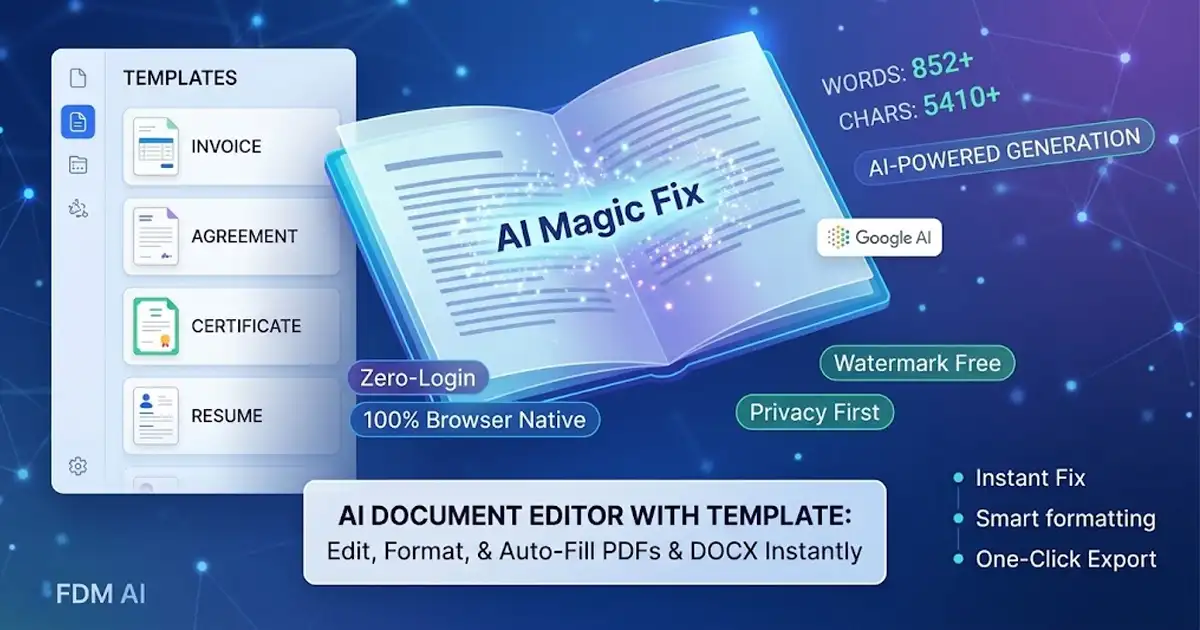
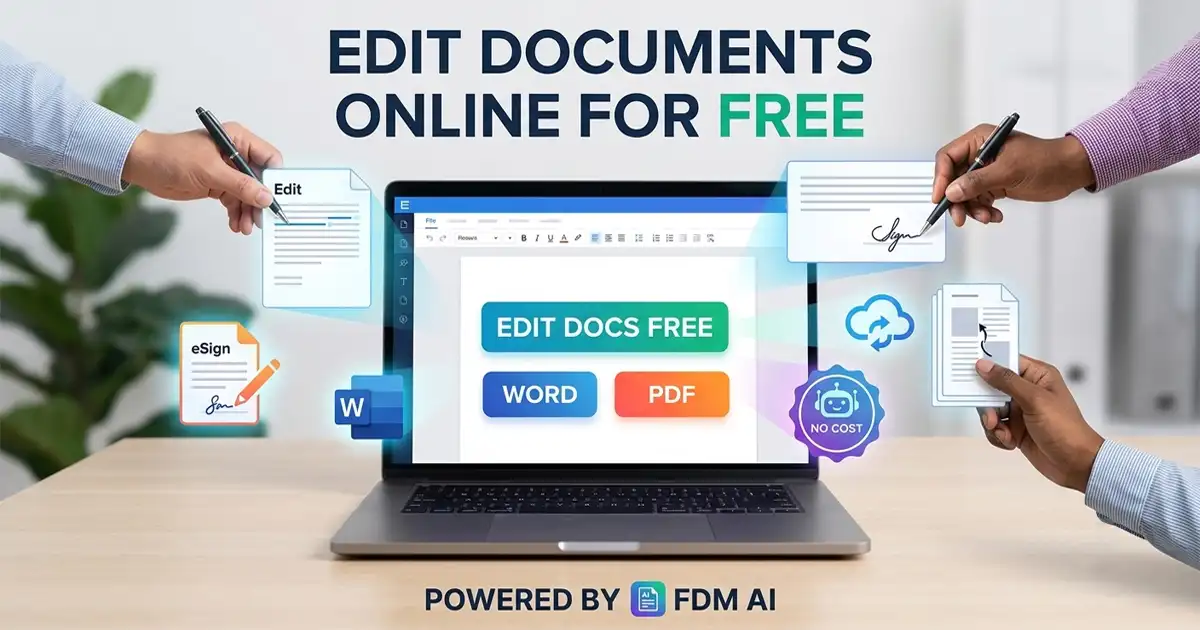
For Text Editing & Formatting: Launch our lightweight free online document editor
[2]workspace. Simply upload or drag & drop your document (PDF, DOCX, DOC, or TXT up to 15MB) into the canvas, or click Templates to launch a fresh file layout completely from scratch.For Legal Signing: Use the FDM AI Sign PDF Tool to type, draw, and place custom signature layers onto your documents instantly.
Featured Tool: Secure Browser-Native Placement Engine by FDM AI
The crown jewel of our latest updates is the Secure Browser-Native Placement Engine. When executing business agreements inside our free online document editor, you no longer have to worry about clunky formatting blocks overlapping important text paragraphs or misaligning your structural layout.
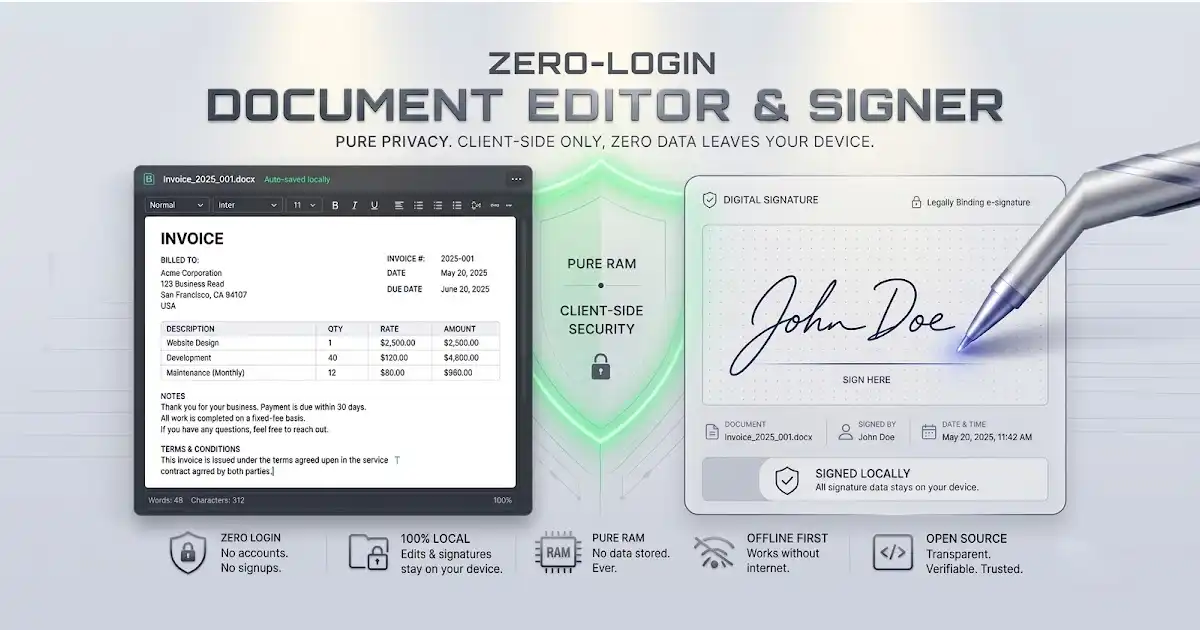
Sign PDF at Exact Position
With this dedicated layout system, you can upload your document, draw or type a secure signature layer, then drag, scale, and place it anywhere onto the pages natively. Because it renders locally inside your browser canvas, your signature embeds directly into the target file coordinates with pixel-perfect resolution.
Why Choose FDM AI Over Traditional Word Processors?
The digital space doesn't need another heavy desktop app or a monthly software subscription. It needs fast, secure, and intuitive web tools that respect user boundaries. Here is what sets our comprehensive free online document editor apart:
1. Edit Instantly with Native Layout Retention
Open and update PDF, Word (DOCX), and TXT files directly inside your browser tab without losing your structural formatting. The local compiler ensures your headings, lists, alignment, and spacings remain completely intact.
2. Zero Installation & Setup
Forget downloading heavy installation packages, managing license keys, or waiting on tedious background software updates. FDM AI is built entirely on a browser-native framework—accessible anytime, anywhere, with a single click.
3. Multiple High-Speed Export Options
When you finish updating text files within the free online document editor, you aren't locked into a single closed ecosystem. You can instantly export your finalized document into multiple clean, professional formats using our lightning-fast client-side compiler:
PDF Document (.pdf) — Perfect for unalterable distribution.
Word Document (.docx) — For legacy editing.
Plain Text (.txt) — Clean, distraction-free formatting.
Web Page (.html) — For ready-to-publish web code layouts.
4. Rich Formatting & Intuitive Toolbar
Take full command of your typography. The editor features a responsive, professional toolbar that makes text formatting seamless. Easily inject headings, stylized lists, custom color highlights, clean text formatting, and hyperlinks using a clean, uncluttered interface.
5. 100% Free & True Privacy Protection
There are no hidden paywalls, no annoying registration pop-ups, and no intrusive company watermarks forced onto your pages. Most importantly, FDM AI runs on a client-side architecture. This means your files are processed straight inside your local machine’s RAM—your data never travels to external cloud storage servers, guaranteeing 100% data privacy.
6. Flawless Cross-Device Mobility
Whether you are sitting at a multi-monitor desktop workspace, reviewing a brief on a tablet, or fixing a quick typo on your phone while on the move, our responsive interface scales fluidly to fit any screen resolution.
The Zero-Login, Privacy-First Workflow
[ Your Local Document ]Traditional tools require you to trade your personal information (like an email address or credit card number) just to fix a single sentence or sign a piece of paper. FDM AI eliminates this barrier entirely.
By executing the text extraction, placement matrix rendering, and formatting algorithms locally within your browser context, your files stay yours. The instant you clear the canvas or close your browser tab, your document data vanishes completely from memory, leaving no digital footprint behind.
Powering Your Workflow: The FDM AI PDF Suite
Need to do more than just edit or sign? For users handling heavy administrative tasks, the FDM AI PDF Suite delivers a browser-native, high-speed platform. You can create, edit, convert, and manage structural file assets instantly using our integrated fdmGTP AI engine, making it easier than ever to merge, split, or compress documents on the fly.
Master the Text Formatting Guide
To speed up your editing workflow, the FDM AI interface keeps track of your text metrics in real-time, displaying live Word Counts and Character Counts right below the workspace canvas. Our built-in free online document editor also lets you instantly click Copy Text to grab the entire content matrix with a single click, or use Clear to instantly wipe the board and start fresh.
Common Use Cases:
Quick PDF Updates & Signing: Fix outdated information or change dates on structured PDF sheets, drag your custom signature to the exact position, and download the finished document in seconds.
Invoice & Resume Tweaks: Upload your existing business files, swap out client data or employment details, and export clean PDFs ready for transmission.
Distraction-Free Copywriting: Start from a blank slate to draft clean text, utilizing professional templates to build structured reading layouts quickly.
Conclusion
The shift toward secure, local software execution is changing how we manage data across the internet. By rendering your text changes directly within an open-source canvas layer, using a completely open free online document editor ensures you get maximum processing speed without risking data leaks.
About the FDM AI Document and Media Platform
(FDM AI) Free Document Maker is a free, browser-based, and mobile-friendly utility platform created by Saddam Hosen to instantly generate, modify, and optimize professional documents, images, and media assets. Requiring no registration, signups, or payments, the platform provides over 30 production-grade tools—ranging from image upscalers and media converters to contract managers and rich text editors—empowering freelancers, students, and businesses worldwide.