In 2026, professionals, freelancers, students, and businesses generate hundreds of documents every month. From invoices and resumes to contracts, job offer letters, and certificates — the demand for fast, professional, and hassle-free document creation has never been higher.
While traditional online document creators like Google Docs and Microsoft Word Online still play an important role, a new category of tools called Free Document Makers is rapidly gaining popularity. These specialized platforms use smart templates, automation, and AI to produce polished documents in seconds instead of minutes or hours.
This detailed 2026 guide compares both approaches, explores their pros and cons, and helps you choose the right solution for your specific needs. We’ll also showcase why Free Document Maker (FDM AI) has become a go-to platform for millions of users worldwide.
What Is a Free Document Maker (FDM AI)?
A Free Document Maker is a modern browser-based platform that generates ready-to-use professional documents instantly. Instead of starting with a blank page and struggling with formatting, users fill out simple structured fields, and the system automatically creates a clean, visually appealing, print-ready PDF.
Free Document Maker (FDM AI) stands out by offering a completely frictionless experience — no software installation, no mandatory sign-up for most tools, no watermarks on downloaded files, and full functionality directly in your browser.
Popular document types you can create include:
The platform is designed for speed and practicality, making it perfect for freelancers who need to send invoices immediately after a job, HR teams issuing offer letters, or students preparing application documents on short notice.
What Is an Online Document Creator?
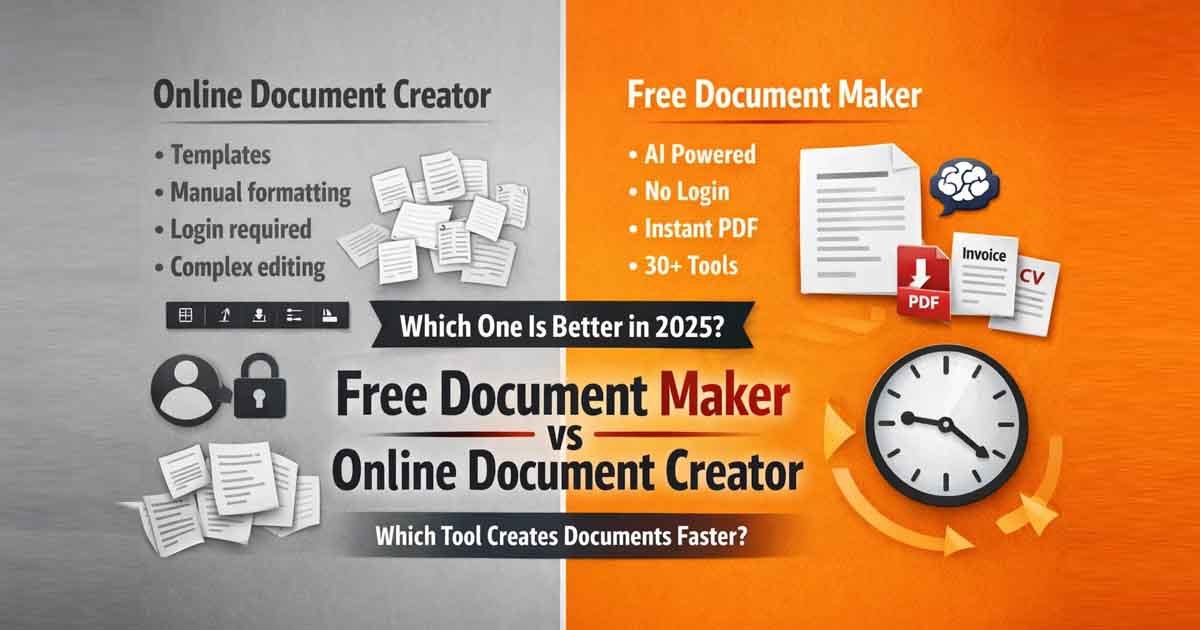
An online document creator refers to general-purpose web-based word processors such as Google Docs, Microsoft Word Online, Canva Docs, and similar tools. These platforms offer a flexible blank canvas where you can write, format, insert images, create tables, and collaborate with others in real time.
They are excellent for long reports, creative writing, meeting notes, project proposals, and team collaboration. However, they require manual effort for layout design, styling, and consistent formatting — especially when producing standardized business or legal documents. What could take 5 minutes on a dedicated document maker might take 30–45 minutes on a traditional editor.
Free Document Maker vs Online Document Creator: Head-to-Head Comparison
| Feature | Free Document Maker (FDM AI) | Traditional Online Document Creator |
|---|---|---|
| Creation Speed | 30–60 seconds per document | 10–60 minutes (due to manual formatting) |
| Template Design | Professional, automated, industry-ready | Basic or blank templates |
| Ease of Use | Very high – structured input fields | Medium – requires formatting skills |
| Account Needed | No login required for core tools | Usually requires Google or Microsoft account |
| Best Suited For | Invoices, resumes, contracts, certificates | Reports, articles, collaborative documents |
| AI Integration | Built-in AI content generation | Limited or paid AI features |
| Mobile Experience | Excellent with dedicated app | Good but often clunky on phones |
Why Most Users Prefer Free Document Makers in 2026
Speed, simplicity, and professional output are the main reasons users are switching to dedicated document makers. You don’t need design skills or hours of practice — just enter your data and download a polished PDF.
Key advantages include:
Instant professional layouts with perfect alignment
No watermarks on free exports
Works seamlessly across desktop, tablet, and mobile
Privacy-friendly with minimal data collection
Zero learning curve for new users
Freelancers and small businesses particularly benefit because they can maintain a consistent, professional brand image without investing in expensive design software or hiring designers.
Advanced Features: Full Document Editor & Powerful PDF Suite
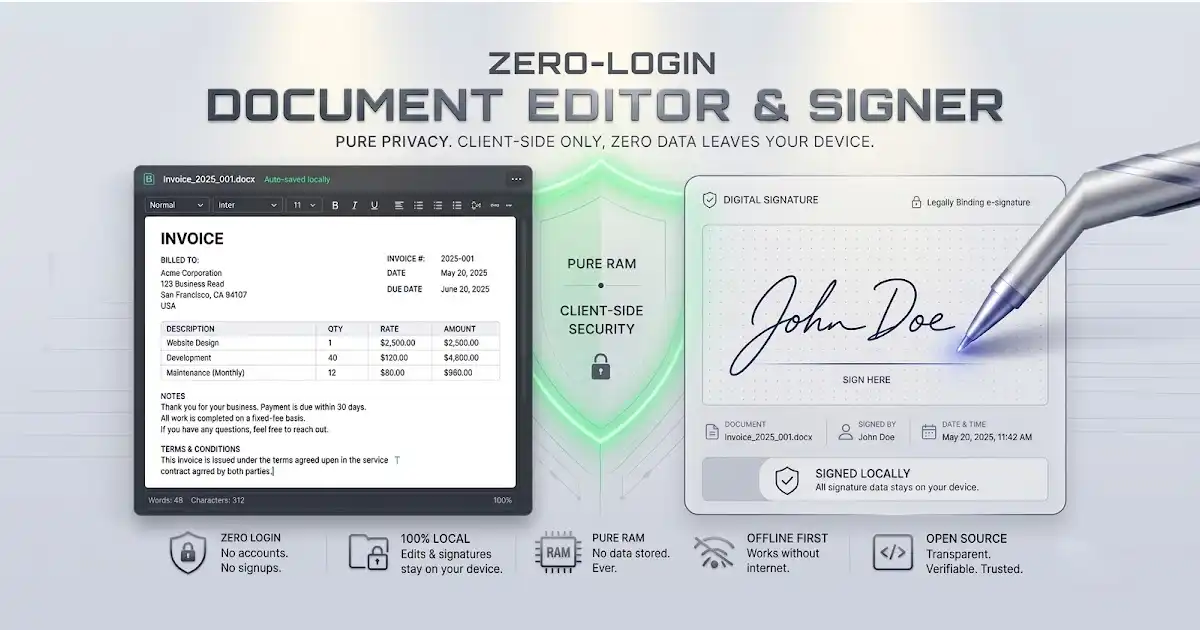
Modern platforms go far beyond basic generation. FDM AI’s Document Editor gives users the ability to open generated documents and make further customizations — add signatures, insert logos, modify text, rearrange sections, or include images with full flexibility.
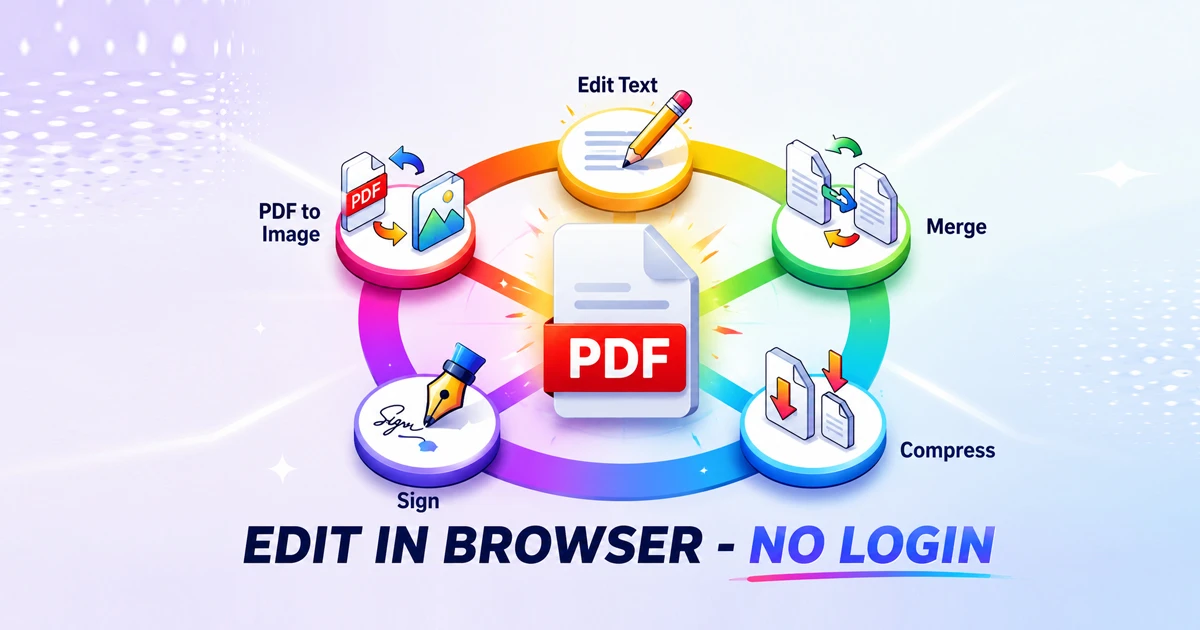
Complementing the editor is the comprehensive PDF Suite, which includes powerful tools to merge PDFs, split documents, compress files, add or remove passwords, rotate pages, and apply watermarks. Together, these features transform Free Document Maker from a simple generator into a complete document creation and management ecosystem.
AI-Powered Document Creation
Artificial intelligence is revolutionizing how we create content. The built-in AI Document Writer can automatically generate full sections of text, professional summaries, business proposals, email templates, and structured reports based on simple prompts.
Benefits of using AI in document creation include faster writing, improved tone and clarity, consistent branding across documents, and reduced writer’s block. In 2026, combining smart templates with AI assistance gives users a massive productivity advantage over traditional methods.
Mobile Convenience with Official Android App
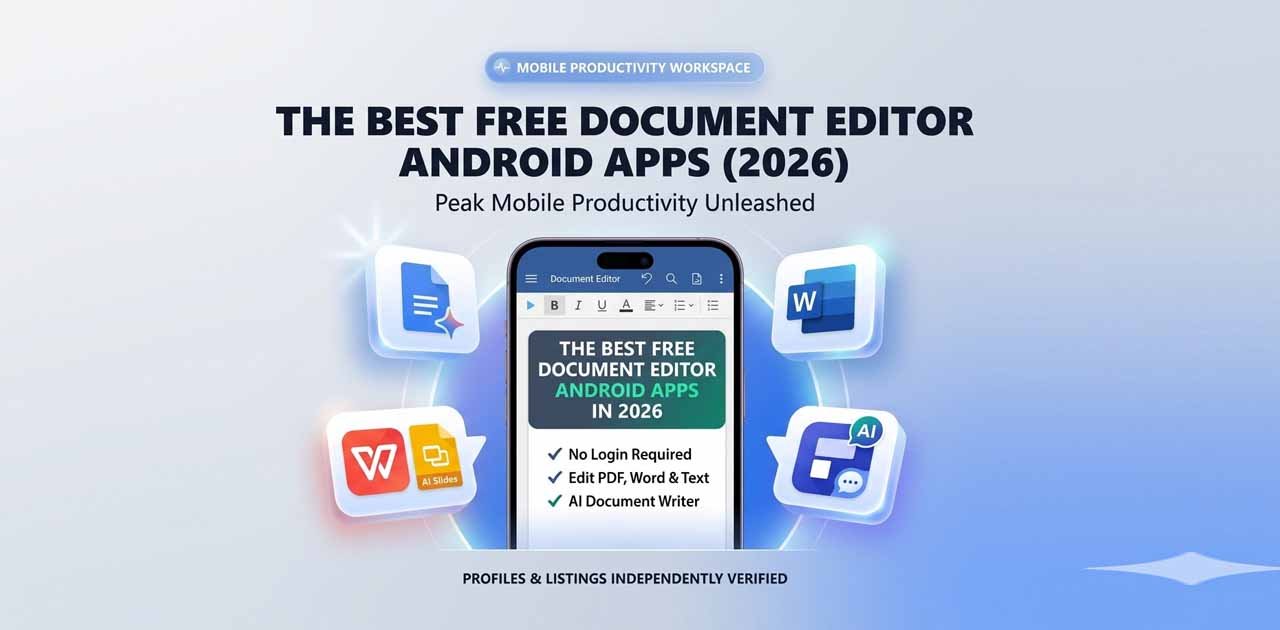
Work doesn’t always happen at a desk. The official Free Document Maker Android App brings the entire platform to your smartphone, allowing you to create, edit, and download documents on the go.
Download Free Document Maker Android App on Google Play Store →
Whether you’re at a client meeting, traveling, or working remotely, you can quickly generate an invoice, update your resume, or prepare a contract directly from your phone. The app delivers the same fast, clean experience users love on the desktop version.
Additional Productivity Tools
Free Document Maker also includes several supporting utilities that make document workflows smoother:
Image to PDF Converter – Combine multiple images into a single professional PDF
Image to WebP Converter – Optimize images for websites and faster performance
Various business calculators and templates
Having all these tools in one free, easy-to-use platform reduces the need to jump between different websites and services.
Which Tool Should You Choose in 2026?
Choose Free Document Maker (FDM AI) if you:
Frequently create structured business documents
Value speed and professional appearance
Want to work without accounts or subscriptions
Need mobile-friendly solutions
Want an all-in-one PDF and document toolkit
Choose traditional online document creators if you:
Write long-form content and reports
Require advanced real-time collaboration
Need maximum creative design control
Many smart users combine both: they use Free Document Maker for quick professional outputs and traditional editors for in-depth writing projects.
Conclusion: Create Professional Documents Faster in 2026
The future of document creation lies in tools that combine intelligent templates, AI assistance, powerful editing capabilities, and complete PDF management. Free Document Maker (FDM AI) delivers exactly that — speed, simplicity, and professional quality without any barriers.
Stop wasting time on manual formatting and repetitive styling. Whether you need invoices for your freelance business, resumes for job applications, contracts for clients, or certificates for your team, FDM AI helps you get the job done faster and more professionally than ever before.
Ready to work smarter?
Try AI Document Maker Now – No Sign-Up Required
Explore All Tools & Templates →
Start generating high-quality documents in seconds today.