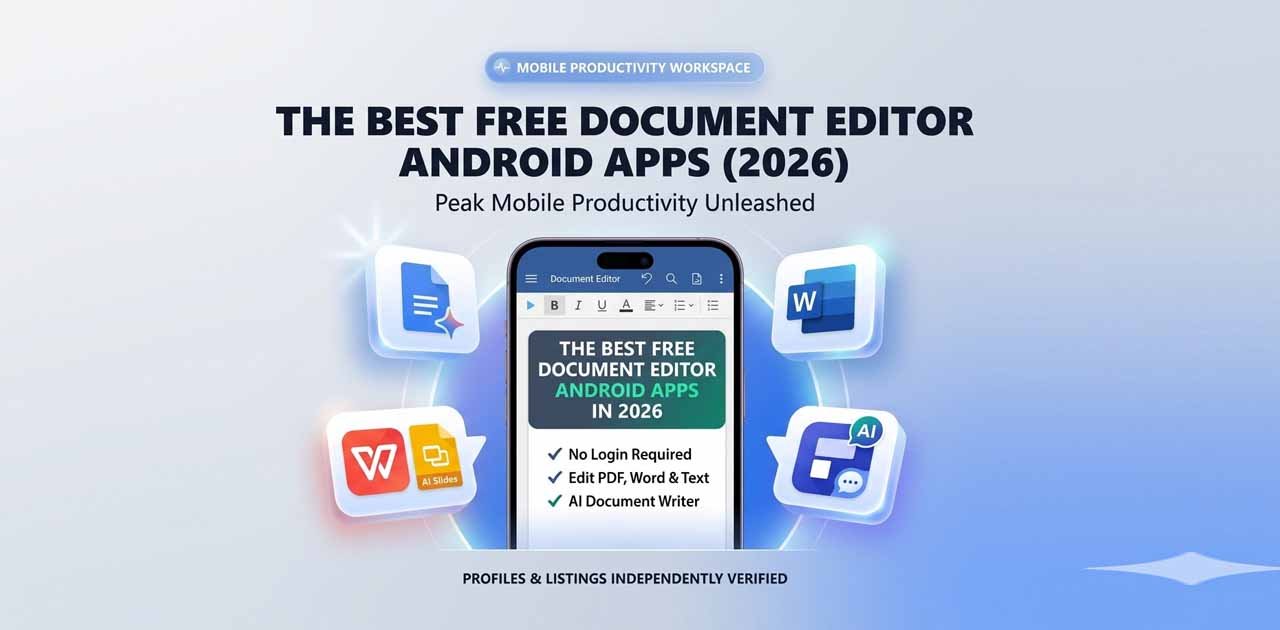
Finding a reliable free document editor Android app is no longer just a fallback plan; it is a primary workflow requirement for professionals, students, freelancers, and digital nomads in 2026. The traditional office cubicle has been entirely decentralized. Whether you need to finalize an executive report on a commuter train, sign a freelance contract from a cafe, or collaborate on a presentation across time zones, your Android device is your mobile command center.
However, the app landscape has shifted dramatically. The best free Android document editors are no longer simple word processors. They now offer heavy-duty AI-powered features, robust PDF manipulation tools, deep offline support, and seamless cloud integration. More importantly, users are becoming increasingly aware of data privacy, leading to a rise in demand for "zero-friction" and registration-free platforms.
While legacy giants like Google Docs, WPS Office, and Microsoft Office continue to dominate the market with massive ecosystems, newer, highly specialized, privacy-focused tools like Free Document Maker (FDM AI) are rapidly gaining traction.
Here is a comprehensive, curated guide to the best free document editor Android apps in 2026, designed to help you choose the perfect tool for your mobile productivity needs.
Top 5 Free Android Document Editors for 2026
1. FDM AI Document Editor (Best for Privacy, Speed, and Zero-Friction)
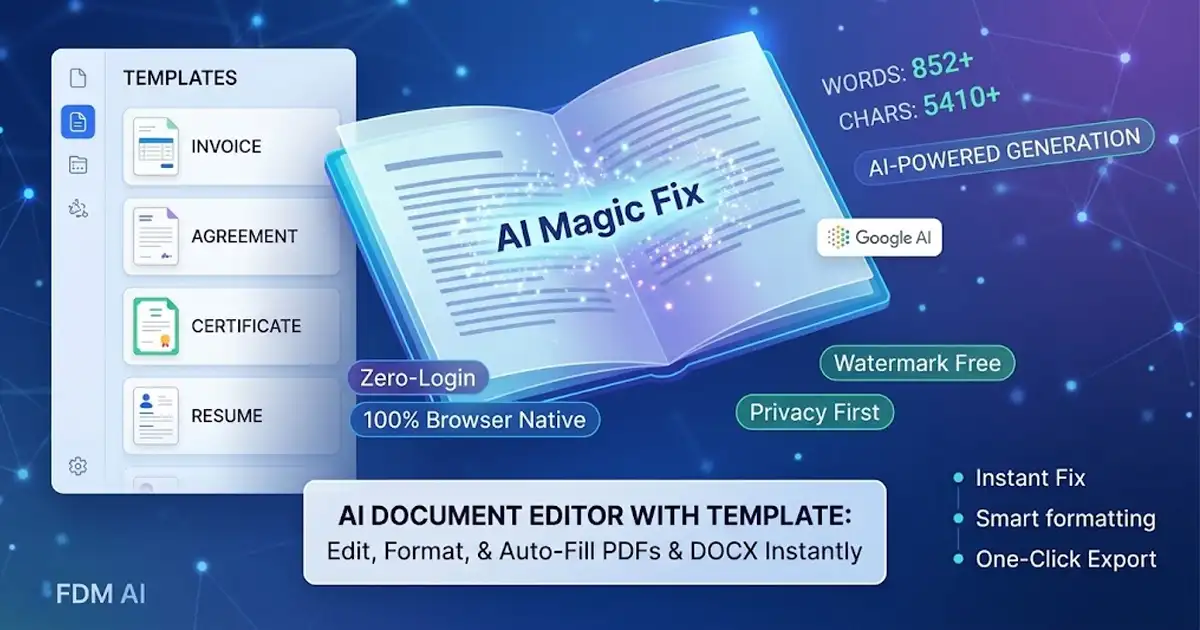
In a digital era where almost every application demands an account creation, an email verification, and a monthly subscription to unlock basic features, Free Document Maker (FDM AI) takes a radically different approach. Operating under a strict "Zero-Friction" and "Privacy-First" philosophy, FDM AI is built for users who need to get things done immediately.
Standout Features: FDM AI allows you to edit Word documents, PDFs, and text files without mandatory logins, data tracking, or annoying watermarks on your final exports. It is powered by the proprietary fdmGTP engine, an advanced AI system that understands document structure, layout, and intent. Instead of just spitting out unformatted text like basic chatbots, it generates structured, print-ready professional documents.
The Mobile Experience: You have two seamless ways to access the tools. You can use the lightning-fast, browser-native platform directly via the FDM AI Document Editor Online, or you can install the highly optimized, lightweight Official Android App from the Google Play Store.
Best For: Users who value their privacy, despise bloated software, and want instant access to high-quality document generation and editing without being forced into an ecosystem. It is perfect for generating quick invoices, ATS-optimized resumes, and legally sound agreements on the fly.
2. Google Docs (Best for Real-Time Team Collaboration)
Google Docs remains the undisputed gold standard for team-based document creation. If your workflow involves multiple people typing, commenting, and editing simultaneously, nothing beats the fluidity of Google's mobile app.
Standout Features: The 2026 version of Google Docs on Android features deep integration with Google's AI ecosystem, allowing users to automatically generate document summaries and action items. It delivers incredibly smooth real-time editing, a flawless version history system, and robust offline capabilities so you can keep working even when you lose your cell signal.
The Mobile Experience: The interface is clean and entirely focused on the text. However, to get the absolute most out of it, you need to be heavily invested in the Google Drive ecosystem.
Best For: Corporate teams, university study groups, and users who already rely on Gmail and Google Workspace for their daily operations.
3. WPS Office (Best All-in-One Office Suite)
If you hate having separate apps for your Word documents, Excel spreadsheets, and PowerPoint presentations, WPS Office solves that problem by bundling everything into one powerful application.
Standout Features: WPS Office boasts incredible format compatibility, meaning that complex
.docxor.xlsxfiles sent by colleagues will open perfectly without breaking the formatting. In 2026, it includes incredibly useful AI tools, such as the ability to extract data from PDFs, summarize long reports, and even a top-tier free PDF-to-Word conversion feature.The Mobile Experience: It offers a highly organized tabbed interface that mimics a desktop experience on your mobile screen.
Best For: Users who need a comprehensive, "Swiss Army Knife" office suite on their phone and frequently switch between spreadsheets, slide decks, and text documents.
4. Microsoft Office (Best for Desktop Continuity)
For many enterprise professionals, Microsoft Word is the only acceptable format. The official Microsoft Office Android app ensures that what you see on your phone is exactly what your boss will see on their Windows PC.
Standout Features: Unmatched
.docxfidelity and advanced formatting tools. The app integrates flawlessly with OneDrive, ensuring that a document you start on your laptop is instantly available on your phone exactly as you left it.The Mobile Experience: It is a heavy app, but it is incredibly powerful. However, it is worth noting that while the app is free to download and use for basic editing, some of the more advanced formatting and AI features are locked behind a Microsoft 365 subscription.
Best For: Enterprise professionals, corporate employees, and anyone whose daily workflow is strictly tied to the Microsoft software ecosystem.
5. Wondershare PDFelement (Best for Advanced PDF Editing)
While most word processors can read PDFs, truly editing them on a mobile device has historically been a nightmare. Wondershare PDFelement changes that by bringing desktop-class PDF manipulation to Android.
Standout Features: PDFelement utilizes advanced AI and Optical Character Recognition (OCR) technology. This means you can take a photo of a physical piece of paper, and the app will convert it into a fully editable digital document. You can alter existing text directly within the PDF, change fonts, and reorganize pages effortlessly.
The Mobile Experience: The interface is highly tailored for PDF reading, signing, and editing, making it much easier to navigate complex manuals or legal briefs on a small screen.
Best For: Lawyers, administrators, and users whose primary workflow revolves around managing, annotating, and editing PDF files rather than standard Word documents.
Specialized Tools for Quick Mobile Tasks
Sometimes, downloading a massive office suite is overkill for a simple task. If you just need to merge a file or sign a contract, these specialized, lightweight apps shine:
Xodo: Consistently ranked as the top choice for free PDF annotation, form filling, and digital signatures. It is highly regarded for its clean mobile experience and ability to sync with third-party cloud drives like Dropbox.
Smallpdf: Excellent for fast "on-the-go" tasks. If you need to quickly compress a large PDF to fit into an email attachment, merge two documents, or convert a JPG to a PDF, Smallpdf’s intuitive, color-coded interface makes it incredibly fast.
Systweak PDF Editor: A fantastic, lightweight option for basic PDF text editing and highlighting without the burden of heavy subscriptions.
The Future is Browser-Native: Why FDM AI Stands Out in 2026
In a mobile app market flooded with bloated software that demands user accounts, pushes aggressive premium upgrade pop-ups, and harvests personal data, FDM AI is a breath of fresh air.
FDM AI prioritizes immediate utility. The core philosophy is simple: when you have an idea or an urgent task, the software should get out of your way. By utilizing browser-native technologies alongside its dedicated Android app, FDM AI ensures that you do not have to wait for large updates or navigate complex login screens.
Furthermore, the integration of the fdmGTP engine elevates FDM AI from a simple editor to a true creation partner. It doesn't just format text; it helps you build the document. Whether you are generating a professional cover letter from scratch, formatting an invoice, or editing a critical report, the AI understands the context of your work, ensuring that exports are flawless, professional, and entirely free of watermarks.
For users who are tired of being tracked, restricted, and monetized by large tech conglomerates, FDM AI offers a powerful, private, and exceptionally fast alternative.
Choosing Your Free Document Editor Android App
Choosing the best free document editor Android app for your device ultimately depends on your specific daily workflow.
Need to write a report with five other classmates? Go with Google Docs.
Need to edit a complex Excel file and a Word document back-to-back? Choose WPS Office.
Need pixel-perfect formatting for your corporate boss? Stick with Microsoft Office.
Need to extract text from a scanned contract? Download PDFelement.
Prioritize your privacy, hate mandatory logins, and want instant, AI-powered document generation? Try FDM AI.
In 2026, you don't have to settle for just one. Many power users keep a dedicated app like WPS Office installed for heavy lifting, while relying on the speed and privacy of the FDM AI Document Editor for quick generations and private edits.
Ready to boost your mobile productivity without sacrificing your data? Access the FDM AI Document Editor Online from any browser, or download the Official Android App for instant, no-strings-attached document creation today.