Formatting a document manually can take more time than writing it. Adjusting headings, fixing spacing, aligning text, and organizing sections often slows down productivity. This is where an AI-powered document formatting tool becomes essential.
Modern AI-powered tools can automatically structure and format documents in seconds. Instead of manually editing layouts, users can paste raw text and instantly receive a clean, professional document ready for download or sharing.
As digital workflows continue to evolve, users now expect faster and more intelligent solutions. AI formatting tools not only improve document appearance but also enhance clarity, consistency, and usability across different formats such as PDF, Word, and web-based outputs.
What is a Free AI Document Formatting Tool?
A free AI document formatting tool is a software or browser-based solution that uses artificial intelligence to organize and style documents automatically.
It analyzes text, understands its structure, and applies proper formatting such as headings, spacing, alignment, and layout design without requiring manual effort.
These tools are especially useful for users who frequently work with structured documents, including business reports, invoices, resumes, and academic content.
How AI Document Formatting Works
This type of tool uses natural language processing and pattern recognition to identify the role of each part of the content.
Detects headings, paragraphs, and sections
Applies consistent spacing and margins
Formats lists, tables, and structured content
Creates a readable and professional layout
Instead of editing each element manually, the system automatically generates a well-structured document. Advanced systems also integrate automation workflows, allowing users to streamline repetitive tasks through features like document automation features.
Key Features of an AI Document Formatting Tool
Automatic Layout Formatting – Instantly organizes messy text into structured sections
Smart Heading Detection – Converts text into proper titles and subheadings
Consistent Spacing – Fixes margins, padding, and line height
List and Table Formatting – Converts raw data into readable formats
Export Options – Download as PDF, DOCX, or HTML
No Login Required – Start formatting instantly without registration
Many modern platforms also combine formatting with intelligent generation tools. For example, users can explore a full suite of AI-powered document tools to generate and format content in one workflow.
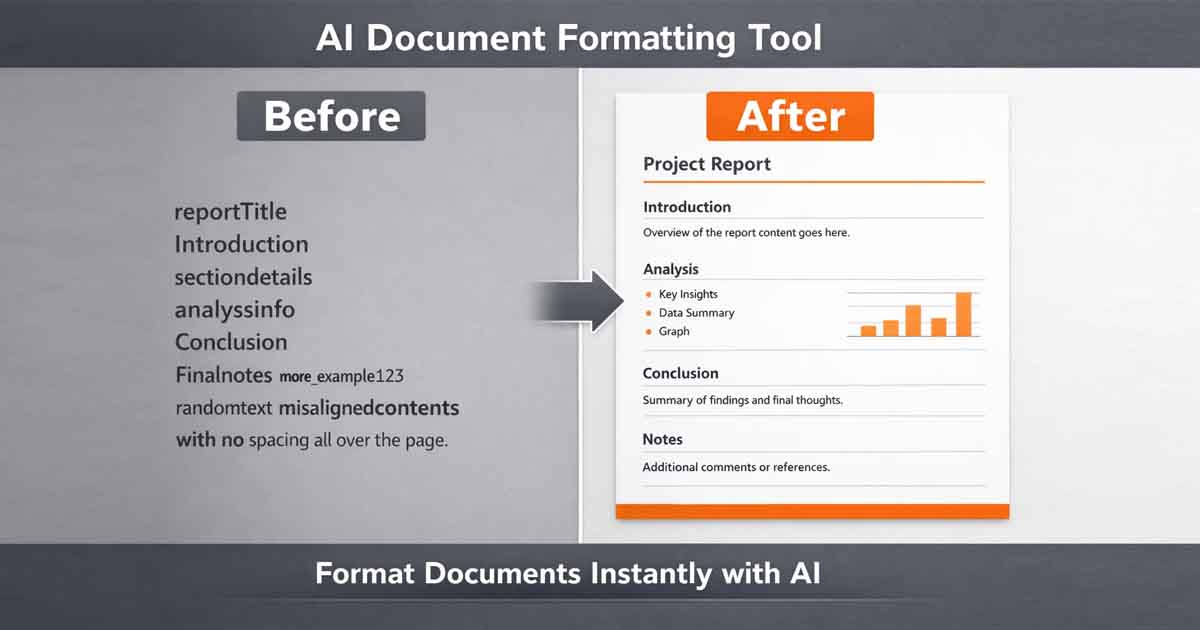
Example of AI Formatting in Action
Unformatted Input:
invoice for client
name john
amount 500
due 10 march
AI Formatted Output:
Structured invoice layout
Clear headings and sections
Aligned content with proper spacing
Ready-to-download professional document
This transformation happens instantly, making it ideal for users who need quick results without compromising quality.
Why Use an AI Document Formatting Tool?
Saves time by eliminating manual formatting
Improves document readability
Creates professional-looking output instantly
Reduces formatting errors
Works directly in the browser without installation
Additionally, combining formatting with AI writing capabilities allows users to generate complete documents from scratch. Tools like the AI document writer can create structured content that is already optimized for formatting.
Best Free AI Document Formatting Tool
If you are looking for a fast and reliable solution, Free Document Maker (FDM AI) provides a complete browser-based experience.
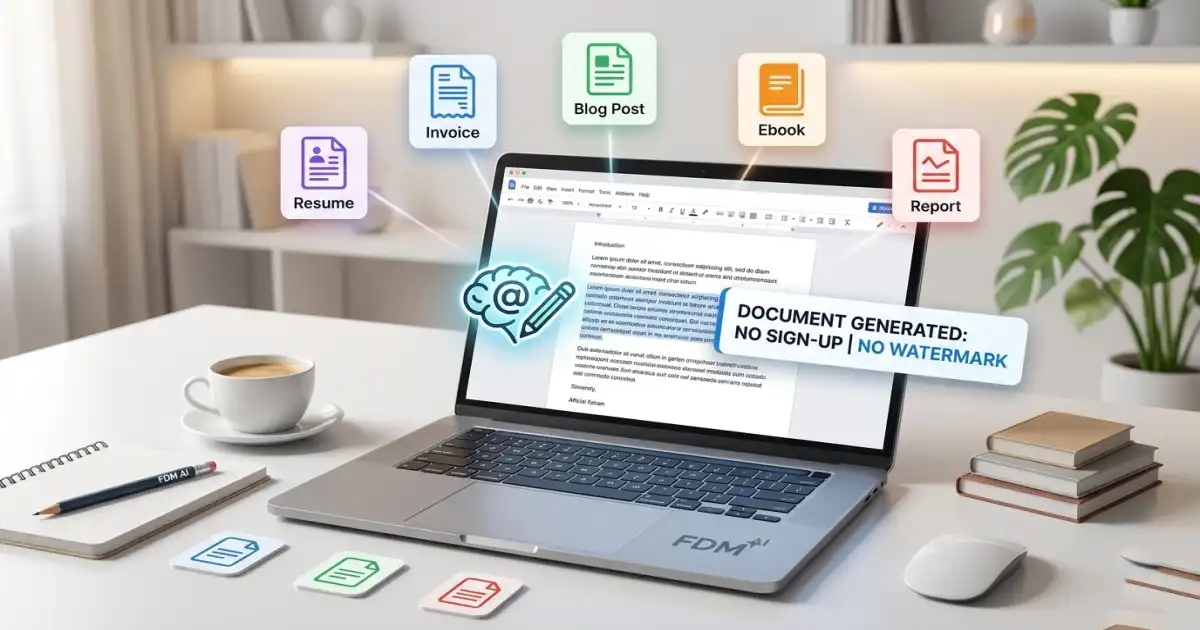
This platform allows users to format documents, generate PDFs, and structure content instantly using AI-powered tools — without login, watermark, or installation.
Its integrated ecosystem ensures that users can move seamlessly from content creation to formatting and final export without switching between multiple tools.
Use Cases of AI Document Formatting
Invoices and business documents
Resumes and CV formatting
Reports and academic documents
Blog drafts and structured articles
Certificates and official documents
This versatility makes AI formatting tools suitable for freelancers, businesses, students, and content creators alike.
AI Formatting vs Manual Formatting
| Feature | Manual Formatting | AI Formatting |
| Time Required | High | Instant |
| Accuracy | Depends on user | Consistent |
| Ease of Use | Complex | Simple |
| Output Quality | Variable | Professional |
Future of AI Document Formatting
AI formatting tools are evolving rapidly. Future systems will not only format documents but also understand intent, suggest improvements, and generate fully structured documents from simple prompts.
With advancements in AI engines, document creation is shifting toward automation, where users describe what they need and receive a fully formatted result instantly.
This shift is redefining productivity by reducing manual effort and enabling users to focus more on ideas rather than formatting tasks.
Conclusion
A free AI document formatting tool is transforming how documents are created and structured. It removes the need for manual editing and delivers professional results in seconds.
Whether you are a student, freelancer, or business professional, using these tools can significantly improve productivity and document quality while streamlining your entire workflow.