Sharing a Microsoft Word document seems simple enough—until the recipient opens it. Whether it is a resume, a business proposal, or an official invoice, opening a .docx file on a different device often leads to a formatting disaster. Fonts disappear, margins shift, images misalign, and your polished layout suddenly looks unprofessional.
The solution to this headache is simple: turn it into a PDF.
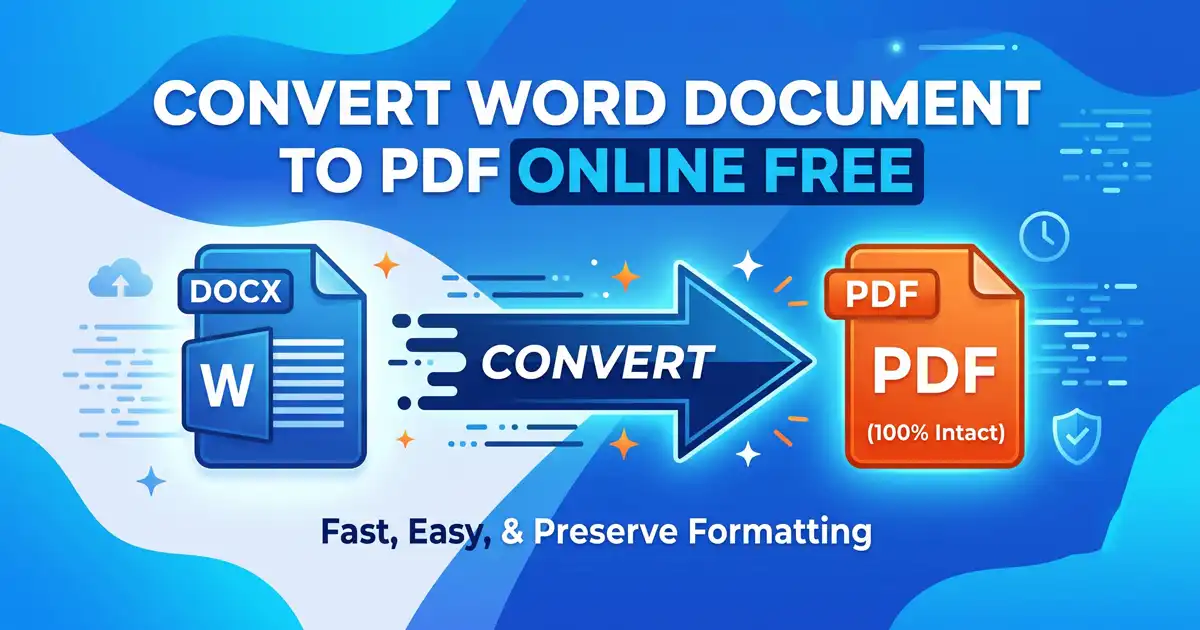
If you are looking to convert word document to pdf online free, you are in the right place. You don’t need to buy expensive office suites, download heavy desktop software, or hand over your email address for a simple file conversion. Today, web-based utility tools make this process fast, secure, and entirely frictionless.
Let’s dive into why changing your file format is essential, how to choose the right platform, and how you can manage your files in just a few clicks.
Why You Should Always Convert DOCX to PDF
Microsoft Word is fantastic for drafting and editing content, but it was never designed to be a final delivery format. Here is why shifting your files to PDF is the industry standard for professional sharing:
Maintains Layout Integrity: The biggest flaw of Word files is their dependency on local system settings. If you use a specific font that your recipient doesn’t have installed, their computer will automatically substitute it with a generic one, throwing off your entire alignment. PDFs act like a digital printout, locking everything in place.
Universal Compatibility: Not everyone has Microsoft Word installed, especially on mobile devices. A PDF can be natively opened by any modern web browser, smartphone, tablet, or operating system without requiring extra apps.
Enhanced Document Security: When you send someone a Word document, they can accidentally or intentionally alter your text. PDFs are naturally harder to edit, giving you better control over the integrity of your content.
How to Convert Word Document to PDF Online Free
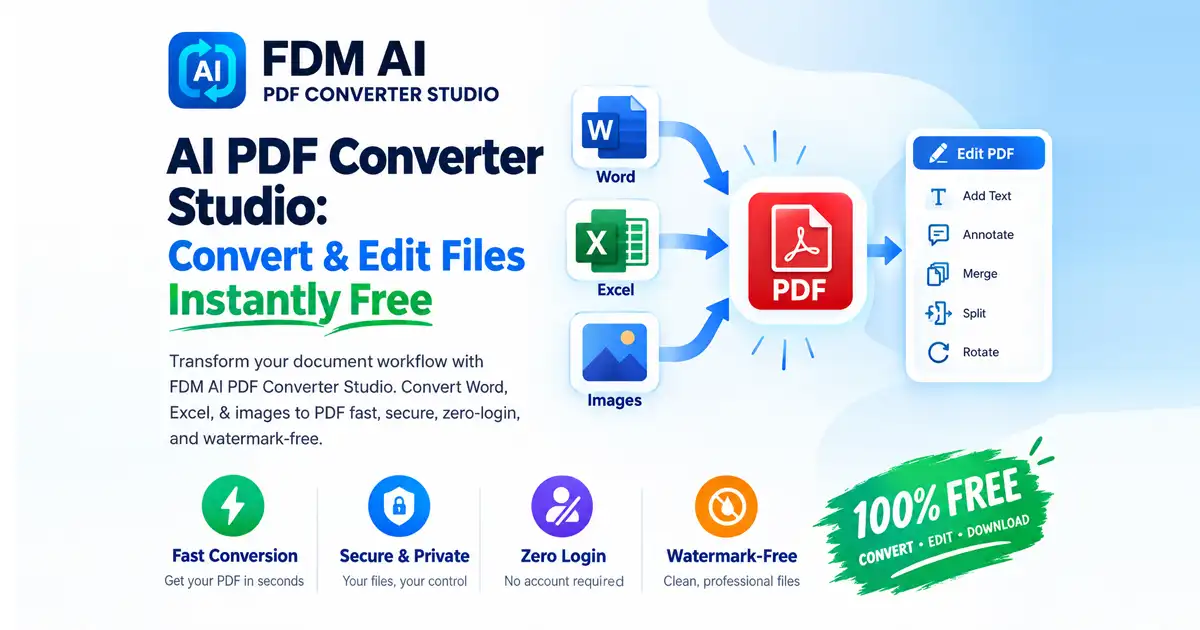
You don’t need a premium subscription or trial software to get professional results. When you need to convert word document to pdf online free, Free Document Maker provides a highly optimized utility tool built for speed and precision.
Many cloud converters attach ugly watermarks or limit your file sizes unless you pay for a premium tier. If you want a clean, fast experience, you can use the dedicated Free PDF Converter. It runs entirely inside your web browser, meaning it won't hog your computer’s RAM or require any background installation.
For creators, freelancers, and businesses managing multiple file types beyond text documents, you can also access the comprehensive Document Convert Suite to handle all your multi-format needs in one centralized dashboard.
Step-by-Step: Convert Word Document to PDF Online Free in Seconds
The web utility is designed to be as straightforward as possible, letting you get back to your workday in under a minute. Here is how easy it is to convert word document to pdf online free:
Step 1: Upload Your Document
Navigate to the conversion tool and drag your Word file directly into the designated upload box. Alternatively, click the upload button to select the file from your local storage.
Step 2: Run the Conversion
Click the convert button. The system will instantly read your file structure, map the layout elements, and compress the file into a clean, high-resolution PDF format within seconds.
Step 3: Download Your New PDF
Once processing is complete, hit the download button to save your new document. Your formatting will remain completely intact, ready to be sent professionally.
Frequently Asked Questions (FAQs)
Will I lose my formatting when converting?
No. When you use an advanced rendering engine, you can convert docx to pdf without losing formatting. The images, tables, headers, and bullet points will look exactly as they did in your original authoring software.
Do I need to register or sign up to use these tools?
No. To convert word document to pdf online free on our platform, you do not need to create an account, enter a credit card, or provide an email address. The tools are completely un-gated.
Is it safe to convert my documents online?
Yes, data security is a top priority. Files uploaded for conversion are processed securely over HTTPS and automatically purged from the servers shortly after conversion, ensuring your private data and sensitive documents remain entirely confidential.
Conclusion: Streamline Your Workflow
When you are sending out an important document, first impressions matter. Don't risk your hard work getting scrambled by a platform compatibility issue. Choosing to convert word document to pdf online free takes only a few seconds but ensures your presentation is flawless.
Ready to transform your files? Head over to the Free PDF Converter now and experience a fast, reliable web tool that keeps your work looking sharp, professional, and pristine.