1. Introduction
Images are essential for websites, blogs, e-commerce stores, and digital content. However, large image files can significantly slow down page loading times, increase bandwidth usage, and negatively affect user experience. When images are not optimized, websites become slower, file uploads take longer, and sharing images through email or messaging platforms becomes more difficult.
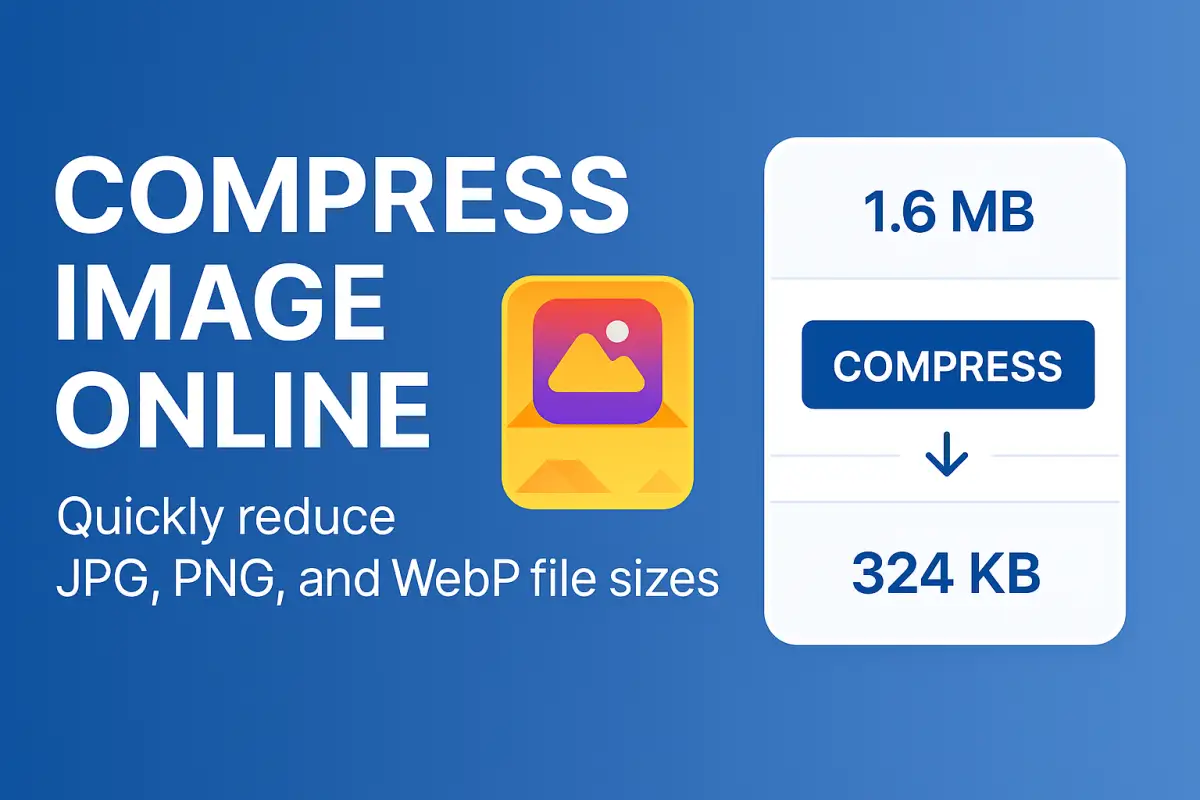
The Compress Image Online tool from Free Document Maker (FDM AI) helps reduce image file size instantly while maintaining excellent visual quality. This browser-based tool allows users to compress images without installing software, creating an account, or dealing with watermarks.
With support for modern image formats such as WebP and AVIF alongside traditional formats like JPG and PNG, the platform makes it easy to optimize images for websites, applications, and digital publishing. Simply upload your image, select a compression level, and download the optimized version within seconds.
2. What Is Image Compression?
Image compression is the process of reducing the file size of an image while preserving as much visual detail as possible. This optimization technique removes unnecessary data from the image file so that it loads faster while maintaining its original appearance.
Efficient image compression is one of the most important steps in modern web optimization. Search engines and performance tools such as Google PageSpeed Insights recommend optimized images to improve loading performance and deliver a better experience to users across different devices.
Using a reliable online image compression tool allows users to reduce image size quickly without sacrificing clarity or quality.
3. Why Compress Images for the Web
Compressing images provides several important advantages for websites and digital content. Optimized images reduce loading time, improve page performance, and help ensure that content loads smoothly across desktop and mobile devices.
Improves website loading speed and user experience
Reduces bandwidth usage and server load
Makes image sharing easier through email and messaging platforms
Helps improve search engine optimization and image indexing
Supports better Google Core Web Vitals performance metrics
For website owners and developers, optimizing images is one of the simplest ways to improve performance without changing the website design or infrastructure.
4. Supported Image Formats
The Free Document Maker image compressor supports a wide range of modern and traditional image formats, allowing users to compress almost any image file used in web development, digital publishing, or design projects.
JPG / JPEG
PNG
WebP
AVIF
BMP
TIFF
Modern formats such as WebP and AVIF provide superior compression compared to traditional formats. If you need to convert images between formats, you can also use tools like Images to WebPor the WebP to Image Converteravailable on the Free Document Maker platform.
5. How to Compress Images Online
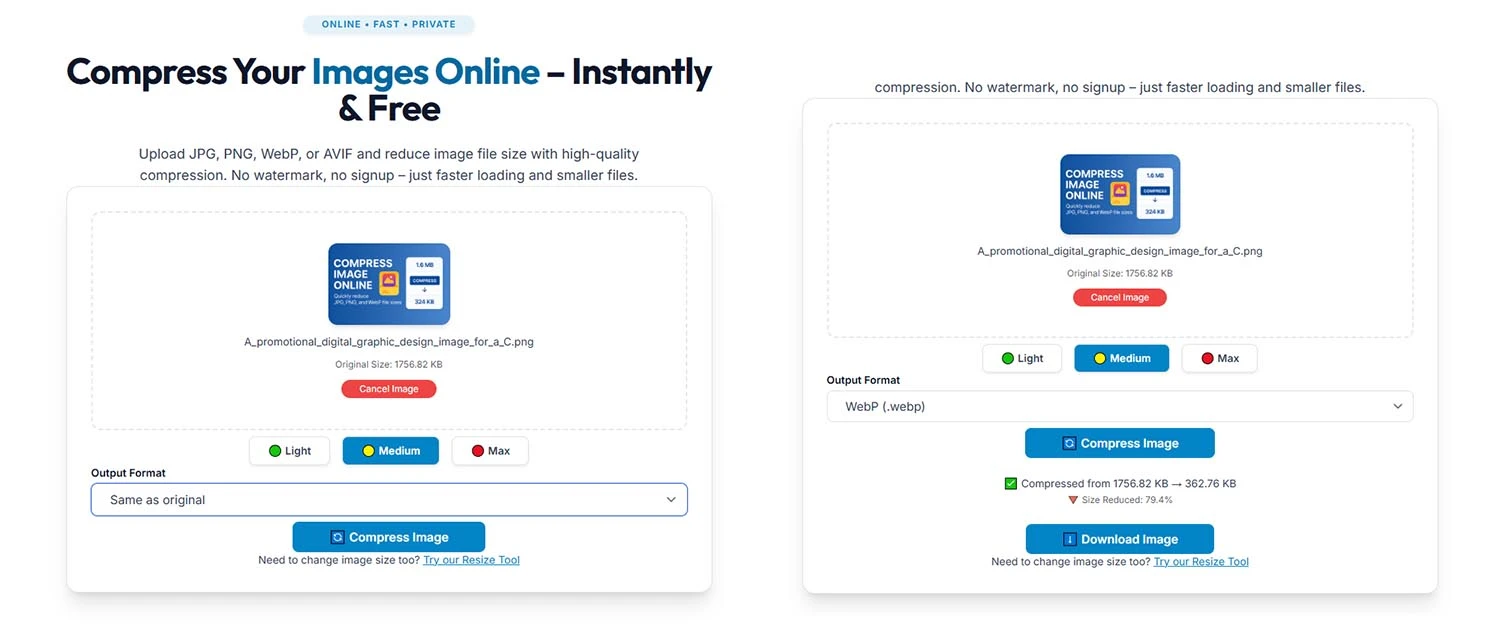
Compressing an image using Free Document Maker takes only a few seconds and requires no technical knowledge. The process is designed to be simple and efficient for both beginners and professionals.
Open the Compress Image Online tool page
Upload your image or drag and drop it into the upload area
Select a compression level such as Light, Medium, or Maximum
Choose the output format if conversion is required
Click the Compress button and download the optimized image instantly
6. Key Features of the Image Compression Tool
Free browser-based image compression
No account registration required
No watermarks added to exported images
Flexible compression levels for different optimization needs
Support for modern formats including WebP and AVIF
Fast processing and instant downloads
Mobile-friendly responsive interface
The platform focuses on simplicity and performance, allowing users to optimize images quickly without complex settings or heavy desktop software.
7. Advantages Compared to Other Online Compressors
Many online image compressors impose usage limits, add watermarks, or require account registration before allowing downloads. Free Document Maker provides a lightweight alternative designed for accessibility and efficiency.
No account creation required
No intrusive advertisements during processing
Support for modern image formats
Instant download without waiting queues
Part of a broader ecosystem of document and media tools
Free Document Maker (FDM AI) offers more than 30 browser-based tools designed to simplify document creation, file conversion, and digital productivity workflows.
8. Who Should Use an Image Compression Tool
Bloggers optimizing images for faster article loading
Web developers improving website performance
E-commerce sellers uploading optimized product images
Students preparing smaller images for academic submissions
Designers sharing lightweight portfolios and project assets