We’ve all faced the same frustrating situation: you need to quickly fill out a form, fix a typo in a contract, or sign an urgent document—but the tools available make it unnecessarily difficult. Heavy desktop software takes forever to load, and most online platforms force you to create an account or slap an ugly watermark across your file after you’re finished.
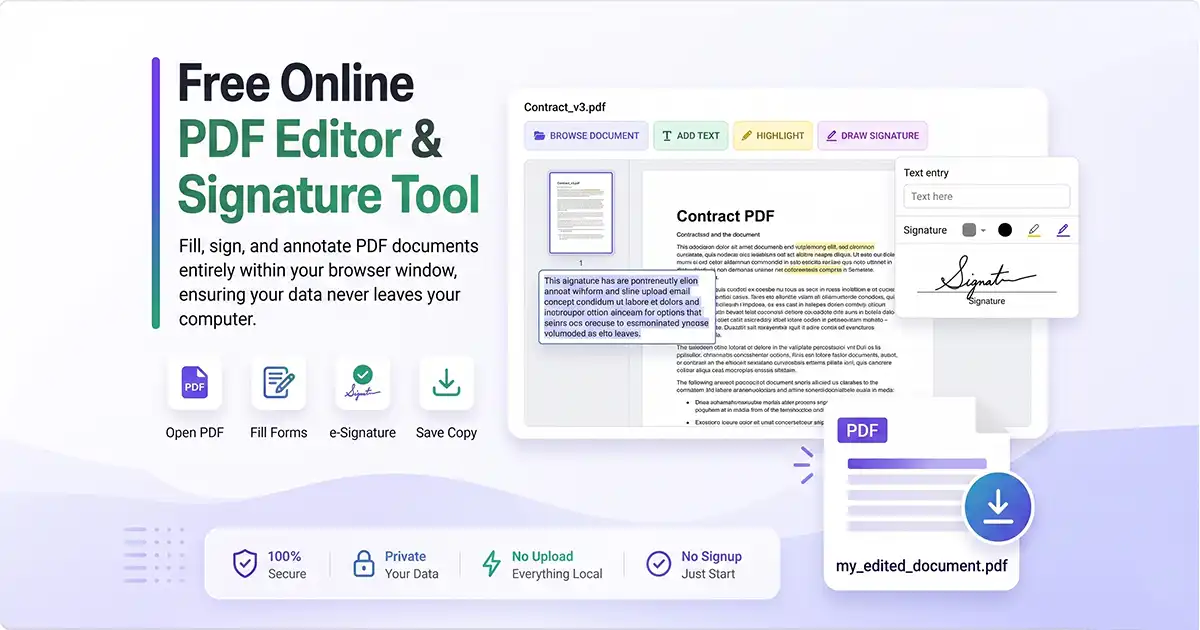
If you’re looking for a fast, private, and hassle-free solution, a browser-native PDF editor is exactly what you need. It eliminates the friction of traditional document management, giving you desktop-grade power right inside your favorite web browser.
What Is a Browser-Native PDF Editor?
A browser-native PDF editor is a tool that runs entirely within your web browser—whether you’re using Chrome, Firefox, Safari, or Edge. Unlike old-school web apps, it uses modern web technologies (like WebAssembly and local JavaScript frameworks) to process documents directly on your device.
The main difference lies in where the heavy lifting happens. Traditional online PDF utility platforms act as a middleman: you upload a file, their cloud server processes it, and you download the result. A browser-native setup skips the server upload entirely. Your browser becomes the execution engine itself.
The Privacy Advantage
Because browser-native tools don’t upload your files to an external server, everything happens locally on your computer. When you open a PDF, it loads from your local drive directly into your browser's sandboxed environment.
This local infrastructure provides immediate security benefits:
Your sensitive documents stay private: Tax returns, employment contracts, and medical records never touch a corporate cloud server.
Zero risk of server leaks or breaches: If a platform doesn't store your data, malicious actors cannot steal it from a cloud database.
Full control over your data: You control exactly when the document is read, modified, and saved to your hard drive.
Why Choose a Browser-Based PDF Editor?
The shift toward local-first browser tools isn't just about security; it drastically improves user experience.
🚀 Zero Setup, No Login
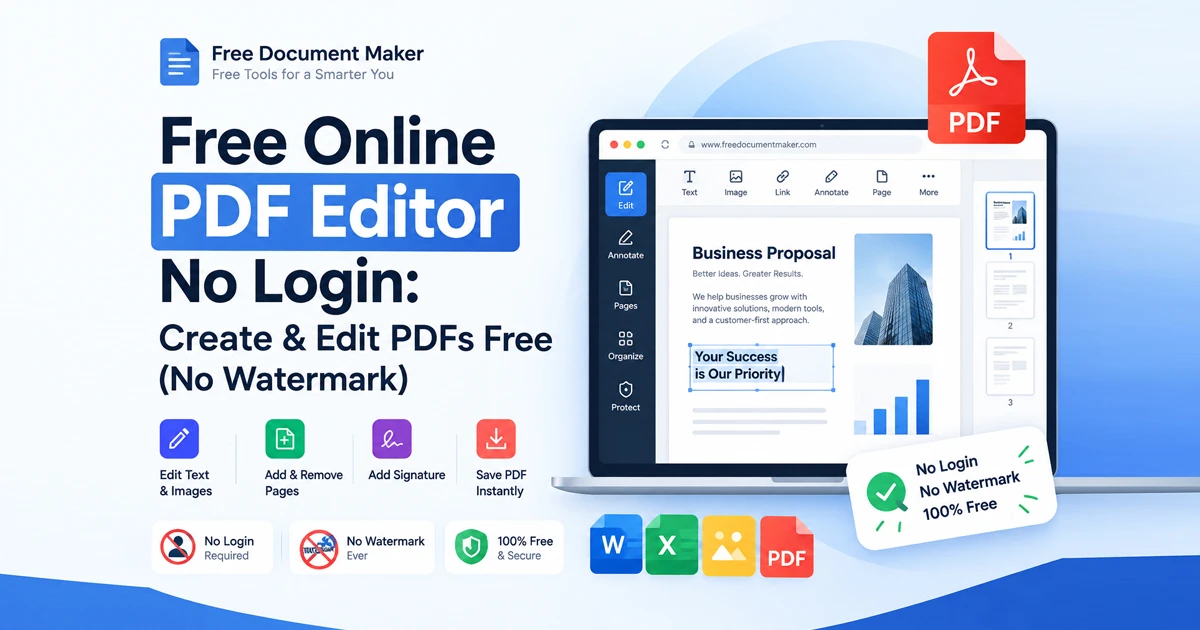
Most free online PDF utilities come with a catch: they track your usage, limit your daily files, or force you into a "free trial" signup screen. Browser-native editors require no accounts, no passwords, and no subscriptions. You simply open the web link or tool and start editing instantly.
🔒 Complete Privacy
Because your files never leave your device, you can edit high-stakes financial documents, NDAs, and corporate strategy packets without breaking data compliance laws or internal privacy policies.
⚡ Instant Performance
There are no bulky software suites to download or installations to manage. These utilities work instantly across all operating systems:
Windows: Skips heavy application installations that bog down registry files.
macOS: Avoids gatekeeper security warnings from unverified app packages.
Linux & Chromebooks: Works natively without wine layers or specialized system packages.
🎯 Clean, Professional Output
Many "free" tools let you work for twenty minutes only to demand a credit card at the very last step, or they ruin your hard work by applying a massive watermark over your signature. A native browser workflow respects your time, exporting polished, ready-to-use PDFs every time without hidden catch windows.
Essential Features You Can Use Right Now
Modern browser-native editors aren't just simple viewers; they support all core document workflows required for day-to-day administration:
Feature | What It Does | Common Use Case |
Form Filling | Interacts with fillable fields or overlays text on flat surfaces. | Job applications, government paperwork, tax forms. |
Text & Annotations | Adds custom text blocks, highlights text, or draws custom shapes. | Reviewing essays, highlighting contracts, correcting draft copies. |
e-Signatures | Draws or types a signature to stamp onto a signature line. | Finalizing contracts, approving vendor invoices, signing rental agreements. |
Page Management | Reorders, rotates, deletes, or inserts pages within a document. | Organizing scattered receipt scans, setting up multi-page guides. |
Step-by-Step: How to Edit a PDF in Seconds
Getting started with local browser editing is incredibly simple. You don't need technical expertise to jump right in.
1.Open the Editor:Step 1.
Drag and drop your target PDF file directly into your browser window, or select your file through a dedicated browser-based tool like the Perfect PDF Editor.
2.Edit the Document:Step 2.
Select the appropriate text input tool from the top menu bar. Click onto any section of the page to add missing text, fix typos, or use the highlight tool to mark up essential terms.
3.Add Your Signature:Step 3.
Click on the signature tool options. Use your mouse, trackpad, or stylus to draw a fresh signature, or type your name to generate a clean, professionally rendered script version. Place the signature block onto your document line.
4.Download Your File:Step 4.
Click the Export or Download icon. Your browser will instantly package your changes locally and save a pristine copy directly to your system's downloads folder.
Specialized Toolsets for Advanced PDF Tasks
While simple form filling covers daily tasks, you often need deeper control over your documents—whether that means starting a file from scratch, converting massive batches of notes, or modifying multi-page paperwork layouts.
Instead of turning back to bloated desktop installations, you can leverage dedicated web suites that keep the exact same free, no-login philosophy:
For Comprehensive Document Management: When you need a unified dashboard to create files, merge distinct segments, or quickly change document formatting on the fly, a lightweight framework like the PDF Suite helps you build and convert files completely free of charge.
For Instant Document Creation: If you have raw notes, plain text copies, or unformatted scripts that need to look clean for a client or colleague, you can utilize an AI-driven text converter. Tools like the Text to PDF Maker can transform unformatted text blocks into clean, structured, and professional PDF presentations automatically.
Built-In Tools You Already Have
Did you know your web browser might already include an offline PDF editor built directly into its code framework?
For example, Mozilla Firefox features a highly capable built-in PDF viewer right inside its core application setup. If you take an offline computer, launch Firefox, and drag a PDF file into an empty tab, you can access tools to:
Add and reposition custom text strings
Highlight raw document content with adjustable colors
Draw manual annotations or sketches over diagrams
Stamp digital signature assets onto contract pages
Because this feature is integrated right into the core browser application layout, it works completely offline without pinging a remote server—proving that local-first, browser-native processing is the future of secure document management.
Final Thoughts
Browser-native PDF editors are fundamentally changing the way we handle everyday office administration. By running scripts locally within your browser sandbox instead of shipping files to a distant data center, they completely eliminate processing friction, protect your digital footprint, and deliver professional results instantly.
If you value speed, simplicity, and security, making the switch to a local, browser-based workflow is a total no-brainer. No software installs. No account logins. No tracking cookies. Just edit your file and go.