The Evolution of Document Creation
In the modern digital landscape, efficiency and data sovereignty are the ultimate currencies. Whether you are leading a corporate development seminar, managing a rapid online classroom, or organizing a global community webinar, the necessity for premium, professional documentation is absolute. In 2026, there is simply no longer a reason to tolerate clunky desktop design software, expensive recurring subscription paywalls, or slow-loading cloud applications—especially when an open-access Free Certificate Maker Online can handle the job instantly.
For modern educators, human resource managers, solo course creators, and event coordinators, the administrative friction of manual document typesetting can be a massive operational bottleneck. This is precisely why thousands of scaling organizations are transitioning to the Free Document Maker (FDM AI) Studio. It represents a paradigm shift: the fastest, most reliable, and entirely serverless way to produce high-resolution, print-ready digital credentials without facing any of the hurdles associated with legacy graphic suites.
Why Choose a Digital Certificate Generator Over Legacy Software?
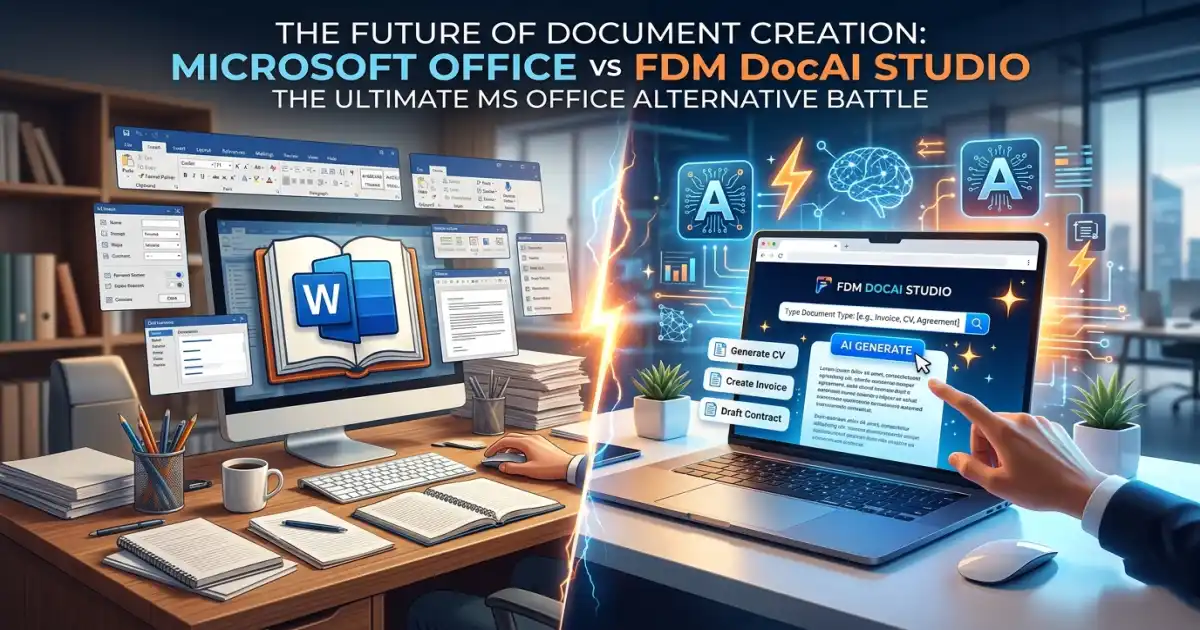
The transition from legacy paper workflows and heavy, resource-intensive desktop design software to streamlined browser-native digital credentials has reached a dramatic tipping point. Traditional solutions like Microsoft Word, static office suites, or complex cloud editors often present more layout and privacy hurdles than actual solutions for the average professional.
Utilizing a dedicated Free Certificate Maker Online provides distinct structural advantages:
1. Zero Setup Complexity vs. Manual Formatting
Traditional design software demands a steep learning curve and constant manual micro-management. Users must manually map margins, worry about local system font embedding, fix awkward text-wrapping bugs, and fight with structural alignment grids. With a browser-native generator, the visual framework is pre-optimized. You simply input the core data fields, and the engine automatically handles the typographic hierarchy and spatial geometry on your behalf.
2. Complete Cost Efficiency
Why lock your department into a restrictive, high-cost monthly subscription to a massive creative suite when your immediate task is to issue a specific set of credentials? Free Document Maker shatters this financial gatekeeping, offering premium, professional-grade visual outputs completely free of charge, with zero recurring overhead costs or unexpected premium tier traps.
3. Absolute Frictionless Delivery (No Accounts)
One of the primary user frustrations with the modern SaaS ecosystem is the ubiquitous "forced sign-up." Most conventional web applications mandate an email submission, password creation, and verification confirmation before letting you preview a layout or download your work. FDM AI operates on a philosophy of immediate client-side utility: you open the web tool, type your details, and instantly save your file.
Canva vs. Free Document Maker (FDM AI): 2026 Comparison Matrix
To see how modern browser-native systems stack up against legacy design suites when your goal is to utilize a fast Free Certificate Maker Online, consider this head-to-head architectural breakdown:
Feature Criteria | Legacy Cloud Design Suites (e.g., Canva) | Free Document Maker (FDM AI Studio) |
Account Access | Mandatory signup or profile linkage | 100% Free Access (No Login) |
Data Handling | Uploaded & processed on remote servers | 100% Local (Processed on your device) |
Watermark Restrictions | Placed heavily on free-tier exports | Completely Zero Watermarks |
Export File Integrity | Frequently compressed raster copies on free tiers | High-DPI Vector PDFs (Print-Ready) |
Operational Speed | Dependent on server queues and internet speed | Instantaneous (Client-side execution) |
Privacy Compliance | Subject to third-party cloud data storage policies | Inherently Private (Zero data uploads) |
Key Architectural Features Defining FDM AI in 2026
To remain highly competitive in today's rapid digital workflows, a document system cannot merely supply static layouts; it must function as an architectural utility. Here is the advanced client-side framework that sets Free Document Maker completely apart from legacy alternative methodologies:
Browser-Native Rendering (The fdmGTP Logic Shell)
At the operational core of FDM AI is a browser-native, client-side rendering engine known as the fdmGTP Logic Shell. Unlike legacy cloud editors that transmit your typed content and private student/employee assets across the web to central server grids, the fdmGTP Logic Shell loads entirely inside your browser's local memory cache. It compiles text layouts, scales imagery, and draws vector boundaries locally. This means:
Total Data Isolation: Confidential recipient details, custom institutional marks, and internal dates never leave your local physical hardware.
Instantaneous Output: Because processing happens right in your browser, there is zero server-side latency or download queue wait times.
Premium Structural Customization
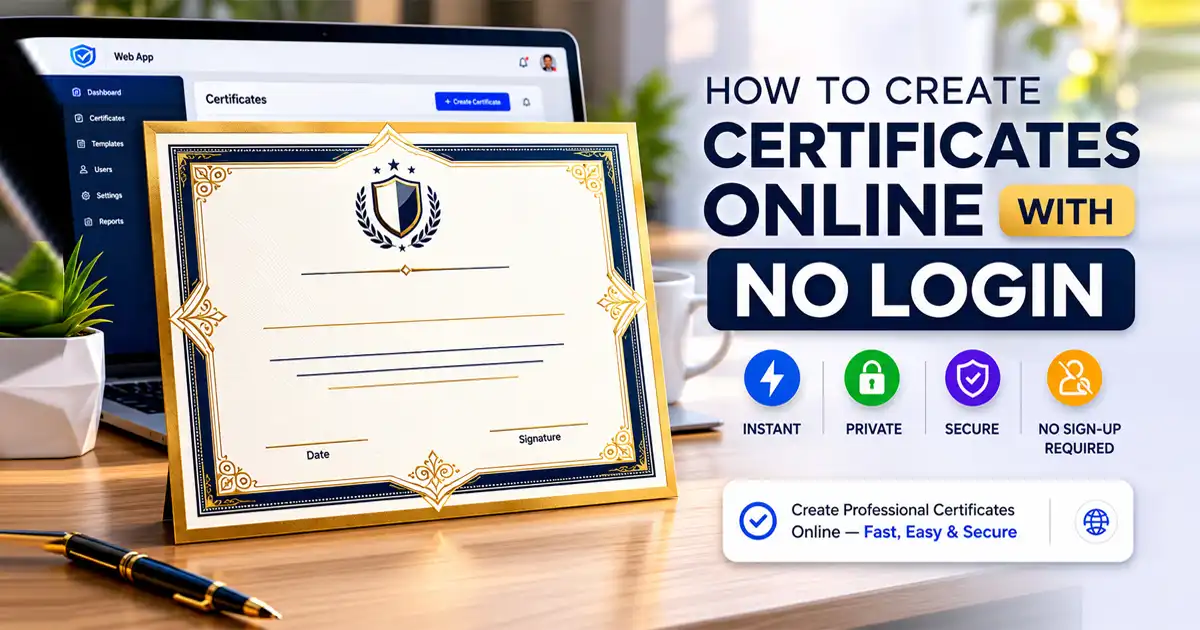
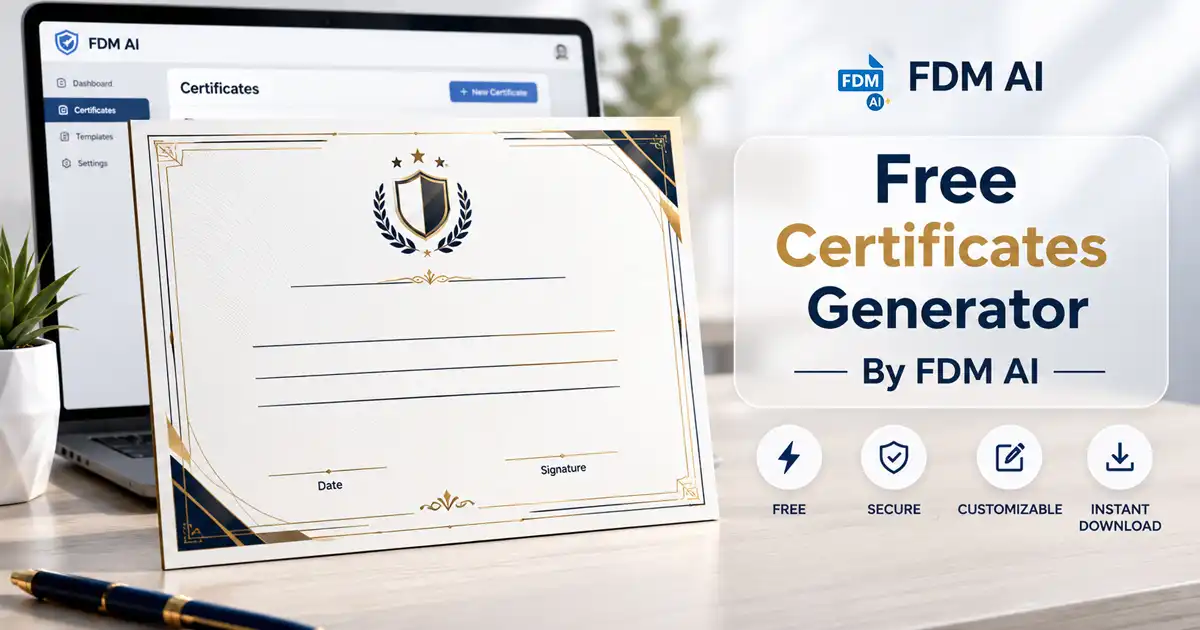
Our Free Certificate Maker Online ensures you maintain total aesthetic control over every critical credential component to align perfectly with your organization's formal requirements:
Recipient Name Frames: Intelligently balances and renders names with crisp, high-contrast typography that dynamically adjusts its size to prevent clipping.
Dynamic Certificate Titles: Alternate between "Certificate of Professional Achievement," "Diploma of Unit Completion," or "Award of Executive Excellence" instantly.
Custom Purpose Context: Dedicate space for granular descriptions, specific skills mastered, course credit hours fulfilled, or project milestones achieved.
Validating Dates & Structural Signatures: Maintain professional and legal integrity with precise issue dates and cleanly aligned signature lines.
Institutional Logo Uploads: Easily drop in your corporate icon, university seal, or sponsor stamps to ensure the final layout projects authentic brand authority.
High-DPI Vector PDF Exports
An award or certification is only as reputable as its raw visual presentation. Unlike general-purpose document tools that output low-resolution, blurry JPEGs or messy, unformatted text files, the FDM AI generator outputs flawless, print-ready vector PDFs. Whether a recipient opens their credential on a high-end 4K screen, displays it proudly on a tablet, or prints it out on heavy cardstock for framing, the typography remains beautifully sharp and vector lines never pixelate.
Who Relies on Instant Document Engines?
The clean, minimalist, and highly adaptable structural design of the FDM AI ecosystem satisfies critical operational demands across multiple distinct sectors:
1. Educational Academies & eLearning Instructors
Digital tutors, bootcamps, and micro-credentialing academies use our Free Certificate Maker Online to provide students with rapid, tangible proof of course completion. Delivering an unwatermarked, premium certificate instantly upon course wrap-up improves student satisfaction metrics, boosts brand loyalty, and provides graduates with an asset they are eager to display online.
2. Corporate Human Resources & Operational Training
Internal HR departments leverage the generator to power employee recognition programs, mark work anniversaries, and issue compliance certification for safety or technical training courses. It removes the friction from administrative workflows, allowing personnel managers to generate documents cleanly on demand without waiting on graphic design departments.
3. Nonprofits, Charities, & Volunteer Organizations
Community groups frequently manage tight budgets and rely heavily on volunteer labor. Generating professional, high-quality certificates is an excellent, cost-effective method to show deep gratitude to donors and volunteers, helping them expand their personal career portfolios while keeping internal operational costs at zero.
How to Create a Professional Certificate in 60 Seconds
The entire generation process is radically intuitive and requires no technical training or graphic design history:
Launch the System Workspace: Navigate to the Free Certificate Maker Online module on the official Free Document Maker platform.
Input Your Target Details: Populate the clear form fields with your recipient's name, the title of the award, and the dynamic completion date.
Incorporate Your Brand Identity: Upload your school or enterprise logo file (PNG formats with clear backgrounds work best) and pick an accent style that fits your brand guidelines.
Execute the Vector Download: Click the download command to receive your high-DPI PDF instantly. There are no surprise paywalls, no hidden usage fees, and absolutely no watermarks.
Beyond Certificates: A Comprehensive Modern Productivity Suite
Free Document Maker is engineered to eliminate unnecessary administrative overhead across your entire professional workflow. Once you have completed your credential run, you can scale your daily operations utilizing the exact same no-login, privacy-first, client-side toolset:
Professional Invoice Generator: Draft clean, tax-compliant PDF invoices for vendors and clients instantly.
Secure Agreement Generator: Set up essential operational legal documents, agreements, non-disclosure contracts (NDAs), and service terms using pre-formatted layouts.
Image to PDF Tool: Instantly merge a series of image files, scans, or flat assets into a single structured, highly portable PDF document.
Image to WebP Converter: Boost your primary website's loading speeds and search engine optimization ranking by converting heavy image files into streamlined, modern WebP formats.
The Ultimate Verdict: Clean Professionalism Without the Paywalls
In a digital landscape where modern software licensing fees are constantly climbing and supposedly "free" utility tools are bogged down with heavy advertising layers, hidden download limitations, and invasive watermarks, finding an uncompromised, truly open tool is a major victory for professional productivity. The Free Document Maker's Certificate Studio delivers the perfect balance of aesthetic elegance and functional ease.
By permanently stripping away the barriers of mandatory account creation, credit card demands, and complex design interfaces, we empower you to focus entirely on what truly matters: celebrating human achievement, validating skills, and moving your projects forward smoothly.
Start Creating Your Professional Certificates Today. No signups. No watermarks. Just beautiful, high-res documents generated instantly by the ultimate Free Certificate Maker Online.
Frequently Asked Questions (FAQs)
Is this Free Certificate Maker (FDM AI) Online truly free to use, or are there hidden conditions?
It is completely free. Unlike legacy web applications that let you design a document but demand a credit card payment or email signup to download the unwatermarked file, FDM AI lets you access templates, input details, and export high-DPI vector PDFs with zero limitations and no watermarking.
Can I securely utilize my own institutional logos and corporate branding?
Absolutely. The generator includes a native image attachment upload block so you can position your official school seal, nonprofit logo, or enterprise trademark directly onto the certificate frame to preserve consistent brand representation.
Why are browser-native (client-side) generators considered more secure?
Because they eliminate data transmission risks entirely. Traditional cloud engines upload your text input and private names to an external server database. A browser-native editor like FDM AI runs entirely on your own local device; your data never leaves your computer, making it inherently compliant with strict corporate and educational privacy regulations.
What is the absolute best file format to use for physical printing?
We highly recommend downloading your document in the default high-resolution Vector PDF format supplied by our generator. Unlike flattened JPEGs, vector PDFs lock in the exact layout alignments and retain sharp font paths, ensuring that your certificate looks completely crisp, clear, and professional on any digital monitor or high-grade physical print setup.