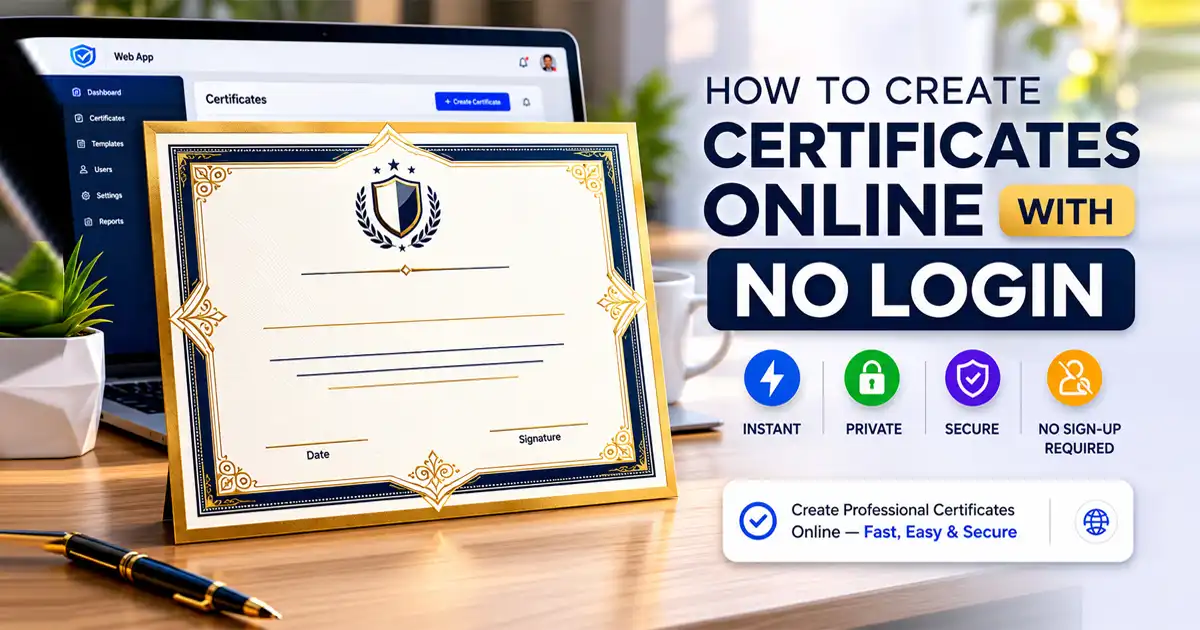
In 2026, digital speed and data privacy matter more than ever before. Whether you are an HR professional issuing monthly employee awards, a teacher creating student certificates for a classroom, or an event organizer handing out digital attendance proofs after a global webinar, you need a fast, frictionless workflow. You don’t have time to fight with bloated software—you need to create certificate online no login required.
Gone are the days of mandatory signups, endless email verifications, sudden paywalls, and annoying watermarks ruining your final design. This guide shows you exactly how to generate professional, high-resolution certificates instantly using modern, browser-based tools that respect your time and data.
Why “Create Certificate Online No Login” Searches Are Exploding
The web landscape has shifted drastically. Users are tired of traditional software-as-a-service (SaaS) barriers that turn a simple 2-minute task into an ongoing subscription headache. When people look for an alternative to traditional design platforms, it's usually because they want to escape the classic conversion traps:
Forced Account Creation: Giving away personal data just to download a single document.
Subscription Traps: Accidentally entering a "free trial" that auto-renews into a monthly charge.
Cloud Data Storage Risks: Uploading proprietary company data, student names, or employee details to third-party database servers.
Low-Quality Watermarked PDFs: Spending 20 minutes designing a credential only to find an ugly brand logo plastered across the center upon export.
The massive demand to create certificate online no login reflects a clear macro-shift toward privacy-first, zero-friction productivity applications. Tools that operate entirely client-side (directly within your web browser) deliver the absolute best user experience because no data ever leaves your local device.
The Best Way to Create Certificates Online in 2026: FDM AI Certificate Studio
The FDM AI Certificate Studio delivers exactly what professionals look for in the modern 2026 SaaS efficiency model. Built as a streamlined alternative to bloated cloud graphic suites, it offers a pure utility experience:
No Login or Signup Required: Access the workspace instantly with a single click.
No Paywalls or Credit Cards: Every template and feature is unlocked from day one.
Unlimited High-Resolution PDF Exports: Generate one or one hundred documents without caps.
Premium Templates with Zero Watermarks: Clean, modern layouts that maintain your brand's integrity.
100% Browser-Native Performance: Heavy rendering operations occur on your device, ensuring maximum speed.
You can generate your very first professional credential in under 60 seconds.
👉 Launch Certificate Studio Now — No barriers. Start creating instantly.
How the fdmGTP Logic Shell Works (Browser-Native Power)
At the heart of the FDM AI platform is the proprietary fdmGTP Logic Shell—a fully client-side rendering engine engineered specifically for rapid document generation.
Unlike Canva, Google Docs, or other cloud-reliant suites that constantly upload your raw text input and assets to central data servers, FDM AI keeps the entire lifecycle local.
Key Technical Advantages:
Absolute Vector Alignment: The rendering engine utilizes micro-grid precision to ensure perfect text spacing, crisp logo scaling, and exact layout symmetry automatically.
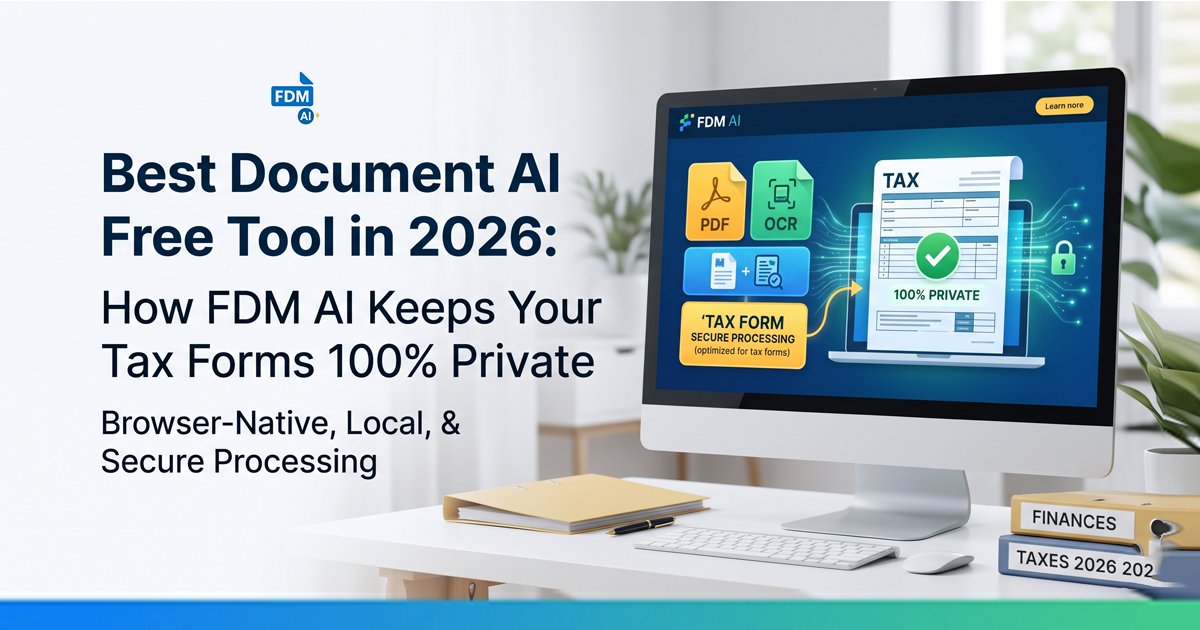
Zero-Upload Security: Because the application loads entirely into your browser memory, recipient names, dates, and organizational details never touch an external server. It is inherently compliant with strict corporate data protection policies.
High-DPI Scalar PDF Output: Instead of exporting a blurry, compressed JPEG converted into a text frame, the shell outputs a true print-ready vector PDF with ultra-crisp typography.
Instant Local Rendering: Say goodbye to server queues or processing lag. Once the app initially loads, it processes adjustments instantly—and can even work entirely offline.
This client-side architecture makes it objectively one of the fastest, safest, and most secure ways to create certificate online no login.
Canva vs. FDM AI: Head-to-Head Comparison
Feature | Canva & Legacy Cloud Tools | FDM AI Certificate Studio |
Login Required | Yes (Mandatory signup) | No (Instant access) |
Watermarks | Often hidden behind premium templates | None (100% clean exports) |
Data Privacy | Saved on cloud servers | 100% Local (Stays on your device) |
Generation Speed | Medium (Server-dependent queues) | Instant (Client-side rendering) |
Bulk Creation | Limited or locked behind paid tiers | Unlimited |
PDF Quality | Frequently compressed on free plans | High-DPI Vector (Print-ready) |
Cost for Pro Features | Monthly subscription model | Completely Free |
The Verdict for 2026: While legacy tools are great for complex, highly artistic social media collages, Free Document Maker (FDM AI) is the clear winner for rapid, secure, and professional document production.
Who Needs No-Login Certificate Generators?
Frictionless document creators are designed for rapid deployment across multiple sectors:
1. Corporate HR & Training Teams
Recognizing an Employee of the Month on the fly.
Issuing training completion credentials for internal security or software compliance modules.
Marking major performance milestones or work anniversaries with a formal memento.
2. Educational Institutions & Instructors
Providing instant course completion certificates for remote students.
Rewarding K-12 student achievements, behavior milestones, and science fair placements.
Handing out physical or digital credentials at the conclusion of localized workshops.
3. Event, Webinar, & Bootcamp Organizers
Distributing proof-of-attendance documentation immediately after a virtual conference closes.
Honoring guest speakers, panels, and community volunteers with a personalized token.
Providing graduate credentials for intensive coding, design, or marketing bootcamps.
Professional, clean certificates don't just reward effort—they boost brand engagement, establish credibility, and drive organic social media sharing on professional networks like LinkedIn.
How to Create a Certificate Online (4 Simple Steps)
The FDM AI layout engine is completely automated. You don’t need any background in graphic design to build a stunning result:
Launch the Tool: Open the FDM AI Certificate Studio link in any modern desktop or mobile browser.
Choose a Premium Template: Select from a curated library of modern corporate, elegant traditional, or minimalist creative borders.
Enter Your Details: Fill in the intuitive form fields: recipient name, award title, issuing organization, dynamic date, and structural signature lines.
Download Instantly: Click export to grab your high-resolution, unwatermarked vector PDF file.
The smart typesetting engine automatically dynamically resizes font weights, handles line wrapping, and shifts visual elements to maintain spatial balance.
Pro Tips for Professional, Print-Ready Results
Use High-Resolution Vector Graphics: When uploading organizational logos or stamp assets, always choose clean, high-resolution PNG transparent files to maximize scalar layout crispness.
Keep Typography Concise: Let the hierarchy breathe. Short, impactful sentences look far more authoritative than blocks of crowded text.
Match Colors with Your Brand Identity: Use the built-in color adjustments to align the borders and primary text accents with your official corporate style guide.
Prepare for Mass Deployments: Keep your recipient lists organized in clean data spreadsheets—native support for streamlined automated bulk generation is dropping shortly to make mass distribution even faster.
Beyond Certificates: Explore the Complete FDM AI Document Workflow
FDM AI isn’t just limited to credentials. You can leverage the exact same no-login, privacy-first, serverless architecture across an entire suite of modern productivity modules:
AI Document Writer: Draft professional copy, reports, and internal memos without logging into a cloud profile.
Online Document Editor: Refine, format, and structure text layouts with local data isolation.
FDM AI PDF Suite: Create, edit, convert, and manage PDF documents instantly using our proprietary fdmGTP AI engine.
Frequently Asked Questions (FAQs)
1. Is it really possible to create a certificate with no login?
Yes. Modern design tools like FDM AI Certificate Studio operate entirely within your web browser using client-side technology. This means you can access the full workspace, choose templates, edit text, and download your final document without ever creating an account or entering an email address.
2. Will my downloaded certificate have a brand watermark?
No, when you use a true no-login tool like FDM AI, your exported files are completely clean. Unlike legacy platforms that hide watermark removal behind a premium monthly subscription tier, you get professional, unwatermarked, print-ready documents 100% free.
3. Are no-login certificate generators safe for corporate or student data privacy?
They are significantly safer than cloud-based tools. Because platforms like FDM AI use browser-native processing (the fdmGTP Logic Shell), the names, dates, and organizational details you type into the generator never leave your computer or upload to external data servers, keeping your sensitive data entirely private.
4. In what file format can I download my certificate?
You can export your completed certificates instantly as high-resolution, print-ready vector PDF files. This ensures that the typography remains sharp, the alignment stays pixel-perfect, and your logos scale beautifully without any blurry image compression.
5. Can I use these certificates for commercial or official verification?
Absolutely. Since the templates are professional-grade and free of third-party branding or watermarks, they are perfectly suited for corporate HR awards, compliance training completions, workshop credentials, webinar attendance tokens, and school achievement certificates.
Final Takeaway: Create Certificates Without Limits
Stop wasting your valuable time on legacy web tools that slow down your day-to-day operations with compulsory signups, hidden subscription paywalls, and restrictive usage boundaries.
In 2026, the ultimate workflow solution is simple, secure, and completely immediate. When you need to create certificate online no login barriers stand in your way. Enjoy full privacy compliance, ultra-premium vector quality, and unlimited generation capabilities.