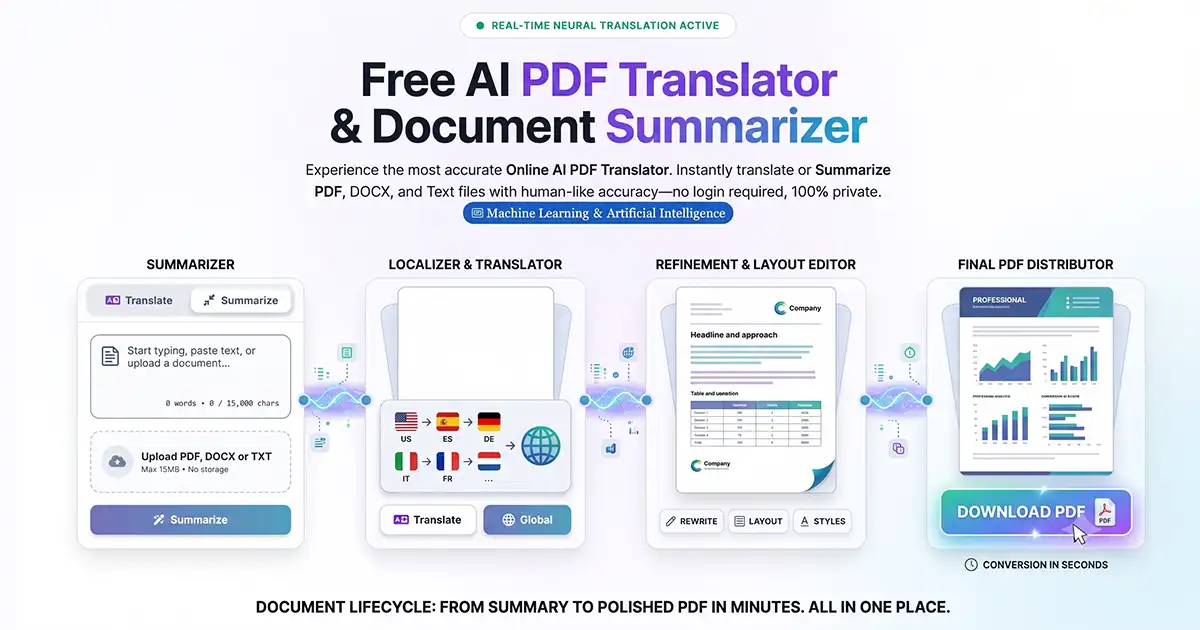
In the fast-paced world of digital content, efficiency is everything. Whether you are a student, a marketer, or a small business owner, the demand for high-quality, formatted documents is constant. Enter the AI Word document generator—a tool designed to turn simple prompts into fully structured professional files.
The best part? You don’t need a massive budget to access this technology. Here is how free AI tools are changing the way we handle document automation.
What is an AI Word Document Generator?
An AI Word document generator is a software tool that uses Large Language Models (LLMs) to create text and then formats that text into a downloadable .docx file. Unlike a standard chatbot that just gives you a wall of text, these generators handle:
Hierarchical Formatting: Automatically creating H1, H2, and H3 headers.
Structured Layouts: Inserting bullet points, tables, and numbered lists.
Professional Templates: Applying standard margins and fonts suitable for business or academic use.
For those looking for a seamless experience, tools like the AI Text to Document Generator allow you to convert prompts directly into formatted files without the manual hassle.
Top Benefits of Using Free AI Document Tools
1. Instant SEO Integration
For bloggers and SEO specialists, these tools can be programmed to include Focus Keywords naturally throughout the document. This ensures that your blog post is ready for the web the moment it’s generated.
2. Eliminating "Blank Page Syndrome"
Starting a document from scratch is the hardest part of writing. AI provides a comprehensive "first draft" that you can then refine, saving hours of manual brainstorming.
3. Zero-Cost Professionalism
You no longer need to hire a virtual assistant or buy expensive software suites to create polished reports, letters, or blog drafts. Free browser-based tools allow you to generate and export content in seconds.
Beyond Text: Expanding Your Document Toolkit
Modern document creation often requires more than just text. Sometimes you need to handle visual data or change file types on the fly.
Visual Integration: If you have images, charts, or handwritten notes that need to be part of a clean document, using an Image to PDF tool helps maintain a professional look.
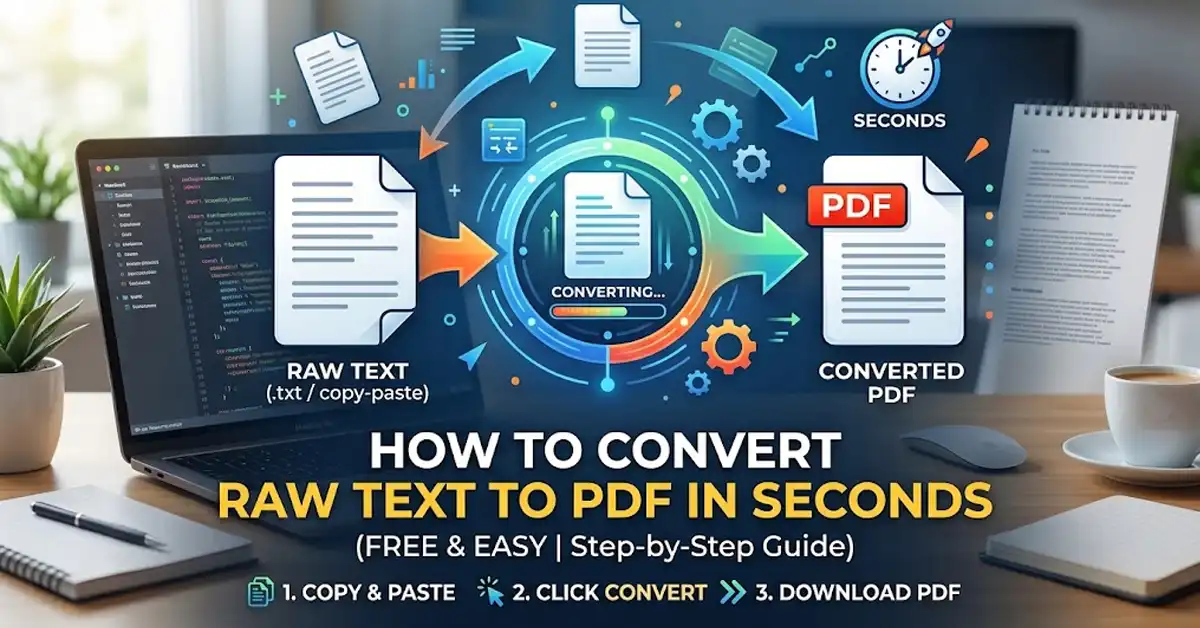
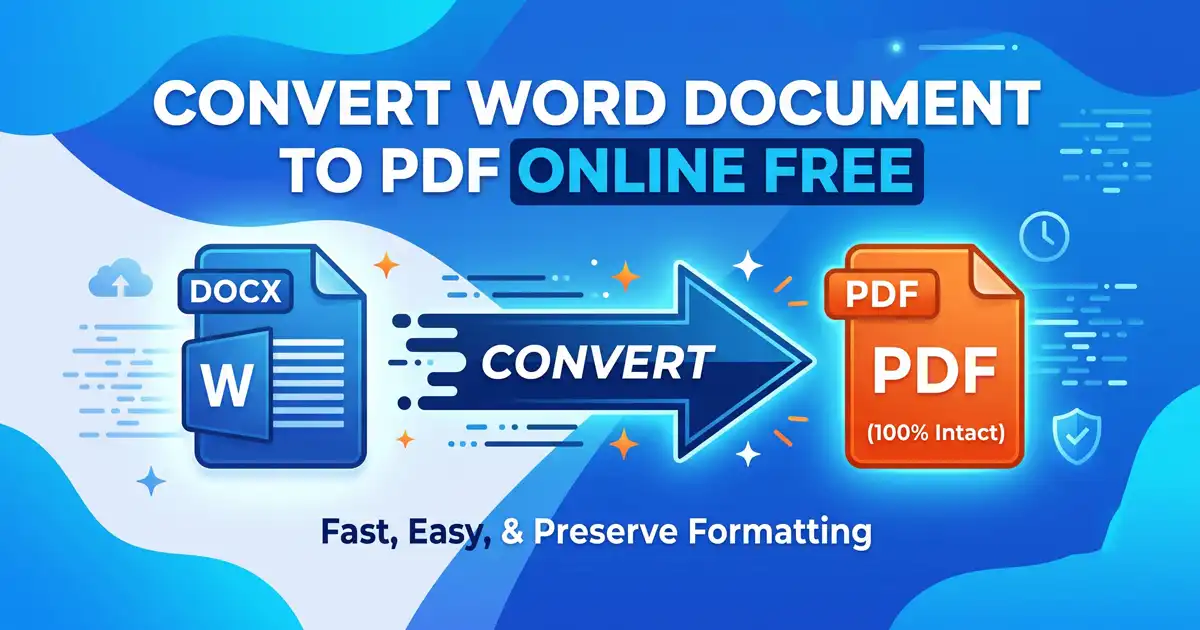
Format Flexibility: Once your document is generated, you might need it in a different format. A reliable Document Converter ensures that your AI-generated content can be shared as a PDF, Word doc, or other essential formats depending on your recipient's needs.
How to Generate Word Documents for Free
If you want to create a Word document using AI without paying for a subscription, follow this simple workflow:
Step 1: Generate the Content
Use a free AI engine to draft your content. Be specific with your instructions.
Example Prompt: "Write a detailed guide on 'Home Office Ergonomics.' Include a title, three subheadings, and a concluding checklist. Format it for a professional document."
Step 2: Structure and Export
While you can use Markdown or manual copy-pasting into Google Docs, using a dedicated AI Text to Document interface can skip several steps by handling the formatting and the download trigger in one go.
Tips for Getting the Best Results
Be Prompt Specific: Instead of saying "write a doc," say "write a 500-word formal proposal."
Review and Edit: AI is a powerful assistant, but it lacks your unique voice. Always add a personal touch or a final proofread.
Check Formatting: Ensure headers are correctly nested (H1 for titles, H2 for main sections) to keep the document accessible.
Conclusion
The era of manual document formatting is fading. By leveraging a free AI Word document generator, you can focus on the big ideas while the technology handles the structure. Whether you are drafting a blog post, converting images, or switching between file formats, these tools are the ultimate shortcut to professional productivity.