Free Online Document Converter

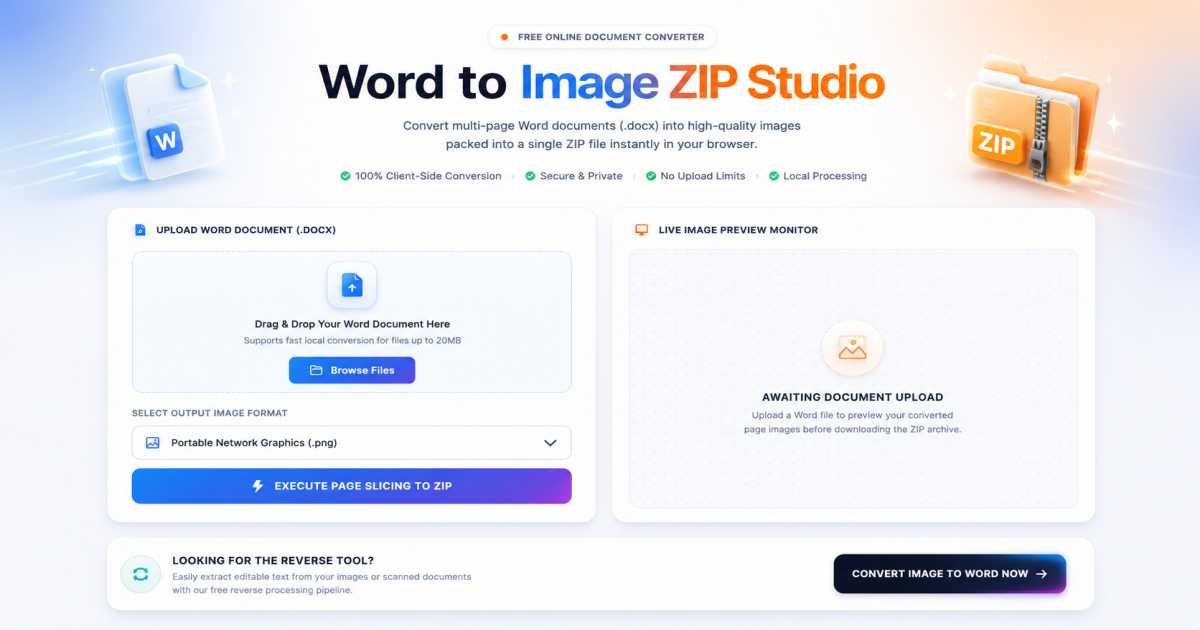
Word to Image ZIP Studio

Convert multi-page Word documents (.docx) into high-quality images packed into a single ZIP file instantly in your browser. 100% Client-Side Conversion. Secure Local Processing.

Upload Word Document (.docx)

Drag & Drop Your Word Document Here

Supports fast local conversion for files up to 20MB

Live Image Preview Monitor

Awaiting Document Upload

Upload a Word file to preview your converted page images before downloading the ZIP archive.

Looking for the Reverse Tool?

Easily extract editable text from your images or scanned documents with our free reverse processing pipeline.

Convert Image to Word Now
Powered by FDM AI

Why Use Our Word to Image Converter?

Engineered for high-throughput browser processing, our local file sandbox completely revolutionizes how you transform text layouts and document matrices into crisp, high-fidelity visual assets.

100% Data Privacy

Your files never leave your computer. This architecture runs entirely inside your browser's isolated local sandbox, eliminating database storage, caching risks, and external server uploads entirely when you convert Word to Image.

Blazing Fast Speeds

Bypass network queues and upload restrictions. Our advanced client-side rendering engine utilizes your local device hardware to transform heavy text files or simple convert DOCX to image sequences instantly.

Zero File Size Limits

Process as many digital document assets as your machine can allocate. Enjoy a completely Word to Image free pipeline containing no restricted access bars, no payload throttling, and no hidden subscriptions.

No Account Barriers

Eliminate mandatory landing blocks, newsletter captures, and email configuration loops. Open the workspace, load your document stack, and instantly execute your compilation cleanly.

Automating Document Visualization via Local FDM AI Architectures

Our client-isolated utility map includes an advanced Word to Image free suite with instant high-speed DOCX to JPG processing options to customize output quality and file formats securely.

How-To Guide

How to Convert Word to Image — Step-by-Step Guide

Follow this simple workflow to transform your Word documents into high-quality, production-ready image files using the FDM AI workspace.

FDM AI workflow visualization
1

Queue Your Source Document Layer

Drag and drop your target DOCX files directly into the dashed upload drop area, or tap the interface to open your local system's directory file picker. Our advanced backend quickly parses Word to Image elements to prepare text layouts and vector styles for rendering.

2

Select Your Target Image Format

Configure the final output format inside the FDM AI DOCX to JPG generator workspace. Select "JPG" for highly optimized, web-ready file sizes, or opt for "PNG" if your document contains sharp graphic structures, transparency layers, or high-contrast typography constraints that require maximum pixel fidelity.

3

Rasterize Your Layout Pages

Once your conversion queue is verified, click the "Convert Word to Image" button. This launches an isolated execution path that safely maps your document paragraphs, tables, and nested vectors, converting each logical page layout into a distinct, high-resolution image asset right in your browser sandbox.

4

Securely Export Your Visual Files

As soon as the rendering algorithm hitting 100% completion, your images are packed and ready. Click the green "Download Image Assets" button to fetch individual high-res image nodes or instantly save the entire multi-page set as a single, neat ZIP archive to your local storage drive.

Frequently Asked Questions

Learn why FDM AI is the preferred choice to convert Word to image files securely and fast.

Are my documents safe with this Word to Image converter?

Yes. FDM AI utilizes client-side local processing to convert Word to Image safely. Your private files never touch an external server or cloud database, ensuring 100% data confidentiality.

Can I convert multi-page Word files into separate images?

Absolutely. When you render a multi-page document, our converter processes every layout page sequentially, allowing you to save them as separate nodes or download the entire batch cleanly inside a single ZIP archive.

Is this DOCX to JPG utility fully mobile-friendly?

Yes, our responsive workspace makes it effortless to execute a DOCX to JPG transaction directly within your smartphone or tablet's web browser, with no app installations required.

Will the conversion preserve my text formatting and table layouts?

Yes. The FDM AI layout parser reads internal style guides, fonts, margins, and nested data tables carefully, converting DOCX to JPG or PNG structures without causing displacement or layout breaks.

Is this Word to Image free service truly unlimited?

Yes, our processing environment provides a completely Word to Image free experience. You can rasterize heavy document structures repeatedly without dealing with unexpected page caps or premium tier thresholds.

What image outputs are available in this tool suite?

We offer multiple optimization options when you convert Word to Image. You can export pages as highly compressed JPG files for fast web sharing or select PNG format to keep typography lines super crisp.

Do I need Microsoft Word installed on my system to use this?

No installation is required. Our standalone processing core runs independently within your browser sandbox, parsing and mapping document layers accurately without using external office suites.

How fast does the FDM AI Word to Image engine operate?

Because the architecture relies on your system's local hardware instead of standard server network queues, the rasterization finishes near-instantly, resulting in an incredibly fast operational loop.

Deep-Dive Technical Insights

Discover the engineering precision behind our secure, browser-based Word to Image conversion technology.

XML Layout to Raster Mapping

DOCX files operate as zip-archived XML schemas containing fluid text nodes, shapes, and nested styles, while images require absolute raster pixel matrices. Our pipeline parses these complex XML document layers, restructuring them cleanly into static, page-by-page visual frames.

Typography & Vector Fidelity

Standard conversion pipelines often break font styles and table alignments. Our intelligent rendering framework accurately measures text bounds, indentation rules, and line wrapping coefficients, ensuring high-fidelity outputs for both web-ready JPGs and transparent PNGs.

Local Client-Side Processing

By compiling core document parsing engines directly within modern JavaScript and browser runtimes, we avoid heavy server-side queue delays. This local sandbox execution processes large document binaries locally, guaranteeing bulletproof security and instant page rasterization.

Why our Word to Image tool is the fastest and most secure

Our tool uses client-side layout rendering to convert DOCX to JPG instantly without cloud uploads, offering superior privacy, strict font formatting preservation, and instant performance compared to traditional online converters.

⚡ Local Client-Side Rendering

Ready to Transform Your Word Docs into Images?

Experience the power of high-fidelity, browser-based rasterization. Convert your DOCX files to crisp JPG or transparent PNG images instantly without ever leaving your browser.

Convert Word to Image Online Securely

Visit our home page to start, explore our full suite of document conversion tools at /tools, or read our latest technical guides and rendering tips at our /blogs section.