Freelancing continues to expand rapidly in 2026. Designers, developers, writers, consultants, marketers, and remote professionals are building independent careers from anywhere in the world. However, success in freelancing is not only about professional skills. Productivity, organization, and the ability to manage work efficiently play a major role in building a sustainable freelance business.
The good news is that freelancers do not need expensive software subscriptions to operate professionally. Today, many platforms provide free online tools for freelancers that help manage projects, track time, generate invoices, create content, design visuals, and communicate with clients.
This guide explores the top free online tools every freelancer should use in 2026. These tools help simplify workflows, improve productivity, and maintain professionalism without increasing operating costs.
1. Free Document Maker
Freelancers frequently need professional business documents such as invoices, receipts, quotes, certificates, and agreements. Creating these documents manually often requires formatting skills and additional software.
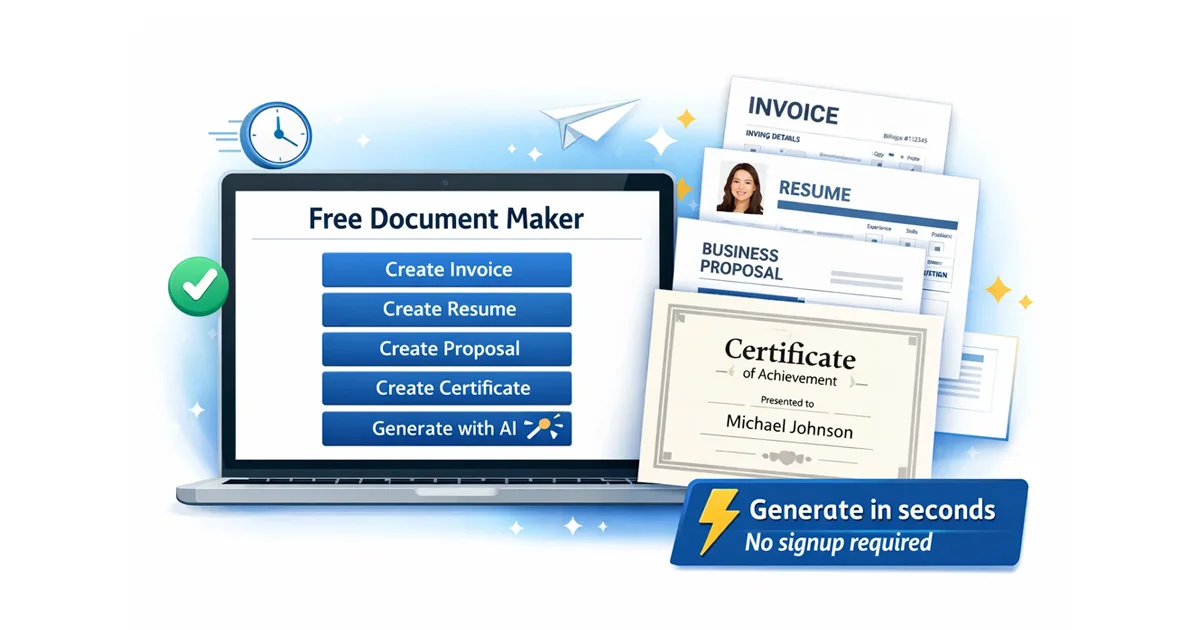
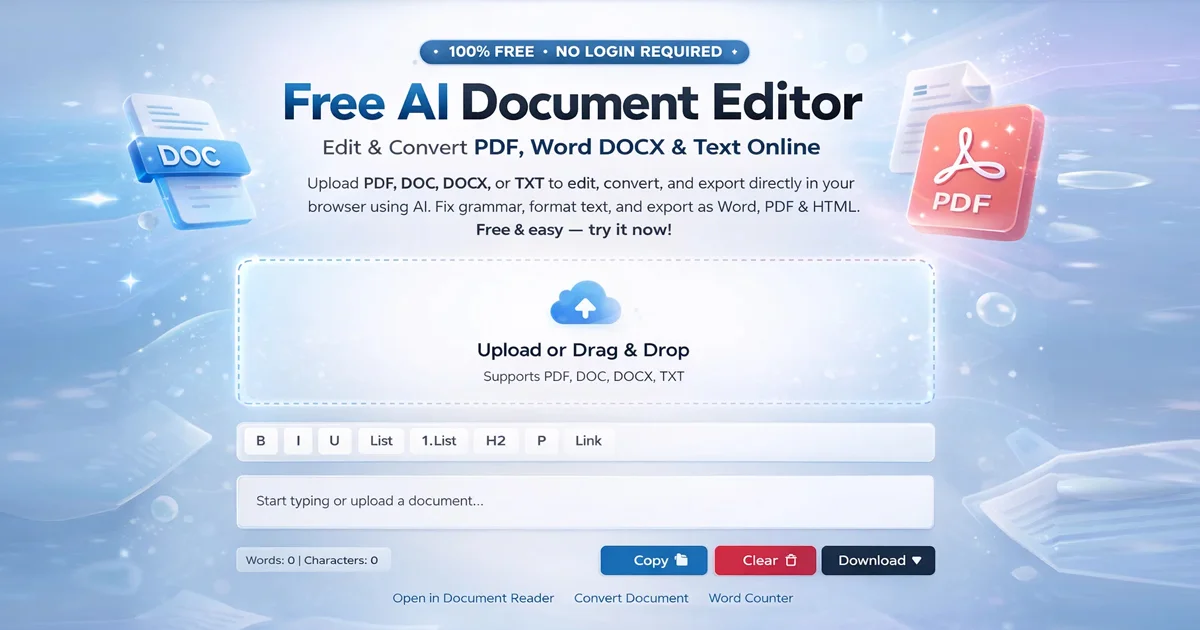
Free Document Maker (often referred to as FDM AI) provides a browser-based platform for creating, editing, and converting documents, PDFs, and images instantly. The platform offers more than 30 free tools including invoice generators, resume builders, document utilities, and image converters — all without requiring user login or subscriptions.
Why Freelancers Use It
• Instant invoice generation
• No login or registration required
• Mobile-friendly browser tools
• Clean downloadable document formats
Recommended Tools
Free Invoice Generator
AI Document Writer – generate blog posts, proposals, reports, and professional content instantly.
2. Wave
Wave is a well-known free accounting platform designed for freelancers and small businesses. It provides tools for managing invoices, tracking expenses, and monitoring financial performance.
For freelancers looking for a simple bookkeeping solution, Wave offers an intuitive interface and reliable financial tracking tools.
Main Features
• Free accounting software
• Payment tracking tools
• Invoice management system
• Financial reporting
Website: waveapps.com
3. Toggl Track
Managing time efficiently is one of the biggest challenges for freelancers working with multiple clients. Accurate time tracking ensures proper billing and helps improve productivity.
Toggl Track enables freelancers to monitor their working hours, analyze project timelines, and generate reports for client billing.
Key Advantages
• Simple one-click time tracking
• Productivity analytics and reports
• Integrations with many productivity tools
• Free plan available
Website: toggl.com
4. MailerLite
Email marketing is important for freelancers who want to build a personal brand, communicate with clients, or promote services. MailerLite provides a beginner-friendly email marketing platform with automation and newsletter tools.
Free Plan Includes
• Up to 1,000 subscribers
• 12,000 monthly emails
• Email templates
• Landing page builder
Website: mailerlite.com
5. Google Workspace
Google Workspace offers essential productivity tools used by freelancers worldwide. Google Docs, Sheets, Drive, and Meet enable efficient collaboration, document management, and file sharing.
These tools are widely adopted across industries and allow freelancers to collaborate with clients in real time.
Core Tools
• Google Docs for writing and editing documents
• Google Sheets for data management and budgeting
• Google Drive for secure cloud storage
• Google Meet for video meetings
Website: google.com/workspace
6. Canva
Freelancers frequently need to design social media graphics, presentations, marketing visuals, and portfolio materials. Canva simplifies graphic design through templates and a drag-and-drop interface.
Even users without design experience can quickly create professional visual content for client work and personal branding.
Main Features
• Thousands of design templates
• Social media graphics tools
• Presentation creator
• Brand kit support
Website: canva.com
7. Notion
Notion is an all-in-one productivity platform that combines note-taking, project management, and databases. Freelancers use it to organize tasks, manage client information, and track project workflows.
Its flexibility allows users to create customized workspaces for planning and productivity management.
Popular Uses
• Project planning
• Client management systems
• Task tracking dashboards
• Knowledge base organization
Website: notion.so
8. Grammarly
Professional communication is essential in freelancing. Emails, proposals, reports, and articles must be written clearly and accurately.
Grammarly helps freelancers improve writing quality by checking grammar, spelling, tone, and clarity in real time.
Benefits
• Grammar and spelling correction
• Writing improvement suggestions
• Tone and clarity detection
• Browser extensions for multiple platforms
Website: grammarly.com
9. Calendly
Scheduling meetings manually through email can waste valuable time. Calendly simplifies appointment scheduling by allowing clients to book available time slots automatically.
Freelancers can integrate Calendly with Google Calendar, Zoom, and other platforms to streamline meeting management.
Why Freelancers Use Calendly
• Automated meeting scheduling
• Calendar synchronization
• Time zone detection
• Meeting reminders
Website: calendly.com
10. Trello
Trello is a visual project management platform that organizes tasks using boards, lists, and cards. Freelancers use Trello to manage workflows, track deadlines, and coordinate project progress.
The intuitive drag-and-drop interface makes project tracking simple and efficient.
Key Features
• Visual project boards
• Task management systems
• Team collaboration tools
• Workflow automation
Website: trello.com
Conclusion
Freelancing success in 2026 depends on more than talent. The right digital tools help freelancers manage projects, communicate effectively with clients, and maintain professional workflows.
By using these free tools for freelancers, professionals can improve productivity, organize work more efficiently, and reduce operational costs.
If you are starting your freelance journey, Free Document Maker provides powerful tools for generating invoices, documents, and AI-powered content instantly. You can also use the AI Document Writer to generate blog posts, proposals, and reports directly from your browser.
Using the right digital tools today can significantly improve how efficiently freelancers work in the future.