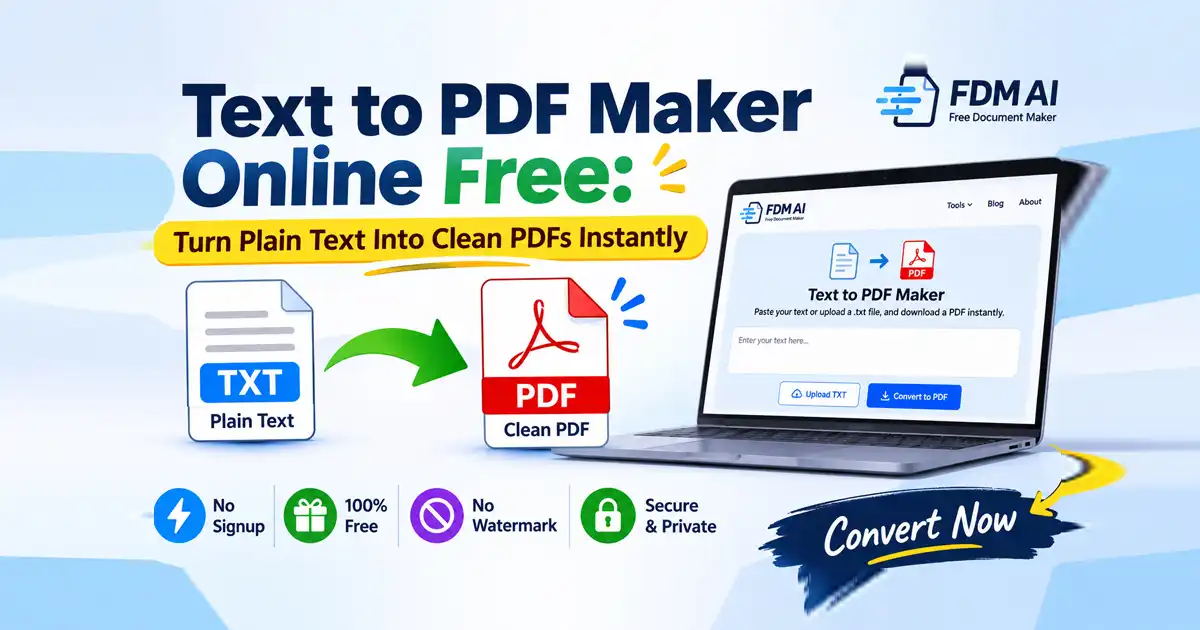
Drafting quick notes, saving code snippets, or preparing printable handouts often gets slowed down when you need a clean, fixed-layout PDF fast. Opening a heavy desktop office suite, navigating bloated menus, or dealing with subscription paywalls just to export plain text wastes valuable time. Instead, a text to pdf maker online free lets you turn raw text into a polished, shareable PDF right inside your web browser in a matter of seconds.
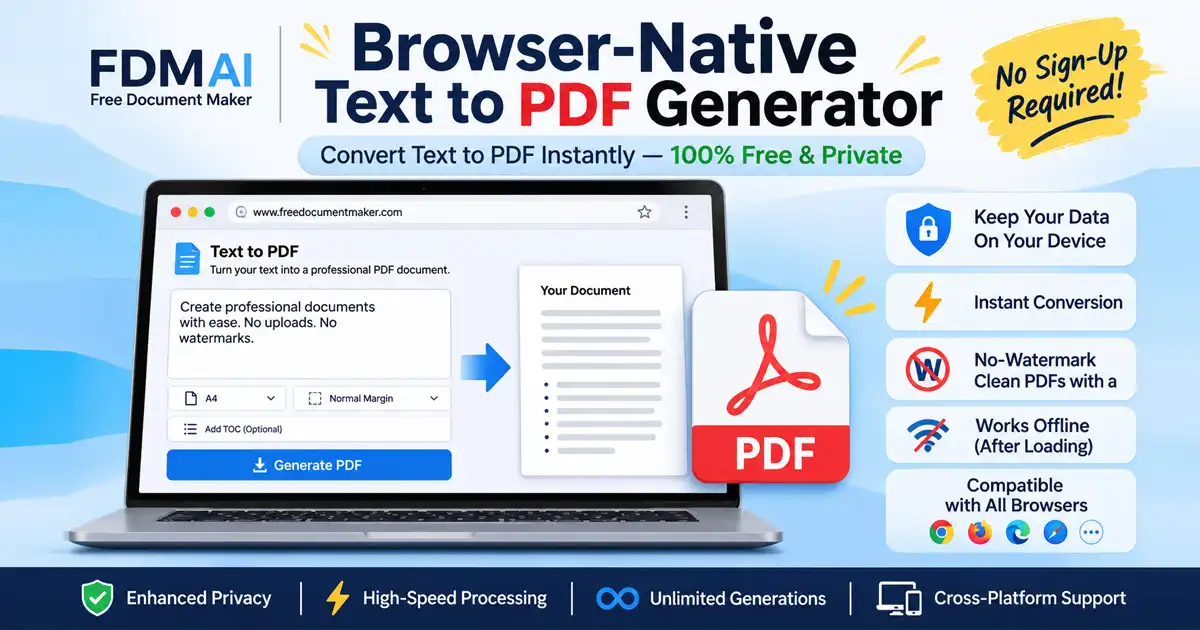
With the FDM AI Text to PDF Maker on Free Document Maker (FDM AI), converting plain text or .txt files takes almost no effort. Built around a privacy-first client-side browser sandbox and powered by the fdmGTP engine, it gives you a fast, reliable text to pdf maker online free with zero account registration, zero server upload queues, and zero watermarks. Whether you are a student organizing lecture notes, a developer archiving configuration snippets, or a professional preparing clean handouts, browser-based conversion keeps your workflow smooth from start to finish.
Why Use a Text to PDF Maker Online Free?
Plain text files and quick notes are flexible for editing, yet they do not preserve consistent page margins, spacing, or layout across different operating systems, devices, and printers. Opening a raw .txt file on one computer may wrap lines differently than on another, making documents look messy when printed or emailed. A browser-native text to pdf maker online free bridges that gap immediately:
Zero Software Installation: Convert text directly in Chrome, Edge, Safari, Firefox, or modern mobile browsers without downloading heavy desktop suites or managing plugin updates.
No Login Walls or Watermarks: Export clean, print-ready PDFs without mandatory sign-ups, credit card gates, or third-party watermarks stamped across your pages.
Client-Side Sandbox Privacy: Files and pasted text are processed locally inside your browser sandbox rather than sitting in remote server upload queues, keeping sensitive drafts and notes under your control.
Clean Page & Print Formatting: Produce consistent layouts with predictable page breaks and margins suitable for sharing, archiving, or printing on standard paper sizes like A4 or US Letter.
Fast Cross-Device Access: Switch seamlessly between a laptop at your desk and a phone or tablet on the move without relying on a specific installed application.
Common Scenarios Where Plain Text Needs to Be a PDF
Many everyday tasks begin as unformatted text before they need to be distributed or archived permanently. Using a text to pdf maker online free helps turn rough drafts into structured, portable files across several common scenarios:
Meeting Notes and Action Items: Capture raw bullet points during team calls or client check-ins, then export a clean PDF summary that looks consistent for every recipient.
Study Guides and Lecture Summaries: Consolidate class notes, vocabulary lists, or study outlines into easy-to-read PDFs that print cleanly or load reliably on e-readers and tablets.
Code Snippets, Logs, and Configs: Preserve syntax spacing, error logs, or setup instructions as fixed-layout reference sheets for documentation or troubleshooting handoffs.
Drafts, Outlines, and Scripts: Share early article outlines, blog drafts, or speaking scripts with teammates or editors in a format that opens cleanly without requiring specific text editors.
Simple Invoices, Receipts, and Checklists: Turn structured text lists or quick billing notes into tidy PDF records that are easy to store in folders or attach to emails.
How to Convert Text to PDF Online Free (Step-by-Step)
Turning rough text into a ready-to-share PDF on Free Document Maker takes just four quick steps inside your browser:
Open the Text to PDF Tool: Visit Text to PDF Tool in your desktop or mobile browser.
Paste or Upload Your Text: Type or paste raw text directly into the editor, or upload a
.txtfile from your computer or mobile device.Adjust Layout & Page Setup: Choose clean text formatting and select target page dimensions such as A4 or US Letter so your content fits neatly on the page.
Download Your PDF: Export your finished PDF immediately—100% free, with zero watermarks and no account required.
Best Practices for Clean Text-to-PDF Formatting
Even when converting simple text, a few small formatting habits make the resulting PDF much easier to scan, print, and archive:
Use Clear Section Breaks: Separate topics with blank lines or clear headings so readers can scan dense notes without feeling overwhelmed.
Keep Lines and Lists Structured: Use short paragraphs and consistent bullet or numbered markers rather than long walls of unbroken text.
Match Paper Size to Your Region: Select US Letter for North American printing workflows or A4 for international and European standards before exporting.
Review Line Wrapping Before Export: Check long pasted lines or code blocks to make sure nothing wraps awkwardly across page edges.
Related FDM AI Tools for Your Document Workflow
Once you use the text to pdf maker online free, you can handle the rest of your document tasks inside FDM AI's browser-based suite without switching to heavy desktop software:
Tool | Best For | Key Advantage |
AI Document Editor | Creating, editing, and exporting Word and PDF documents | Works online with no login required |
AI Text to Document Converter | Turning rough notes or prompts into structured DOCX files | Automates formatting from raw text |
Online PDF Editor | Editing text, annotating pages, and refining existing PDFs | Runs directly inside your browser |
Document Resizer | Adjusting PDF page sizes to A4 or other standard dimensions | Resizes pages in seconds |
Frequently Asked Questions (FAQ)
1. How do I use a text to pdf maker online free without signing up?
Open Text to PDF Maker Online Free in your browser, paste your text or upload a .txt file, adjust your layout settings if needed, and download your PDF immediately with no account or registration required.
2. Will my PDF include a watermark?
No. Every PDF generated on Free Document Maker is exported completely watermark-free, making it ready for sharing, printing, or archiving right away.
3. Are my notes or files uploaded to an external server?
No. FDM AI uses a privacy-first, client-side browser sandbox powered by the fdmGTP engine so conversion happens locally in your browser rather than relying on external server upload queues.
4. Can I convert .txt files on both desktop and mobile devices?
Yes. Because the tool runs in modern web browsers, you can convert plain text or .txt files on desktop computers as well as mobile phones and tablets without installing extra software.