In a world that is increasingly digital-first, the need for a perfectly formatted passport photo remains a constant hurdle. Whether you are applying for a global visa, a new career opportunity, or a government-issued ID, the technical requirements for these images are notoriously strict. Most online tools promise a quick fix but often hide behind paywalls, forced registrations, or—worst of all—invasive data tracking.
That is where Free Document Maker (FDM AI) changes the game. Our browser-native Passport Size Image Resizer is designed to provide professional-grade results instantly, without the typical software overhead or privacy concerns. Using a dedicated Passport Size Image Resizer ensures that your application won't be rejected due to simple formatting errors.
Why Precision Matters in Passport Photos
A passport photo is more than just a headshot; it is a legal document. Most government agencies have specific requirements regarding:
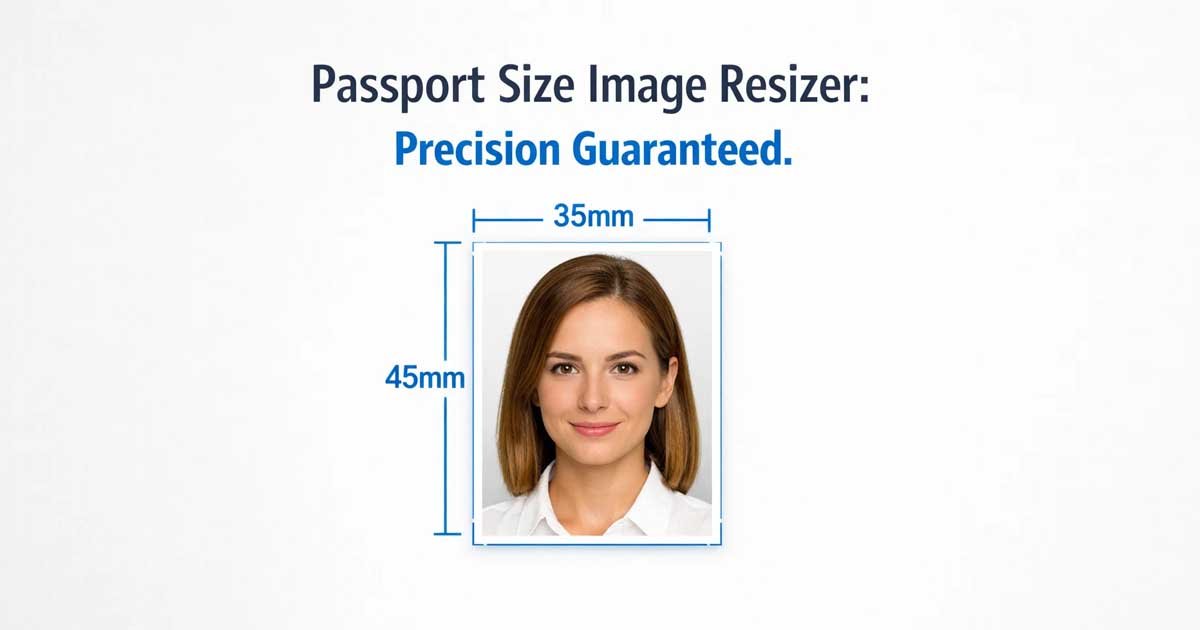
Dimensions: Often $2 \times 2$ inches (USA) or $35 \times 45$ mm (UK/EU/India).
Resolution: High-quality output to ensure facial features are clear.
Aspect Ratio: Ensuring the face occupies a specific percentage of the frame.
Using a generic editor often leads to stretched pixels or incorrect dimensions. To avoid these pitfalls, using a specialized Passport Size Image Resizer to resize images ensures you maintain the correct proportions for official standards.
The FDM AI Advantage: Speed, Privacy, and Precision
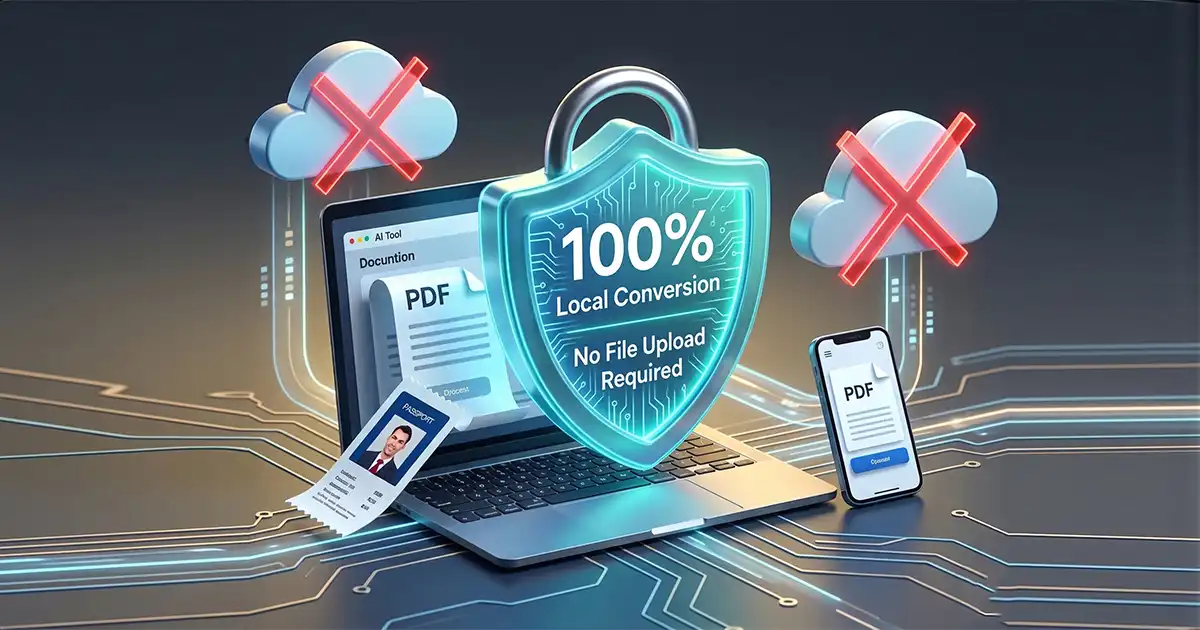
Unlike traditional online editors that upload your personal data to a remote server, FDM AI operates on a privacy-first architecture. Here is why our Passport Size Image Resizer is the preferred choice for security-conscious users:
1. Zero Data Tracking (Local Processing)
Your privacy is our priority. When you use our Passport Size Image Resizer, the processing happens locally within your browser. This means your personal images are never stored, viewed, or sold by our team.
2. No Login or Subscription Required
We believe utility tools should be accessible. There are no "freemium" traps here. You don’t need to provide an email address or create a password to access our Passport Size Image Resizer.
3. Precision Scaling for Every Document
Different countries have different rules. Our Passport Size Image Resizer allows you to toggle between Millimeters (mm), Centimeters (cm), Inches (in), and Pixels (px).
4. 100% Free with No Watermarks
Many "free" tools wait until you’ve finished editing to tell you that a watermark will be applied. Our Passport Size Image Resizer provides clean, high-resolution downloads for free, every single time.
How to Resize Your Photo to Passport Size Instantly
Formatting your image shouldn't be a chore. Follow these four simple steps to use our Passport Size Image Resizer for document-ready results:
Upload Your Portrait: Navigate to our image resizer and select your original photo.
Choose Your Dimensions: In the Passport Size Image Resizer settings, select from standard sizes (like $3.5 \times 4.5$ cm) or enter custom dimensions.
Optimize and Center: Use our interface to adjust the crop. Ensure your eyes are level and your face is centered within the frame.
Download and Print: Click 'Generate' in the Passport Size Image Resizer to produce your image.
Pro Tip: Specific government portals often require files to be under a certain size (e.g., 50KB). You can use our tool to convert images to JPG, PNG, or WebP before or after using the Passport Size Image Resizer.
Why FDM AI is Different: Execution Without Overhead
At FDM AI, we understand that users are often in a rush. Perhaps you are at a visa office or completing a last-minute job application on your phone. Our Passport Size Image Resizer is optimized for low-bandwidth connectivity. Even on a slow mobile network, the tool loads instantly because it doesn't rely on heavy server-side processing.
Our AI-powered document suite is built for the modern professional who values their time and their data. By using a reliable Passport Size Image Resizer, you remove the technical headache of image editing.
Common Standard Sizes for Reference
To help you get started, here are the most common dimensions used globally. You can input these directly into our Passport Size Image Resizer:
Country/Region | Size (Width x Height) | Common Use Case |
United States | $2 \times 2$ inches | Passport, Visa, Green Card |
Europe / UK | $35 \times 45$ mm | Schengen Visa, UK Passport |
India | $35 \times 45$ mm | Passport, PAN Card, OCI |
China | $33 \times 48$ mm | Chinese Passport/Visa |
Final Thoughts: Get Your Photos Done Right
Don't let a poorly sized photo stand between you and your next big milestone. The Passport Size Image Resizer by FDM AI is your most reliable companion for all your documentation needs. Our goal is to make professional document creation accessible to everyone.
Stop wasting time with complex software like Photoshop. If your file is in the wrong format, simply convert images first, then use the Passport Size Image Resizer to reach perfection. Experience the efficiency of AI-driven, browser-native image processing today with the world's most convenient Passport Size Image Resizer.
Free Document Maker (FDM AI) is an AI-powered platform offering 30+ free tools to create, edit, and convert documents, PDFs, images, audio, and video files. Generate invoices, certificates, Word files, and voice content instantly. Powered by fdmGTP, everything runs online with no login, no watermark, and no installation — fast, secure, and built for modern workflows. Whether you need a Passport Size Image Resizer or a PDF merger, FDM AI has you covered.