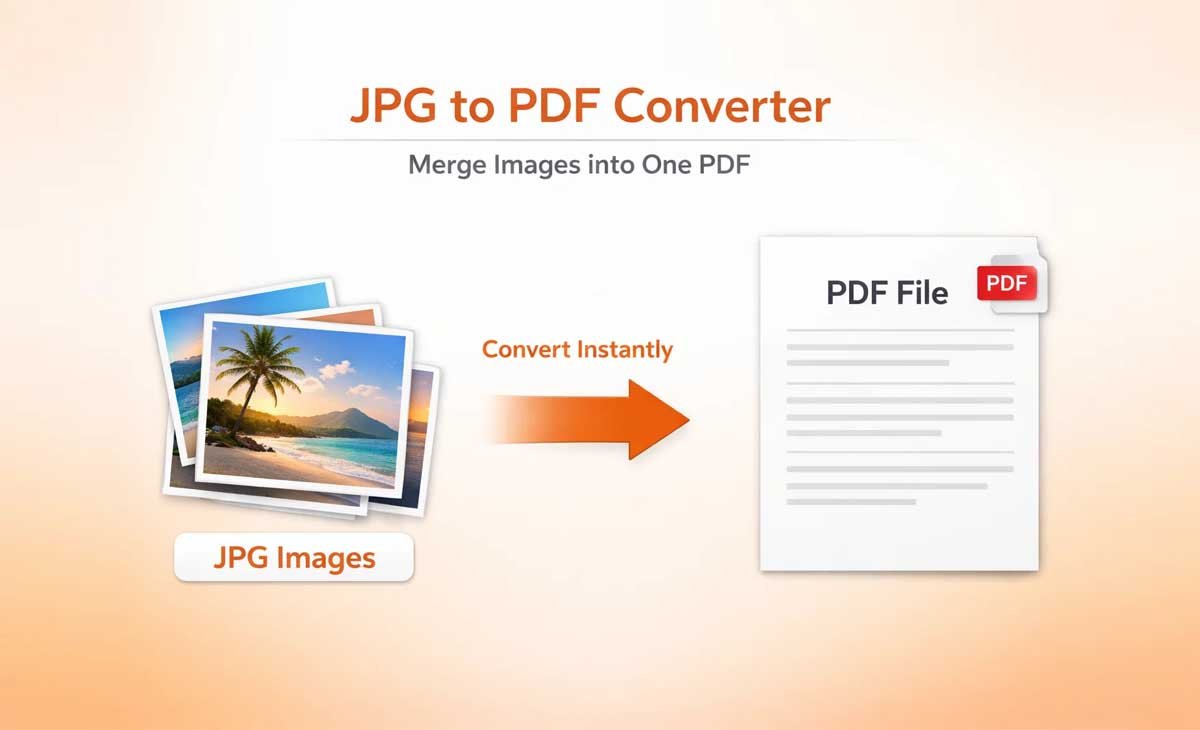
JPG to PDF conversion has become one of the most common digital tasks for students, professionals, designers, and everyday users. Whether you are submitting assignments, sharing documents, printing visuals, or organizing files, converting JPG images into PDF format ensures better consistency, compatibility, and reliability across all platforms.
PDF files are widely accepted because they preserve layout, maintain image quality, and display consistently on all devices. This makes JPG to PDF conversion an essential part of modern digital workflows, especially for users who need fast, secure, and professional document handling.
Why JPG to PDF Conversion Is Important
Many users search for a simple and reliable way to convert JPG to PDF without installing software or creating an account. Browser-based tools have become the preferred solution because they are fast, accessible, and easy to use.
Using a tool like Free Document Maker’s JPG to PDF converter, users can upload images, convert them instantly, and download high-quality PDF files in seconds. The process is smooth, requires no login, and does not add watermarks, making it ideal for everyday use.
These tools are especially useful for users who need quick results without dealing with complex settings or technical steps.
Consistent Formatting Across Devices
One of the biggest advantages of converting JPG images to PDF is maintaining consistent formatting. When images are uploaded directly to websites or shared across platforms, they can appear stretched, compressed, or misaligned.
PDF format ensures that the structure remains fixed, regardless of the device or screen size. Whether viewed on a smartphone, laptop, or printed copy, the layout stays clean and professional.
This makes PDF the preferred format for:
Academic assignments
Certificates and official documents
Business reports and proposals
Scanned documents and records
Better Security and File Reliability
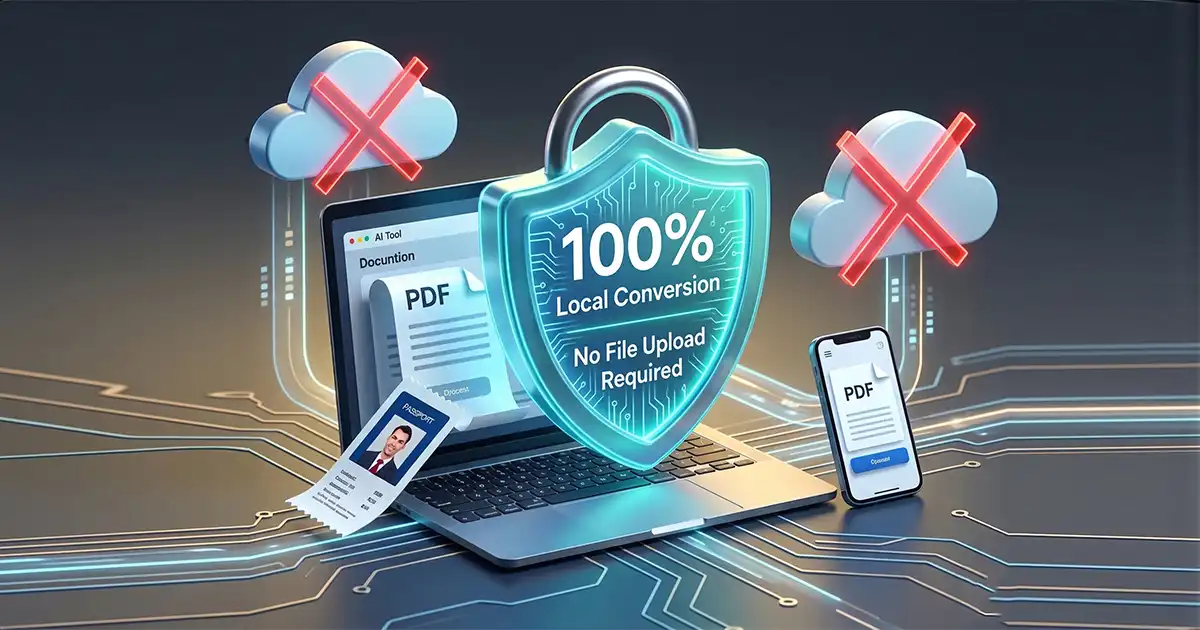
JPG files are easy to edit and can lose quality over time. In contrast, PDF files offer more control and stability. They support password protection, restricted editing, and secure sharing options.
This makes PDFs ideal for professional use where document integrity is important. Converting JPG images into PDF helps protect your files while presenting them in a more structured and polished format.
How to Convert JPG to PDF Online
Converting JPG images to PDF has never been easier. Modern online tools simplify the entire process into a few quick steps.
Step-by-Step Process
Open the JPG to PDF tool
Upload or drag and drop your images
Adjust settings if needed
Click convert
Download your PDF instantly
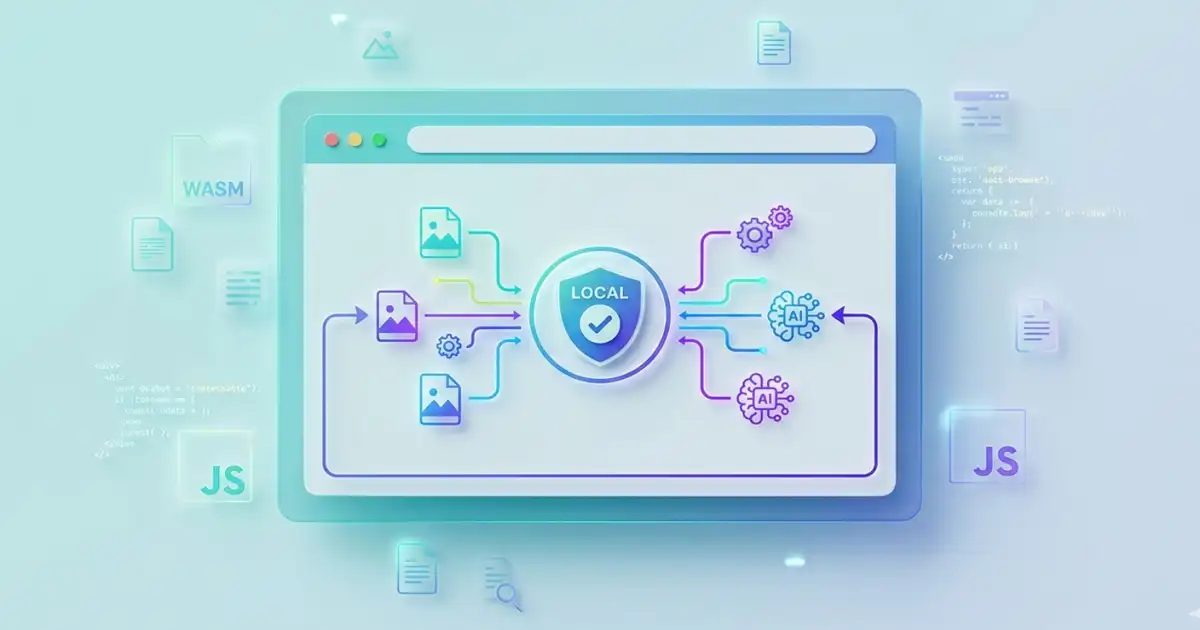
With Free Document Maker, the conversion process is optimized for speed and quality. The tool works directly in your browser and produces clean, high-resolution PDFs without delays.
Benefits of Online JPG to PDF Tools
No installation required
Works on all devices
Fast conversion speed
No login or signup needed
No watermark on output files
These benefits make online converters the best choice for both casual users and professionals.
Organize and Manage Files More Efficiently
Another major advantage of JPG to PDF conversion is improved file organization. Instead of storing multiple image files separately, users can combine them into a single PDF document.
This makes it easier to manage files, share documents, and keep everything structured in one place.
Common Use Cases
Merging multiple scanned pages into one file
Combining receipts for expense tracking
Creating digital portfolios
Storing handwritten notes and documents
By converting images into PDF format, users can simplify storage and avoid losing important files over time.
Explore More Free Tools
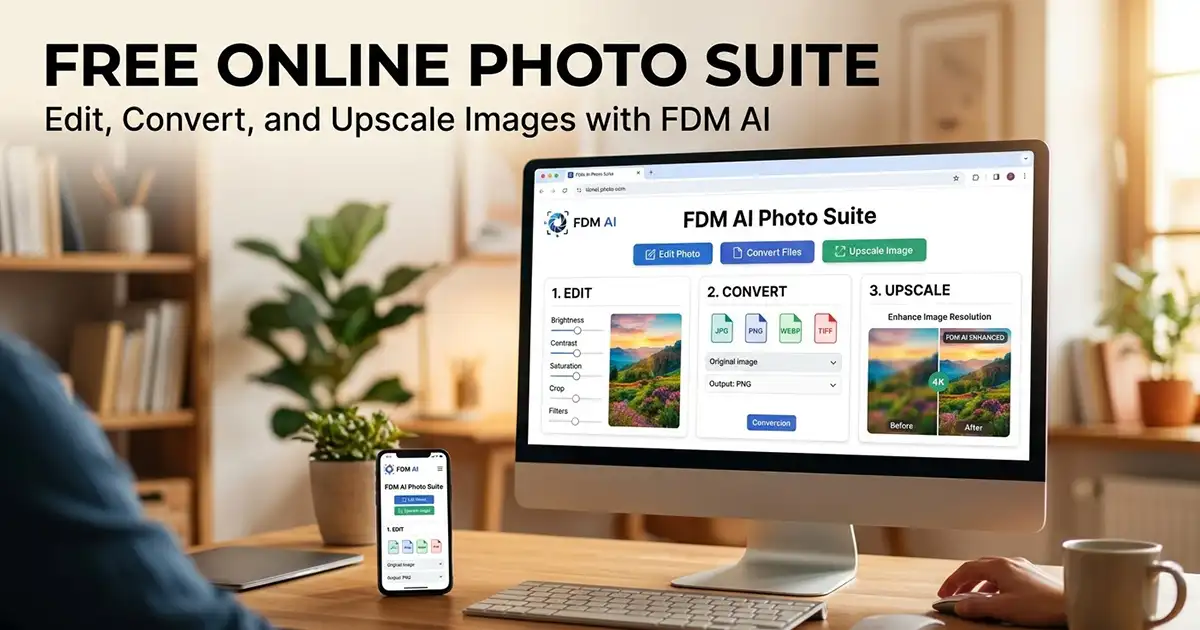
Free Document Maker (FDM AI) offers more than just JPG to PDF conversion. It provides a complete suite of tools designed to improve productivity and simplify digital tasks.
You can explore all tools here: Free Document Maker Tools
The platform includes document generators, PDF utilities, image converters, and AI-powered tools that work together seamlessly in one place.
Why Choose Free Document Maker
Fast and browser-based processing
No login required
No watermark on downloads
Privacy-focused design
Clean and user-friendly interface
These features make it a reliable solution for anyone looking to convert files quickly and efficiently.
Conclusion
JPG to PDF conversion is an essential tool in modern digital workflows. It improves compatibility, maintains formatting, and ensures secure file sharing across all platforms.
With tools like Free Document Maker, users can convert images into professional PDF documents instantly without installing software or creating an account.
This combination of speed, simplicity, and reliability is why JPG to PDF converters are used by millions of users worldwide.